
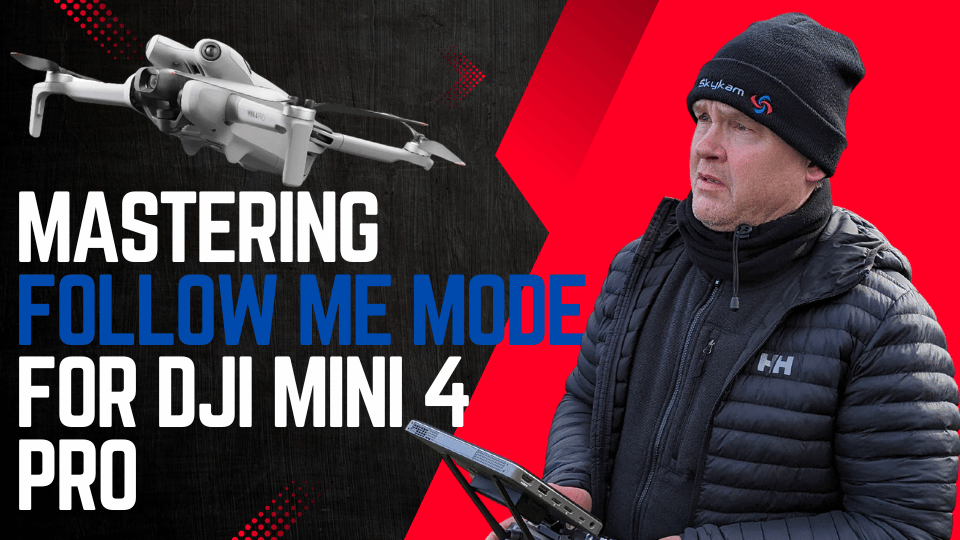

Yes, the DJI Mini 4 Pro can follow you using its ActiveTrack 360° feature. This advanced technology allows the drone to automatically track and film you from any angle, creating professional-quality dynamic footage without complex manual piloting.
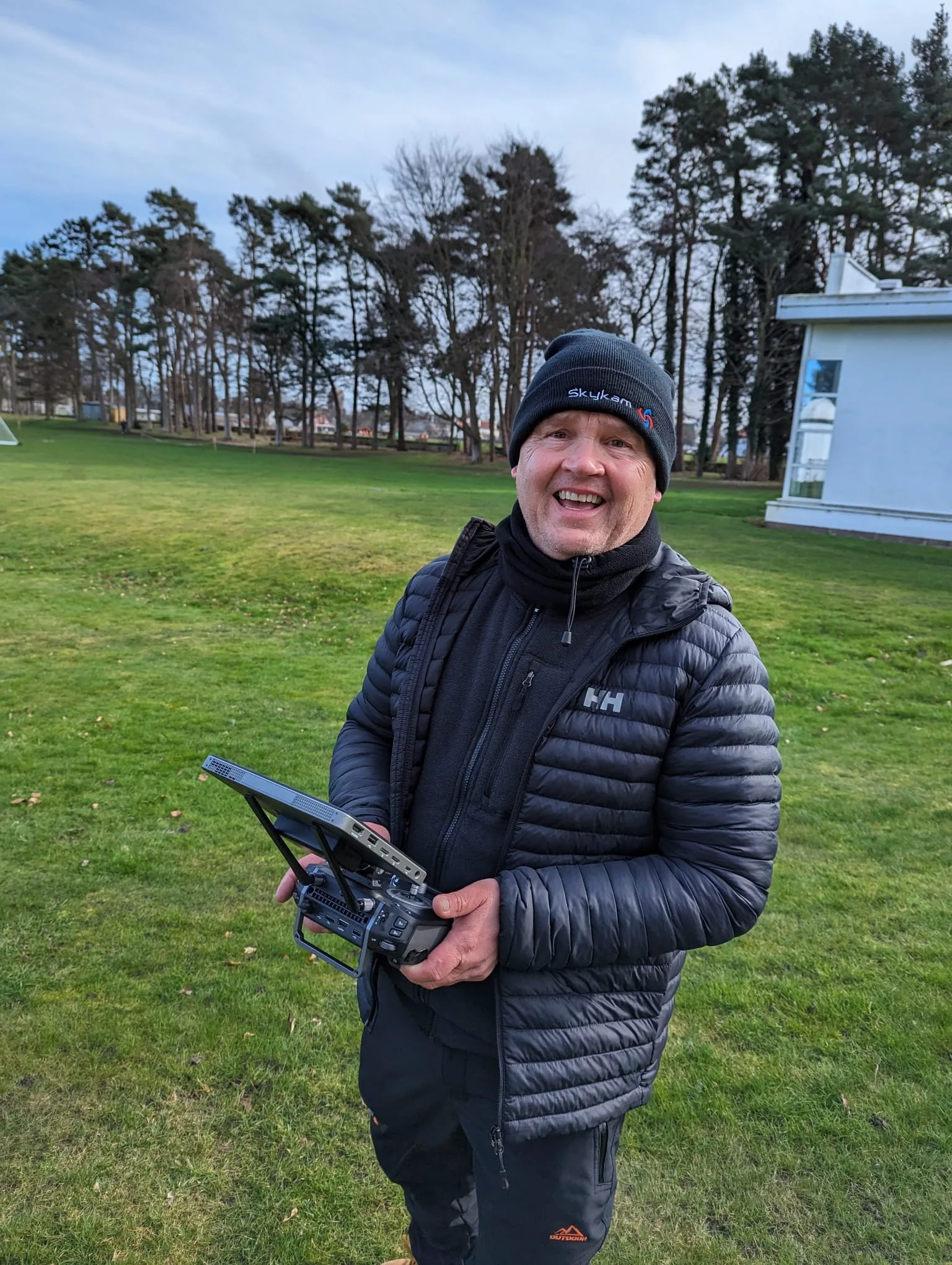
You’ll enjoy effortless subject tracking with intelligent obstacle avoidance, keeping the drone safe during autonomous filming. To use it, simply draw a box around yourself on the DJI Fly app, select ActiveTrack, and choose your preferred tracking mode.
While it performs best in open areas with good lighting, you’ll need to be aware of its limitations in challenging environments. Mastering this feature can elevate your aerial cinematography to new heights.
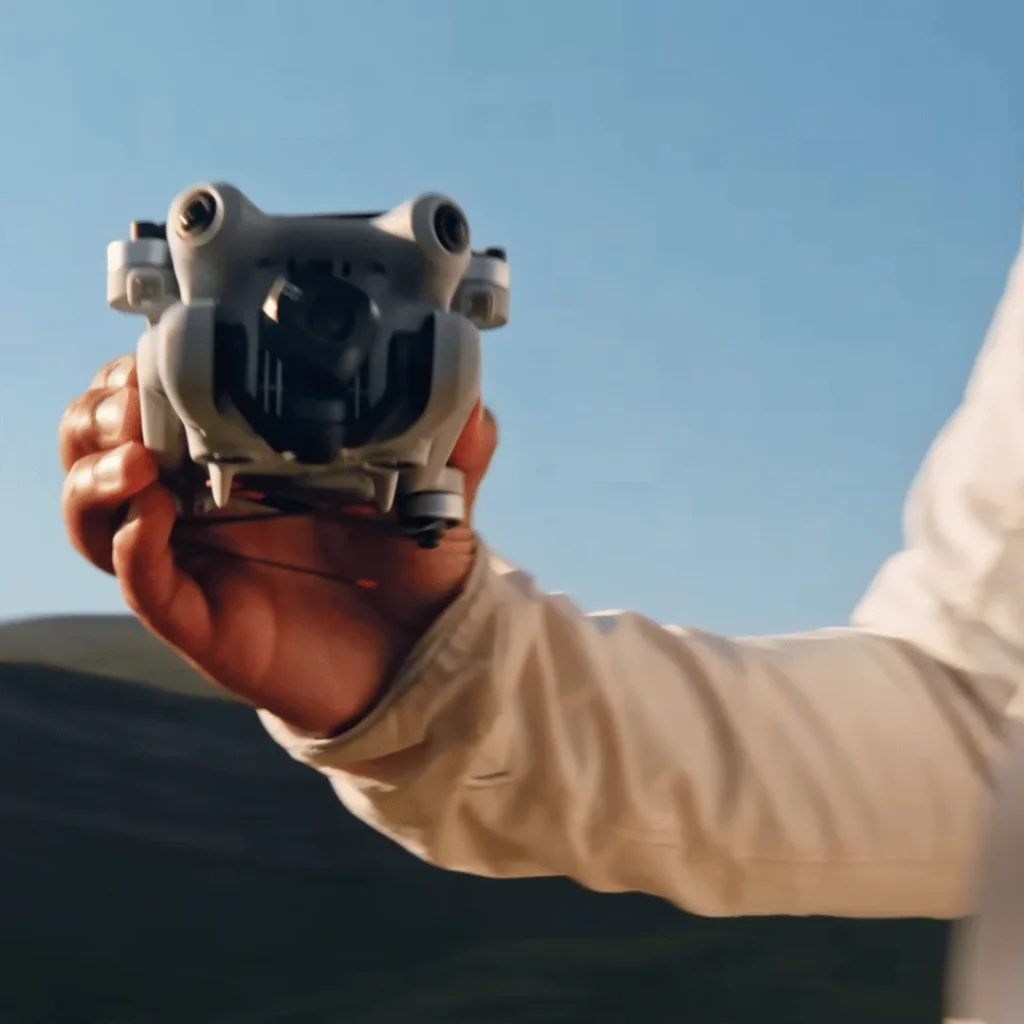
ActiveTrack 360° Capabilities
The DJI Mini 4 Pro’s ActiveTrack 360° technology lets you effortlessly follow and film subjects from any angle, with smart obstacle avoidance keeping your drone safe.
This advanced feature allows you to capture dynamic, professional-quality footage without the need for complex manual piloting.
With ActiveTrack 360°, your Mini 4 Pro can automatically detect and lock onto a subject, maintaining a consistent focus as it moves. The drone’s intelligent tracking system adapts to changes in speed and direction, ensuring smooth and stable footage throughout your shot.
You’ll be able to capture everything from fast-paced sports action to leisurely walks without missing a beat.
One of the standout features of ActiveTrack 360° is its omnidirectional obstacle avoidance. As your drone follows the subject, it continuously scans its surroundings using multiple sensors, allowing the Mini 4 Pro to detect and avoid obstacles in all directions, giving you peace of mind while filming in complex environments.
You’re not limited to a fixed perspective when using ActiveTrack 360°. The intuitive touch wheel interface gives you complete control over the drone’s position relative to the subject. You can easily adjust the tracking angle and distance, allowing you to create dynamic shots that transition seamlessly from close-ups to wide angles.
Whether you’re an amateur filmmaker or a professional videographer, the Mini 4 Pro’s ActiveTrack 360° technology opens up a world of creative possibilities. You’ll be able to capture cinematic follow shots, orbiting sequences, and unique perspectives with ease, all while maintaining focus on your subject and avoiding obstacles.
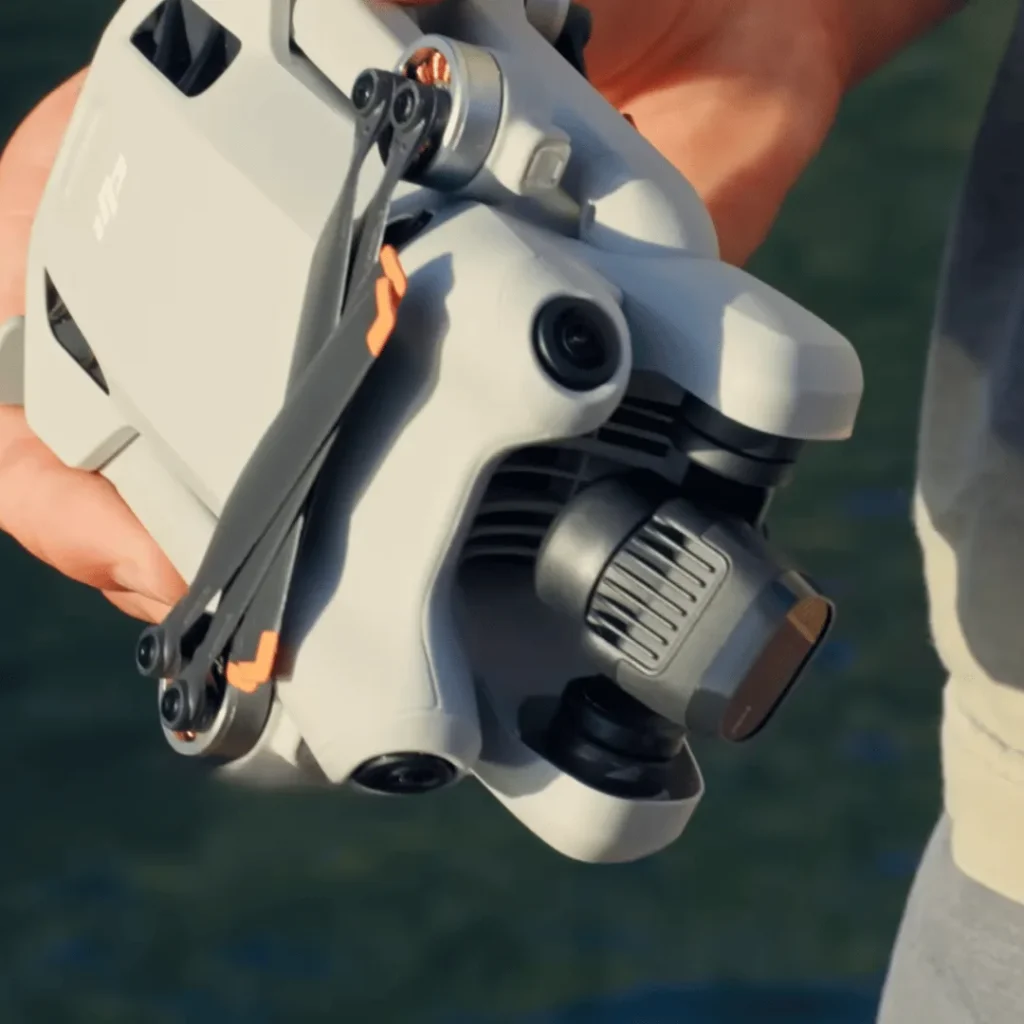
How to Use Follow Me Mode On DJI Mini 4 Pro
Mastering the Follow Me mode on your DJI Mini 4 Pro is easier than you might think, with just a few simple steps to get you started.
The process begins right on your home screen in the DJI Fly app, where you’ll initiate the tracking function. To start, you’ll need to identify your subject. Simply draw a box around the person or object you want to track on your smartphone’s screen.
Once you’ve done this, you’ll see the ActiveTrack option appear. Tap on it and press ‘Go’ to begin the tracking process. It’s that straightforward!
Now that you’re tracking, you have two main modes to choose from: Trace and Parallel. Trace mode will position your drone behind the subject, following their movements from the rear. If you prefer a side view, select Parallel mode, which will keep your Mini 4 Pro flying alongside the subject.
While the drone is actively tracking, you’re not locked into a fixed position. You can use the touch wheel on your controller to adjust the drone’s position around the subject. This feature gives you the flexibility to capture different angles and perspectives as your subject moves.
Performance and Limitations
While Follow Me mode on the DJI Mini 4 Pro offers impressive tracking capabilities, it’s important to understand its performance boundaries and limitations.
The ActiveTrack 360° technology works best in open areas with clear subjects and good lighting conditions. This means you’ll get the most reliable performance when flying in uncluttered environments with ample space and visibility.
However, you should be aware that the system may struggle with small obstacles like thin branches or wires. These can be difficult for the drone’s sensors to detect, potentially leading to collisions.
It’s crucial to maintain a clear line of sight between your drone and the subject you’re tracking.
The speed of your subject plays a role – faster-moving targets may be more challenging to track accurately. Lighting conditions are also critical; poor lighting can reduce the drone’s ability to maintain a lock on the subject. Complex environments with many obstacles or visual distractions can also impact tracking performance.
To get the best results, you should always be prepared to take manual control of your DJI Mini 4 Pro. While the Follow Me mode is sophisticated, it’s not infallible. Staying alert and ready to intervene ensures you can avoid potential accidents or loss of your drone.
Troubleshooting Follow Me Mode On DJI Mini 4 Pro
Issues with Follow Me mode on your DJI Mini 4 Pro can be frustrating, but there are several steps you can take to troubleshoot and resolve common problems. First, ensure your drone’s firmware is up to date by checking for available updates in the DJI Fly app and installing them if necessary. Keeping your firmware current can resolve many performance issues and bugs.
Next, verify that you’re using the Follow Me feature correctly. Remember, the aircraft must be in flight, not just with motors started, to enable subject scanning. To initiate tracking, draw a box around your desired subject in the camera view, select ActiveTrack, and press ‘Go’.
Your environment plays a crucial role in the feature’s effectiveness. Ensure you’re operating in an open area with good lighting conditions. Avoid complex backgrounds or small, thin objects that may be challenging for the drone to track accurately.
These conditions can interfere with the drone’s ability to maintain a lock on the subject.
Don’t forget to check your obstacle avoidance sensors. Make sure they’re clean and unobstructed, as dirty or blocked sensors can impair the drone’s ability to navigate safely while following you.
If you’re still experiencing issues, try resetting the drone and reconnecting it to your controller. Sometimes, a simple restart can resolve temporary glitches in the system. Additionally, ensure your DJI Fly app is updated to the latest version, as outdated software can sometimes cause compatibility issues with newer firmware.
Tips for Best Results
Success with Follow Me mode on your DJI Mini 4 Pro hinges on several key practices. By following these tips, you’ll maximize your drone’s performance and ensure safer, more reliable tracking.
First and foremost, always fly at a safe altitude. This isn’t just about legal requirements; it’s about giving your drone enough clearance to avoid potential obstacles. The Mini 4 Pro’s compact size doesn’t make it immune to collisions. Maintain a height that allows for smooth tracking while steering clear of trees, buildings, and other hazards.
When using Follow Me mode, make sure you’re in P-mode (Positioning mode), not S-mode (Sport mode). P-mode enables all of the drone’s obstacle avoidance features, providing an extra layer of safety during autonomous flight.
This is crucial when your attention is divided between piloting and being the subject.
Keep a close eye on your battery levels. For optimal performance in ActiveTrack, maintain at least 30% battery charge. This ensures your drone has enough power to complete the tracking sequence and return safely.
Low battery levels can lead to unexpected behavior or premature landings.
Before engaging Follow Me mode in a new location, consider pre-flying the course. This allows you to identify potential hazards and plan your route accordingly. If pre-flying isn’t possible, exercise caution when using Follow Me in unfamiliar areas. Be prepared to take manual control if you encounter unexpected obstacles or challenging terrain.
Conclusion
You’ve now explored the DJI Mini 4 Pro’s Follow Me mode capabilities.
With ActiveTrack 360°, you can easily capture dynamic shots of yourself or your subjects.
Remember to practice in open areas, stay within range, and keep obstacles in mind.
While it has limitations, this feature can greatly enhance your aerial photography.
By following the tips provided, you’ll maximize your drone’s performance and create stunning footage.
Enjoy your new flying companion and the creative possibilities it offers!

