

Yes, you can fly your DJI Mini 4 Pro at night, but you must follow specific legal requirements and safety precautions. You’ll need to maintain visual line of sight, equip your drone with a visible green flashing light, and adhere to local drone laws.
The Mini 4 Pro’s auxiliary LED light options can enhance visibility and safety during night flights.
Utilize the drone’s GPS and Return-to-Home features, adjust camera settings for low-light conditions, and fly at higher altitudes when possible to avoid obstacles.
Remember to complete a thorough pre-flight checklist and prioritize safety throughout your nocturnal adventure. There’s much more to consider for successful night flying.
Legal Requirements
Before taking your DJI Mini 4 Pro on a night flight, you’ll need to comply with two key legal requirements. These regulations are designed to ensure the safety of both you and others in the surrounding area.
First, you must maintain Visual Line of Sight (VLOS) at all times. This means you need to be able to see your drone and the airspace around it throughout your entire flight.
At night, this can be more challenging, so you’ll need to take extra precautions.
Make sure you’re flying in an area with adequate ambient lighting, and keep your drone close enough that you can clearly track its position and movements.
Second, your DJI Mini 4 Pro must be equipped with at least one green flashing light that’s visible from a reasonable distance.
This light serves as a crucial safety feature, allowing others to spot your drone in the dark. While the Mini 4 Pro comes with built-in LED lights, you may need to add an additional green flashing light to meet this requirement.
It’s important to note that these are just the baseline requirements for night flying. Depending on your location and the specific circumstances of your flight, there may be additional regulations you need to follow. Always check your local drone laws and any temporary flight restrictions before taking off.
DJI Mini 4 Pro Night Lighting
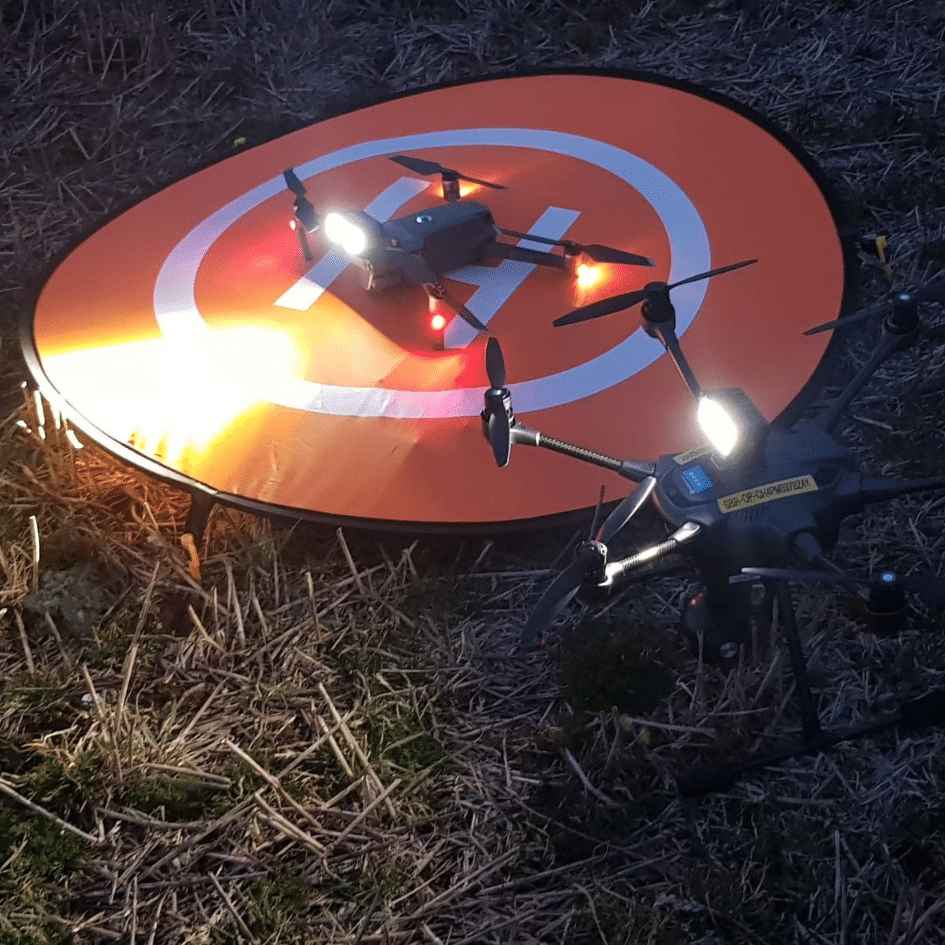
The DJI Mini 4 Pro’s built-in lighting features are crucial for safe and legal night flights.
It’s not just for landing, though – you can also use it to spot your drone in the air during night flights.
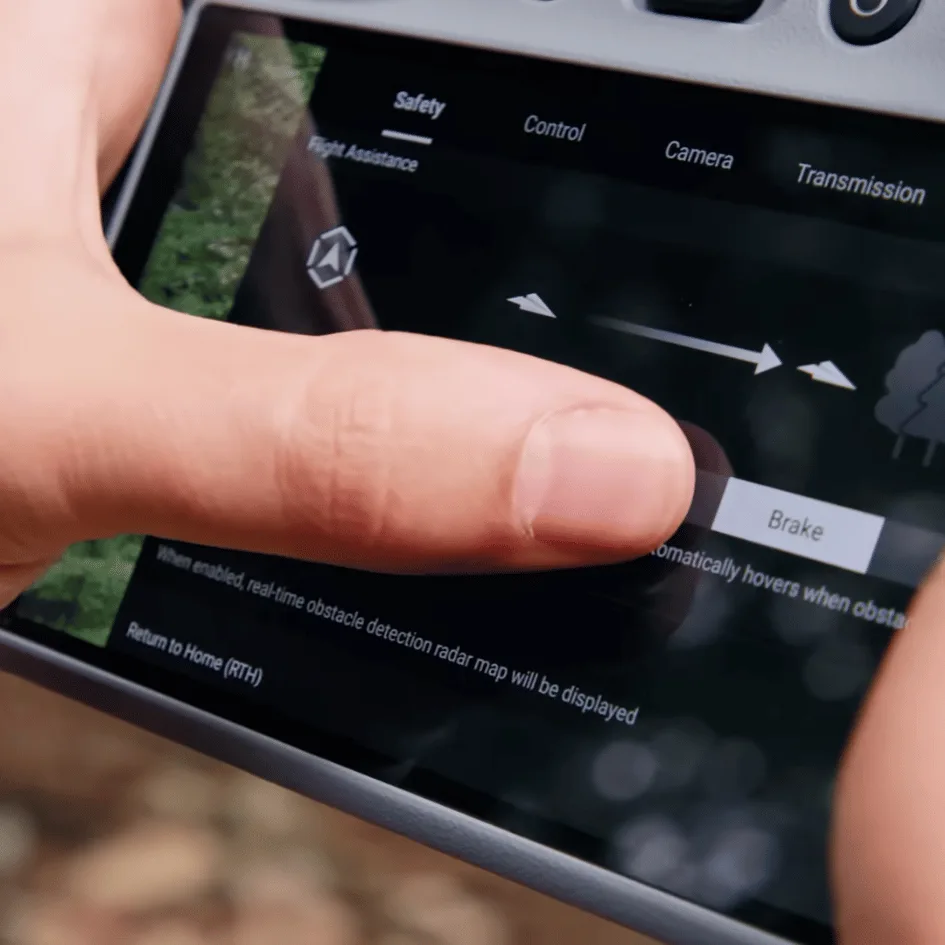
To access these, tap the top right corner menu, select ‘Safety,’ and scroll down to the ‘Auxiliary LED’ option.
Here, you can choose from three modes:
- Auto: The light turns on automatically during takeoff and landing.
- Full On: The light stays on continuously throughout your flight.
- Off: The light remains disabled.
This light serves as a flashlight, illuminating the ground beneath your drone to help you land safely in low-light conditions.
You’ll find three settings for the auxiliary LED light in your drone’s menu.
Choosing the right setting depends on your specific flight conditions and preferences.
For most night flights, you’ll want to keep the light on to maintain visibility and ensure safety.
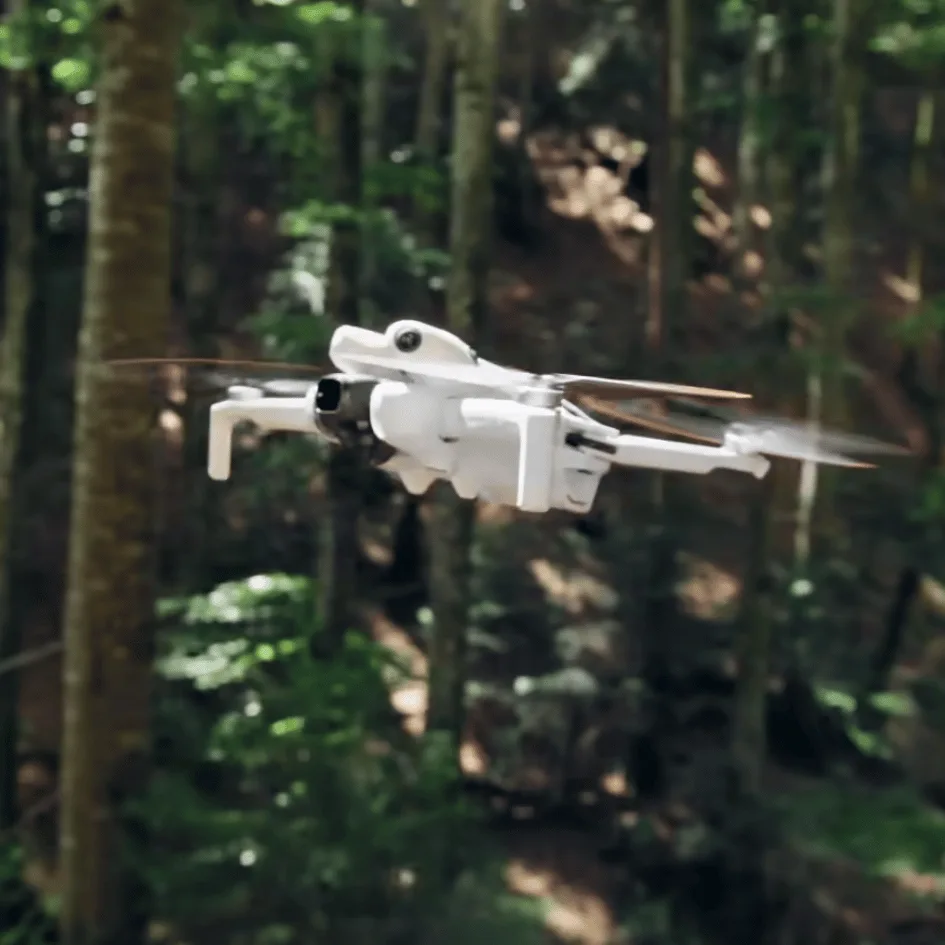
Safety Measures For Flying DJI Mini 4 Pro At Night
When flying your DJI Mini 4 Pro at night, you’ll need to prioritize safety. Familiarize yourself with the drone’s night-specific features and adhere to flight limitations set by local regulations.
To enhance visibility, consider attaching additional LED lights to your drone and wearing reflective clothing yourself.
Drone Features
Flying your DJI Mini 4 Pro at night requires attention to crucial safety features that’ll keep your drone secure in low-light conditions.
Two essential features you should always utilize are GPS and Return-to-Home.
These functions are your lifelines when visibility is limited, ensuring you can track your drone’s location and bring it back safely if needed.
GPS allows you to monitor your drone’s position in real-time, even when it’s out of sight.
This is particularly valuable during night flights when visual contact may be challenging.
The Return-to-Home feature is a failsafe that automatically guides your drone back to its takeoff point if it loses connection or runs low on battery.
Don’t forget to adjust your camera settings for optimal performance in low light.
The DJI Mini 4 Pro’s camera can be fine-tuned to capture clear images and videos in darker environments.
Increase the ISO, lower the shutter speed, and adjust the aperture to allow more light into the sensor.
These adjustments will help you maintain image quality without compromising your night flight experience.
Flight Limitations
While mastering your drone’s features enhances night flight capabilities, understanding and respecting flight limitations is equally important for safe nocturnal operations with your DJI Mini 4 Pro.
When flying at night, you’ll need to be extra cautious about two key limitations: flight range and obstacle avoidance.
First, consider setting a maximum flight distance using the DJI Fly app’s geofence feature. This is crucial for maintaining visual contact with your drone in low-light conditions. You can typically set this limit between 15 and 500 meters, depending on your comfort level and the surrounding environment.
Remember, it’s essential to keep your drone within your line of sight at all times, especially at night.
Secondly, be aware that the Mini 4 Pro’s obstacle avoidance system may not function as effectively in darkness. This means you’ll need to rely more on your piloting skills and judgment to navigate around potential hazards.
To compensate for this limitation, fly slower, maintain a higher altitude when possible, and be extra vigilant about your surroundings. By acknowledging these limitations and adjusting your flight strategy accordingly, you’ll significantly reduce the risks associated with night flying.
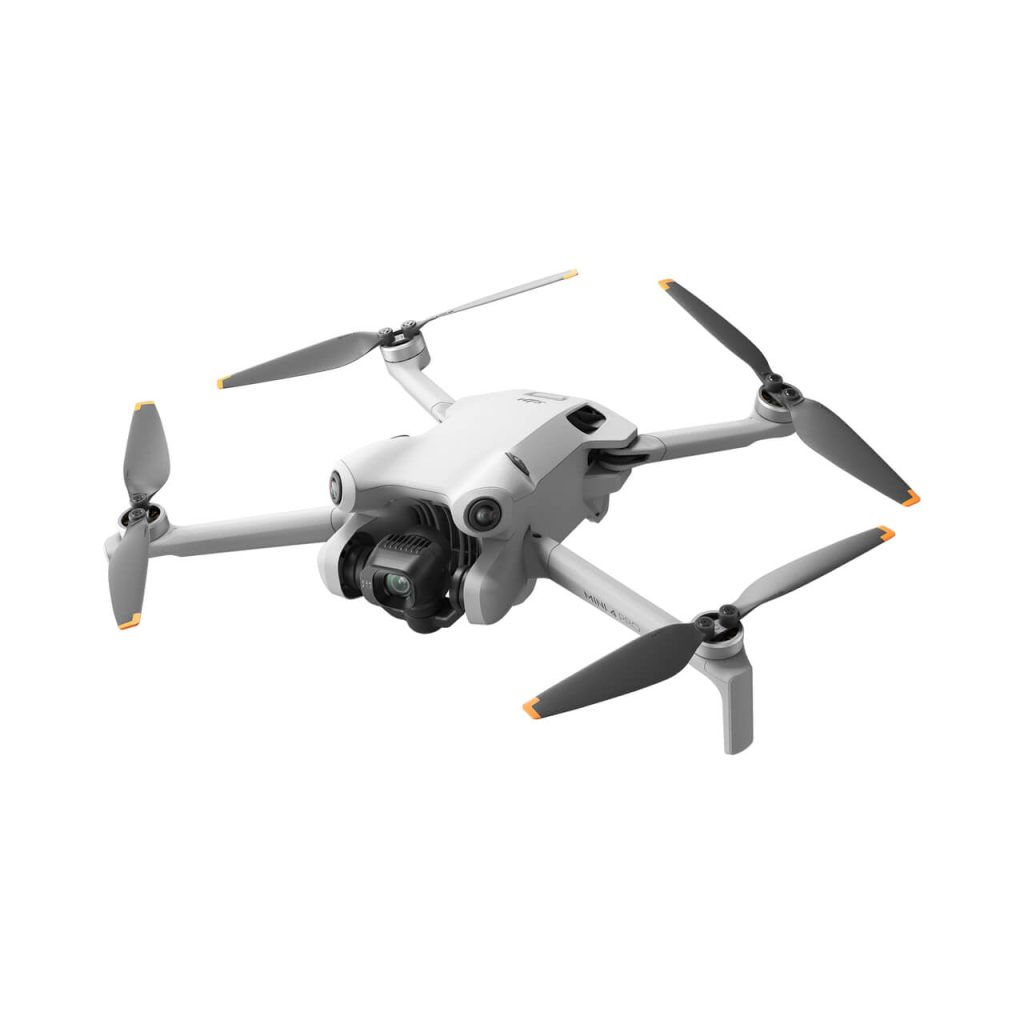
Visibility Enhancement
To ensure your DJI Mini 4 Pro remains visible during night flights, you’ll need to implement several key safety measures.
One crucial step is to enhance your drone’s visibility by attaching a bright, flashing strobe light or beacon to its top. This addition significantly improves your ability to keep track of your drone’s position in the dark, making it easier for you and others to spot it in the night sky.
Another important safety measure is adjusting your Return-to-Home (RTH) settings. Before taking off, set the RTH altitude in the DJI app higher than the surrounding obstacles. This precaution helps prevent potential collisions during the drone’s automatic return process, especially when visibility is limited at night.
best settings to use with DJI Mini 4 pros “Night Shots” mode
For optimal results in DJI Mini 4 Pro’s ‘Night Shots’ mode, you’ll need to fine-tune several key camera settings and employ specific shooting techniques.
Set your resolution to 4K at 30fps for the best quality.
While ‘Night Shots’ mode allows for ISO up to 12800, it’s best to keep it as low as possible, ideally within the 100-400 range. This will help minimize noise in your footage.
Use slower shutter speeds, such as 1/30 or 1/60, to allow more light in, but be cautious of motion blur.
For white balance, you can either set it to Auto or manually adjust based on the lighting conditions.
Consider using a light pollution reduction (LPR) filter to reduce glare from street lights and improve overall image quality.
Take advantage of the drone’s built-in stabilization features to keep your shots smooth.
When flying, move slowly and gently. This will produce cleaner footage in low light conditions.
Composition is key in night photography. Look for scenes with contrasting light sources to create visual interest. This could be city lights against a dark sky or illuminated landmarks surrounded by shadows.
Additional Tips
First, always survey the area during daylight hours before attempting a night flight. This allows you to familiarize yourself with potential obstacles and identify safe flying zones.
It’s much easier to spot hazards in daylight than in the dark.
Second, plan your operations in advance. Outline your flight path, determine key shots or maneuvers, and set specific goals for your night session.
This preparation will help you stay focused and efficient during the flight.
Third, don’t forget to bring spare anti-collision lights. These are essential for maintaining visibility and complying with regulations.
Having backups ensures you won’t have to cut your flight short due to equipment failure.
Fourth, light up your landing site. This simple step greatly improves safety during takeoff and landing.
Use portable LED lights or reflective markers to create a visible target area.
Fifth, consider flying at higher altitudes when possible. This strategy helps you avoid low-lying obstacles that might be difficult to spot at night.
However, always remain within legal altitude limits and maintain visual line of sight.
Lastly, complete a thorough pre-flight checklist. This should include checking battery levels, ensuring all lights are functioning, and verifying that your camera settings are optimized for night shooting.
Don’t rush this process – a careful check can prevent mishaps and ensure a successful flight.
Conclusion
You’ve learned that flying your DJI Mini 4 Pro at night is possible, but requires careful consideration.
Remember to follow legal requirements, use proper lighting, and prioritize safety measures.
Experiment with the ‘Night Shots’ mode settings to capture stunning nighttime footage.
Don’t forget to practice in well-lit areas first and always be aware of your surroundings.
With these precautions in mind, you’re ready to explore the nocturnal skies with your drone.

