

You can fly the DJI Mini 4 Pro indoors, but it requires careful planning and adjustments. The drone’s visual sensors and vision positioning system enable stable hovering without GPS. However, you’ll need to ensure adequate lighting and fly over surfaces with distinct textures.
Use propeller guards to protect against collisions, and adjust settings like disabling Return to Home and reducing control sensitivity. It’s crucial to fly in manual mode for precise navigation in tight spaces.
While indoor flight is possible, it comes with unique challenges and risks that you’ll need to consider and mitigate for a safe experience.
Sensors and Features for Indoor Flight
The DJI Mini 4 Pro’s array of advanced sensors and features makes it remarkably well-suited for indoor flight.
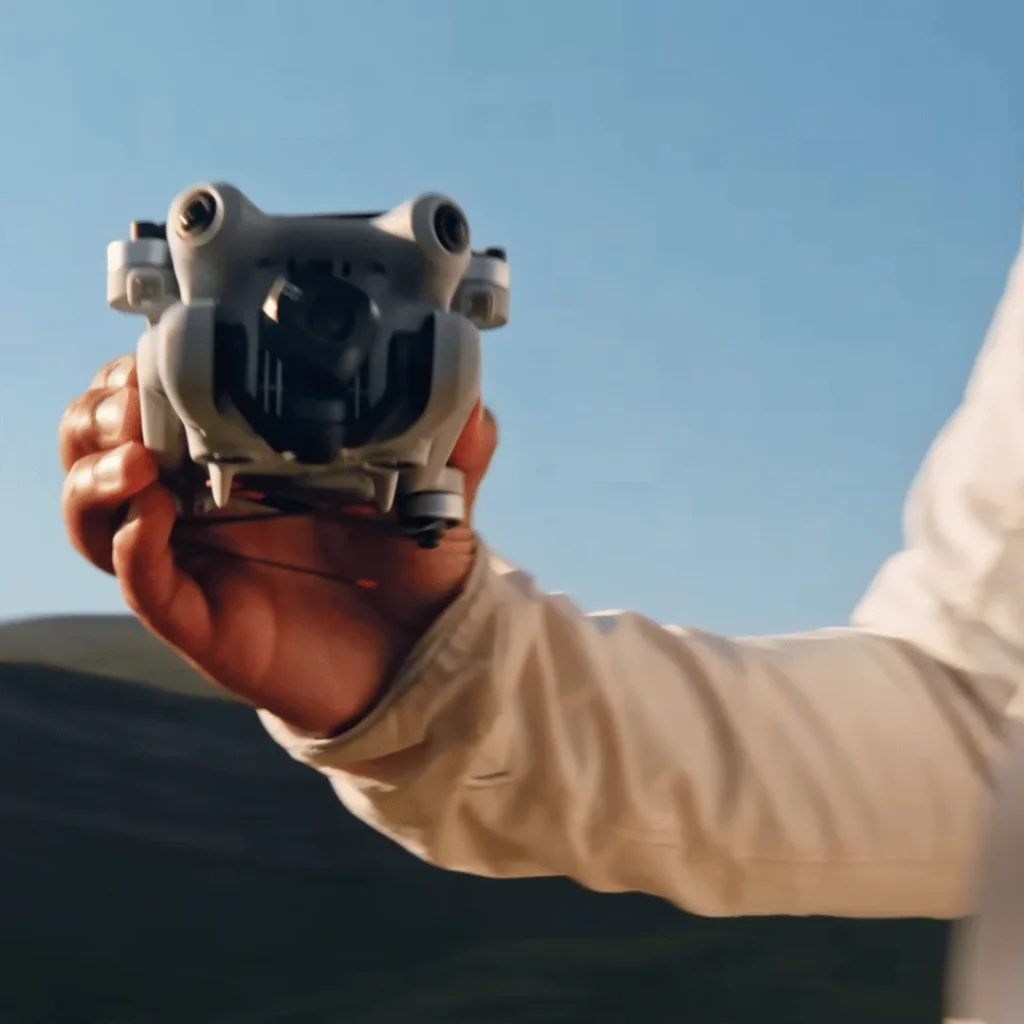
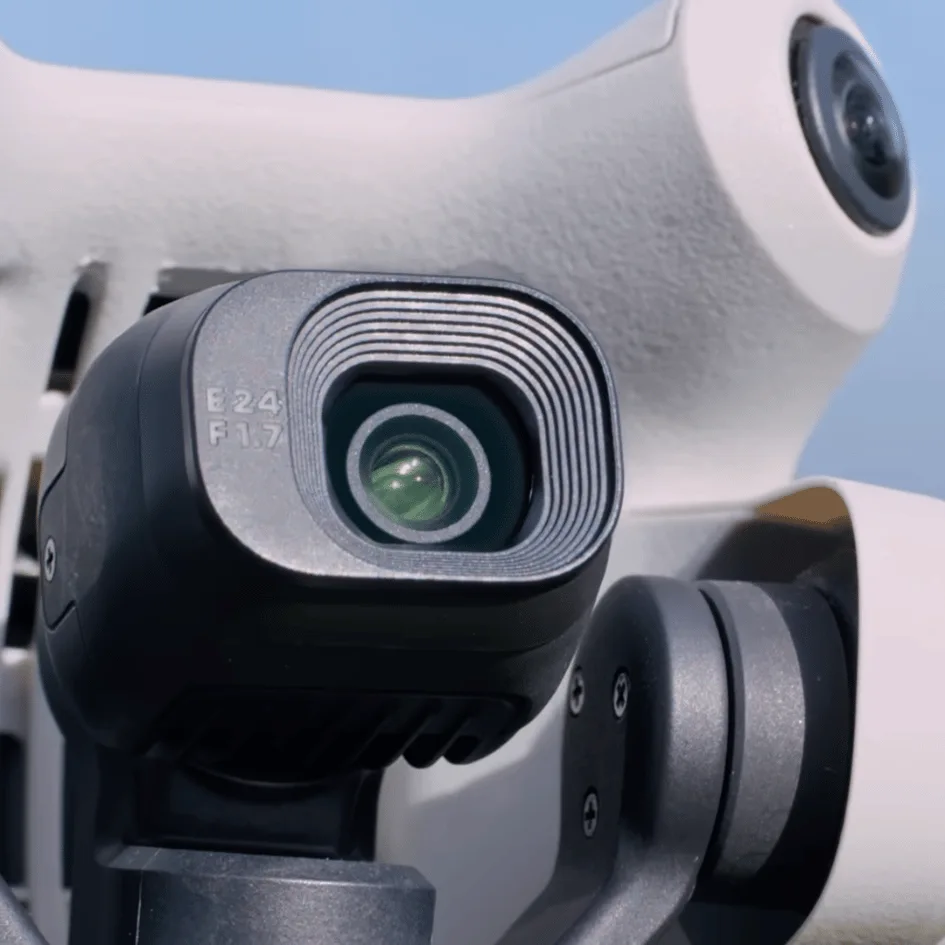
When you’re navigating indoor spaces, you’ll benefit from the drone’s forward, backward, and downward visual sensors.
These sensors work together to help you avoid obstacles like walls, furniture, and people. This means you can fly with confidence, knowing that your Mini 4 Pro is actively working to prevent collisions in confined spaces.
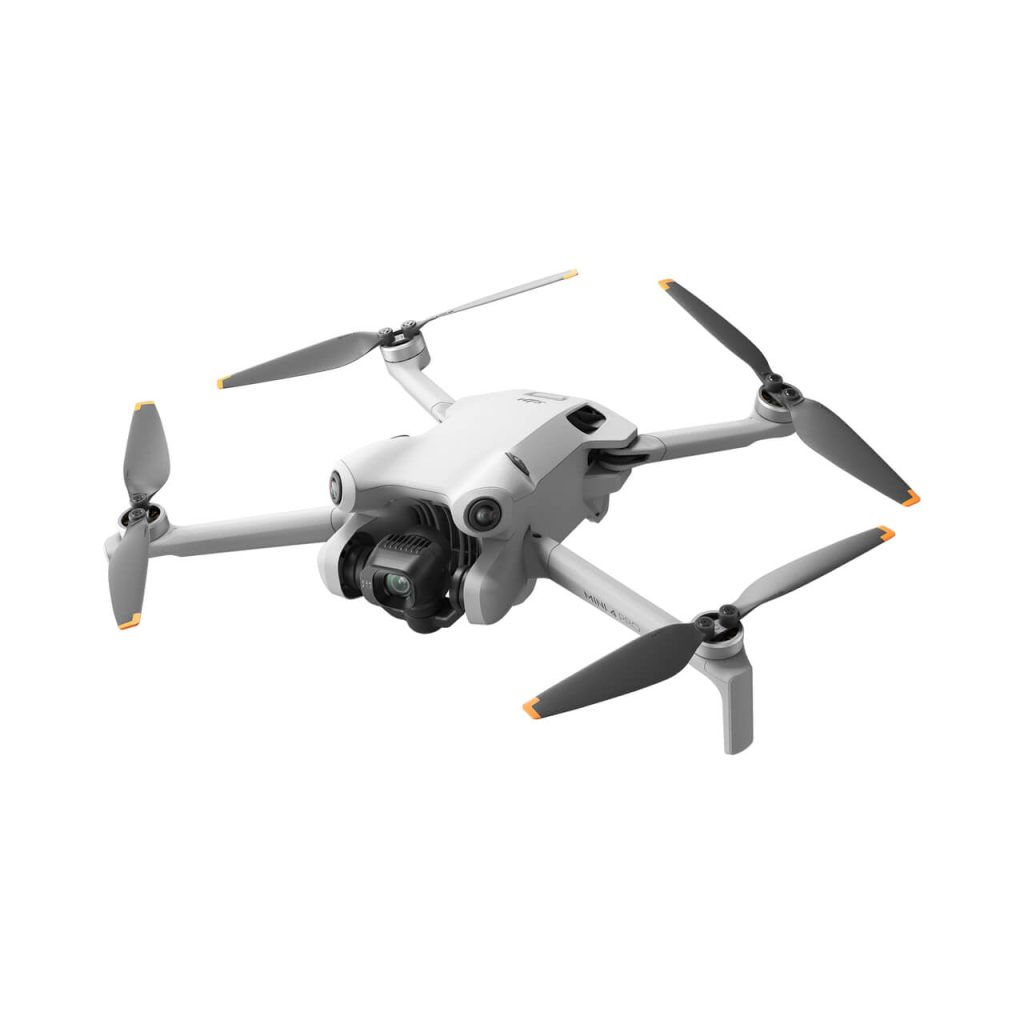
You’ll find that this compact drone is equipped with an omnidirectional vision system and a 3D infrared sensing system, both of which contribute significantly to its indoor flying capabilities.
One of the most crucial features for indoor flight is the vision positioning system. This system enables stable hovering at low altitudes, specifically between 0.5 to 10 meters.
This is particularly useful when you’re flying indoors where GPS signals may be weak or unavailable. You’ll be able to maintain steady control of your drone even in GPS-denied environments.
The combination of these sensors and systems allows you to fly the Mini 4 Pro smoothly and safely indoors. You’ll experience stable hovering, precise maneuvering, and reliable obstacle avoidance.
This makes the drone suitable for various indoor applications, such as home inspections, indoor photography, or simply practicing your flying skills in a controlled environment.
GPS and Indoor Performance
When flying your DJI Mini 4 Pro indoors, you’ll quickly notice that GPS functionality becomes limited or unavailable. This is because GPS signals struggle to penetrate buildings, resulting in weak or nonexistent reception.
As a result, some of the drone’s automated features that rely on GPS may not work as expected in indoor environments.
Without GPS, your Mini 4 Pro shifts its reliance to the vision positioning system for stability and navigation. This system uses downward-facing cameras and sensors to detect ground patterns and maintain the drone’s position.
However, it’s important to understand that the vision system has specific requirements to function effectively indoors. To ensure optimal performance of the vision positioning system, you’ll need to fly over surfaces with distinct textures. Avoid uniform or reflective surfaces, as these can confuse the sensors.
Additionally, adequate lighting is crucial for the cameras to capture clear images of the ground. Dim or overly bright conditions may impair the system’s ability to maintain stable flight.
Keep in mind that while the Mini 4 Pro can fly indoors, it may not offer the same level of automated assistance you’re accustomed to when flying outdoors with GPS. You’ll need to rely more on your piloting skills and be prepared for potentially less stable hover performance.
Practice flying in larger indoor spaces first, and always maintain visual contact with your drone. By understanding these limitations and adjusting your flight strategy accordingly, you can still enjoy flying your DJI Mini 4 Pro indoors safely and effectively.
Best Practices for Indoor Flight
Now that you understand the indoor limitations of your DJI Mini 4 Pro, let’s focus on best practices to ensure safe and successful indoor flights.
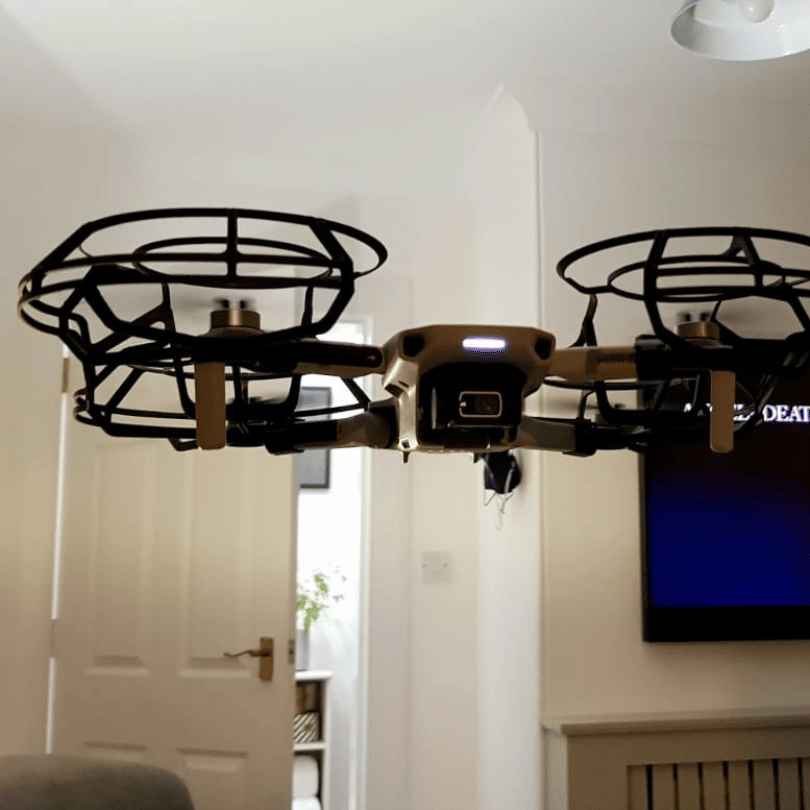
First and foremost, always use propeller guards when flying indoors. These essential accessories protect walls, objects, and people from potential damage or injury caused by spinning propellers.
They’re especially crucial in confined spaces where accidental contact is more likely.
Lighting plays a vital role in indoor flight performance. Ensure your flying area has ample, consistent lighting to help the drone’s vision positioning system work effectively. Poor lighting conditions can lead to erratic behavior or loss of control, so avoid dimly lit spaces or areas with rapidly changing light levels.
While the Mini 4 Pro is compact, it’s best to avoid extremely confined spaces, particularly if you’re still building your confidence as a pilot. Choose rooms or areas with enough space for maneuvering and maintaining a safe distance from obstacles.
Even though the Mini 4 Pro has intelligent flight modes, it’s recommended to fly in manual mode when indoors. This gives you full control over the drone’s movements and allows for more precise navigation in tight spaces.
Throughout your indoor flight, continuously monitor the drone’s status via the DJI Fly app. Keep an eye on battery levels, sensor data, and any warnings or alerts that may appear. This real-time information helps you make informed decisions and react quickly to any potential issues.
Recommended Settings for Indoor Flight
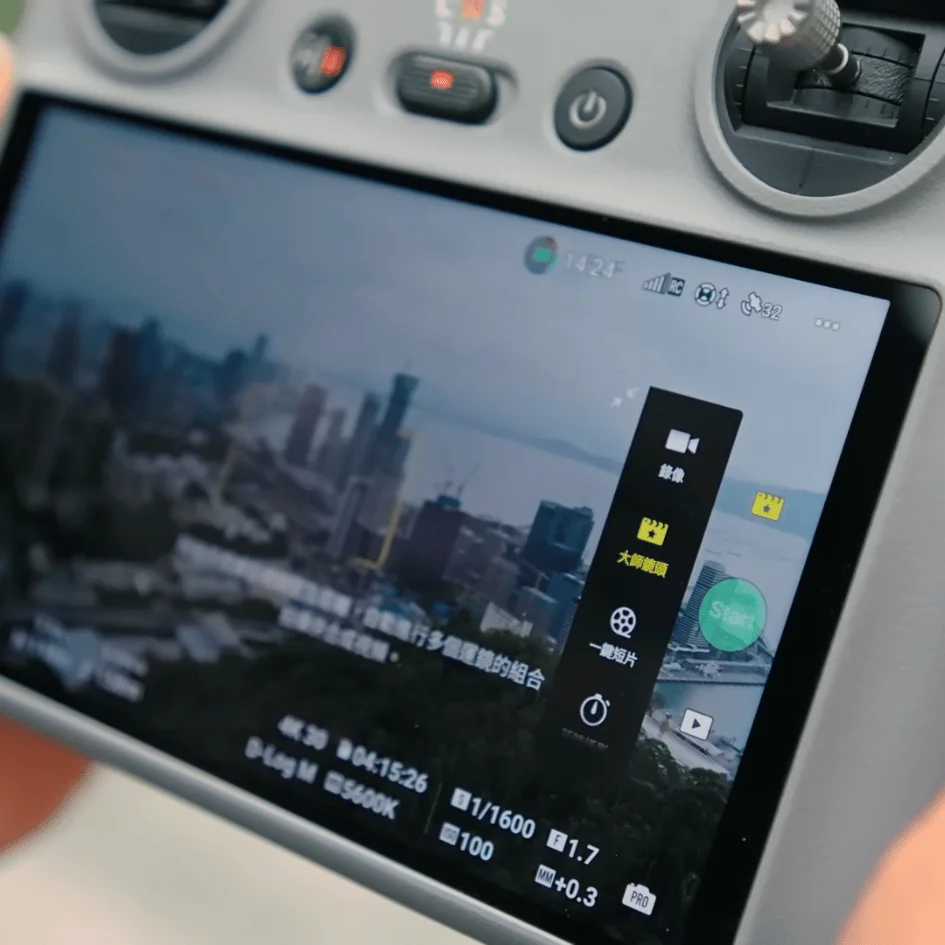
To optimize your DJI Mini 4 Pro for indoor flight, you’ll need to adjust several key settings in the DJI Fly app. These changes will help ensure safer and more controlled flights in confined spaces.
First, modify the ‘loss of signal’ event setting. Instead of the default Return to Home (RTH) option, switch it to either hover or land. This adjustment prevents your drone from attempting to fly back to its takeoff point if it loses connection, which could be dangerous indoors.
Next, focus on the advanced safety settings. For indoor flights, it’s crucial to change the default RTH setting to ‘hover.’
This modification ensures that if any safety protocols are triggered, your Mini 4 Pro will simply hover in place rather than trying to navigate back to its home point.
If you’re using propeller guards for added protection during indoor flights, consider activating Payload mode in the DJI Fly app. This setting adjusts the drone’s flight characteristics to account for the additional weight and drag of the guards, improving stability and control.
Remember to calibrate your drone’s sensors before each indoor flight session. This step helps ensure accurate obstacle detection and positioning, which is especially important in tight spaces.
Lastly, adjust your control sensitivity settings. For indoor flights, you might want to reduce the control stick sensitivity to allow for more precise movements and easier maneuvering in confined areas.
Potential Risks and Mitigation
Flying your DJI Mini 4 Pro indoors comes with unique challenges that you’ll need to address for safe operation. One of the primary concerns is the risk of collision due to confined spaces and obstacles.
To mitigate this, you should always use propeller guards and fly slowly and cautiously. These precautions will help protect your drone and surrounding objects in case of accidental contact.
Another potential issue you might face is interference with the drone’s vision system. Indoor environments often have different lighting conditions and surface textures compared to outdoor settings.
To ensure your Mini 4 Pro’s vision system functions correctly, make sure you have good lighting and distinct ground textures in your flying area.
The lack of GPS signal indoors can lead to unexpected behavior from your drone. To combat this, you’ll need to rely more heavily on manual control. Be prepared to take over piloting at any time, as the drone’s autonomous features may not function as reliably as they do outdoors.
Lastly, be aware that battery depletion could trigger an unwanted Return to Home (RTH) function indoors. This automatic feature, designed for outdoor use, could cause your drone to ascend unexpectedly in an enclosed space.
To prevent this, adjust your drone’s settings before flying indoors and monitor battery levels closely throughout your flight.
Conclusion
You can fly the DJI Mini 4 Pro indoors, but it’s not ideal. You’ll need to be extra cautious and adjust your settings.
Remember to disable GPS, use obstacle avoidance sensors, and fly in low-speed mode. Always maintain visual line of sight and be aware of your surroundings.
While indoor flight is possible, it’s best to practice in open spaces first. Ultimately, outdoor flying is where this drone truly shines.

