

The DJI Mini 4 Pro’s FAA registration requirement depends on its weight and your intended use. For recreational flights, it’s exempt from registration when using the standard battery, as it weighs less than 250 grams. However, you’ll need to register it for any commercial operations, regardless of weight.
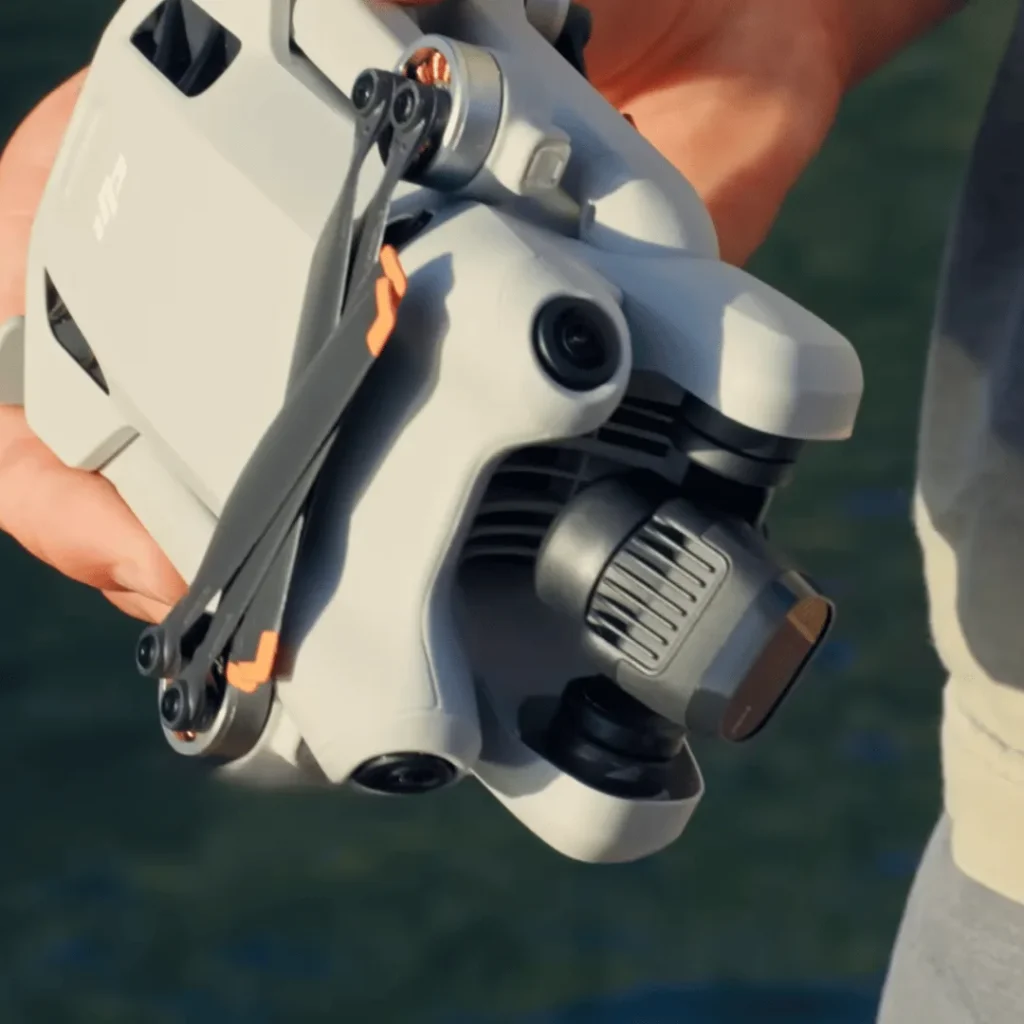
The process involves creating an FAA DroneZone account and paying a $5 fee. Remember, accessories like larger batteries can push the weight over the limit, affecting registration needs.
Always verify the drone’s weight before each flight and stay updated on FAA regulations. There’s more to consider when it comes to Remote ID compliance and weight variations.
Recreational Use
When flying your DJI Mini 4 Pro for fun, you’re in luck – you don’t need to register it with the FAA if you’re using the standard battery.
This exemption from registration is due to the drone’s lightweight design, which keeps it under the FAA’s weight threshold for recreational drones. The DJI Mini 4 Pro, with its standard battery, weighs less than 250 grams (0.55 pounds).
This puts it in a special category of drones that fall under the Exception for Limited Recreational Operations. The FAA has set this weight limit as a cutoff point for registration requirements, recognizing that smaller drones pose less risk in recreational settings.
It’s important to note that this exemption only applies when you’re flying for recreational purposes. If you’re using your Mini 4 Pro for any commercial activities, different rules may apply.
Also, remember that while you don’t need to register the drone, you still need to follow all other FAA guidelines for recreational drone use.
The lightweight nature of the DJI Mini 4 Pro is a significant advantage for casual users. It not only exempts you from registration but also makes the drone more portable and easier to transport.
However, always keep in mind that regulations can change, and it’s your responsibility to stay informed about current drone laws. While the standard battery keeps your Mini 4 Pro under the weight limit, be aware that using heavier batteries or attachments could push it over 250 grams, potentially changing its registration requirements.
Always check your drone’s total weight before flying to ensure you’re complying with FAA regulations.
Commercial Use
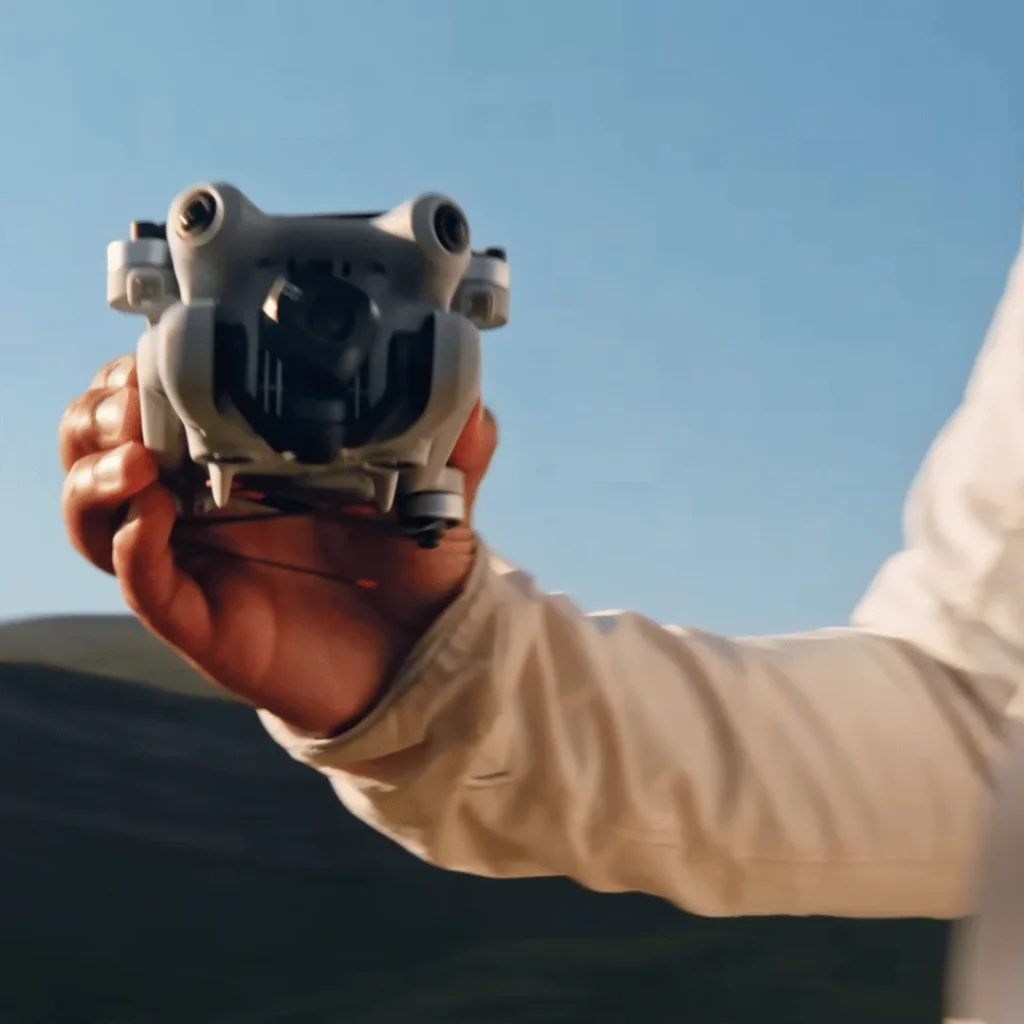
Commercial drone operators face different rules when it comes to registering their DJI Mini 4 Pro with the FAA.
If you’re planning to use your Mini 4 Pro for any commercial purposes, you must register it with the FAA, regardless of its weight.
The FAA considers any drone operation that’s part of a business or generates income as commercial use. This includes activities like real estate photography, wedding videography, agricultural surveying, or even using drone footage for your company’s social media.
Even if you’re just starting out or using the drone occasionally for business purposes, you’re still required to register.
To register your DJI Mini 4 Pro for commercial use, you’ll need to visit the FAA’s DroneZone website and follow the registration process for Part 107 operations. You’ll receive a registration number that must be displayed on your drone.
It’s important to note that commercial registration is separate from recreational registration, so if you use your drone for both purposes, you’ll need to register it twice.
This requirement is a stark contrast to the rules for recreational use, where the drone’s weight determines the need for registration.

How To Register DJI Mini 4 Pro For Comercial Use
To register your DJI Mini 4 Pro for commercial use, you’ll need to follow a specific process through the FAA’s DroneZone website.
First, create an account on the FAA DroneZone website (https://faadronezone.faa.gov).
When registering your drone, make sure to select ‘Fly sUAS under Part 107’ as this is the appropriate option for commercial use.
You’ll need to provide several pieces of information during the registration process, including your physical and mailing address, email address, and phone number.
You’ll also need to input the make and model of your drone (DJI Mini 4 Pro) and the specific Remote ID serial number if provided by the manufacturer.
Once you’ve entered all the required information, you’ll need to pay a $5 registration fee using a credit or debit card.
After completing the registration, you’ll receive a certificate. It’s crucial to keep either a paper or digital copy of this certificate with you whenever you’re flying your drone.
The final step is to label your DJI Mini 4 Pro with the assigned registration number. This number must be clearly visible and legibly displayed on an external surface of the drone.
Important Tips Before You Register The Mini 4 pro
Before diving into the registration process, it’s crucial you understand a few key points about registering your DJI Mini 4 Pro.
First, ensure you’re registering for commercial use by selecting ‘Fly sUAS under Part 107’ on the FAA DroneZone website. This is essential if you plan to use your drone for any business-related activities, even if it’s just occasional freelance work.
Gather all necessary information before starting the registration process. You’ll need your physical and mailing address, email, phone number, and the specific details of your DJI Mini 4 Pro.
If your drone has a Remote ID serial number provided by DJI, have that handy as well.
Prepare to pay the $5 registration fee using a credit or debit card. This small fee is required for all commercial drone registrations, regardless of the drone’s size or capabilities.
Once registered, you’ll receive a registration certificate. It’s crucial to keep either a paper or digital copy of this certificate with you whenever you’re flying your Mini 4 Pro. This is a legal requirement and can save you from potential issues if questioned by authorities.
Lastly, don’t forget to label your drone with the assigned registration number. This number must be clearly visible on an external surface of your Mini 4 Pro. You can use a permanent marker, label, or any other method that ensures the number is legible and won’t easily wear off.
Weight Considerations
Despite its compact size, you’ll need to consider the DJI Mini 4 Pro’s weight when registering it for commercial use.
The drone’s weight plays a crucial role in determining whether FAA registration is required.
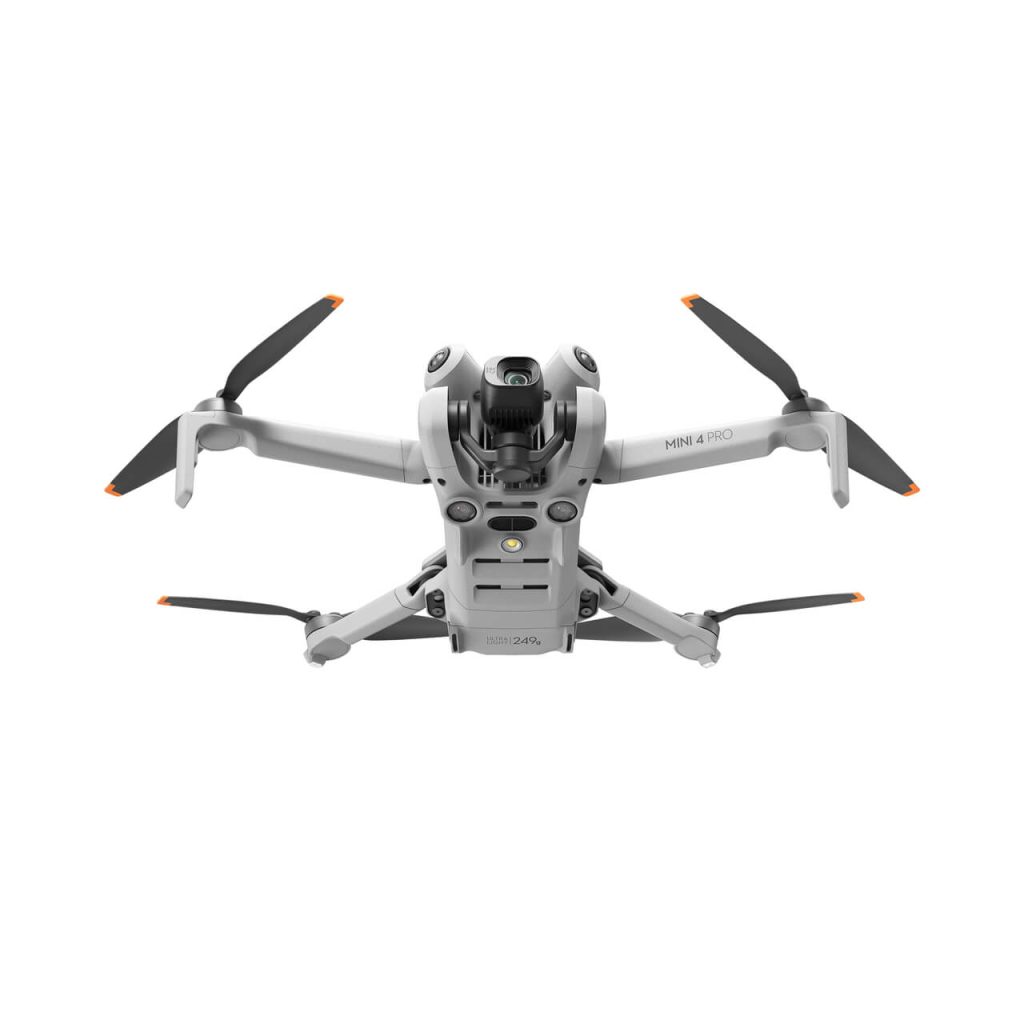
At 249 grams (0.55 pounds), the Mini 4 Pro falls just below the 250-gram threshold for recreational use registration.
However, for commercial operations, the weight limit doesn’t apply, and you must register regardless of the drone’s weight.
It’s important to note that the 249-gram weight of the Mini 4 Pro is for the aircraft only.
When you add accessories like propeller guards or a larger battery, you may exceed the 250-gram limit.
In such cases, you’ll need to register your drone even for recreational use.
Always weigh your drone with all attachments to ensure compliance.
The FAA’s weight considerations also extend to operational restrictions.
Drones weighing less than 250 grams have fewer operational limitations compared to heavier models. This makes the Mini 4 Pro attractive for both hobbyists and professionals.
However, remember that weight isn’t the only factor in drone regulations.
When registering your Mini 4 Pro for commercial use, you’ll need to provide its weight on the registration form.
Be accurate and include any additional accessories that contribute to the overall weight.
This information helps the FAA categorize your drone and apply appropriate regulations.
Lastly, keep in mind that weight considerations may vary in different countries.
If you plan to fly your Mini 4 Pro internationally, research local drone laws to ensure compliance with weight-related regulations in each jurisdiction.
Remote ID Compliance
Remote ID compliance for the DJI Mini 4 Pro depends on which battery you’re using. This drone supports FAA Remote ID functionality, but its activation is determined by the battery type you choose to fly with.
If you’re using the standard battery, Remote ID won’t be activated. This means your drone won’t automatically broadcast its location and identification information during flight. However, it’s important to note that this doesn’t exempt you from Remote ID requirements if they apply to your specific flying situation.
On the other hand, if you opt for the Intelligent Flight Battery Plus, Remote ID will be automatically activated. This battery choice ensures that your Mini 4 Pro complies with FAA Remote ID regulations without any additional steps on your part. The drone will broadcast the necessary information as required by law.
Understanding this distinction is crucial for your compliance with FAA regulations. If you’re flying in areas or situations where Remote ID is mandatory, you’ll need to use the Intelligent Flight Battery Plus to ensure your Mini 4 Pro meets the requirements.
It’s worth considering which battery best suits your needs based on your typical flying locations and purposes. If you frequently fly in areas where Remote ID is necessary, the Intelligent Flight Battery Plus might be the more convenient option. However, if you primarily fly in locations where Remote ID isn’t required, the standard battery might suffice.
Always stay informed about current FAA regulations and any changes that may affect Remote ID requirements for your specific flying activities.
Conclusion
You’ve learned that the DJI Mini 4 Pro’s registration requirements depend on its use.
For recreational flying, you don’t need to register it with the FAA due to its weight.
However, if you’re using it commercially, registration is mandatory.
Remember to consider weight limits and Remote ID compliance.
Always stay informed about current regulations, as they can change.
By understanding these rules, you’ll ensure you’re flying your Mini 4 Pro legally and responsibly, whether for fun or work.

