
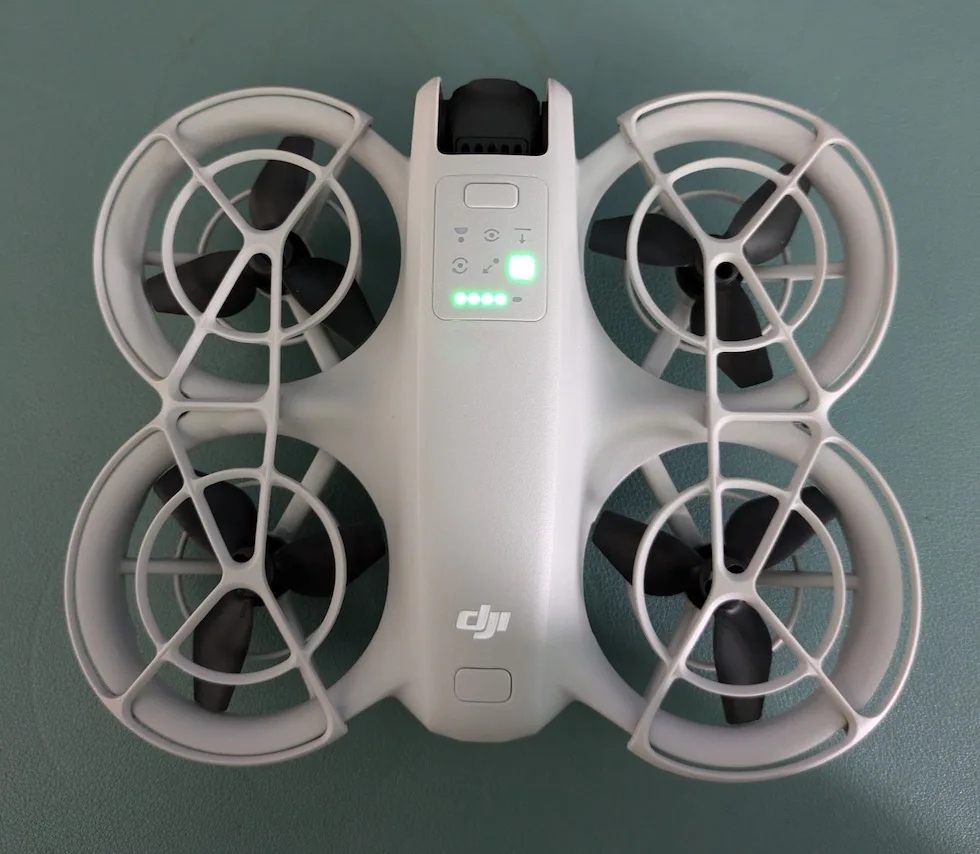

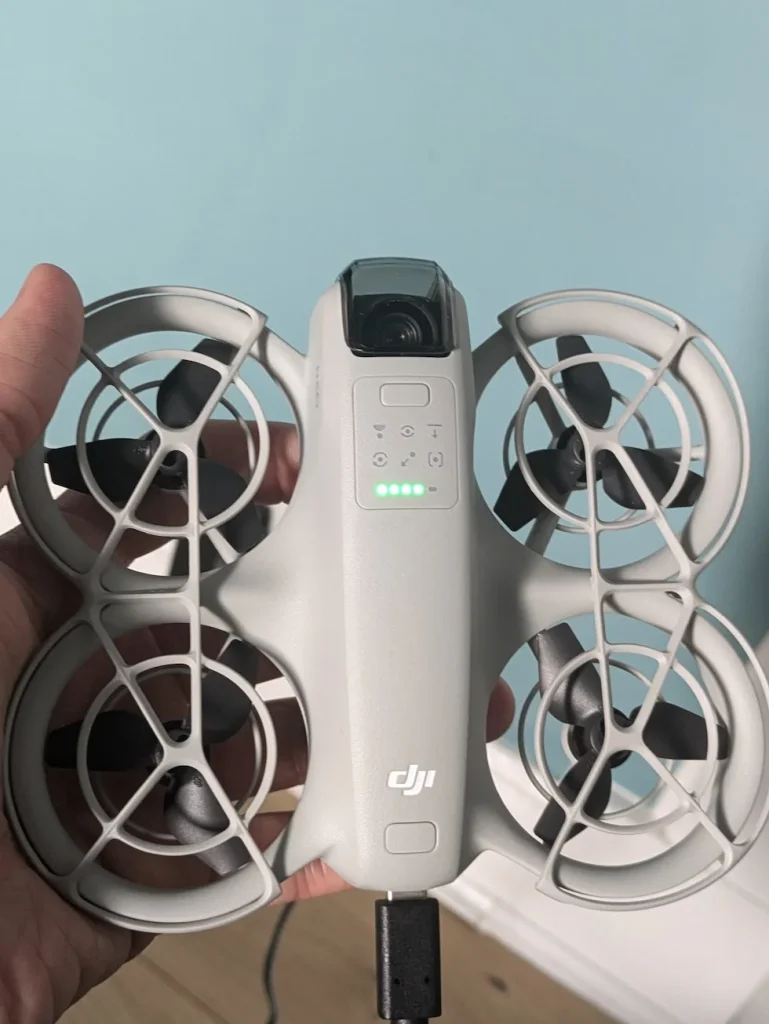
To charge your DJI NEO battery, insert it into the drone until you hear a click. Connect a USB-C cable to the NEO’s port and plug it into a 30W+ charger. The battery LEDs will blink while charging and remain solid when full. For multiple batteries, use the DJI NEO Two-Way Charging Hub.
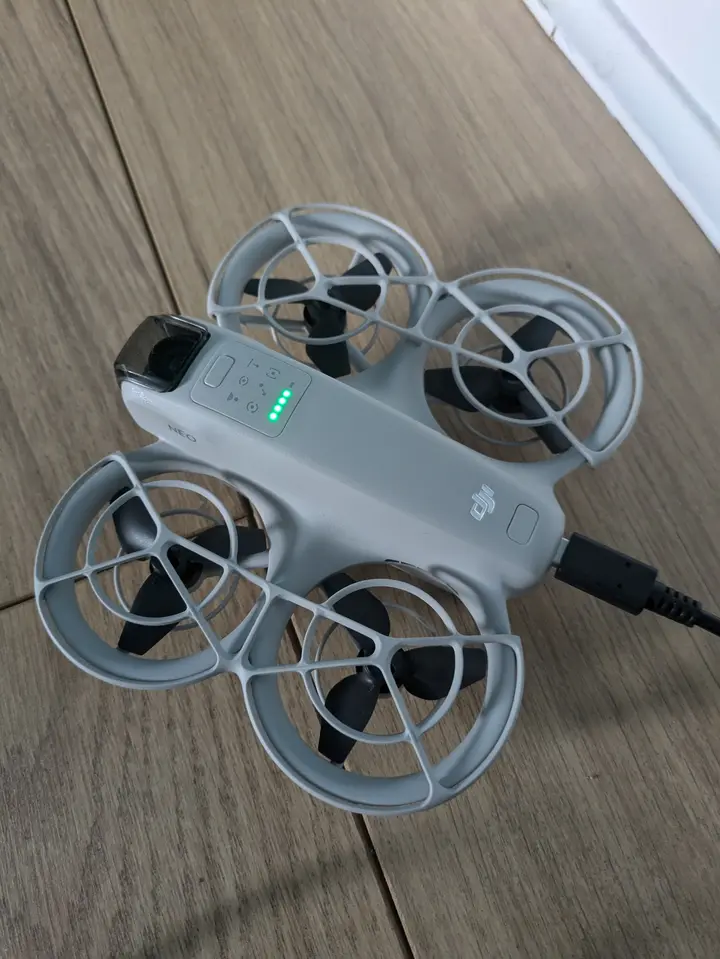
Always activate a new battery by charging it in the drone before your first flight.
Charge between 5°C and 40°C (41°F to 104°F) for ideal performance. If issues arise, try unplugging and replugging the charger. Proper charging technique guarantees maximum flight time and battery longevity.
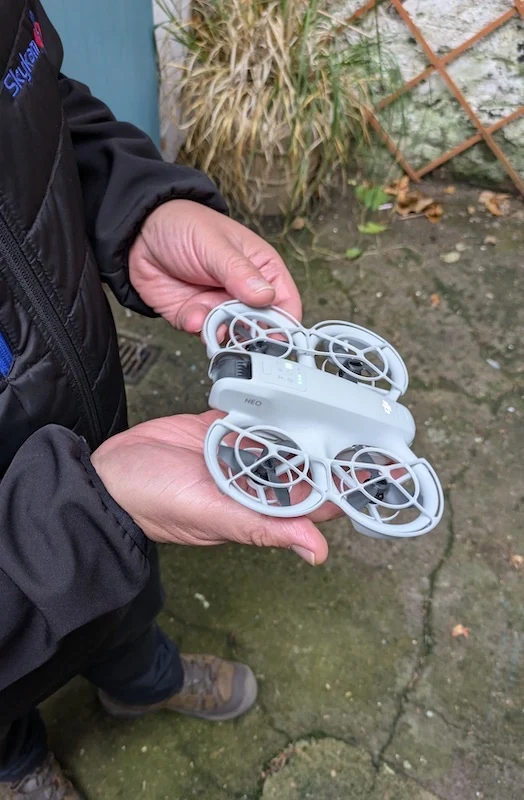
How To Charge DJI NEO Battery
You’ve got two main options for charging your DJI NEO battery. You can charge a single battery directly using the provided charger, which is straightforward and convenient for quick top-ups.
Alternatively, you might prefer using the DJI NEO Two-Way Charging Hub, which allows you to charge multiple batteries simultaneously and offers more advanced features.
Charging a Single DJI NEO Battery
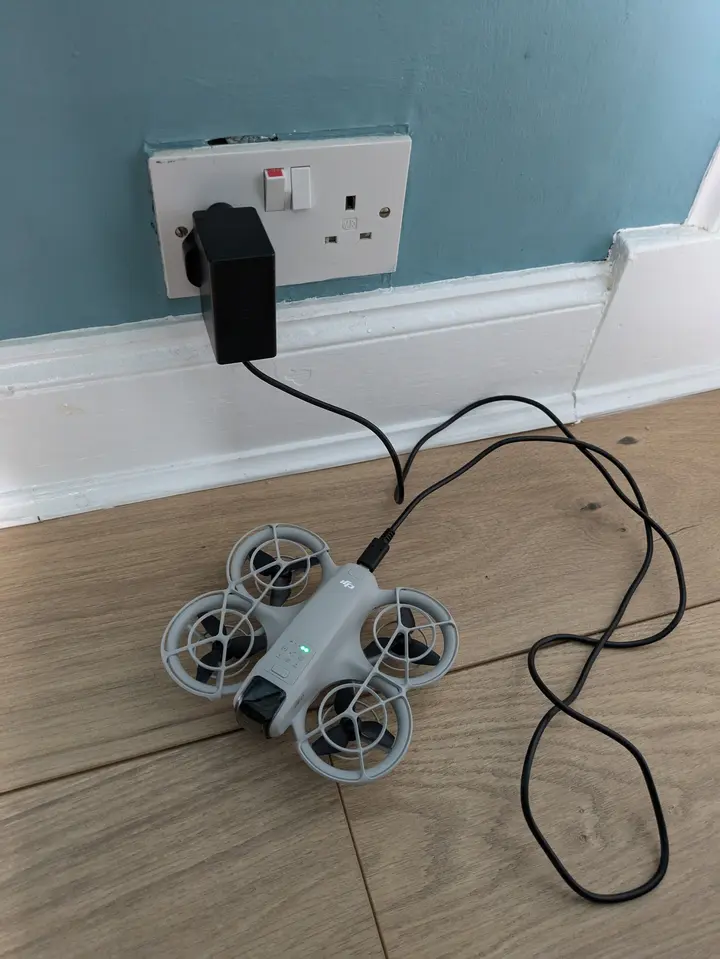
Charging a single DJI NEO battery is a straightforward process that can be completed in just a few simple steps. To begin, insert the battery into your DJI NEO device until you hear a click, which indicates it’s securely installed.
Next, take the included USB-C cable and connect it to the USB-C port on the NEO. For optimal optimal charging, it’s recommended to use a USB charger with at least 30W output, such as the DJI 65W Portable Charger.
Once you’ve connected the cable, plug the charger into a power outlet.
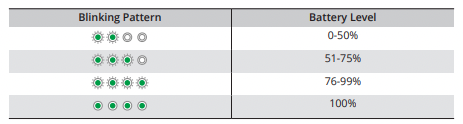
You’ll notice the battery level LEDs on the NEO start to blink, displaying the current charge level. As the battery charges, these LEDs will indicate its progress. When all four battery level LEDs emit a solid light, your battery is fully charged. This process typically takes about an hour for a single battery.
After the charging is complete, don’t forget to unplug the charger from your DJI NEO. By following these steps, you’ll guarantee your DJI NEO battery is properly charged and ready for your next flight or operation.
Using the DJI NEO Two-Way Charging Hub
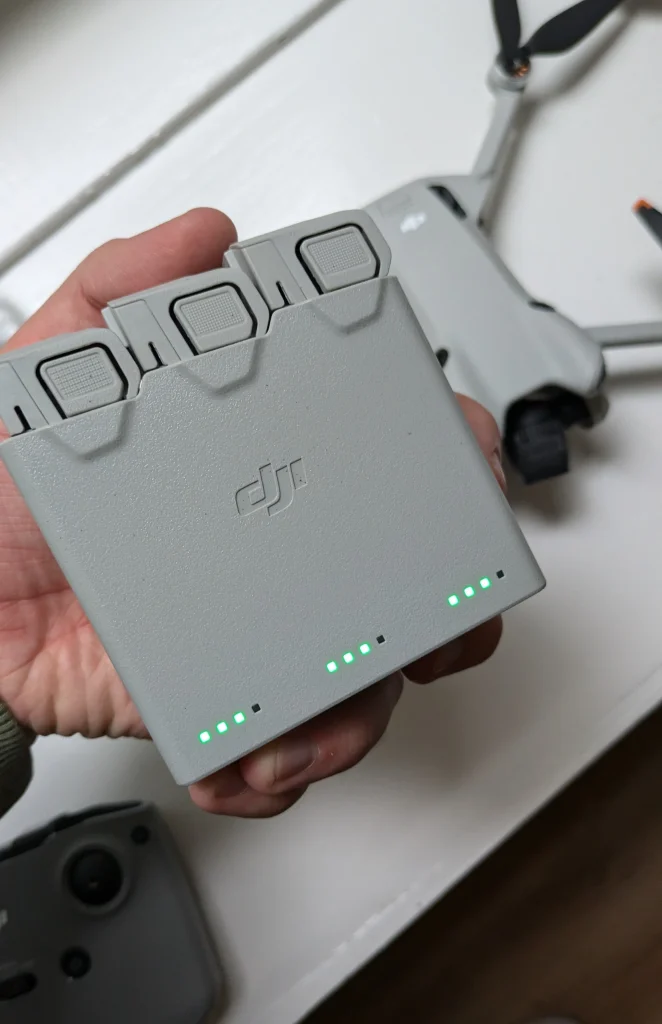
For those with multiple DJI NEO batteries, the DJI NEO Two-Way Charging Hub offers a convenient solution. This device allows you to charge up to three batteries simultaneously, streamlining your power management process.
To use the charging hub, simply insert up to three batteries into the ports until you hear a click, verifying they’re securely in place.
Connect the hub to a DJI 65W Portable Charger or any USB PD charger with at least 30W output via the USB-C port. When used with the 65W charger, the hub can fully charge three batteries in approximately 60 minutes.
The charging hub employs a sequential charging method, prioritizing batteries with higher power levels first. This guarantees efficient distribution of power across your battery set. Keep an eye on the status LEDs on the hub; they’ll indicate when each battery reaches full charge.
Once all status LEDs show that the batteries are fully charged, remove them from the hub. This smart charging system allows you to quickly prepare multiple batteries for your next flight, minimizing downtime and maximizing your drone’s operational capacity.
With the DJI NEO Two-Way Charging Hub, you’ll always have charged batteries ready for action.
Always Charge The DJI NEO Battery Before Your Very First Flight
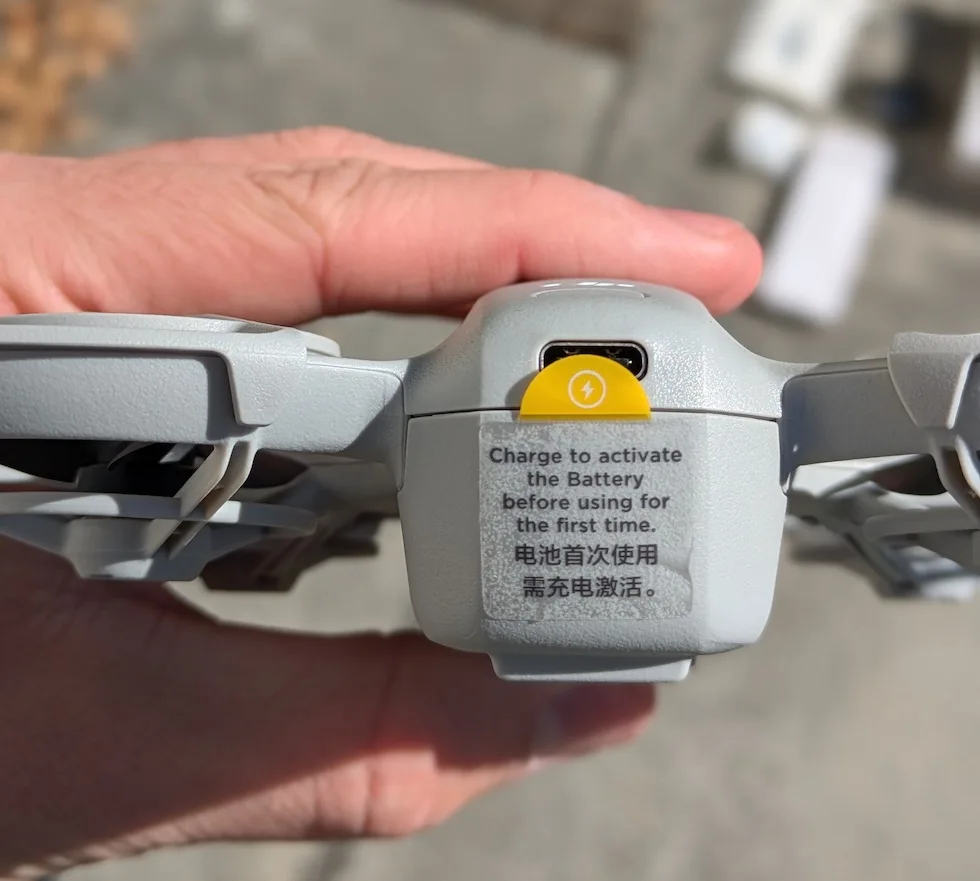
It’s essential to fully charge the NEO battery before it’s first flight. This initial charge serves several pivotal purposes that guarantee your drone’s optimal performance and safety.
When you first receive your DJI NEO battery, it’s in a hibernation mode for safe shipping. Charging the battery wakes it from this state and activates it for use. This activation process is critical and must be done correctly to ensure the battery functions properly.
For this initial activation charge, you’ll need to use the recommended DJI charger with the battery installed in the drone.
This method properly activates the battery and prepares it for its first flight. It’s important to note that while you can use the battery charging hub for subsequent charges, it’s not suitable for this initial activation process.
Fully charging the battery before your first flight offers additional benefits. It guarantees you’ll have maximum flight time available, allowing you to make the most of your maiden voyage.
Additionally, this full charge helps calibrate the battery, ensuring accurate power readings and optimal performance.
What To Do If Your DJI NEO Battery Won’t Charge
If your DJI NEO battery won’t charge, try unplugging and replugging the charger to restart the charging process.
You should also guarantee the battery is at a normal temperature, as extreme heat or cold can prevent charging.
Check the LED blink patterns on the battery, as they may indicate a protection mode that’s stopping the charge.
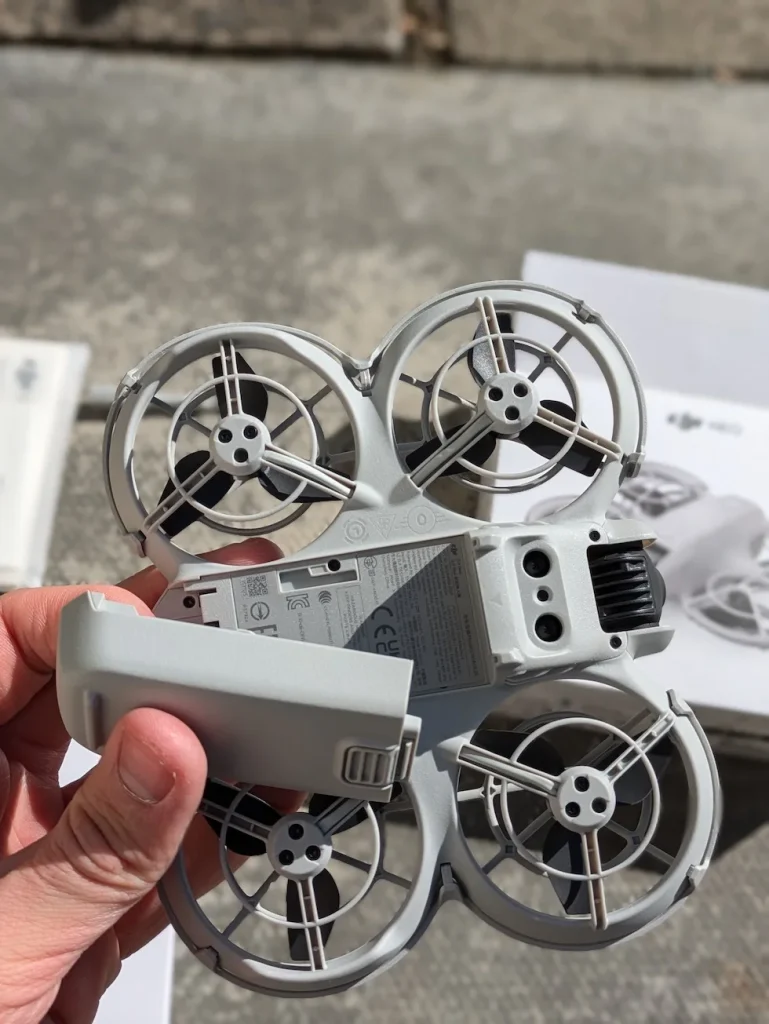
Unplug and replug charger to resume charging
When your DJI NEO battery refuses to charge, don’t panic.
There’s a simple troubleshooting step you can try before considering more drastic measures. If you’ve connected your battery to the charger and notice that it’s not charging, the solution might be as straightforward as unplugging and replugging the charger.
To attempt this fix, first unplug the charger from both the power source and the battery. Wait for about 10 seconds to allow any residual charge to dissipate. Then, firmly reconnect the charger to the power outlet and the battery.
This action can often reset the charging process and prompt the battery to begin charging again.
Keep an eye on the battery’s charging indicators after you’ve replugged everything. You should see signs of charging within a few moments. If the battery starts charging, you’ve successfully resolved the issue.
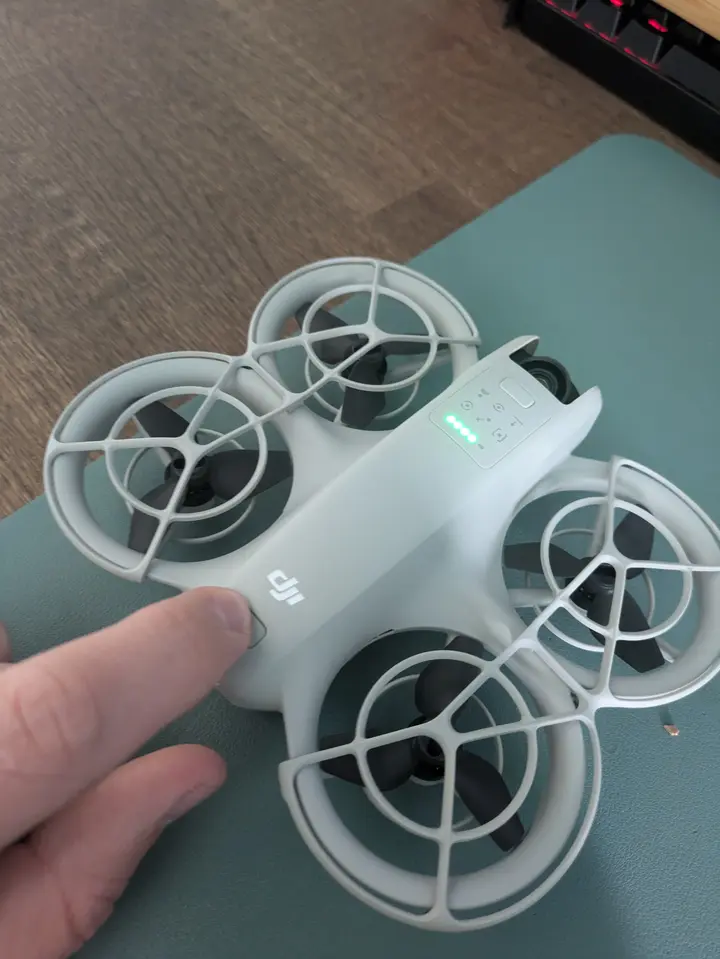
Wait for normal temperature to resume charging
If you notice that your battery isn’t charging, it could be due to an abnormal charging temperature. This safety feature prevents damage to the battery and guarantees ideal performance.
When you encounter this issue, don’t panic. The solution is straightforward: simply wait for the temperature to return to normal. Your DJI NEO battery is designed with intelligent features that will automatically resume charging once the temperature reaches an acceptable range.
During this waiting period, make certain that your battery and charger are in a well-ventilated area away from direct sunlight or heat sources. If you’re in a particularly hot or cold environment, consider moving the charging setup to a more temperature-controlled location.
It’s important to note that attempting to force the charging process or using unofficial charging methods can damage your battery or compromise its longevity.
Patience is key in this situation.
By allowing the battery to naturally return to an optimal temperature, you’re preserving its health and ensuring safe, efficient charging.
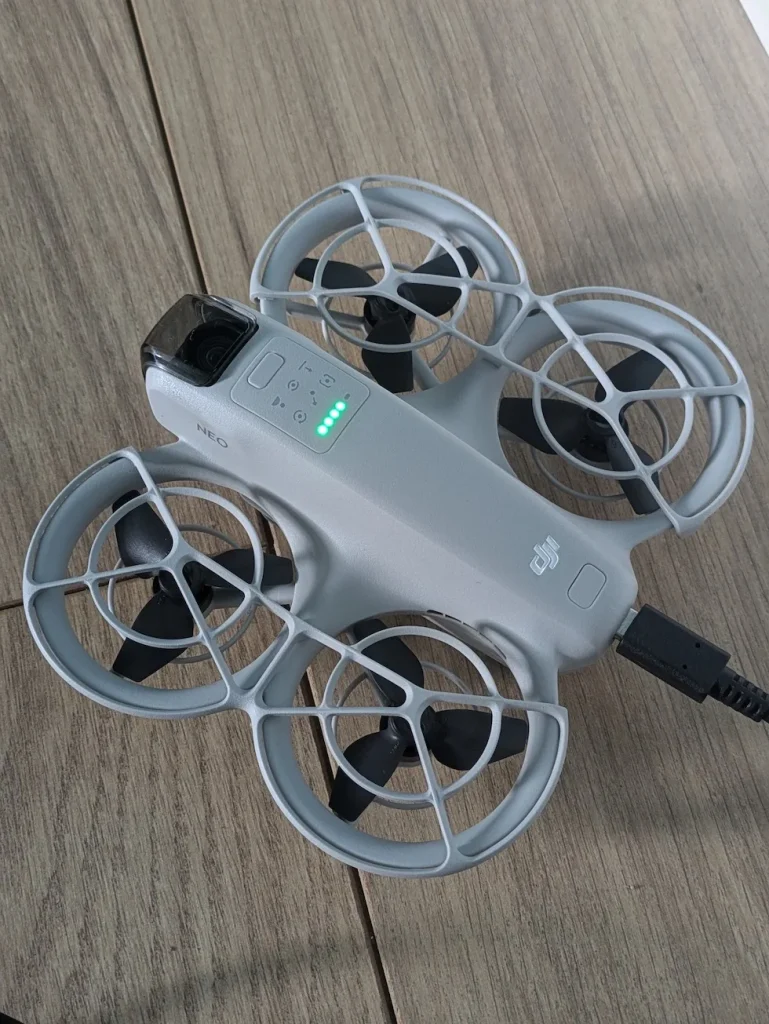
Check LED blink patterns for battery protection
If you’ve noticed that your battery isn’t charging properly or has stopped charging altogether, it’s time to pay close attention to these LED indicators. The blinking patterns can reveal significant information about the battery’s current state and any protection mechanisms that may have been triggered.
To interpret these signals, you’ll need to consult your DJI NEO battery manual.
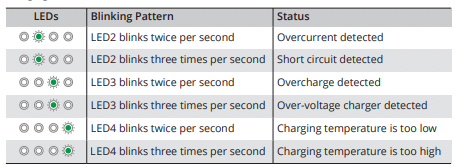
These patterns can indicate specific issues such as overcurrent, short circuit, or overcharge detection. By accurately identifying the blinking pattern, you’ll be able to pinpoint the exact problem affecting your battery.
Once you’ve determined the issue based on the LED pattern, you can take appropriate action to resolve it.
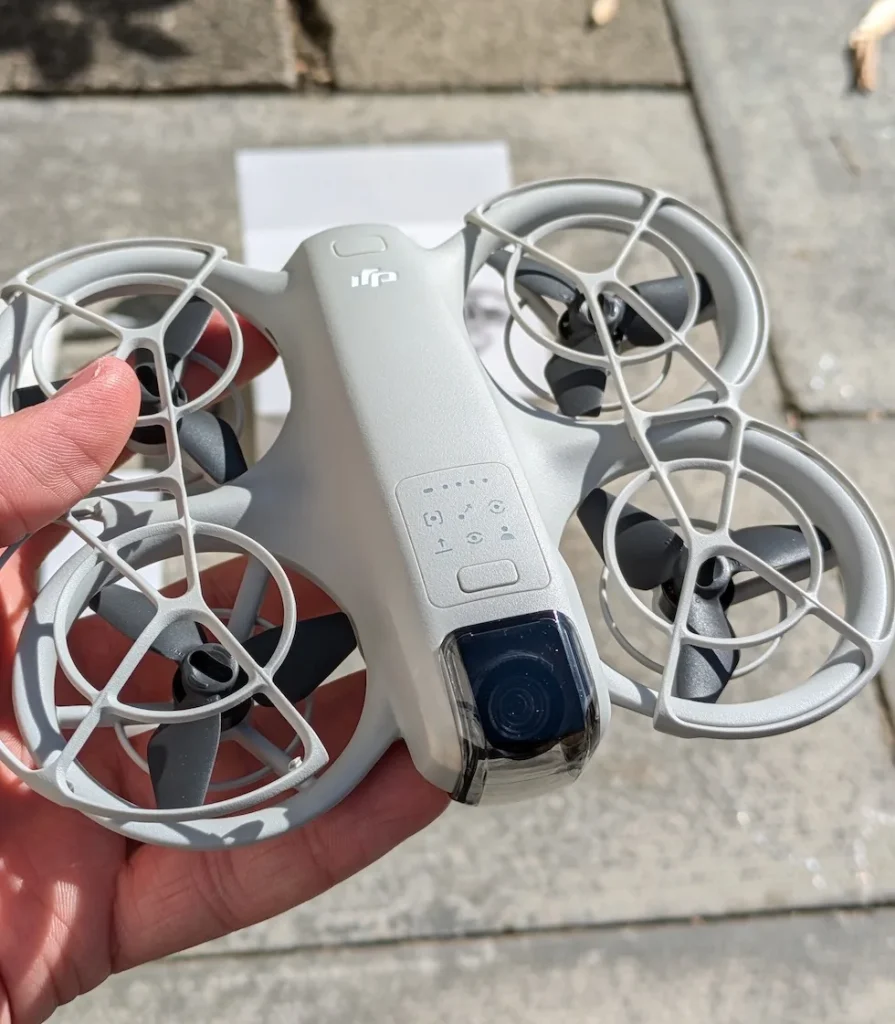
Safety Precautions For Using DJI NEO Batteries
When charging your DJI NEO battery, you’ll need to follow some key safety precautions. Only charge the battery within the allowable temperature range, as charging will automatically stop at high temperatures.
It’s important to place the charging hub on a stable, insulated surface and clean the metal terminals if you notice any buildup.
Charge battery within allowable temperature range only
To safeguard the safety and longevity of your DJI NEO battery, it’s crucial to charge it within the manufacturer-specified temperature range. DJI recommends charging your NEO battery between 5°C and 40°C (41°F to 104°F). Operating outside this range can lead to reduced battery performance, shortened lifespan, or even safety hazards.
When it’s too cold, the chemical reactions inside the battery slow down, potentially causing incomplete charging or damage to the cells.
Conversely, charging in high temperatures can accelerate chemical reactions, leading to overheating and possible thermal runaway.
Before charging, always check the ambient temperature. If it’s too cold, move the battery to a warmer environment and let it acclimate before plugging it in. In hot conditions, find a cooler spot or use air conditioning to bring the temperature down to an acceptable level.
Never attempt to heat or cool the battery directly using external sources like heaters or refrigerators. This can cause uneven temperature distribution and potentially damage the battery. Instead, focus on controlling the environment where you’re charging.
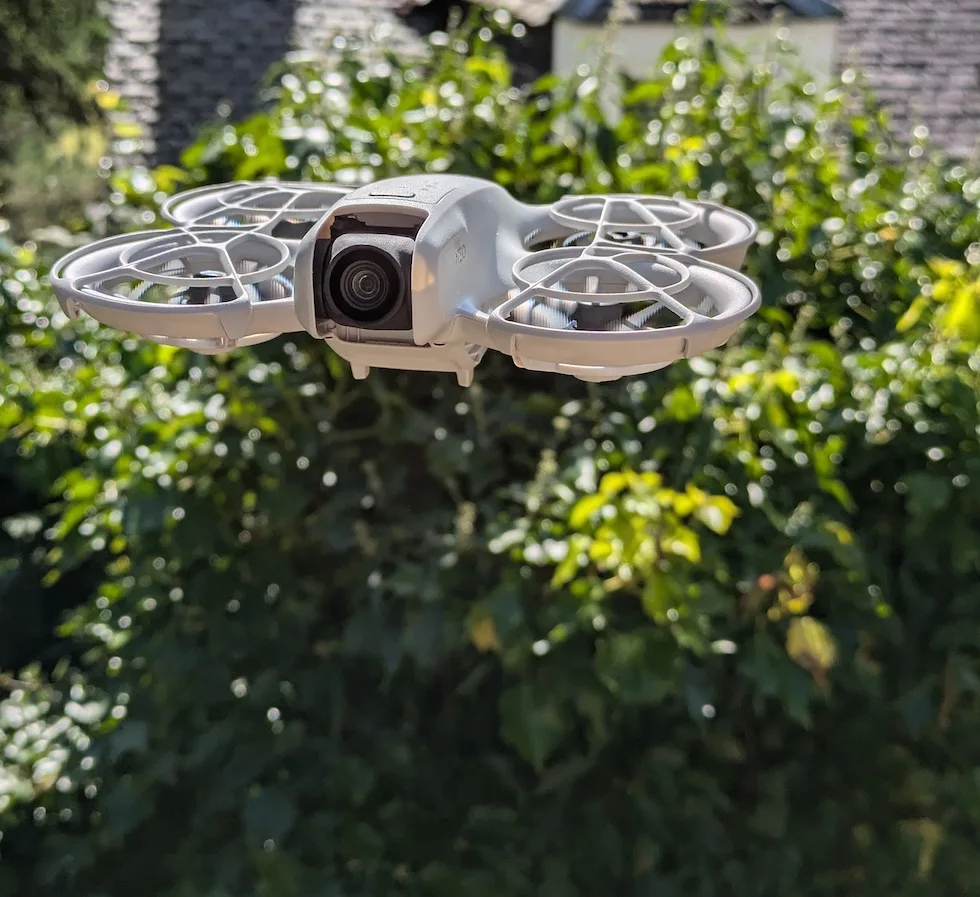
Charging stops automatically at high temperatures
SaOne of the most important protections built into the charging process is the automatic shut-off mechanism when temperatures rise too high. This feature is designed to prevent potential damage to the battery or, in extreme cases, dangerous situations that could arise from overheating.
Your DJI NEO battery’s charging system is equipped with temperature sensors that constantly monitor the battery cell temperature.
When the temperature reaches 55°C (131°F), the charging process will immediately stop. This automatic cut-off guarantees that your battery isn’t exposed to potentially harmful heat levels during charging.
It’s important to understand that this feature is in place for your safety and the longevity of your battery. While it’s rare for temperatures to reach this level during normal charging conditions, factors such as ambient temperature, direct sunlight exposure, or charging immediately after use can contribute to higher temperatures.
By automatically halting the charging process, the system prevents any risk of damage or safety hazards associated with overheating.
Always charge your DJI NEO battery in a cool, well-ventilated area to maintain ideal charging conditions and battery health.
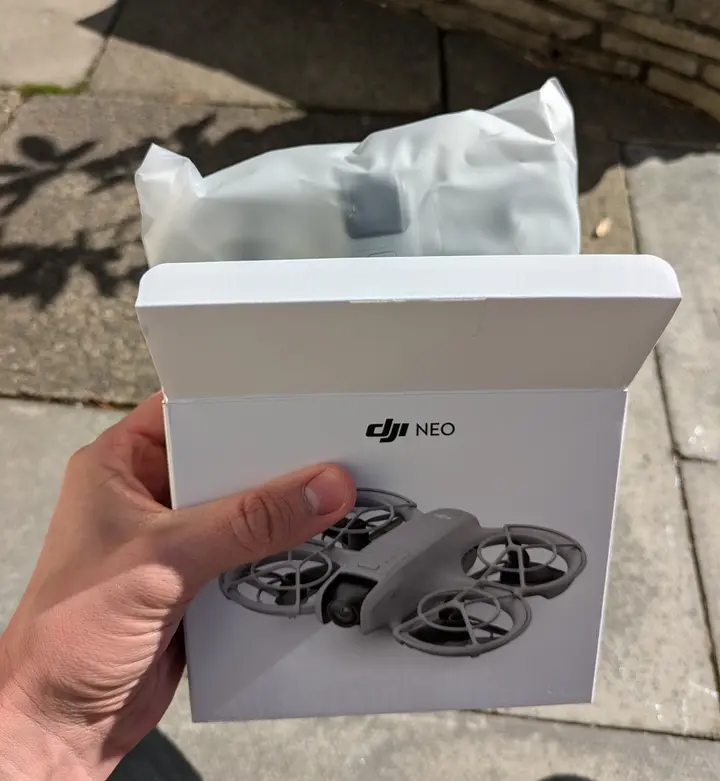
Place charging hub on stable, insulated surface
While temperature management during charging is vital, proper placement of your DJI NEO battery charging hub is equally important for safety. You’ll want to ensure that you’re setting up your charging station in a way that minimizes potential risks.
First, find a flat and stable surface for your charging hub. This could be a desk, table, or workbench that’s sturdy and won’t wobble or tip over easily.
Avoid placing the hub on uneven or unstable surfaces, as this could lead to accidents or damage to your equipment.
Next, make sure the surface is properly insulated. This step is essential in preventing fire hazards that could arise from heat buildup during the charging process.
You can use a fire-resistant charging mat or pad specifically designed for drone batteries. Alternatively, place a non-conductive material like a ceramic tile or a thick rubber mat underneath the charging hub.
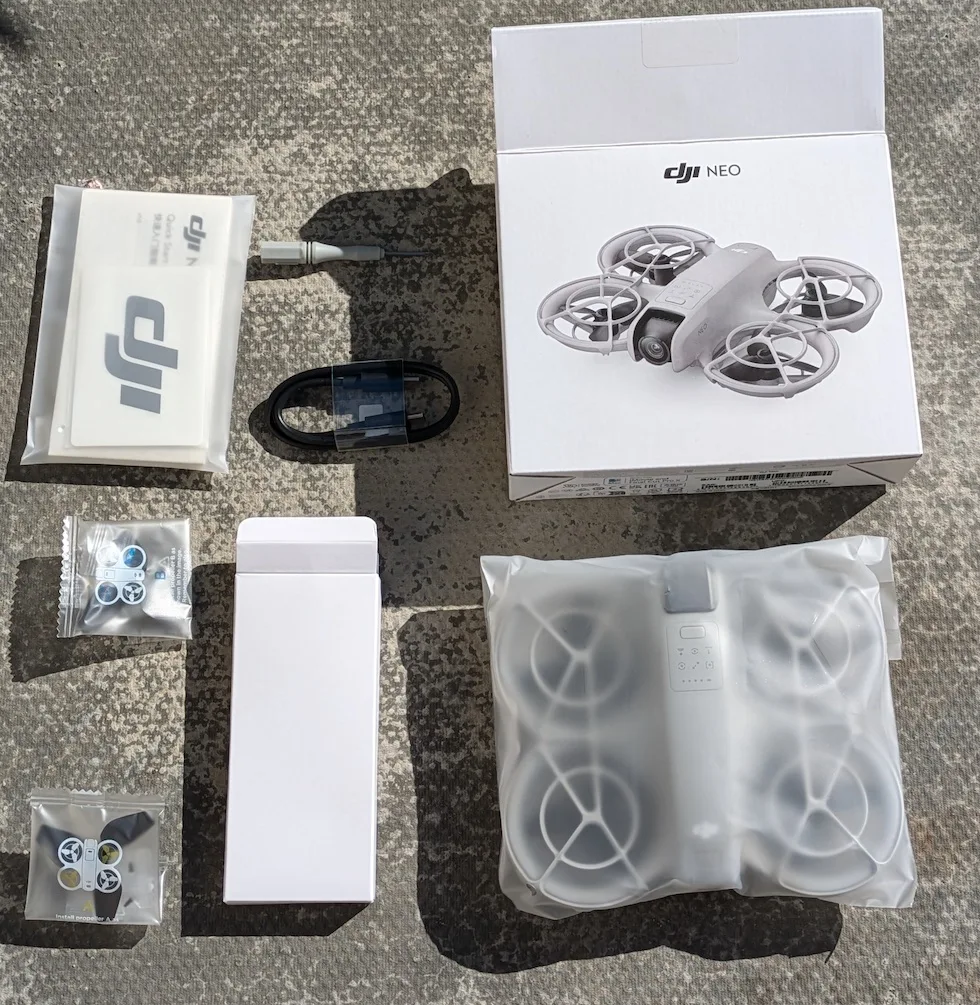
Clean metal terminals if buildup is visible
Regular maintenance of your DJI NEO battery’s metal terminals is essential for ideal performance and safety. As you inspect your battery, pay close attention to the metal terminals. These are pivotal contact points that facilitate charging and power transfer.
If you notice any visible buildup on the terminals, it’s important to address it promptly. However, you shouldn’t touch the metal terminals directly if there’s any noticeable accumulation. This precaution helps prevent potential electrical shock or damage to the battery.
Instead, use a dry cloth to clean the terminals. This simple step can effectively remove dust, dirt, or other debris that may have accumulated over time.
By using a dry cloth, you avoid introducing moisture to the terminals, which could lead to corrosion or short-circuiting.
Make cleaning the terminals a part of your routine battery maintenance. Regular cleaning ensures maximum contact between the battery and your device, promoting efficient charging and power delivery. It also helps extend the lifespan of your DJI NEO battery and maintains its performance over time.
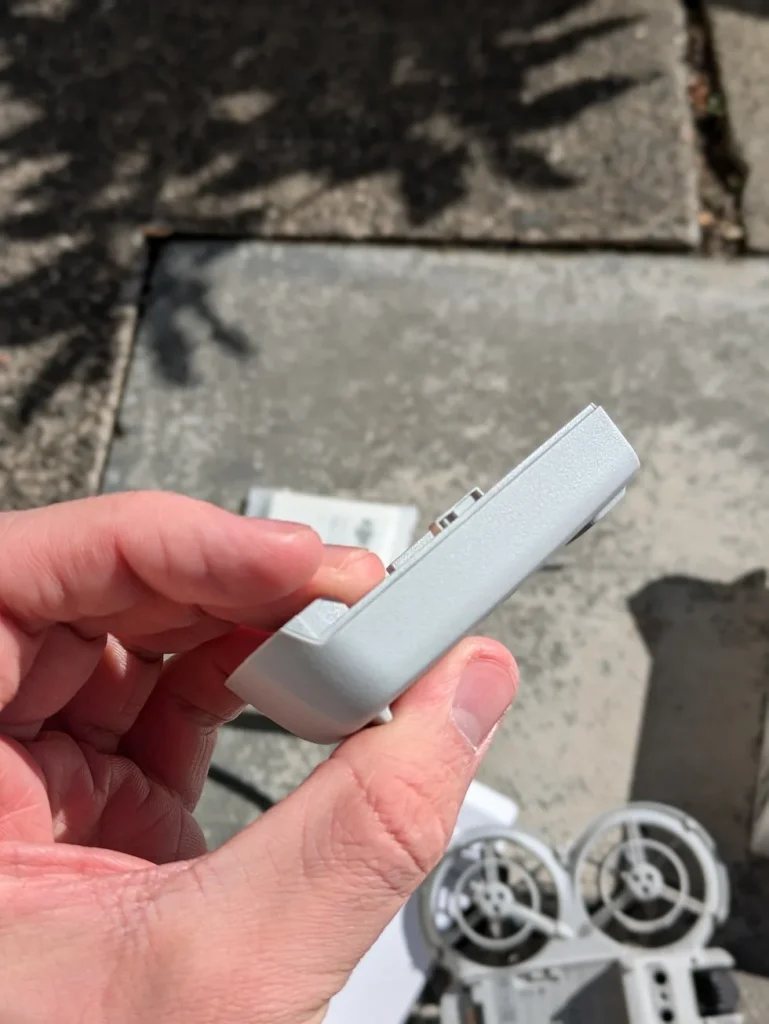
How To Store DJI NEO Batteries Longterm
When storing your DJI NEO batteries long-term, you’ll need to evaluate the ideal charge level, storage environment, and maintenance routine. Keep the batteries at a 40-60% charge and store them in a cool, dry place away from direct sunlight or extreme temperatures.
It’s important to check on the batteries periodically, recharge them if necessary, and properly dispose of any that show signs of damage or degradation.
Charge Level
Proper charge levels are essential for long-term storage of DJI NEO batteries. Before you store your battery, maintain it has at least a 60% charge.
If you’re planning to store it for more than 10 days, aim for a charge between 60-65%. This range is suitable for preserving battery health during extended periods of inactivity.
If your battery’s charge is below 60%, you’ll need to plug it in and charge it up to the 60% mark before storage.
On the other hand, if your battery is above 70% charged, don’t worry about manually discharging it. The battery’s intelligent system will automatically discharge to about 60% after 9-10 days of inactivity.
Storage Environment
Once you’ve verified the correct charge level for storage, it’s time to ponder where you’ll keep your DJI NEO batteries. The ideal storage environment plays a vital role in maintaining your batteries’ longevity and safety.
Store your DJI NEO batteries in a cool, dry place away from direct sunlight and heat sources. Aim for a storage temperature between 71.6°F and 86°F (22°C to 30°C).
Avoid extreme temperatures, which means you shouldn’t keep them in areas that can get very hot or cold, such as inside vehicles.
Choose a well-ventilated area for storage, preferably using a dedicated fireproof battery storage bag or container. This precaution helps minimize risks associated with potential battery issues.
When storing your batteries long-term, always remove them from the drone. This practice prevents unnecessary drain and potential damage to both the battery and the drone.
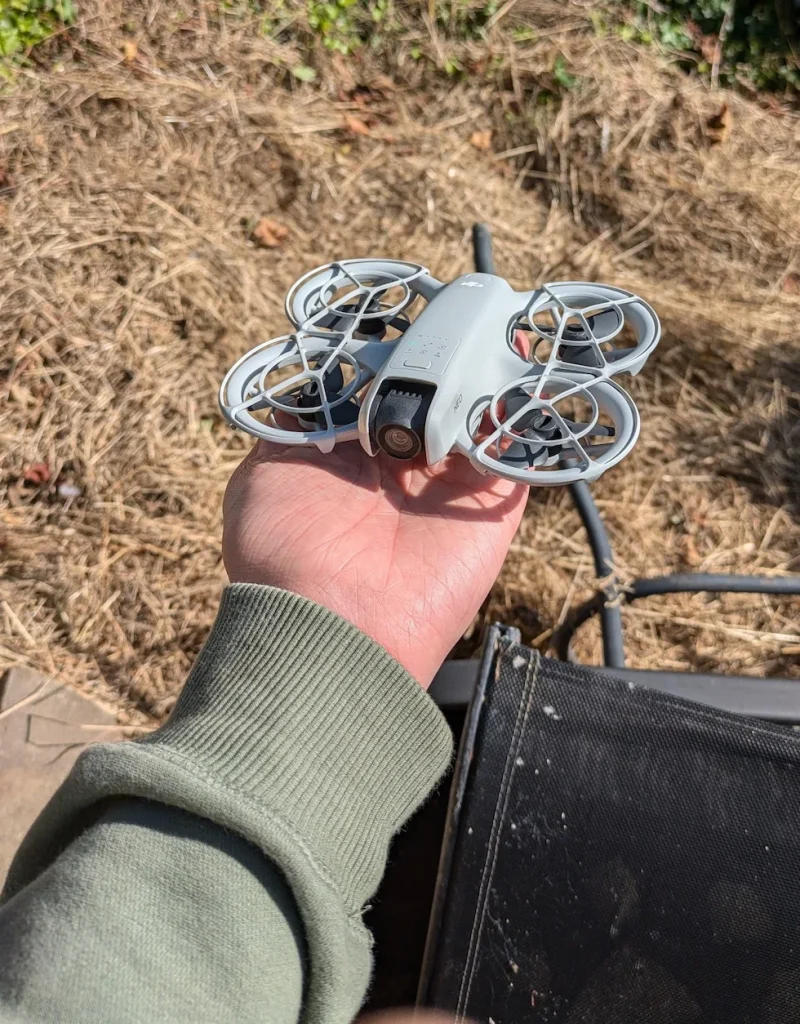
Maintenance
For long-term storage of your DJI NEO batteries, regular maintenance is crucial. To keep your batteries in ideal condition, you should charge and discharge them to 60-65% capacity once every three months. This practice helps maintain battery health and performance over time.
While it’s important to fully charge your batteries at least once every three months, you shouldn’t store them at 100% capacity for extended periods.
Keeping batteries fully charged for long durations can stress the cells and reduce their overall lifespan. Instead, aim for a storage charge level between 60-65%.
Never allow your DJI NEO batteries to become completely depleted. If you notice a battery’s charge dropping too low, recharge it as soon as possible. Storing a fully depleted battery at 0% can lead to over-discharging, which may cause permanent damage to the cells.
Disposal
When your DJI NEO batteries reach the end of their useful life, it’s imperative to dispose of them responsibly. These batteries contain hazardous materials that can harm the environment if not handled properly. To guarantee safe disposal, you’ll need to follow a few important steps.
First, fully discharge the battery to prevent any residual charge from causing issues during the disposal process.
Once discharged, don’t simply toss the battery in your regular trash bin. Instead, locate an e-waste recycling facility or battery collection site in your area. These specialized locations are equipped to handle lithium-ion batteries and other electronic waste safely.
Many electronics stores, home improvement centers, and local waste management facilities offer battery recycling services.
Before dropping off your DJI NEO battery, check with the facility to confirm they accept this type of battery. When transporting the battery to the recycling site, place it in a non-conductive container to prevent any potential short circuits.
Conclusion
You’ve now learned the essentials of charging your DJI NEO battery. Remember to charge before your first flight, troubleshoot if issues arise, and always follow safety precautions.
Don’t forget proper storage techniques for long-term care. By following these guidelines, you’ll guarantee your DJI NEO battery stays in top condition, maximizing its lifespan and performance.
Keep these tips in mind, and you’ll be ready for countless flights with your fully charged battery.

