
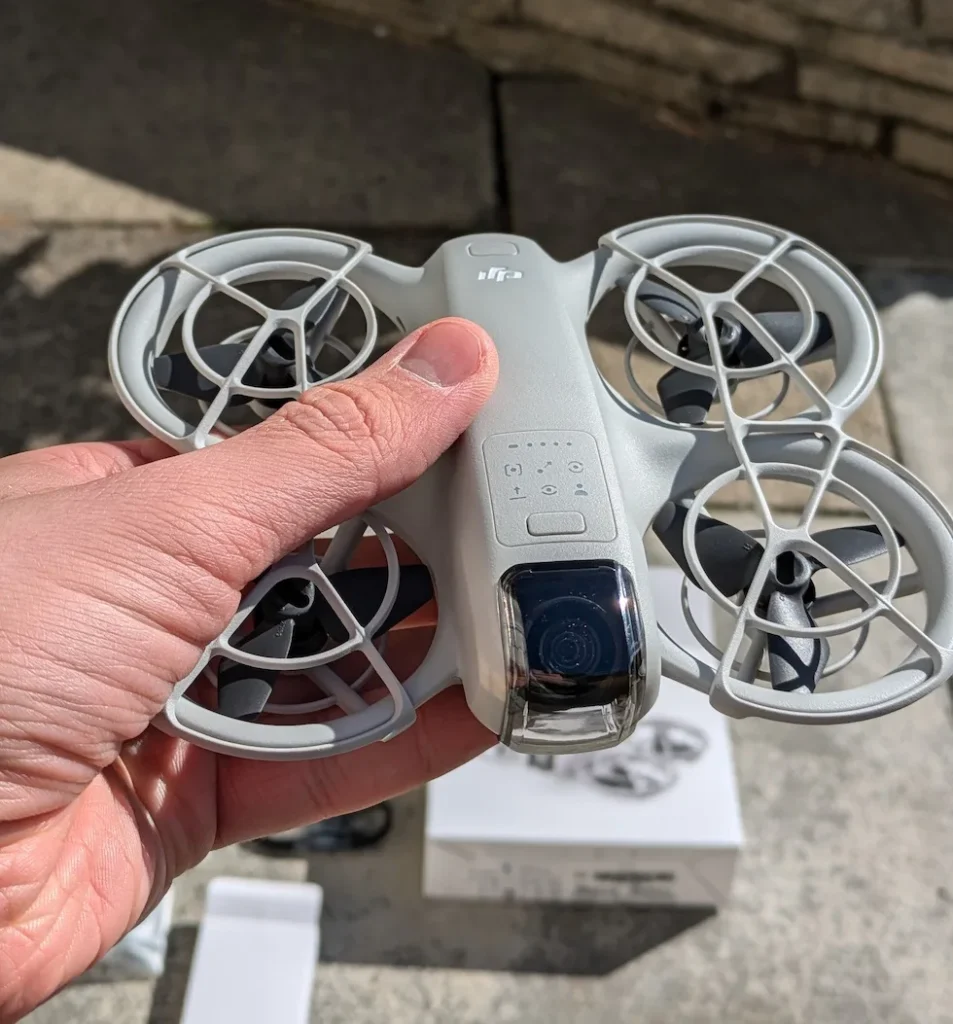

To change your DJI Neo propellers, start by powering off the drone and removing the propeller guards. Use the provided screwdriver to unscrew each propeller from its motor mount. When installing new propellers, match the marked and unmarked ones to the corresponding arms. Secure them with the included screws, tightening adequately but not over-tightening.
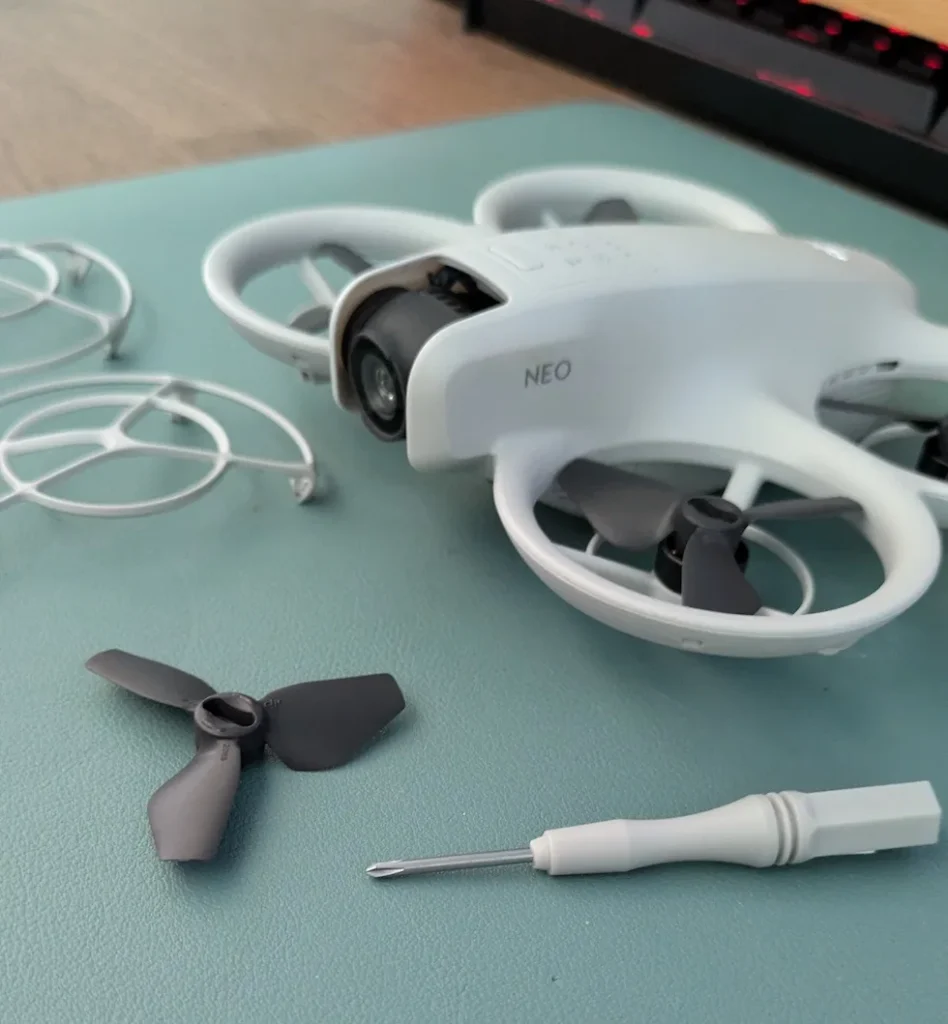
Guarantee proper orientation by aligning the marks on propeller A with the marked arms. Reinstall the propeller guards and perform safety checks, verifying secure attachment and correct placement.
By following these steps, you’ll maintain your drone’s performance and safety.
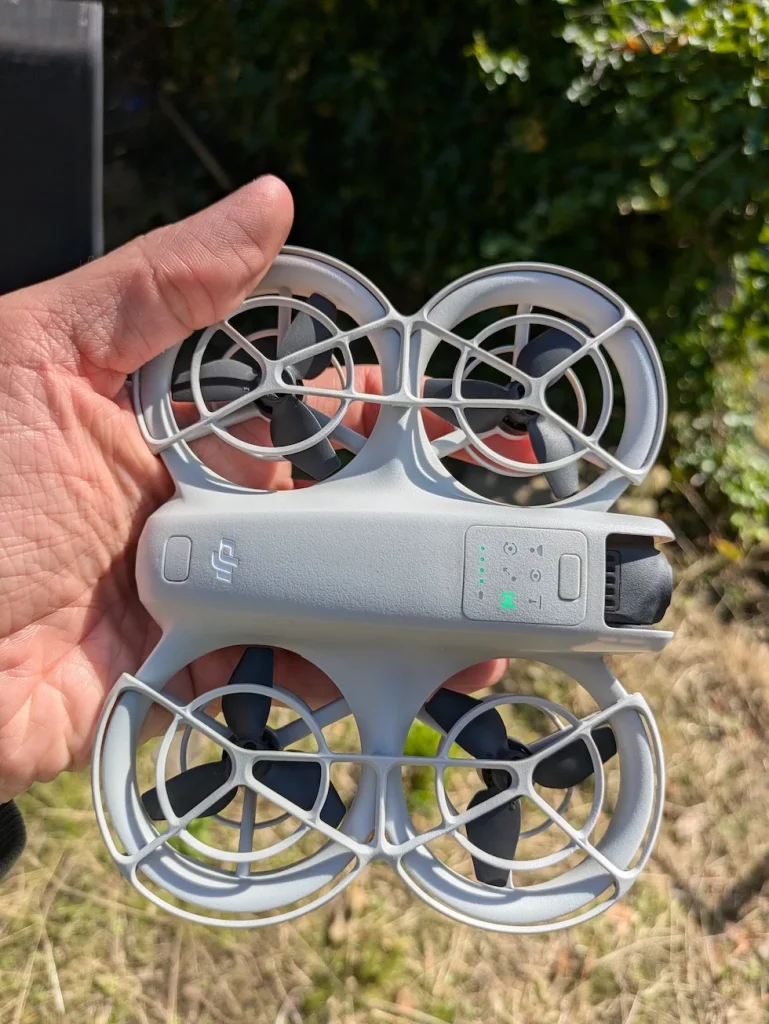
Safety Checks Before Removing DJI Neo Propellers
First and foremost, always power off your DJI Neo before attempting to remove or install the propellers. This step is non-negotiable and guarantees that the drone won’t accidentally activate during the maintenance process. Even if you think the drone is already turned off, double-check to be certain.
Next, gather the necessary tools for the job.
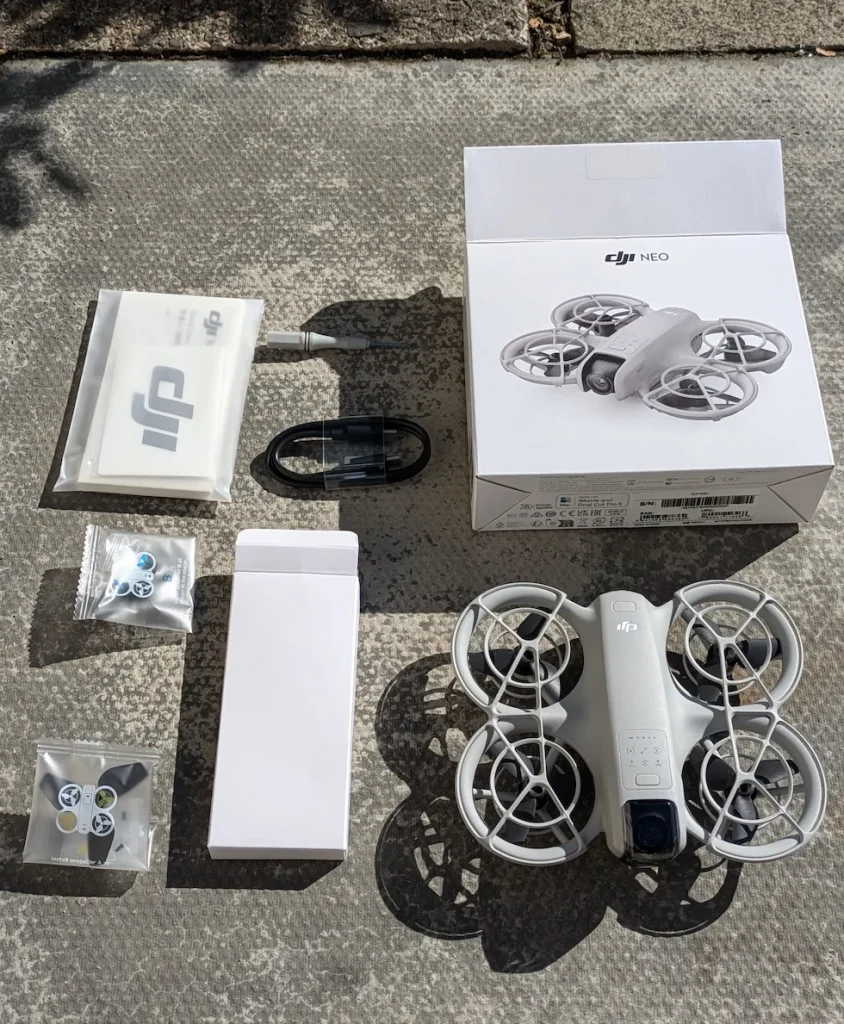
The DJI Neo comes with a screwdriver designed specifically for its propellers.
It’s important to use only this provided screwdriver, as using other tools may damage the screws and compromise the integrity of your drone’s propeller system.
Before handling the propellers, take a moment to familiarize yourself with their sharp edges. The blades are designed for efficiency in flight, which means they can be potentially dangerous if mishandled. Always grip the propellers by their center hub or base, avoiding contact with the blade edges.
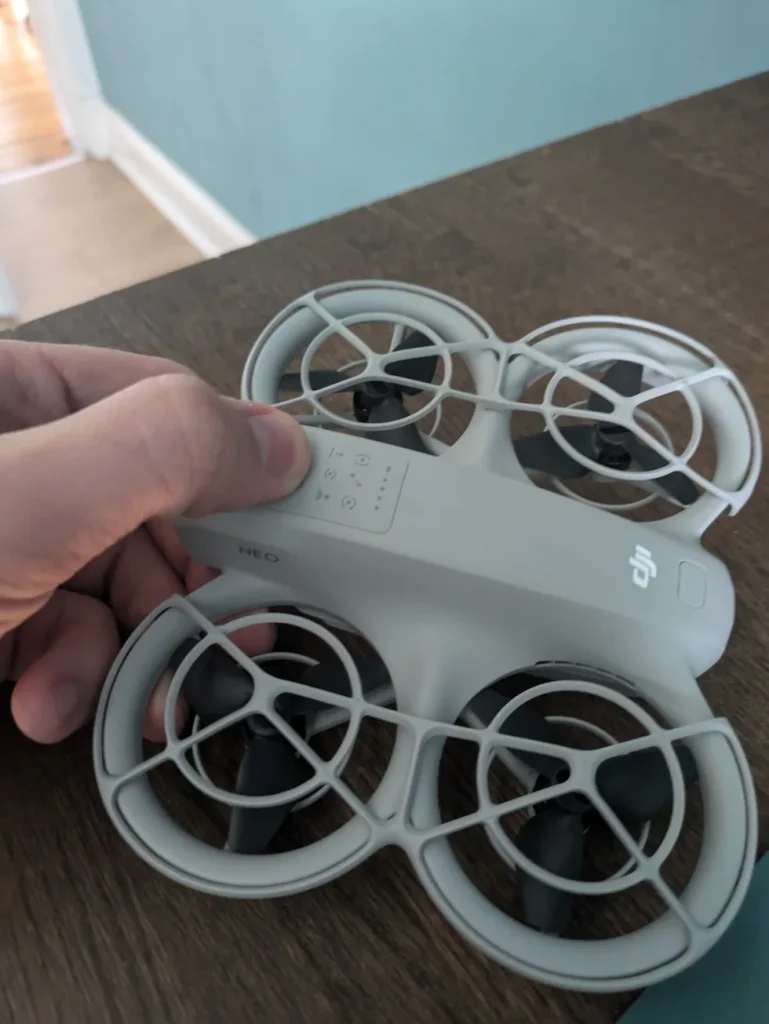
Prepare a clean, well-lit workspace where you can safely work on your drone. Guarantee you have a stable surface to place the DJI Neo and its components. This will help prevent accidental drops or collisions that could damage your drone or injure you.
Lastly, if you’re new to drone maintenance, consider reviewing the DJI Neo user manual or watching official tutorial videos before proceeding. Being well-informed about the process will help you approach the task with confidence and reduce the risk of mistakes.
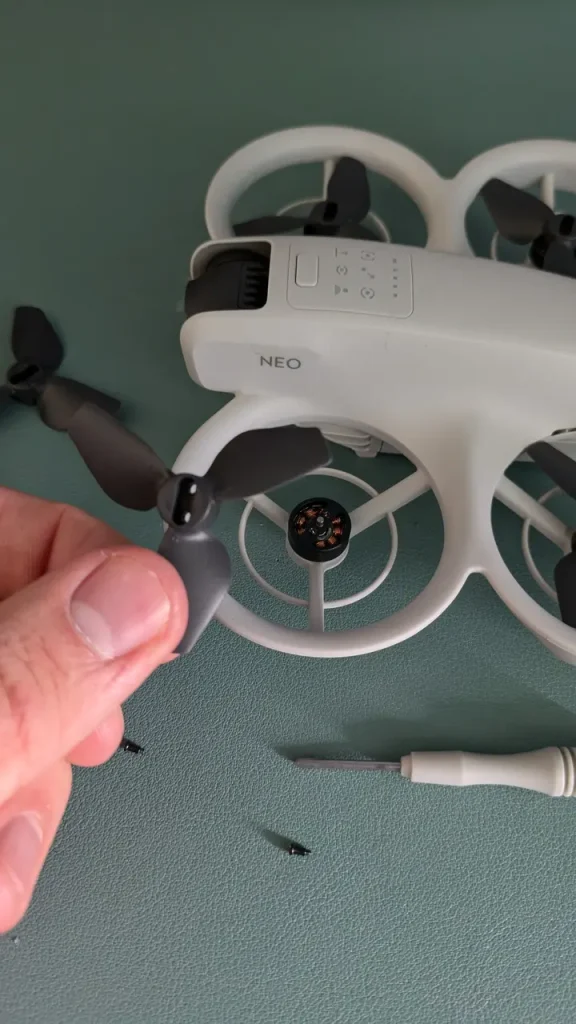
Removing Old DJI NEO Propellers
The first step is to remove the propeller guards on top of the DJI Neo.
These guards protect the propellers during flight but need to be taken off to access the propellers themselves. To remove the guards, locate the hooks that secure them in place.
Gently release these hooks and push the guards from the center. They should come off easily without much force.
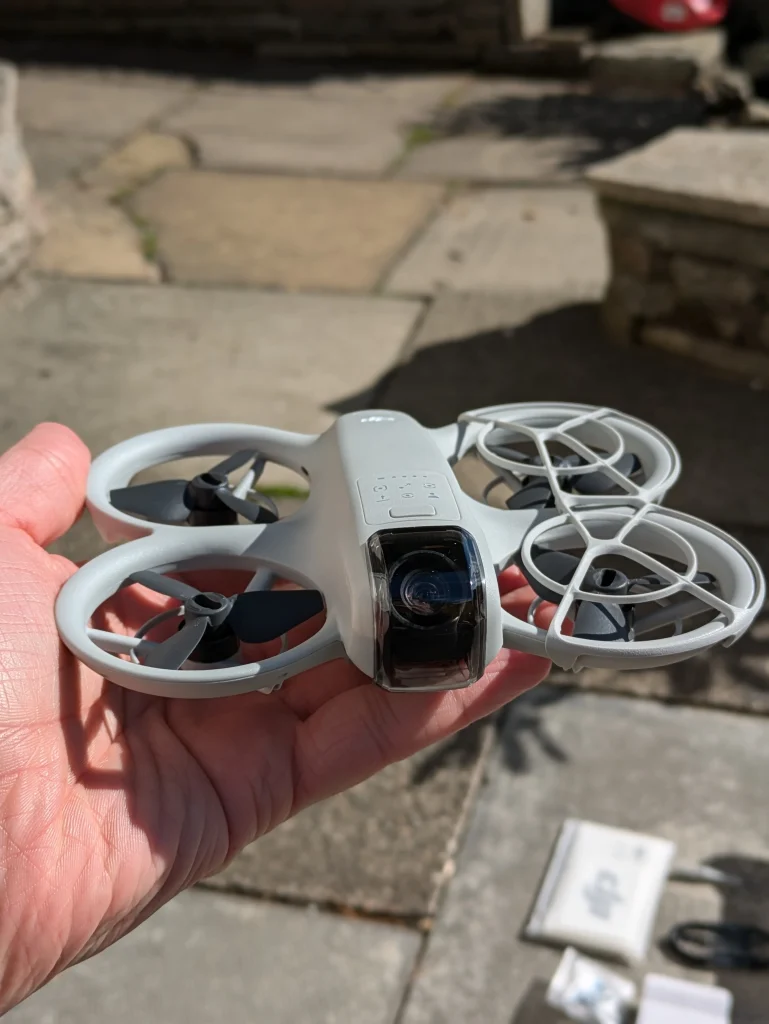
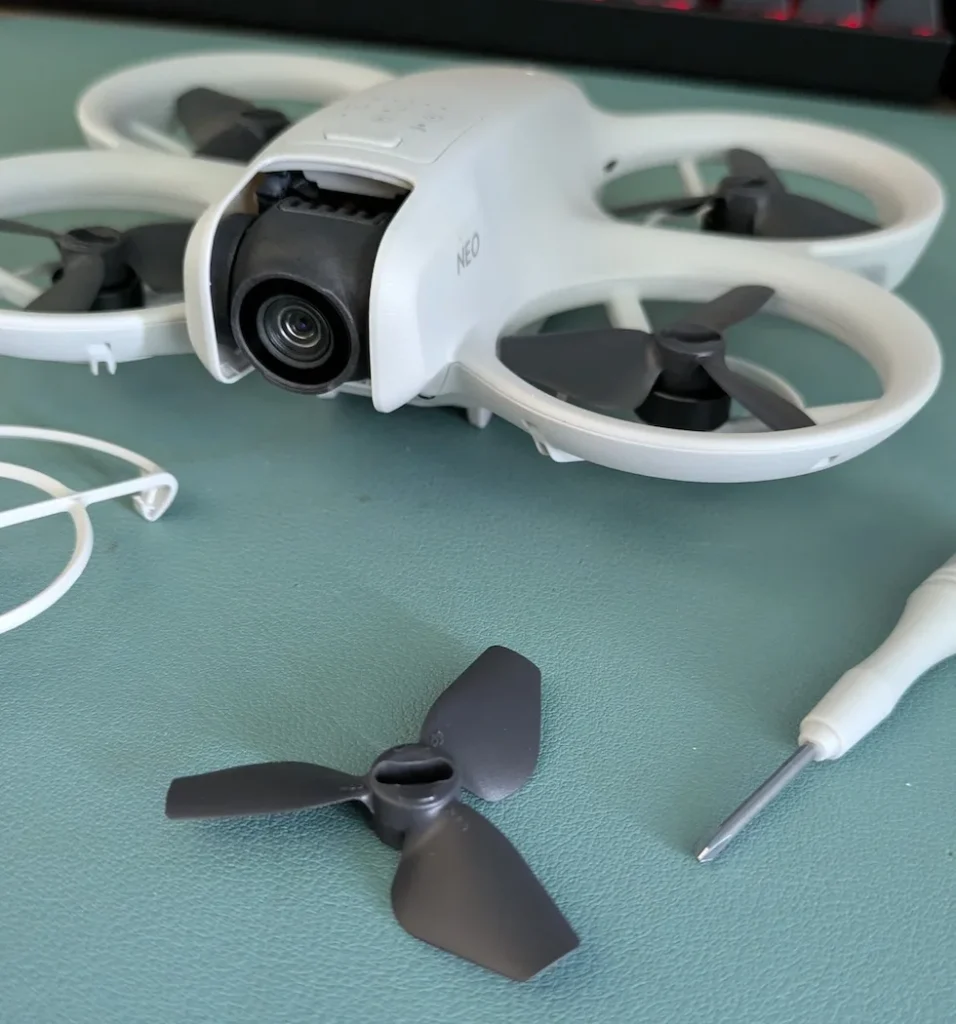
Once you’ve removed the propeller guards, you’ll have clear access to the propellers. Now, it’s time to remove the old propellers from the motors.
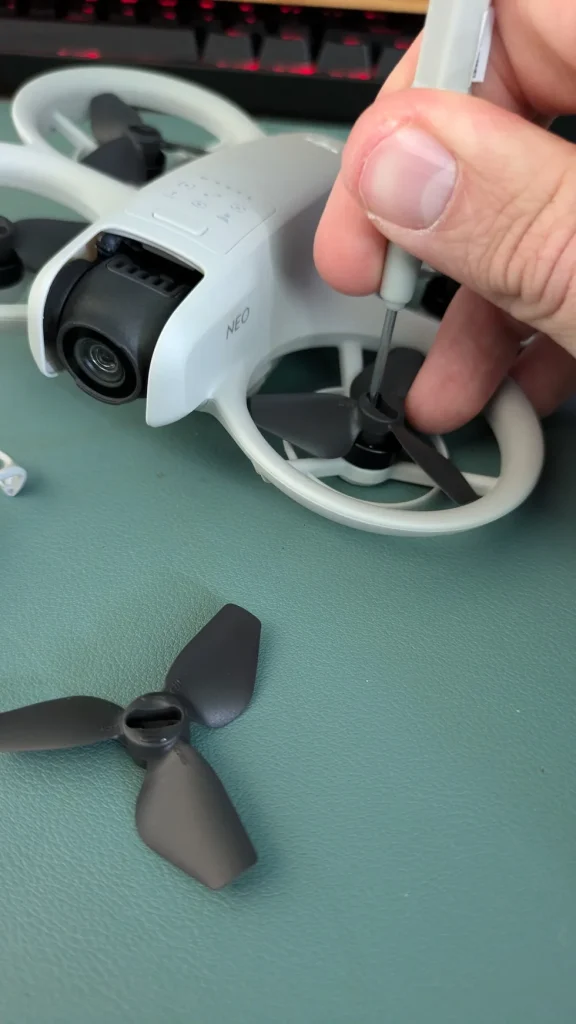
For this task, you’ll need the screwdriver that came with your DJI Neo box. If you can’t find it, make sure to use a screwdriver that fits the screws perfectly to avoid damaging them.
Carefully unscrew each propeller from its motor mount.
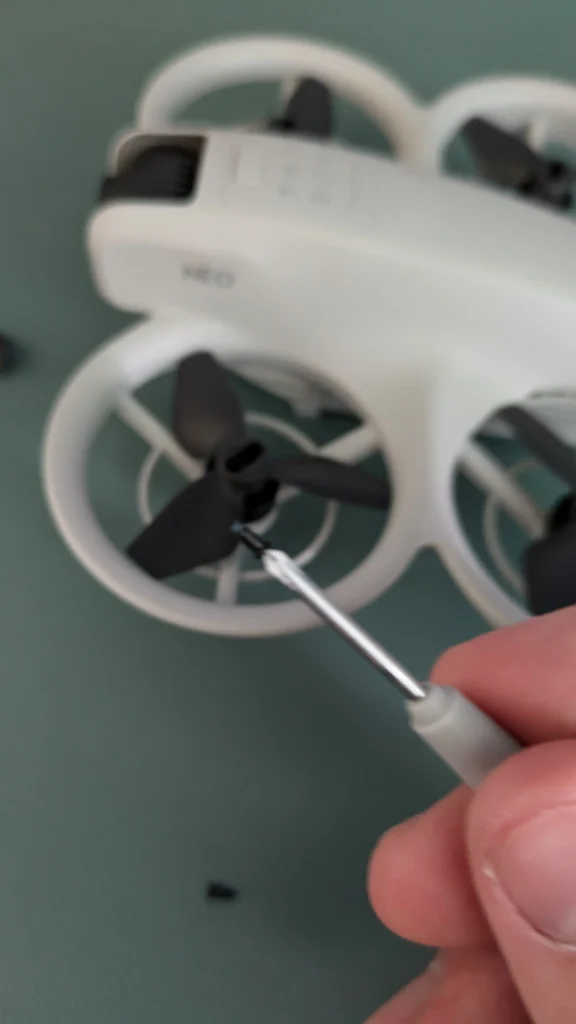
As you remove them, pay attention to any signs of wear or damage. This can help you determine if you need to replace your propellers more frequently in the future. It’s also a good opportunity to inspect the motors for any debris or damage.
Remember to keep track of which propeller came from which motor, as you’ll need to install the new propellers in the correct orientation.
Some DJI Neo models have color-coded propellers and motors to make this easier. If yours doesn’t, consider marking them as you remove them to guarantee proper reinstallation later.
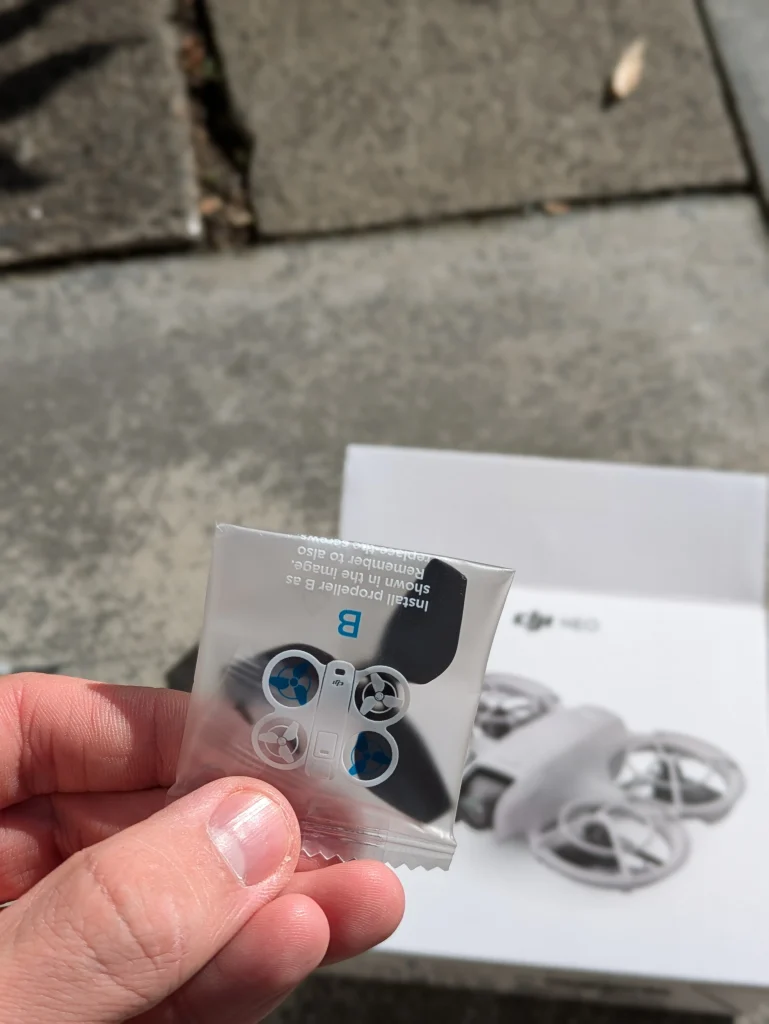
Identifying Correct DJI NEO Propeller Orientation
Proper propeller orientation is key to guaranteeing your DJI Neo performs optimally. To correctly install the propellers, you’ll need to identify two types: A and B.
Propeller A has marks on the center, while propeller B is unmarked.
Start by examining the packaging of your propellers. You’ll find them clearly labeled as A and B, along with illustrations showing their correct mounting positions. This visual guide will help you match each propeller to its appropriate motor.
Next, locate the marked arms on your DJI Neo.
These are the arms where you’ll attach propeller A. The unmarked arms are reserved for propeller B. This distinction is fundamental for proper installation and ideal flight performance.
To install propeller A, align it with the marked motor on your drone. Ensure the marks on the propeller match up with the marks on the arm. For propeller B, simply attach it to any of the unmarked motors.
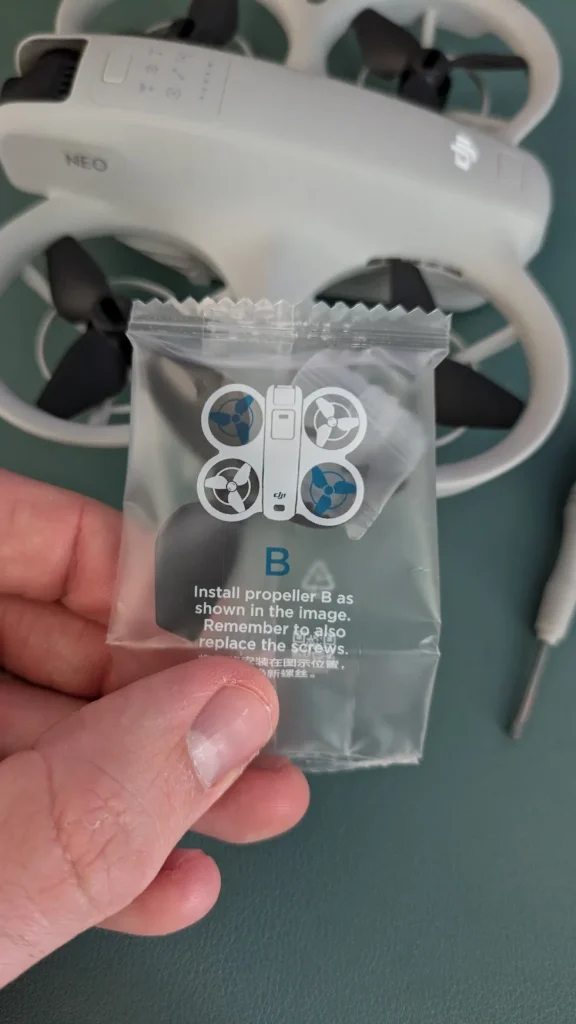
Remember, the correct orientation isn’t just about matching marks. It’s about guaranteeing each propeller type is on the right motor. Propeller A must always go on marked arms, while propeller B belongs on unmarked arms.
Double-check your work before flight. Incorrect propeller orientation can lead to poor performance or even accidents. If you’re unsure, refer back to the packaging illustrations or consult your DJI Neo manual.
Installing New DJI NEO Propellers
Once you’ve positioned the propellers, it’s time to secure them.
You’ll find screws included in the propeller packaging specifically for this purpose. Use these screws to fasten each propeller firmly to its motor.
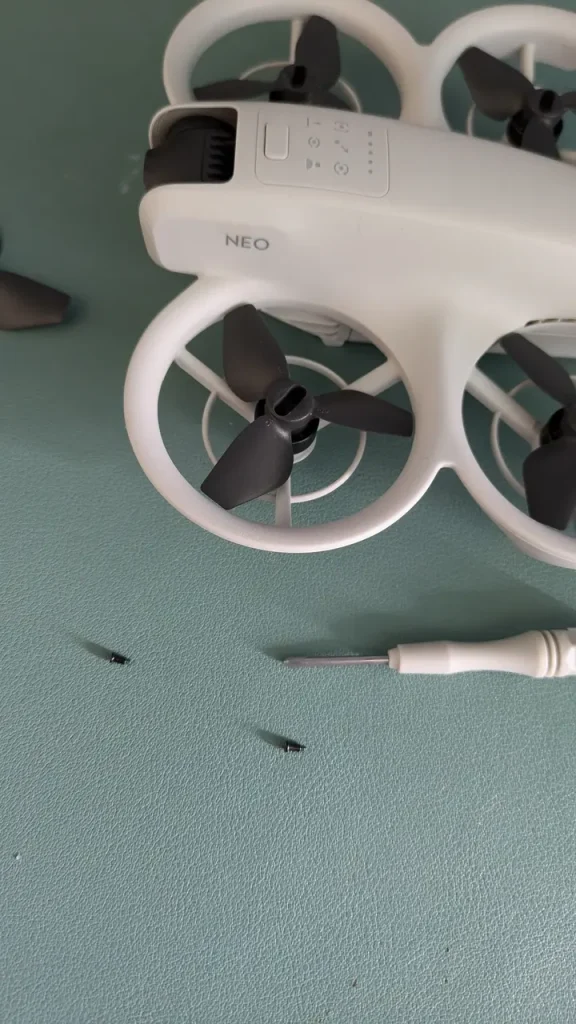
It’s important to tighten the screws adequately to prevent any loosening during flight, but be careful not to over-tighten and risk damaging the components.
With the new propellers securely in place, you’ll need to reinstall the propeller guards. Start by aligning each guard with its corresponding arm.
Push the guard toward the body of the DJI Neo until you hear the middle hook snap into position.
This indicates that it’s properly aligned.
To complete the installation, secure the remaining four hooks on each guard. Do this by pressing them from above into the designated holes on the DJI Neo’s body. Guarantee all hooks are firmly in place to provide maximum protection for your new propellers.
Safety Checks After Installation
Following propeller installation, it’s crucial to perform thorough safety checks on your DJI Neo. These checks guarantee your drone is ready for safe flight and prevent potential accidents.
First, verify that you’ve tightened all propellers securely. As you tighten each one, pay attention to any unusual resistance. If you encounter abnormal resistance, stop and investigate the cause before proceeding.
Properly tightened propellers should feel snug but not overly tight.
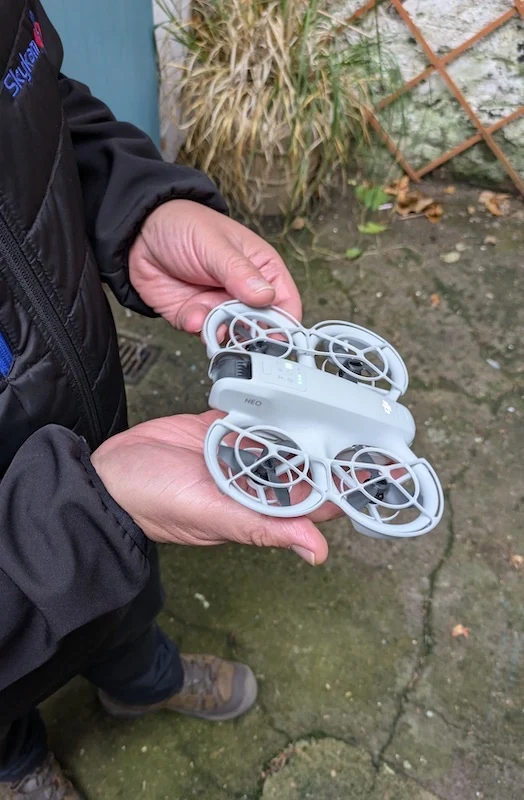
Next, double-check that you’ve placed the marked and unmarked propellers on the correct motor arms. Mixing up the propeller positions can lead to unstable flight or even crashes.
If your drone uses propeller guards, make sure you’ve reinstalled them correctly. These guards provide an extra layer of protection during flight, especially in confined spaces or when you’re still mastering your piloting skills.
Before taking off, inspect the propellers and motors one last time.
Look for any signs of damage, dirt, or debris. Clean the propellers and motors if necessary, and replace any components that show wear or damage. Pay close attention to the edges of the propellers, as even small nicks can affect flight performance.
Conclusion
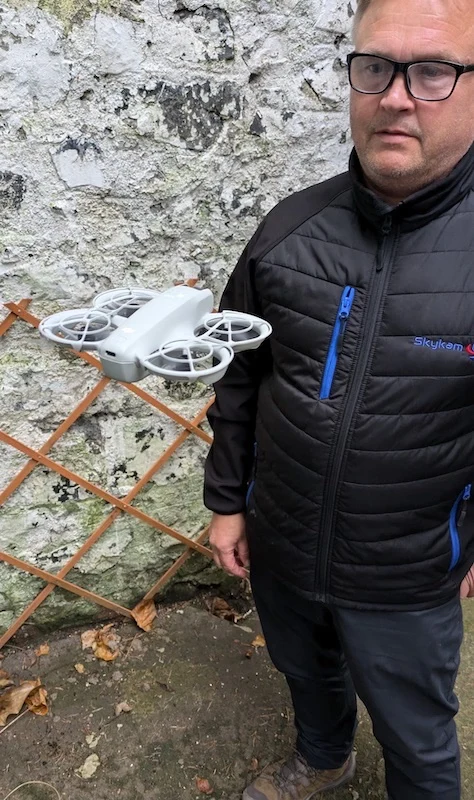
You’ve now successfully changed your DJI NEO propellers. Remember, it’s essential to double-check your work. Ensure each propeller is securely fastened and correctly oriented. Before your next flight, perform a quick visual inspection and a short hover test in a safe area. By following these steps, you’ve maintained your drone’s performance and safety. Keep practicing this process, and you’ll become more confident in your drone maintenance skills over time.

