

You’ve lost your drone—now what? Don’t panic.
Most lost drones can be recovered with the right approach and tools. Your chances of finding it depend on how quickly you act and whether you follow systematic search methods.
From checking flight logs to using manufacturer features like “Find My Drone,” several proven strategies can help reunite you with your aircraft.
But time is critical, and the recovery methods you’ll need vary depending on where and how your lost drone disappeared.
30 Second Summary
- Check flight logs for last known GPS coordinates and activate Return-to-Home feature immediately if possible.
- Use the “Find My Drone” feature in your drone’s companion app to locate its position and activate flashing lights and beeping.
- Conduct a systematic grid pattern search starting from the last known location, expanding outward methodically.
- Listen for beeping sounds in quiet environments, as most drones emit distress signals when battery power remains.
- Consider using a second drone for aerial scanning of the area or report the loss to local authorities and drone communities.
Immediate Actions
When your drone disappears from sight, immediately check your flight logs and controller for the last known GPS coordinates. Try activating the Return-to-Home feature, which can guide your drone back to its takeoff point if it still has power and signal. Keep your controller turned on throughout your search, as your drone might reconnect if it comes back within range.
Check Flight Logs and Last Known Location
After discovering your drone has gone missing, immediately access your controller or companion app’s flight logs to find its last known position. Most modern drones record detailed flight data, including precise GPS coordinates of its journey. This flight log analysis can reveal where your drone was before losing connection.
Look for the last coordinates transmitted before signal loss—this provides a critical starting point for your search efforts. Many drone apps display this information on a map, making it easier to visualize where your drone might have landed. If you’re using a DJI drone, check the “Find My Drone” feature, which marks the last known location.
Don’t delay this step, as finding your drone becomes increasingly difficult with each passing hour.
Activate Return-to-Home Feature
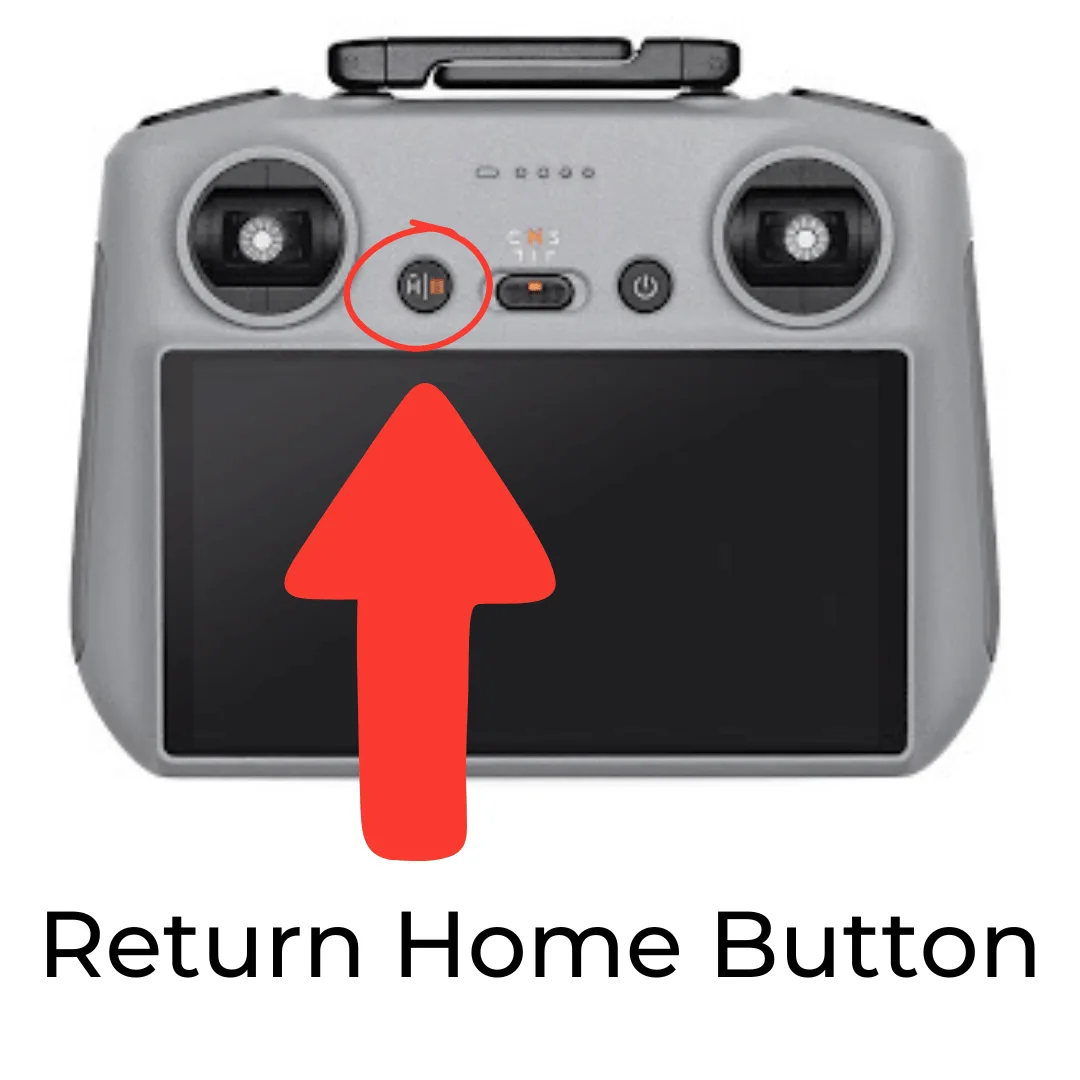
The Return-to-Home (RTH) feature offers your best chance to recover a lost drone quickly. If you’ve lost connection with your drone, immediately check if you can trigger RTH through your controller or app interface. Most modern drones are programmed to automatically initialize RTH when battery levels drop critically low or when signal is lost, but manual activation may still be necessary.
Before flying, always verify your RTH settings are properly configured with an appropriate home point and return altitude. Remember that RTH limitations exist—the feature won’t work if your drone’s GPS signal is weak, if it’s flying indoors without positioning systems, or if the battery is already depleted. In these scenarios, you’ll need to rely on other recovery methods, so don’t depend solely on RTH as your recovery strategy.
Keep the Controller On
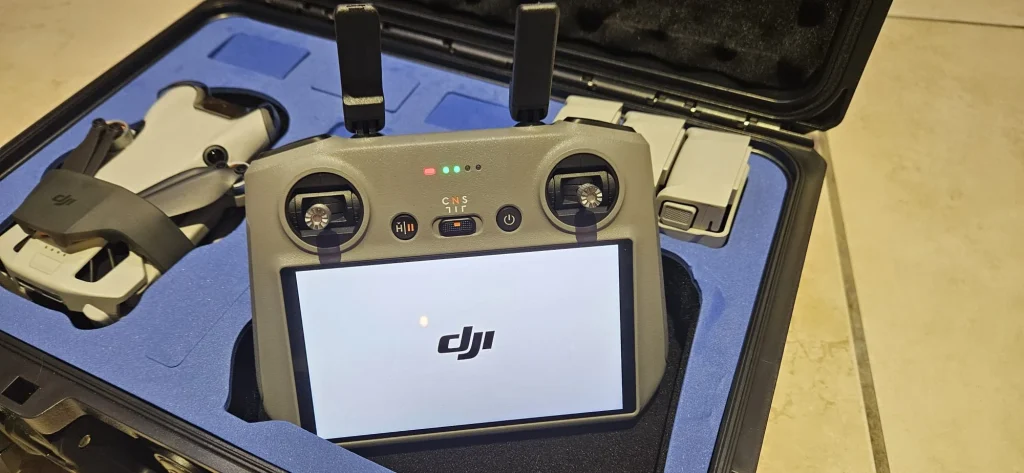
Despite the natural instinct to frantically search for your drone, keeping your controller powered on should be your immediate priority after losing visual contact. Your controller serves as a communication lifeline that may help reconnect with your drone if it’s still operational and within range.
Many drones are programmed to search for their controller’s signal when communication is disrupted. By maintaining power to your controller, you’re essentially creating a beacon that your drone might detect and respond to. Check the controller’s display for signal strength indicators that could provide clues about your drone’s approximate direction or distance.
Be mindful of your controller battery level during this process. If it’s running low, consider using a portable power bank to keep it alive while you conduct your search efforts.
Using DJI’s “Find My Drone” Feature
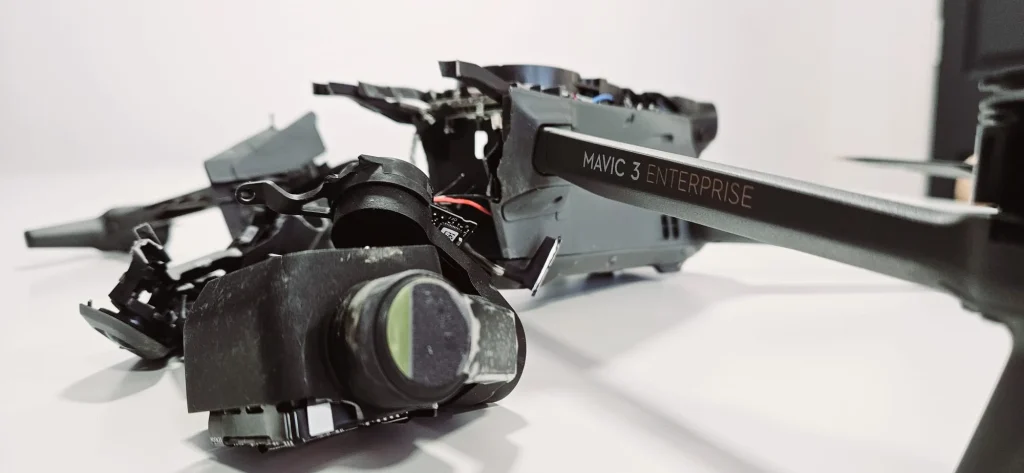
DJI drones offer a built-in feature to help locate your missing aircraft through their companion apps. If you’re using the DJI Fly App, you’ll find the “Find My Drone” option in the safety settings menu, which displays your drone’s last known GPS coordinates. DJI GO 4 users can access this same feature through the aircraft battery page, providing crucial location data that could lead you straight to your lost drone.
For DJI Fly App
If you’re using a DJI drone with the DJI Fly app, finding your lost aircraft is significantly easier thanks to the built-in “Find My Drone” feature. This drone tracking tool records your aircraft’s last known location to help you recover it quickly.
To access this feature, you have two options within the app navigation. Either tap “Profile > Find My Drone” from the Home screen, or if you’re already in Camera View, tap the three dots, then “Safety > Find My Drone.” Once there, tap the red aircraft arrow icon to begin your search.
For more effective recovery, use the “User Other Maps” option for detailed route planning. This provides alternate map views that might show terrain features or paths to help you reach your drone’s location efficiently.
For DJI GO 4
The DJI GO 4 app offers a similar search function to its newer counterpart, making drone recovery straightforward with just a few taps. To begin drone tracking, enter the Home screen and tap the menu icon (≡), then select “Find My Drone” from the options.
Once you’re in the tracking interface, tap the red arrow icon to initiate the search process. The app will attempt to connect with your lost drone and display its last known location on the map.
If your drone still has sufficient battery management and can establish a connection, you can use the “Start Flashing and Beeping” feature to make it more noticeable. This causes your drone to emit audio signals and flash its lights, making it easier to locate in challenging environments like tall grass or trees.
Systematic Lost Drone Search Strategies
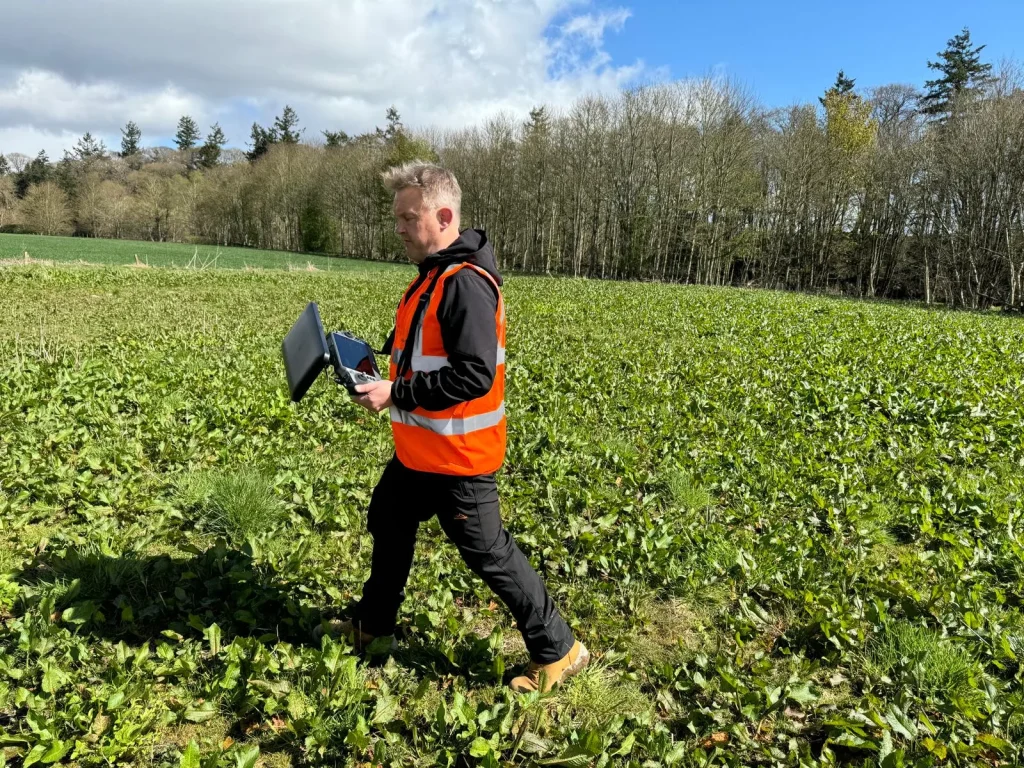
When you’ve lost your drone indoors, start by scanning high shelves, ceiling fans, and behind furniture where it might have landed after battery failure. For outdoor searches, return to your last known flight location and search in an expanding spiral pattern, paying special attention to trees, bushes, and rooftops within the drone’s maximum flight range. You’ll improve your chances of recovery by searching during daylight hours and enlisting help from others to cover more ground quickly.
Indoor Search Techniques
Losing your drone indoors may seem less daunting than an outdoor search, but confined spaces present their own unique challenges. Indoor obstacles like furniture, curtains, and ceiling fixtures can trap your drone in unexpected places. Start by methodically checking high shelves, behind furniture, and under tables where your device might have landed.
For enhanced drone safety and efficient recovery, try these specialized techniques. Turn off all lights in the room and look for the drone’s flashing LED indicators, which become much more visible in darkness. If you’ve lost connection completely, rebooting both your device and the drone can help reestablish communication and potentially activate sounds or lights that make it easier to locate. Remember to check inside vents, behind curtains, and other tight spaces where your drone might have become wedged.
Outdoor Search Methods
Unlike indoor searches that offer limited hiding places, outdoor environments present vast expanses where your drone might have landed or crashed. Your search strategy needs to be methodical and thorough.
Start by returning to the drone’s last known location and use binocular scanning to survey the surrounding area. Binoculars or a telescope will help you spot your drone at a distance, especially if it’s stuck in a tree or on a rooftop.
Implement systematic searching by dividing the area into a grid pattern. Search each section thoroughly before moving to the next. Begin with a small radius around the last known position and gradually expand outward. This prevents you from missing potential hiding spots and ensures you cover the entire search area efficiently.
Advanced Lost Drone Recovery Methods
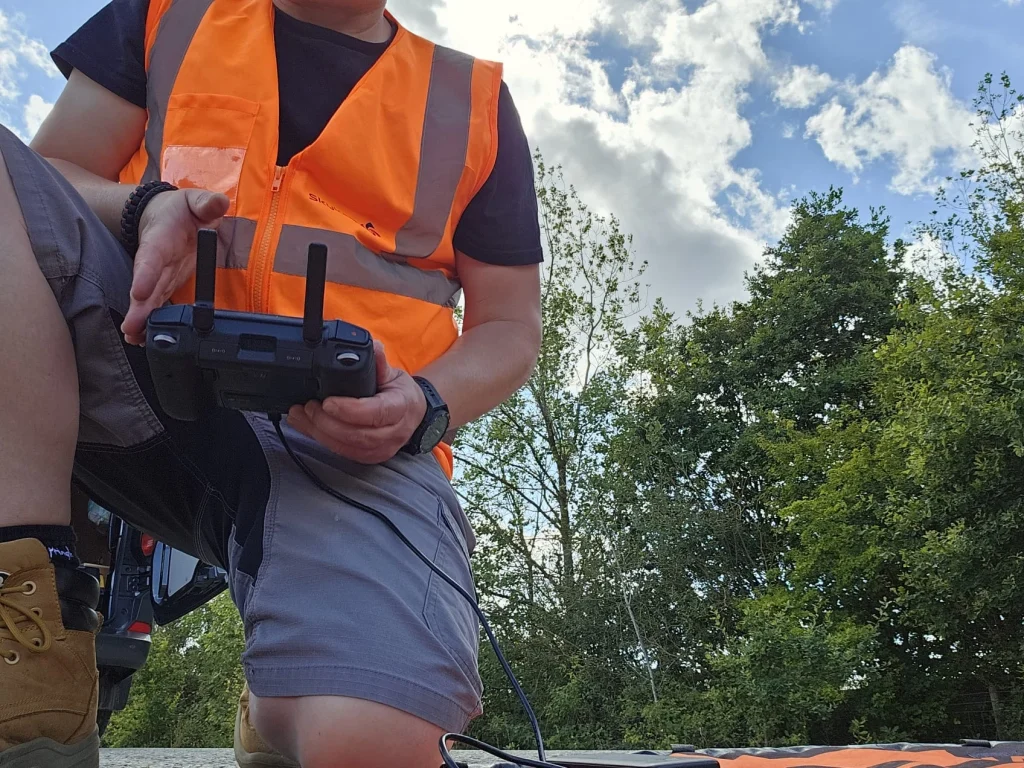
For more sophisticated recovery of your lost drone, you can launch another drone to search from the air and scan a wider area more efficiently. If your drone has a beeper function, listen carefully for its signal which may activate when the battery is low or in response to certain controller inputs. Don’t forget to check online marketplaces and report your missing drone to local authorities who might recover it during routine patrols.
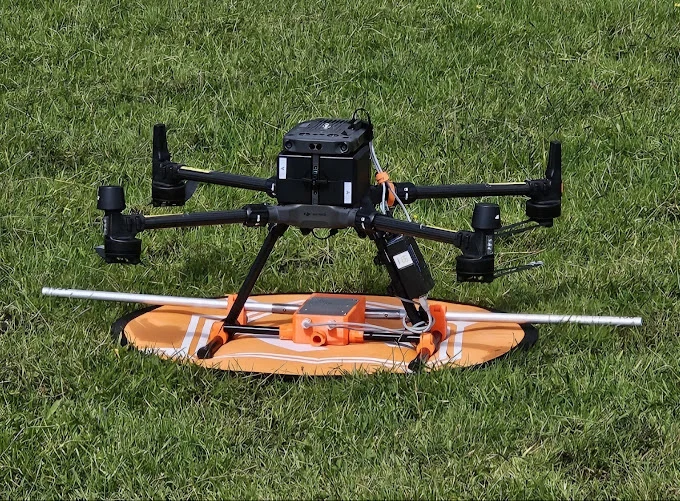
Use Another Drone
One of the most effective ways to find a missing drone involves deploying another drone as your aerial search assistant. If you own a spare drone, you’ve got a powerful recovery tool at your disposal.
When you’ve exhausted ground-level searching, take to the skies with your second drone. This aerial recovery method gives you a comprehensive view of the area that’s impossible to achieve on foot. Simply launch your backup drone and methodically scan the terrain from above. This drone scanning technique is particularly valuable in open areas where visibility isn’t obstructed by dense foliage or structures.
Program your search drone to fly in a grid pattern at various altitudes, carefully examining the landscape for any sign of your lost device. The bird’s-eye perspective often reveals your missing drone in places you wouldn’t spot from ground level.
Listen for Beeping
Silence can be your greatest ally during a drone recovery mission. When visual searching fails, your ears might lead you to your missing aircraft through beeping signals that many modern drones emit when in distress.
If your DJI drone still has battery power, it’s likely sending out help in the form of drone sounds. Many DJI models include a convenient find-me feature that activates beeping and flashing lights specifically designed for recovery situations. To maximize your chances of detecting these audio cues, pause periodically during your search, turn off any noisy equipment, and listen carefully. Early morning or evening searches often provide quieter conditions when background noise is minimal.
Don’t forget to use your phone app if available—many manufacturers include remote beeping activation options through their control software.
Check Online Listings
When your drone doesn’t turn up despite extensive searching, it’s worth considering that someone might have found and taken it. Unfortunately, lost drones sometimes end up for sale online by opportunistic finders.
Monitor online marketplaces like eBay and Craigslist regularly for listings that match your drone’s description. Set up alerts with specific keywords including your drone’s model number, color, and any unique identifiers. Don’t limit your search to just local listings, as someone might try selling it in neighboring areas.
Also check social media platforms, especially local buy/sell groups and marketplace features. Join drone enthusiast groups and share details of your missing device—fellow pilots often keep an eye out for suspiciously acquired equipment. Take screenshots of any suspicious listings as evidence should you need to involve authorities.
Report to Authorities
Many drone pilots hesitate to involve law enforcement, but reporting your missing drone can significantly increase your chances of recovery. Local authorities often maintain lost and found departments where recovered items, including drones, are cataloged and stored until claimed by rightful owners.
Familiarize yourself with proper reporting procedures in your area. Most police stations require basic information such as the drone’s make, model, serial number, and distinctive features. Some jurisdictions offer specialized local resources for drone recovery. In the UK, the Drones Reunited platform connects pilots with their lost aircraft through a national database system.
Don’t wait too long to file a report—the sooner authorities know about your missing drone, the better your odds of having it returned to you.
Conclusion
Losing your drone isn’t the end of the world. Act quickly by checking flight logs and using tracking features like DJI’s “Find My Drone.” Search systematically using grid patterns, listen for beeping sounds, and consider aerial assistance from another drone. Don’t forget to reach out to local communities and authorities. With these methods, you’ll maximize your chances of reuniting with your lost drone.

