

To take photos with your DJI Mini 4 Pro, first switch to Photo mode using the Photo/Video toggle on the remote controller. Press the Shutter/Record button once to capture an image. Customize your settings in the DJI Fly app, choosing from Single shot, AEB, Burst, or Timed Shot modes.
Adjust exposure, ISO, shutter speed, and aperture to suit your needs. Experiment with composition by varying altitude and angles. For better results, shoot in RAW format and use features like intelligent tracking and night mode.
Plan your shoot carefully, considering location and lighting conditions. There’s much more to explore with your Mini 4 Pro’s photography capabilities.
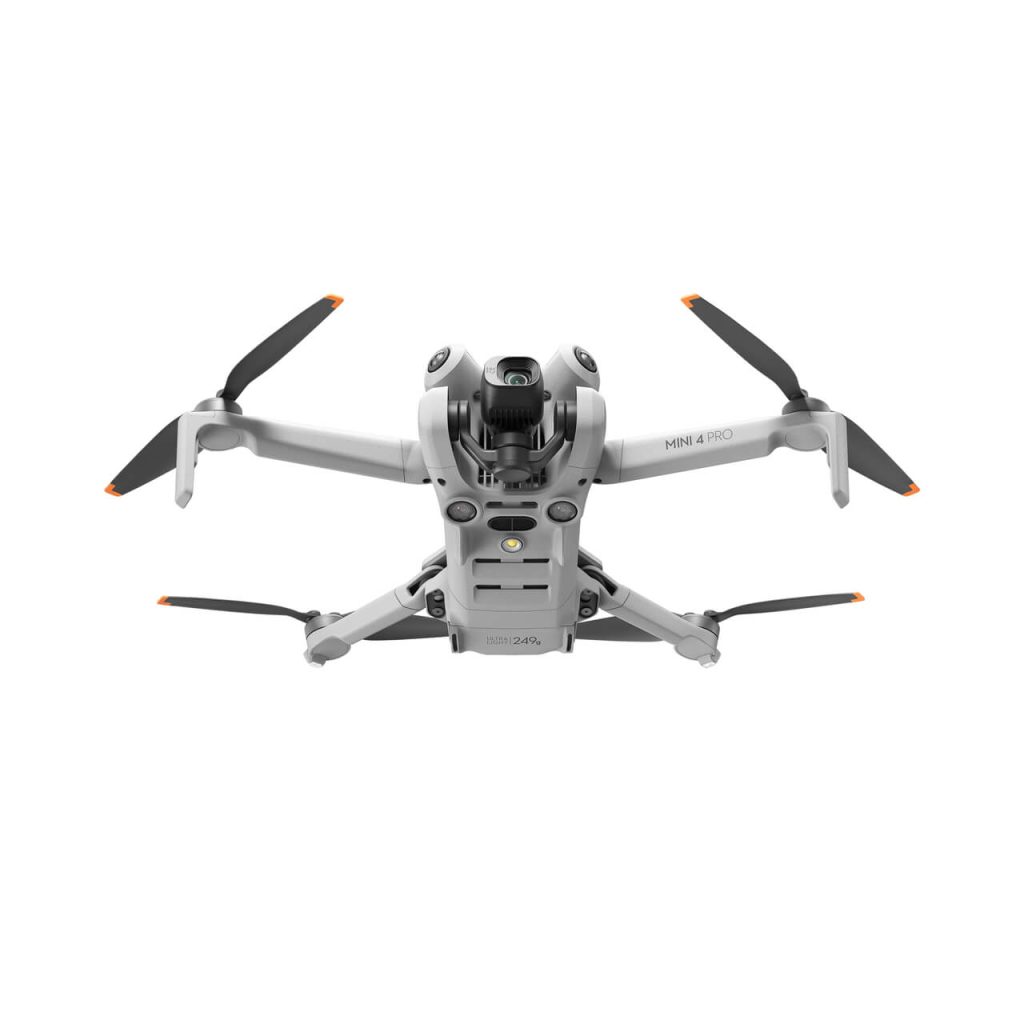
How to Take Photos with DJI Mini 4 Pro
To capture stunning photos with your DJI Mini 4 Pro, you’ll need to master a few key steps.
Start by switching to Photo Mode and pressing the Shutter/Record Button, keeping in mind its dual functionality.
You can further enhance your shots by customizing photo settings in the DJI Fly App and familiarizing yourself with the camera’s various options.
Switch to Photo Mode
Switching to Photo mode is your first step in capturing stunning images with your DJI Mini 4 Pro. To ensure you’re in the right mode, locate the Photo/Video Toggle button on your remote controller.
This essential control allows you to switch seamlessly between Photo and Video modes, enabling you to adapt quickly to different shooting scenarios.
Before you start snapping pictures, it’s crucial to verify that you’re in Photo mode.
Take a moment to check your remote controller’s display or the DJI Fly app interface on your connected device. You should see clear indicators that you’re in Photo mode, such as a camera icon or the word ‘Photo’ displayed prominently.
If you find yourself in Video mode, don’t worry.
Simply press the Photo/Video Toggle button to switch to Photo mode. You’ll notice an immediate change in the interface, with photo-specific settings and options becoming available.
This quick toggle ensures you’re always ready to capture high-quality still images with your DJI Mini 4 Pro.
Press the Shutter/Record Button
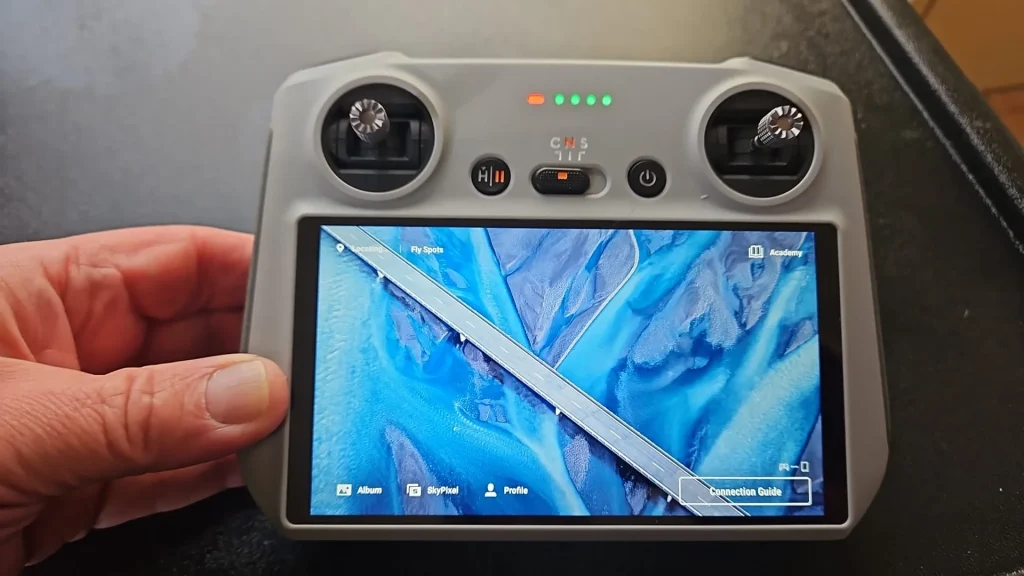
Once you’re in Photo mode, you’ll find the Shutter/Record Button conveniently located on the top right corner of your remote controller.
This button is your key to capturing stunning aerial photographs with your DJI Mini 4 Pro.
To take a photo, simply press the Shutter/Record Button once. It’s that easy! When you press the button, you’ll hear a distinctive click sound, and your drone will instantly capture the image.
This immediate response allows you to seize fleeting moments and perfect compositions without delay.
Remember, timing is crucial in aerial photography.
Whether you’re capturing a breathtaking landscape, a unique architectural perspective, or a memorable event, the Shutter/Record Button puts the power of instant capture at your fingertips.
It’s important to keep your hand steady when pressing the button to avoid any unintended movement that could affect your shot.
If you’re using any specific photo settings or modes, such as burst mode or timed shots, make sure you’re familiar with how they work in conjunction with the Shutter/Record Button.
With practice, pressing the Shutter/Record Button will become second nature, allowing you to focus on composing the perfect shot rather than fumbling with controls.
Understand Dual Functionality of the Shutter/Record Button
While you’ve mastered using the Shutter/Record Button for photos, it’s important to understand its dual functionality for both photo and video capture.
This versatile button serves two distinct purposes depending on the mode you’re in, enhancing your control over the DJI Mini 4 Pro’s imaging capabilities.
In Photo mode, the Shutter/Record Button operates as you’d expect. A single press triggers the camera to capture a still image, freezing the moment you’ve framed in your viewfinder. It’s quick, simple, and efficient, allowing you to snap photos with ease.
However, when you switch to Video mode, the same button takes on a different role. Here, pressing it once initiates video recording, and pressing it again stops the recording. This dual functionality eliminates the need for separate buttons, streamlining the drone’s design and your workflow.
Understanding this dual functionality is crucial for seamless operation of your DJI Mini 4 Pro. It allows you to switch between photo and video capture effortlessly, ensuring you don’t miss any important moments.
Remember to always check which mode you’re in before pressing the button to avoid unintended actions.
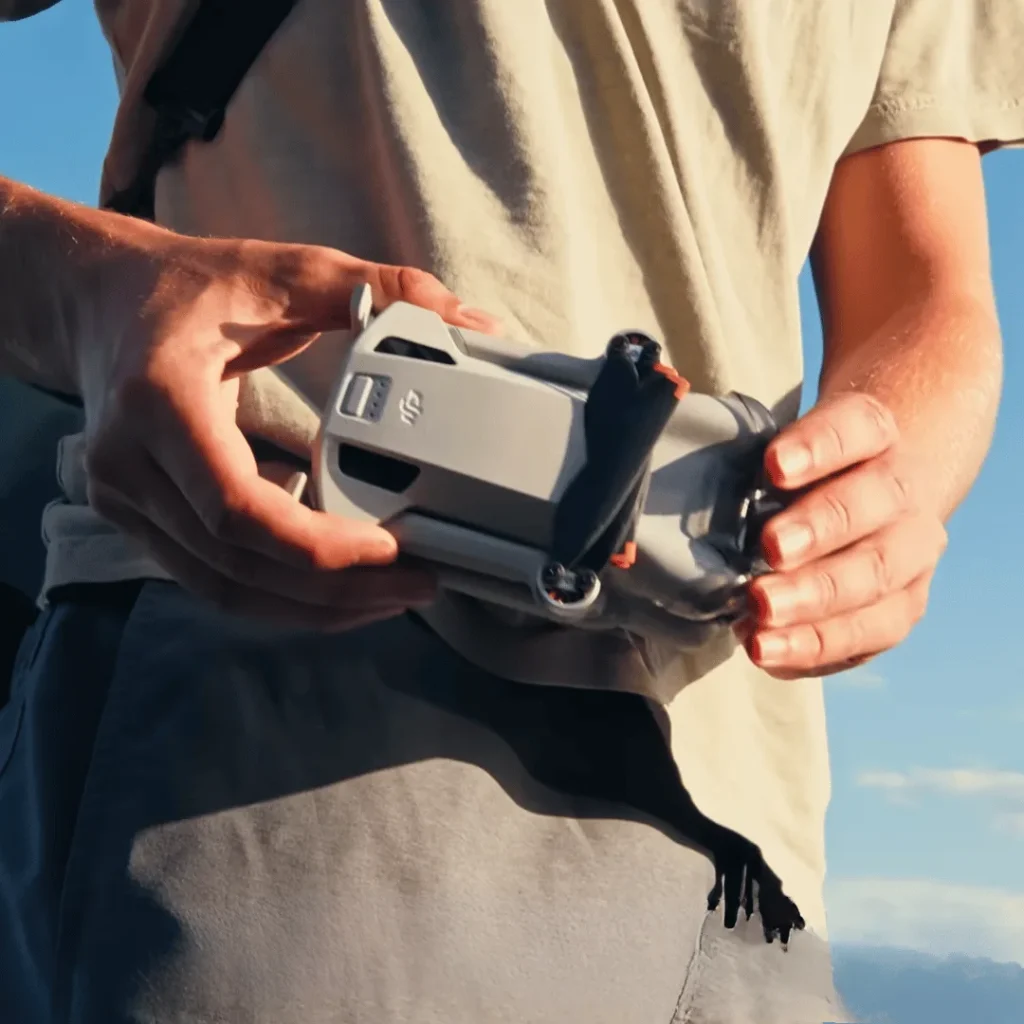
Customize Photo Settings in the DJI Fly App
To elevate your aerial photography, you’ll want to customize the photo settings in the DJI Fly app before taking off.
This app offers a range of options to help you capture the perfect shot with your DJI Mini 4 Pro.
First, explore the various shooting modes available. You can choose from Single shot for standard photos, AEB (Auto Exposure Bracketing) for high dynamic range images, Burst mode for rapid-fire sequences, or Timed Shot for delayed captures. Each mode serves a different purpose, so select the one that best suits your intended shot.
Next, decide on your preferred photo format. You can opt for RAW files, which offer more flexibility in post-processing, or JPEG for smaller file sizes and immediate sharing. Consider the aspect ratio as well, adjusting it to fit your composition or intended use.
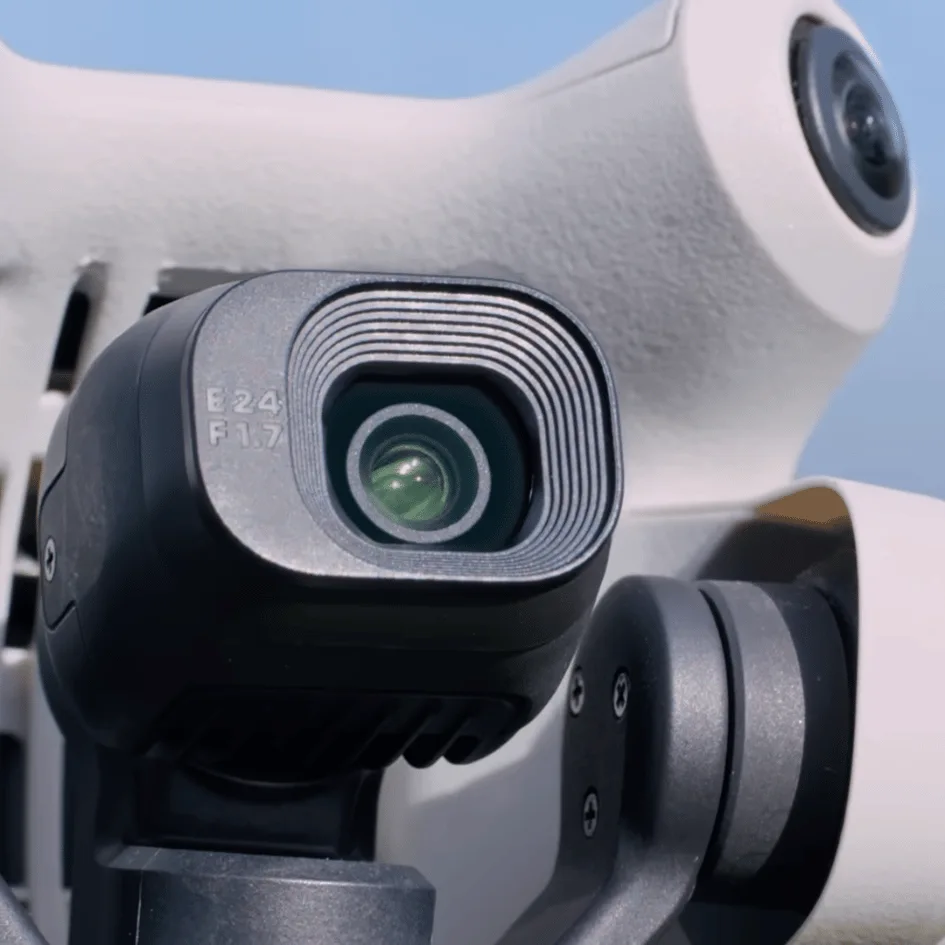
Familiarize Yourself with Camera Settings
Mastering your DJI Mini 4 Pro’s camera settings is crucial for capturing stunning aerial photos. Before you take to the skies, it’s essential to familiarize yourself with these settings and adjust them according to your specific shooting conditions.
This preparation will help you achieve the best possible results and avoid missed opportunities once you’re airborne.
Take the time to explore the various camera options available on your DJI Mini 4 Pro.
Understand how to adjust exposure, ISO, shutter speed, and aperture to suit different lighting situations.
Learn about the different photo modes, such as single shot, burst, AEB (Auto Exposure Bracketing), and timed shots.
Experiment with white balance settings to ensure accurate color representation in various environments.
Don’t forget to explore the camera’s focus modes, including auto, manual, and AFC (Auto Focus Continuous).
Practice adjusting these settings on the ground, simulating different scenarios you might encounter during flight.
This hands-on experience will help you become more confident and efficient in making quick adjustments while in the air.
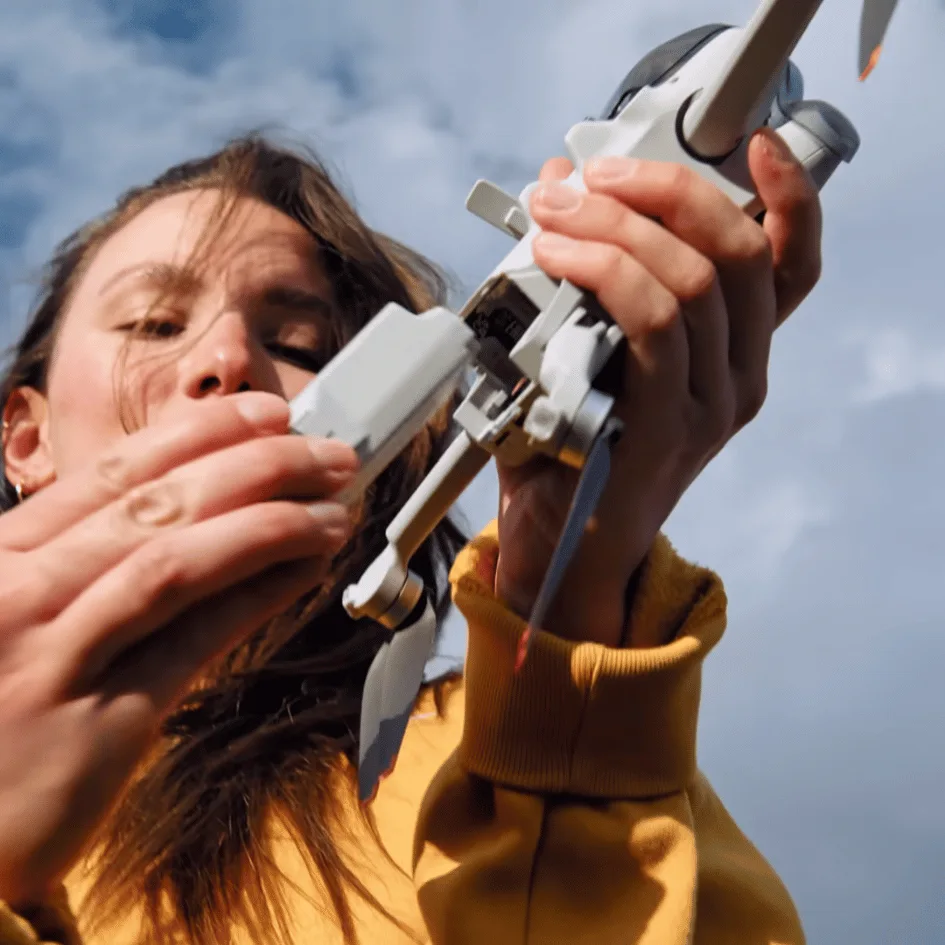
Camera Settings
In light of the DJI Mini 4 Pro’s advanced camera capabilities, optimizing your settings is crucial for capturing stunning aerial shots.
To maximize image quality and editing flexibility, always shoot in RAW format. This allows you to retain more data and make extensive adjustments in post-processing without compromising image quality.
For the highest resolution, consider using the 48MP mode. However, be aware that this setting comes with a trade-off: reduced dynamic range compared to the normal 12MP mode. Evaluate your shooting situation to determine which option best suits your needs.
To ensure accurate color representation, set your white balance manually rather than relying on auto mode. For daylight conditions, a setting between 5000K and 5600K typically yields the best results. This approach helps maintain consistent colors across your images and reduces the need for extensive color correction later.
Keep your ISO settings low, ideally between 100 and 400, to minimize noise in your photos. This is particularly important in low-light situations where higher ISOs can introduce unwanted graininess to your images.
Take advantage of the drone’s burst mode to capture multiple shots in quick succession. This technique helps compensate for any slight movements of the drone, increasing your chances of getting a sharp, clear image.
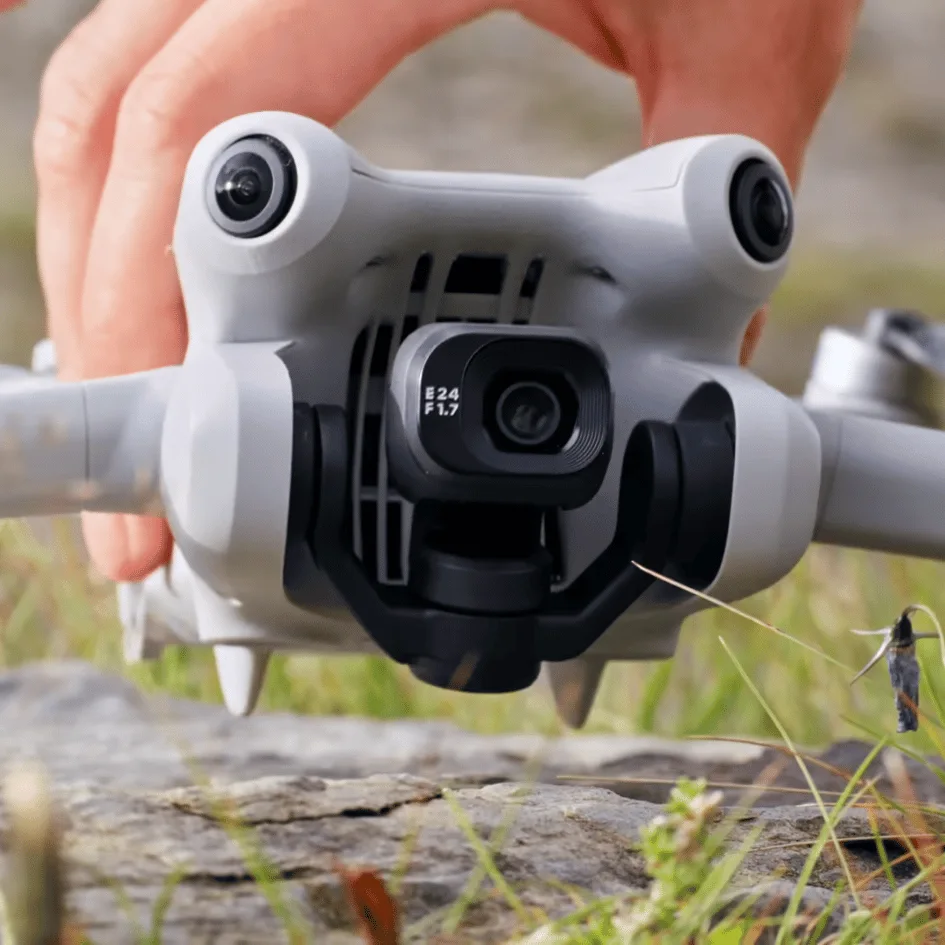
Composition and Techniques
Effective composition techniques can elevate your DJI Mini 4 Pro photos from ordinary to extraordinary. One of the most fundamental principles you should apply is the rule of thirds.
Imagine your frame divided into a 3×3 grid, and position key elements along these lines or at their intersections. This simple technique can dramatically improve the balance and visual appeal of your shots.
Don’t be afraid to experiment with different angles and heights. The unique advantage of your drone is its ability to capture perspectives that would be impossible from the ground. Try shooting from low altitudes for an intimate view or ascend higher for sweeping vistas.
Rotate your drone to find interesting diagonal lines or patterns in the landscape.
When sharing your photos on social media, consider using vertical orientation. Many platforms prefer portrait-style images, and this format can provide a fresh perspective on familiar scenes. It’s particularly effective for capturing tall structures or emphasizing depth in your compositions.
For scenes with high contrast between light and dark areas, use the Auto Exposure Bracketing (AEB) mode. This feature takes multiple shots at different exposures, allowing you to combine them later for a well-balanced final image.
Lastly, don’t overlook the panorama feature of your DJI Mini 4 Pro. This mode allows you to capture ultra-wide views that can be particularly impressive for landscape photography.
By mastering these composition techniques and leveraging your drone’s capabilities, you’ll be able to create stunning, professional-looking photographs that truly stand out.
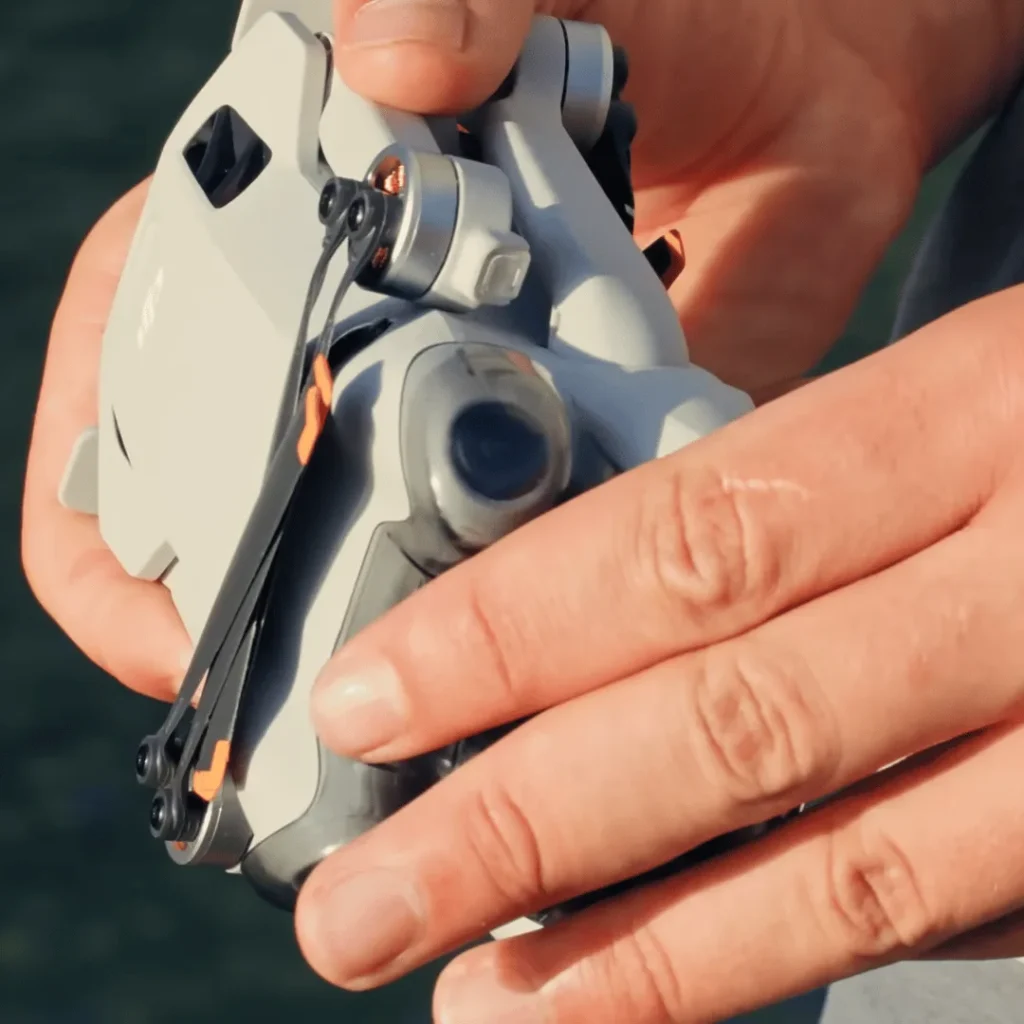
Advanced Features
The DJI Mini 4 Pro boasts several advanced features that’ll take your aerial photography to new heights.
This intelligent tracking system keeps your subject in frame as you fly, enabling you to create smooth, professional-looking footage of moving objects or people.
For those moments when the light starts to fade, the Mini 4 Pro’s night mode comes to the rescue. Whether you’re shooting cityscapes at dusk or capturing the serene beauty of a moonlit landscape, night mode will help you achieve sharper, more detailed results.
Don’t forget about the vertical shooting mode, which is perfect for creating portrait orientation photos. It allows you to capture tall structures, waterfalls, or other vertical subjects in their full glory without the need for post-processing cropping.
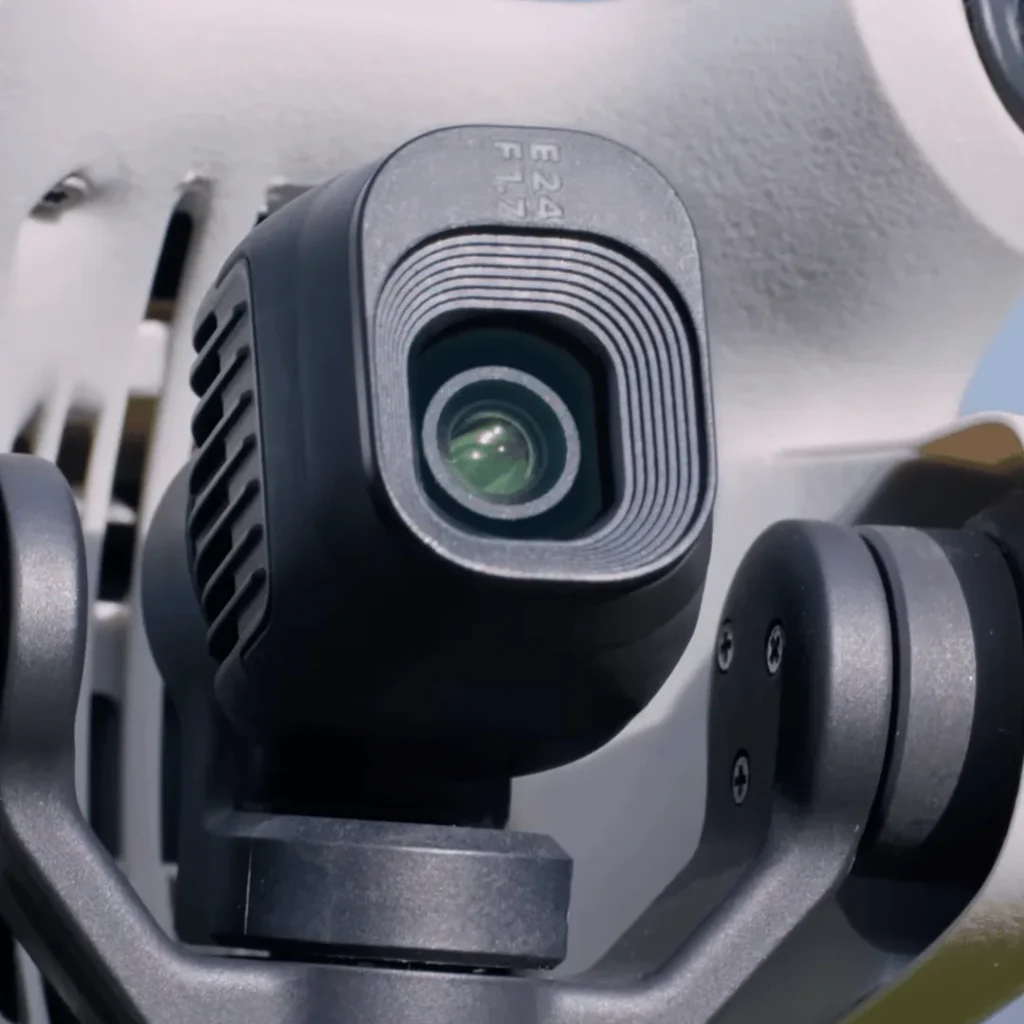
General Tips
Three key tips will help you elevate your DJI Mini 4 Pro photography game. These general guidelines will ensure you capture stunning aerial shots and make the most of your drone’s capabilities.
First, plan your shoots meticulously.
Consider the location, weather conditions, and lighting when preparing for your aerial photography session. Scout potential locations in advance, checking for any flight restrictions or obstacles.
Keep an eye on the weather forecast, as wind and precipitation can affect your drone’s performance and image quality.
Additionally, pay attention to the time of day and how it impacts lighting.
Golden hour, just after sunrise or before sunset, often provides the most flattering light for landscape photography.
Second, practice flying in cinematic mode to achieve smoother movements. This mode allows for more gradual acceleration and deceleration, resulting in fluid, professional-looking footage.
Spend time mastering your control inputs to create seamless pans, tilts, and tracking shots. The more you practice, the more natural these movements will become, enhancing the overall quality of your aerial photography.
Lastly, don’t underestimate the importance of post-processing. Shoot in RAW format to capture the maximum amount of image data.
Then, use photo editing software to bring out the best in your images. Adjust exposure, contrast, and color balance to enhance the visual impact of your shots.
Experiment with different editing techniques to develop your unique style and make your DJI Mini 4 Pro photos stand out from the crowd.
Conclusion
You’ve now got the tools to capture stunning photos with your DJI Mini 4 Pro.
Remember to experiment with different camera settings, focus on composition, and explore advanced features.
Don’t forget to practice regularly and have fun with your drone photography.
As you gain experience, you’ll develop your own unique style.
Keep pushing your creative boundaries, and soon you’ll be taking breathtaking aerial shots that’ll impress everyone.

