
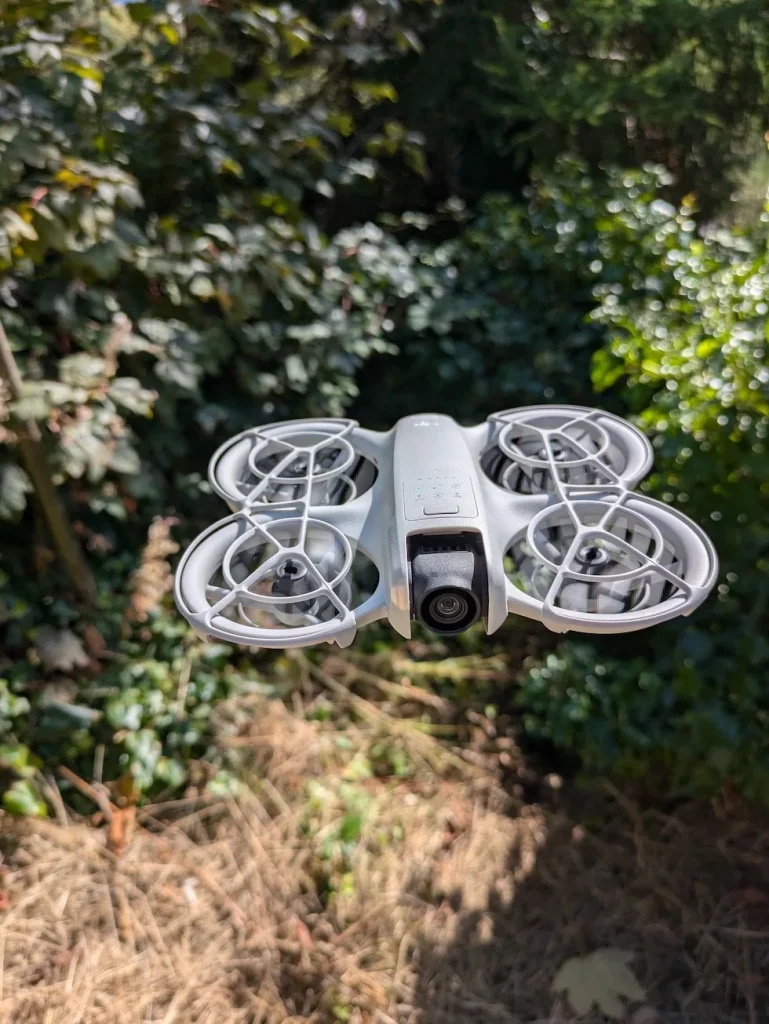

To turn on your DJI Neo, first verify the Intelligent Flight Battery is properly inserted and charged. Locate the power button on the drone’s body and press it once to check the battery level. If sufficient, press and hold the power button until the battery level LEDs illuminate, indicating the drone is powering up. After it’s on, connect your smartphone to the remote controller and launch the DJI Fly app. Follow the on-screen prompts to activate your aircraft and select your desired shooting mode. With these steps, you’ll be ready to take to the skies, but there’s more to learn about operating your DJI Neo safely and efficiently.
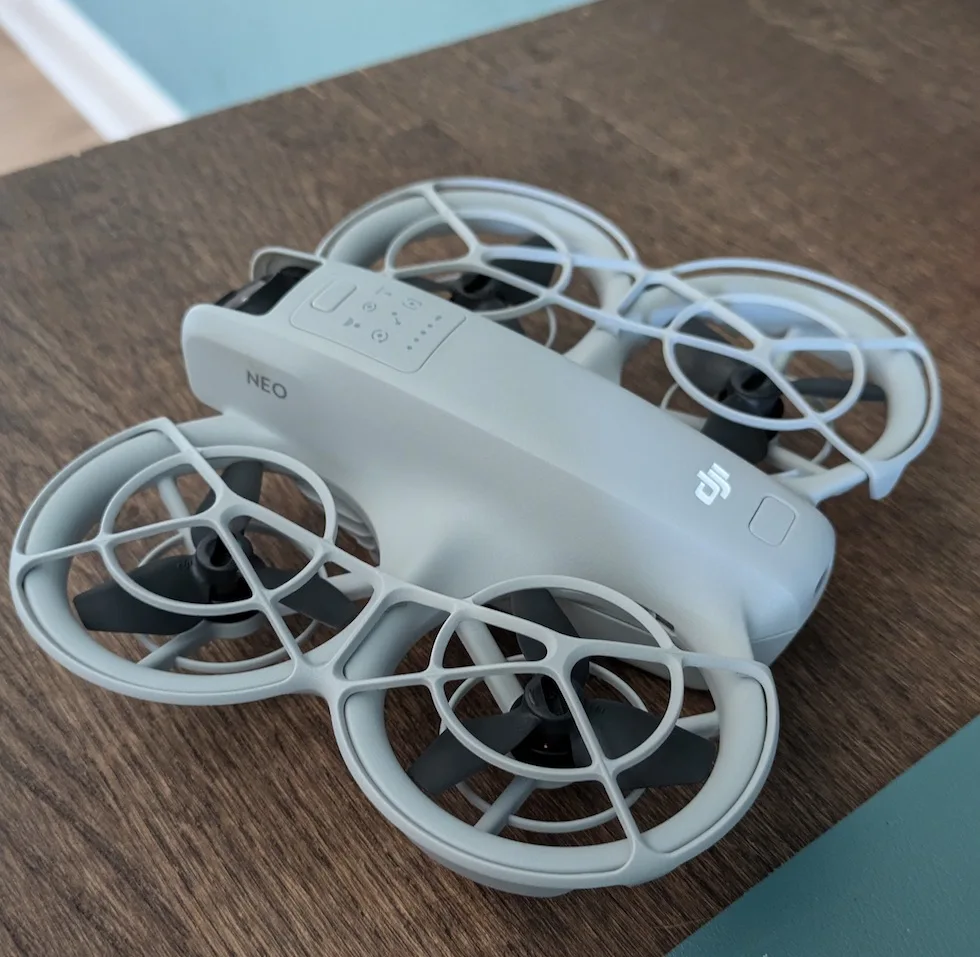
Turn On Procedure On DJI Neo
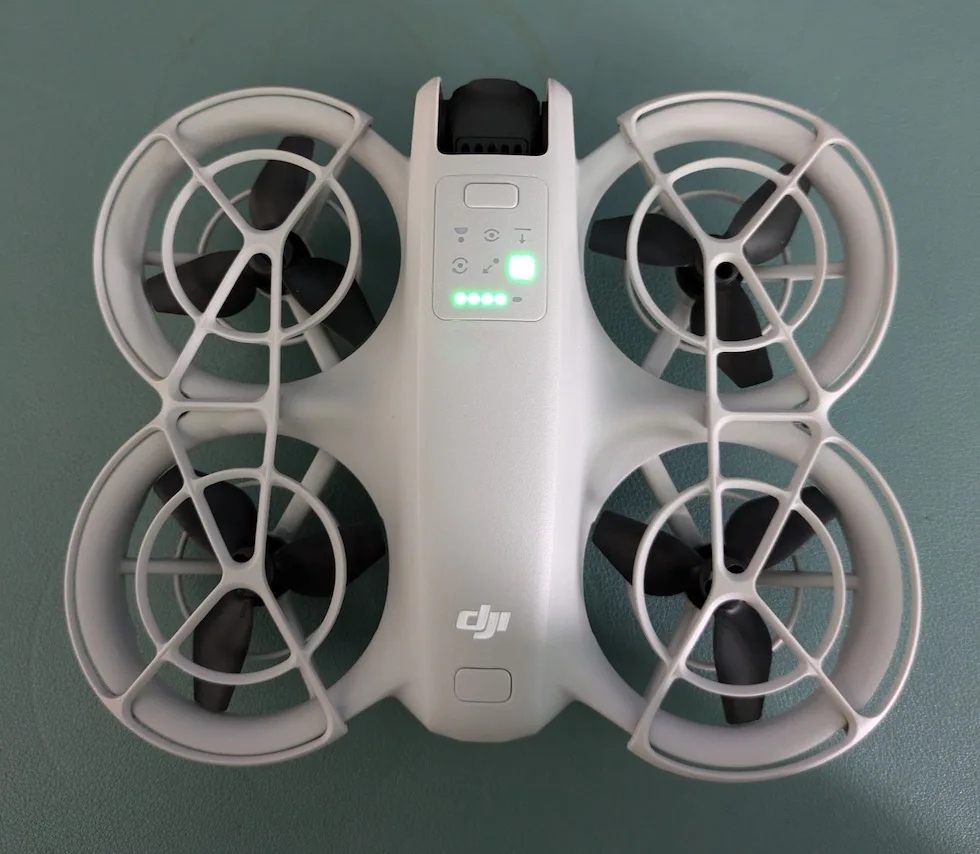
To turn on your DJI Neo, follow these simple steps. First, locate the power button on the body of the device.
It’s essential to confirm that the Intelligent Flight Battery is properly inserted and charged before proceeding.
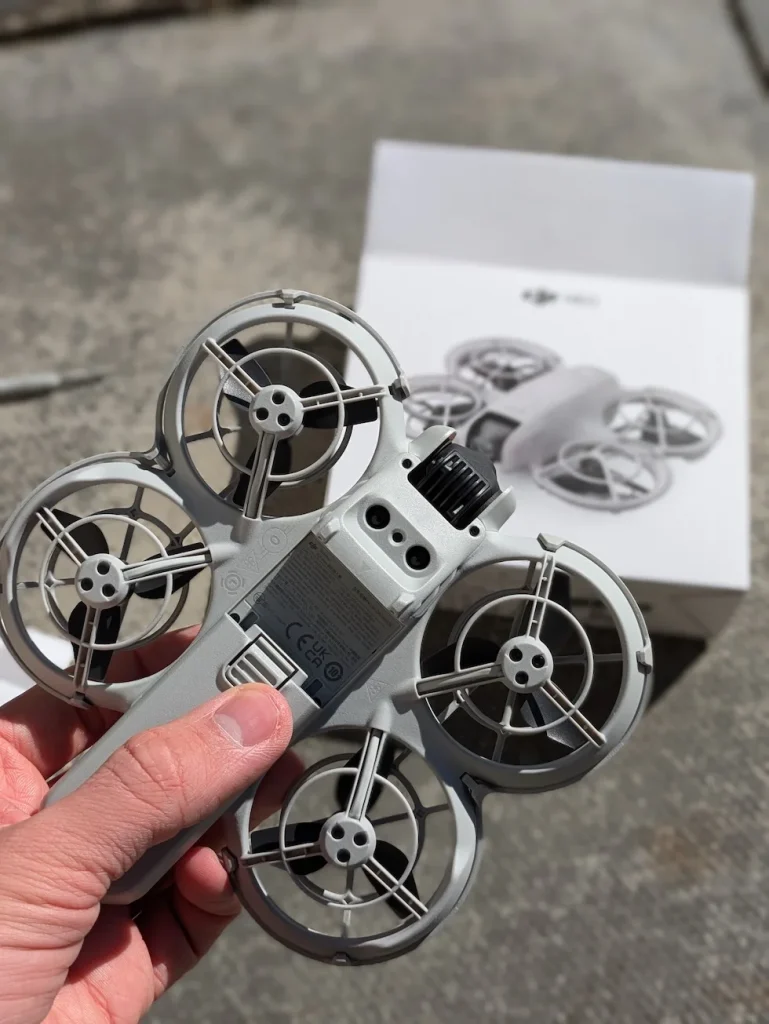
Once you’ve confirmed the battery is in place, press the power button once. This action will display the current battery level on the battery level LEDs. It’s a quick way to check if you have enough power for your intended flight.
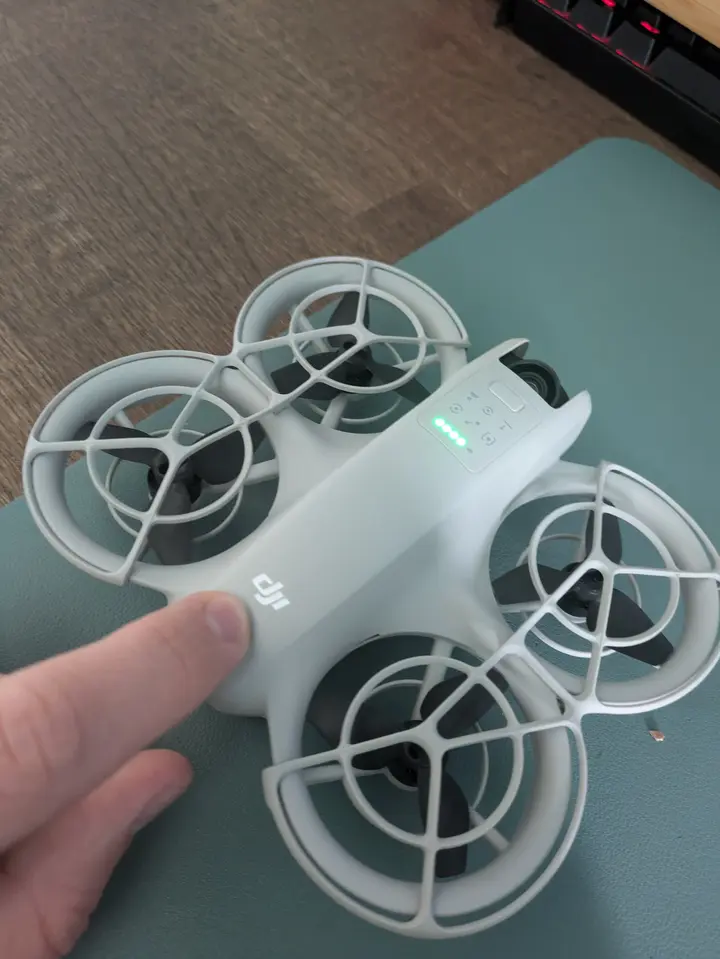
If the battery level is sufficient, you’re ready to power on the DJI Neo. Press and hold the power button until the device turns on. You’ll notice the battery level LEDs illuminate again, indicating that the drone is powering up.
After powering on the DJI Neo
Once you’ve successfully powered on your DJI Neo, you’ll need to complete a few more steps before taking flight.
First, connect your smartphone to the remote controller. This connection allows you to access the drone’s controls and view its camera feed in real-time.
Next, launch the DJI Fly app on your smartphone. This app serves as your primary interface for controlling the Neo and adjusting its settings.
Once the app is open, you’ll see on-screen prompts guiding you through the activation process for your aircraft. Follow these instructions carefully to guarantee your Neo is properly set up and ready for use.
After activation, it’s time to select your desired shooting mode. You can do this by pressing the mode button on the Neo itself.
This step is vital for determining how your drone will capture footage during flight.
How To Take Off After Powering On
Launching your DJI Neo into the air is straightforward, with two main take-off options available. You can choose between using the remote controller or palm control, depending on your preference and comfort level.
If you opt for the remote controller method, start by pushing both control sticks for about two seconds. This action will initiate the propellers’ rotation. Once the propellers are spinning, simply push the left stick upward to lift off. The Neo will begin to ascend, and you can then control its flight using the remote controller.
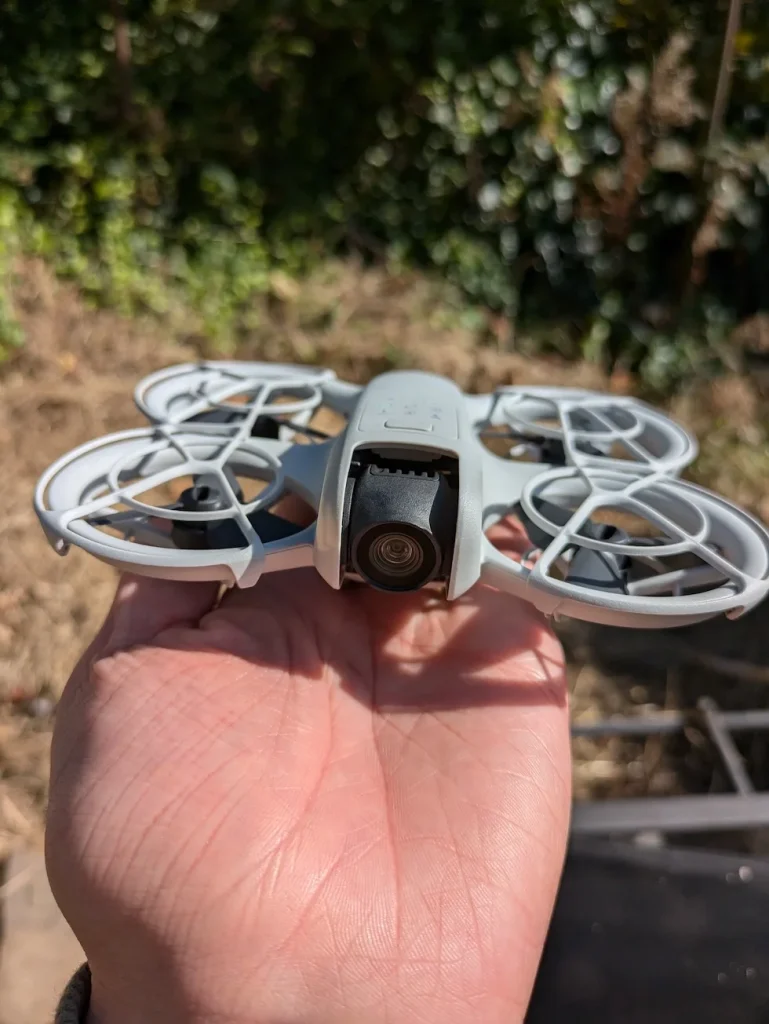
For a more hands-on approach, you can use palm control. Extend your arm outwards with the Neo facing you, then press and hold the button closest to the camera.
You will then here a count down timer.
The drone will then take off directly from your palm, giving you a unique and interactive launch experience.
After takeoff, you have the flexibility to control the Neo using either the remote controller or phone controls. The choice depends on your selected mode and personal preference.
This versatility allows you to adapt your control method to different situations and flying environments, ensuring a smooth and enjoyable flight experience with your DJI Neo.
If Your DJI Neo Is Not Turning On
If your DJI Neo won’t turn on, don’t panic—there are several troubleshooting steps you can try.
Start by checking the battery’s charge level and ensuring it’s properly inserted.
If that doesn’t work, inspect the power button for damage, check the battery contacts for debris, and consider performing a “hard reset” to resolve any software issues.
Check the battery
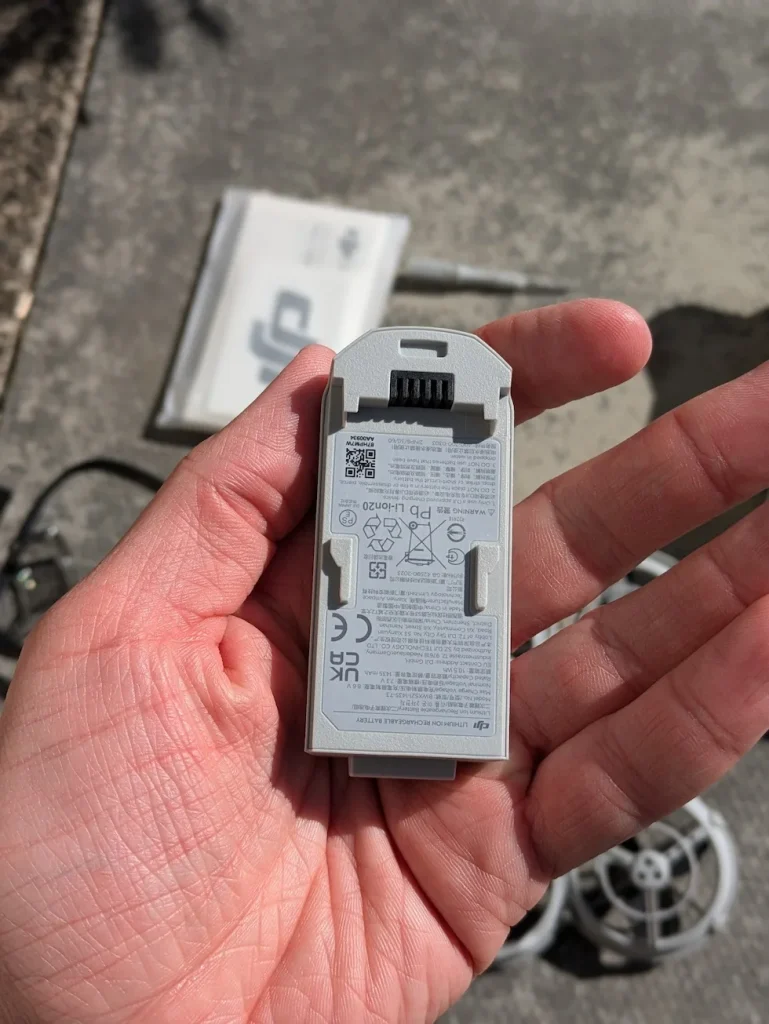
Battery troubles are often the culprit when your DJI Neo won’t power up. To address this issue, start by ensuring that the Intelligent Flight Battery is correctly inserted into your drone. Make sure it’s not only in place but also securely locked. An improperly seated battery can prevent your DJI Neo from turning on, even if it’s fully charged.
Next, try charging the battery to its full capacity using the official DJI charger. Sometimes, a depleted battery can mimic the symptoms of a more serious problem.
If you’ve been using a third-party charger, switch to the DJI-approved one to rule out any compatibility issues that might be affecting the charging process.
If you have access to another battery, it’s worth testing your DJI Neo with it. This simple step can quickly determine whether the problem lies with the battery itself or with the drone.
A faulty battery can prevent your Neo from powering on, so using a known working battery can help isolate the issue. If your drone turns on with the alternative battery, you’ll know it’s time to replace the original one.
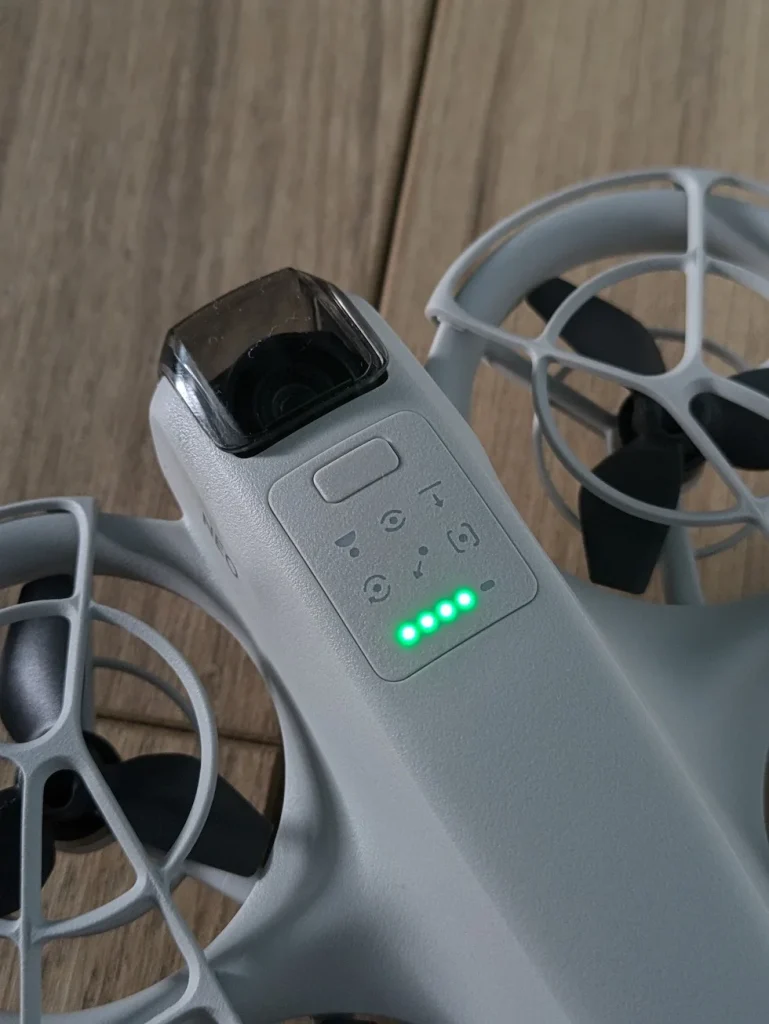
Inspect the power button
After ruling out battery issues, your next step is to examine the power button itself. The power button is an essential component for turning on your DJI Neo, and any damage or obstruction can prevent it from functioning correctly.
First, visually inspect the power button for any signs of physical damage. Look for cracks, chips, or unusual wear that might indicate the button is broken. If you notice any damage, it’s best to contact DJI support for repair options.
Next, check if the button feels stuck or unresponsive when you press it. A stuck button won’t register your input, making it impossible to turn on your device. Gently press the power button a few times to see if it moves freely.
If the button appears undamaged but still isn’t working, debris might be interfering with its operation. Carefully clean around the power button using a soft, dry cloth. Be gentle to avoid pushing debris further into the device. Pay attention to any visible dirt, dust, or grime that may have accumulated around the button’s edges.
If these steps don’t resolve the issue, there may be an internal problem with your DJI Neo that requires professional attention.
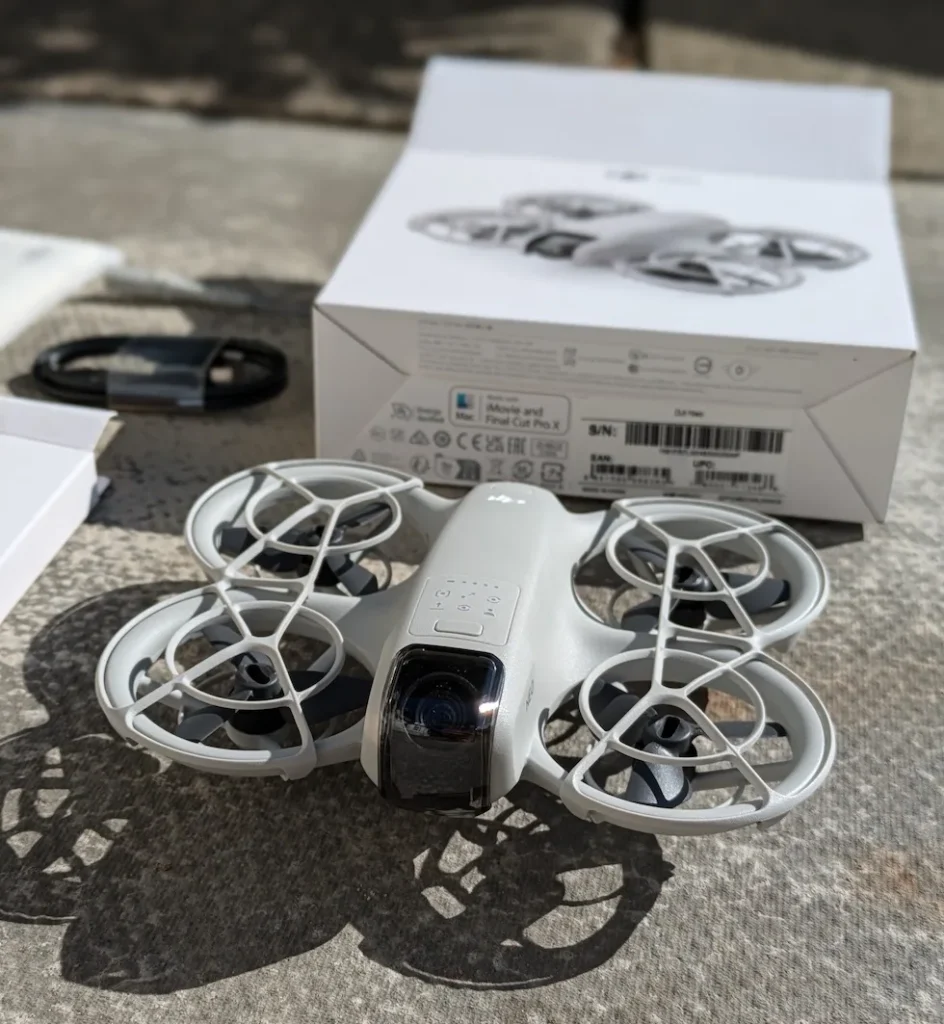
Check the battery contacts
Proper electrical connections are vital for your DJI Neo to function correctly. If your device isn’t turning on, it’s important to examine the battery contacts.
Start by carefully inspecting the metal connectors on both the battery itself and inside the battery compartment of your DJI Neo.
Look closely for any signs of damage, such as bent or misaligned connectors. Pay attention to any corrosion, which often appears as a greenish or white powdery substance on the metal surfaces.
Also, check for any debris that might’ve accumulated on the contacts, as even small particles can interfere with the electrical connection.
If you notice any dirt, dust, or light corrosion, you can gently clean the contacts using a soft, dry cloth. Be careful not to apply too much pressure or use any liquids, as this could potentially damage the delicate components.
For stubborn debris, you might use a cotton swab, but make sure it’s completely dry.
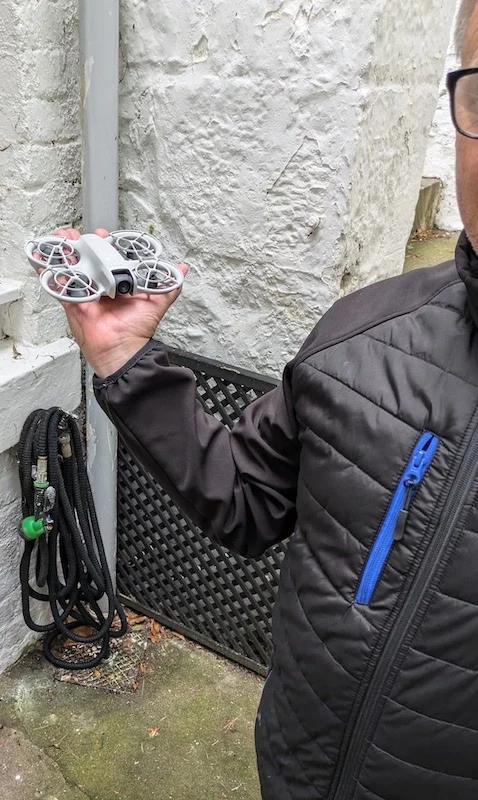
Try a “hard reset”
If checking the battery contacts doesn’t resolve the issue, you can try performing a “hard reset” on your DJI Neo. This process can help resolve various power-related issues and is often an effective troubleshooting step when your device won’t turn on.
To perform a hard reset, start by removing the battery from your DJI Neo. Once the battery is out, locate the power button on your device. Press and hold this button for 10 to 15 seconds. This action helps discharge any residual power that might be stored in the device’s capacitors and can sometimes clear minor software glitches.
After holding the power button, it’s time to reinsert the battery. Make sure it’s properly seated and connected. Now, attempt to power on your DJI Neo as you normally would. If the hard reset was successful, your device should turn on without any issues.
If your DJI Neo still doesn’t power on after trying this method, you may need to contemplate other troubleshooting steps or contact DJI customer support for further assistance.
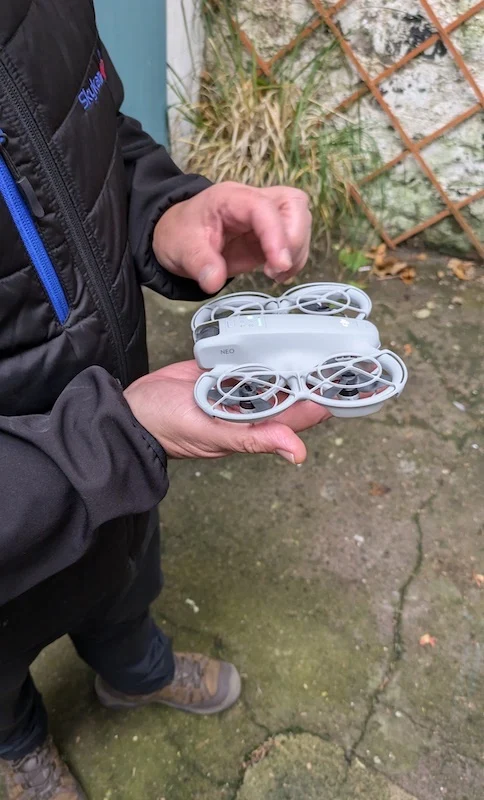
How To Power Down The DJI NEO
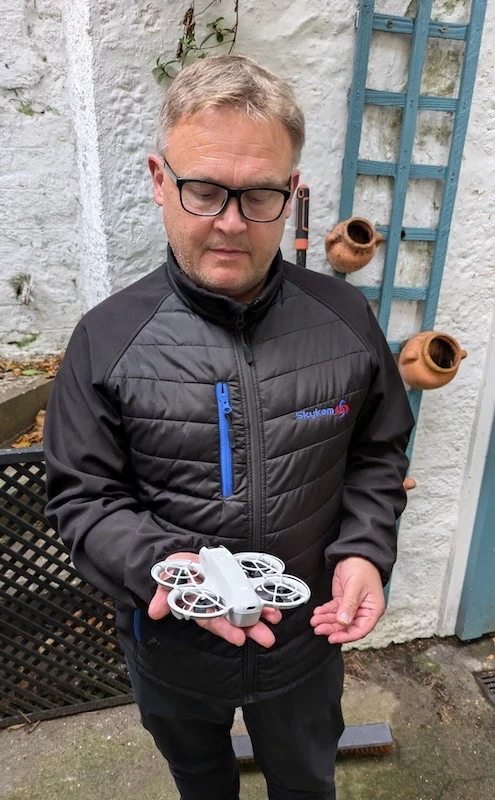
First you want to land the DJI NEO, this is easy as you just hold your palm of your hand under DJI NEO. The NEO will then automatically land on your hand.
Powering down your DJI Neo is a simple process. First, press the power button once to check the current battery level. This brief press allows you to confirm the device’s power status before shutting it down completely.
Next, press and hold the power button for about 1-2 seconds. This longer press initiates the shutdown sequence, and your DJI Neo will begin powering off.
It’s important to note that this two-step process isn’t unique to the Neo; it’s consistent with how other DJI drones are powered off as well.
After initiating the shutdown, wait for the device to fully power down before handling it or removing the battery. You’ll know it’s completely off when all the LEDs turn off.
When powering down your DJI Neo, always verify you’re in a safe location and that the drone is stable. This precaution helps prevent any accidental damage during the shutdown process.
Conclusion
You’ve now learned how to power on your DJI Neo, what to do after it’s turned on, and how to take off safely. Remember to troubleshoot if your drone doesn’t turn on and know how to properly power it down. With these skills, you’re ready to start flying your DJI Neo confidently. Keep practicing, and you’ll soon master all the controls and features of your new drone. Enjoy your flights!

