


Your drone may be spinning due to several common issues. Compass calibration problems can cause uncontrollable rotation, while GPS inaccuracies may lead to erratic behavior. Magnetic interference from nearby objects can confuse your drone’s sensors, resulting in circular flight patterns. Unintentional pressure on the controller’s joysticks can also initiate spinning.
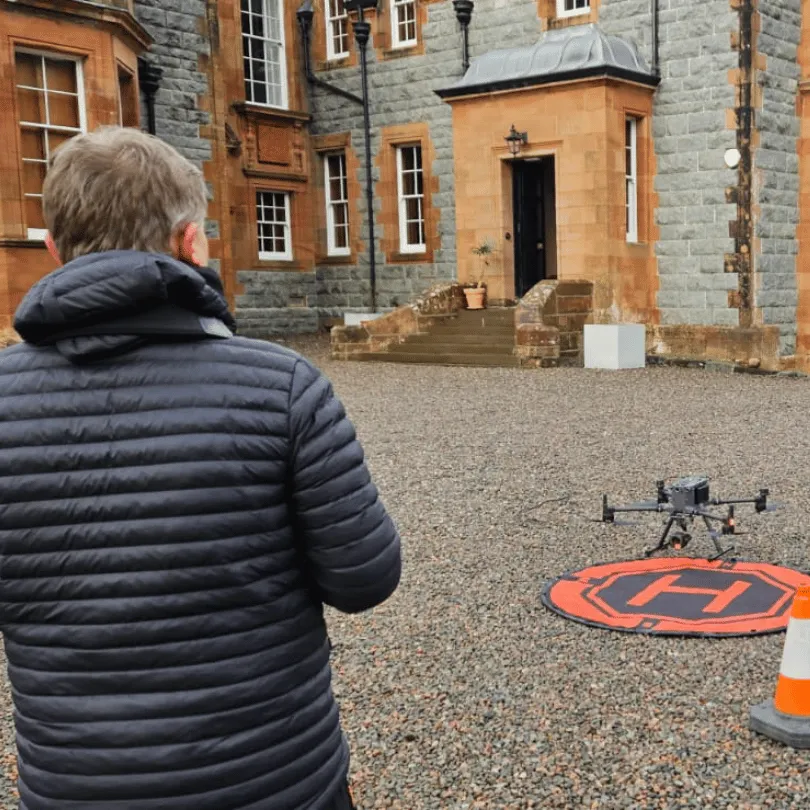
Additionally, software glitches or hardware malfunctions might disrupt your drone’s flight control system.
To address these issues, try recalibrating your drone’s compass in an open area, updating its firmware, and checking for any physical damage.
If problems persist, you may need to contact the manufacturer for further assistance. Understanding these potential causes can help you troubleshoot more effectively.
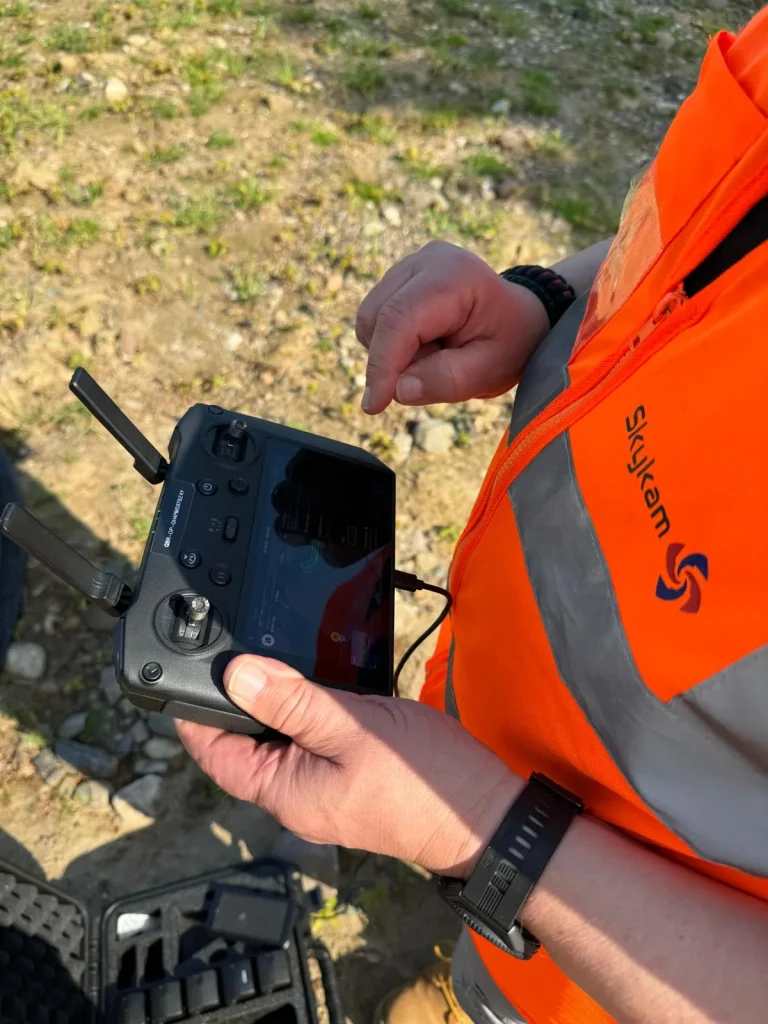
Compass calibration issues
When your drone starts spinning uncontrollably, a faulty compass calibration is often the culprit. Your drone’s compass is indispensable for maintaining proper orientation and direction during flight.
However, it’s crucial to ensure it’s properly calibrated, as it’s sensitive to magnetic interference, which can cause it to become confused and lead to erratic behavior.
One of the most common reasons for compass calibration issues is powering up and launching your drone from an area with magnetic interference. This interference can come from various sources, such as metal objects or structures with rebar concrete.
When you start your drone in these environments, the compass may become disoriented from the beginning, leading to spinning or circling behavior once airborne.
Another potential cause is calibrating the compass in an area with magnetic interference. If you’ve recently calibrated your drone’s compass near metal structures or other sources of magnetic disturbance, it may have received inaccurate readings.
This can result in your drone struggling to maintain proper orientation during flight.
To address these issues, it’s essential to recalibrate your drone’s compass in an open area, far from potential sources of magnetic interference.
Choose a location away from buildings, power lines, and large metal objects. Follow your drone manufacturer’s specific instructions for compass calibration, as the process may vary between models.
By ensuring your compass is correctly calibrated in a suitable environment, you’ll greatly reduce the chances of your drone spinning or flying in circles during operation.
GPS inaccuracies
Many drone spinning issues can be traced back to GPS inaccuracies, which can greatly affect your drone’s flight stability and performance. When your drone’s GPS system isn’t functioning correctly, it can lead to erratic behavior, including spinning or flying in circles.
This problem is particularly common in areas with poor GPS signal reception, where your drone might struggle to maintain a stable position.
GPS inaccuracies can cause your drone to misinterpret its location, leading to constant course corrections that result in circular flight patterns.
Notably, your drone may maintain its orientation while spinning, which can be confusing and frustrating for you as the pilot.
It’s crucial to remember that this issue isn’t always due to a malfunction in your drone itself, but rather the environment in which you’re flying.
To minimize the risk of GPS-related spinning, you should always launch your drone from a magnetically ‘clean‘ area. This means avoiding metal structures, power lines, or other objects that could interfere with your drone’s GPS and compass systems.
Additionally, make certain that you’re in an open area with a clear view of the sky to maximize GPS signal strength.
If you’re experiencing persistent GPS issues, it might be worth checking for firmware updates for your drone. Manufacturers often release updates to improve GPS performance and stability.
Remember, while GPS technology is incredibly useful for drone flight, it’s not infallible.
Always be prepared to take manual control of your drone if necessary, especially when flying in areas with known GPS limitations.

Magnetic interference
While GPS issues can cause spinning, magnetic interference is another common culprit that can make your drone fly in circles. This problem occurs even when your compass is properly calibrated, which can be frustrating for drone pilots.
Magnetic interference can come from various sources in your flying environment, and it’s essential to be aware of these potential disruptors.
When you’re operating your drone, it’s vital to understand that certain objects and structures can emit magnetic fields that interfere with your drone’s compass. These sources include power lines, metal structures, and even large vehicles.
When your drone encounters these magnetic fields, its compass can become confused, leading to erratic behavior such as spinning or flying in circles. This happens because the drone’s navigation system relies heavily on the compass for orientation and direction.
To minimize the risk of magnetic interference, you should always choose your flying location carefully. Avoid areas with known sources of magnetic fields, such as industrial sites or areas with high-voltage power lines.
If you must fly in these areas, keep your drone at a safe distance from potential interference sources. Additionally, it’s a good practice to recalibrate your drone’s compass before each flight, especially if you’ve traveled to a new location.
By being aware of your surroundings and taking these precautions, you can reduce the likelihood of your drone spinning due to magnetic interference.
User input errors
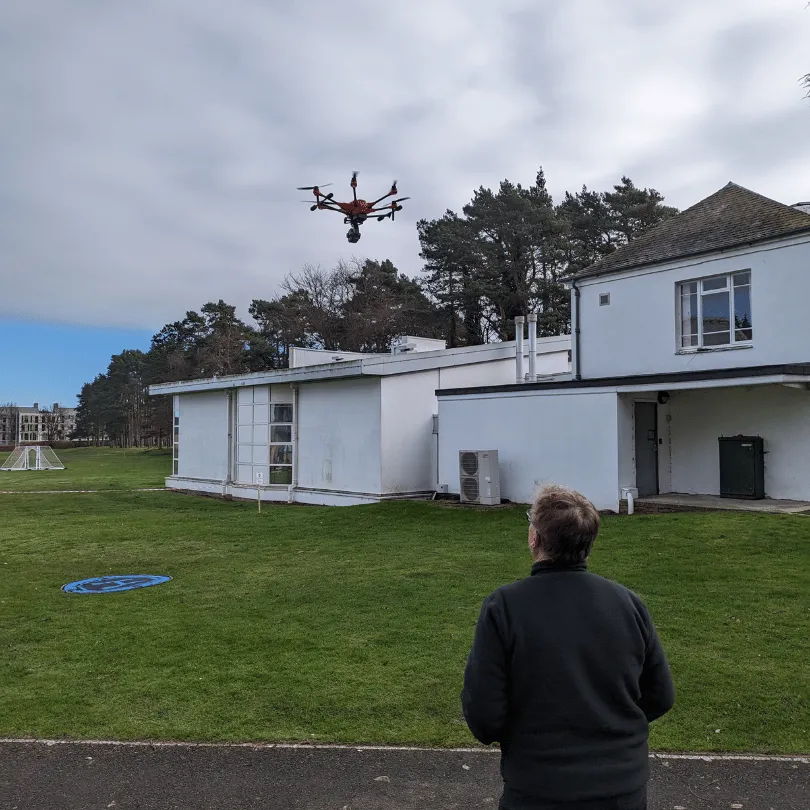
Occasionally, you might be causing your drone to spin without realizing it due to subtle mistakes in your controller inputs. These user input errors can be so minor that you’re not even aware you’re making them, yet they can have a drastically impactful on your drone’s flight pattern.
One common issue is unintentional pressure on the rotation control joystick, which can cause your drone to rotate slowly but steadily.
When you’re focused on other aspects of flying, such as maintaining altitude or traversing obstacles, it’s easy to overlook slight movements of your thumbs or fingers on the controller.
Even the smallest amount of pressure on the rotation control can initiate a gradual spin that may not be immediately noticeable.
Over time, this subtle rotation can become more pronounced, leading you to believe there’s a technical problem with your drone when, in fact, it’s simply responding to your inadvertent commands.
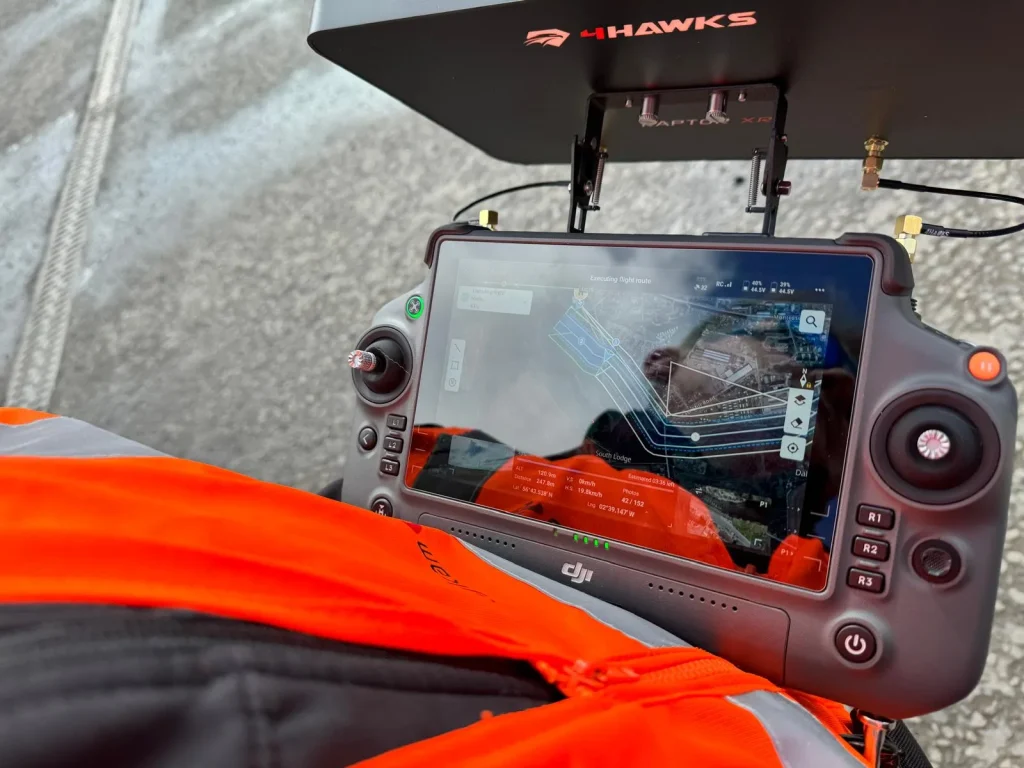
To avoid this issue, it’s essential to be mindful of your hand positioning on the drone controller at all times. Practice keeping your thumbs centered on the joysticks when you’re not actively using them.
Additionally, some controllers have sensitivity settings that you can adjust to reduce the likelihood of accidental inputs.
Regularly calibrating your controller can also help guarantee that it’s not registering phantom inputs when in a neutral position.
By being aware of these potential user input errors and taking steps to prevent them, you can drastically reduce the chances of your drone spinning unintentionally during flight.
Software or hardware malfunctions
Despite regular maintenance and careful operation, your drone might still experience spinning due to software glitches or hardware failures.
These issues can be more complex and challenging to diagnose than user input errors, often requiring a deeper understanding of your drone’s internal systems.
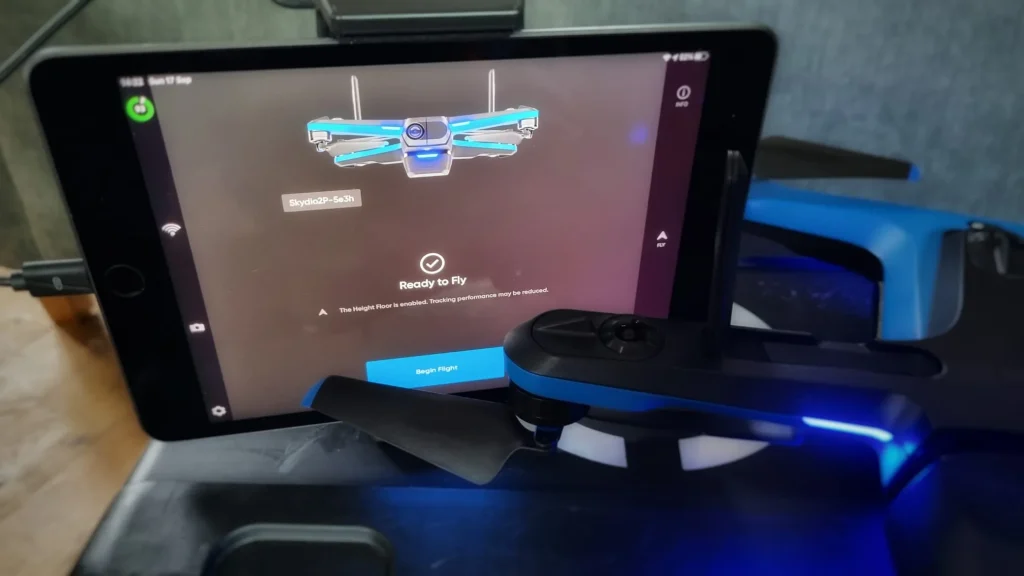
Software malfunctions can occur when there’s a bug in the drone’s firmware or when updates haven’t been properly installed.
These glitches may cause the drone’s flight control system to misinterpret sensor data, resulting in erratic behavior like spinning.
To address this, guarantee your drone’s software is up to date and consider performing a factory reset if problems persist.
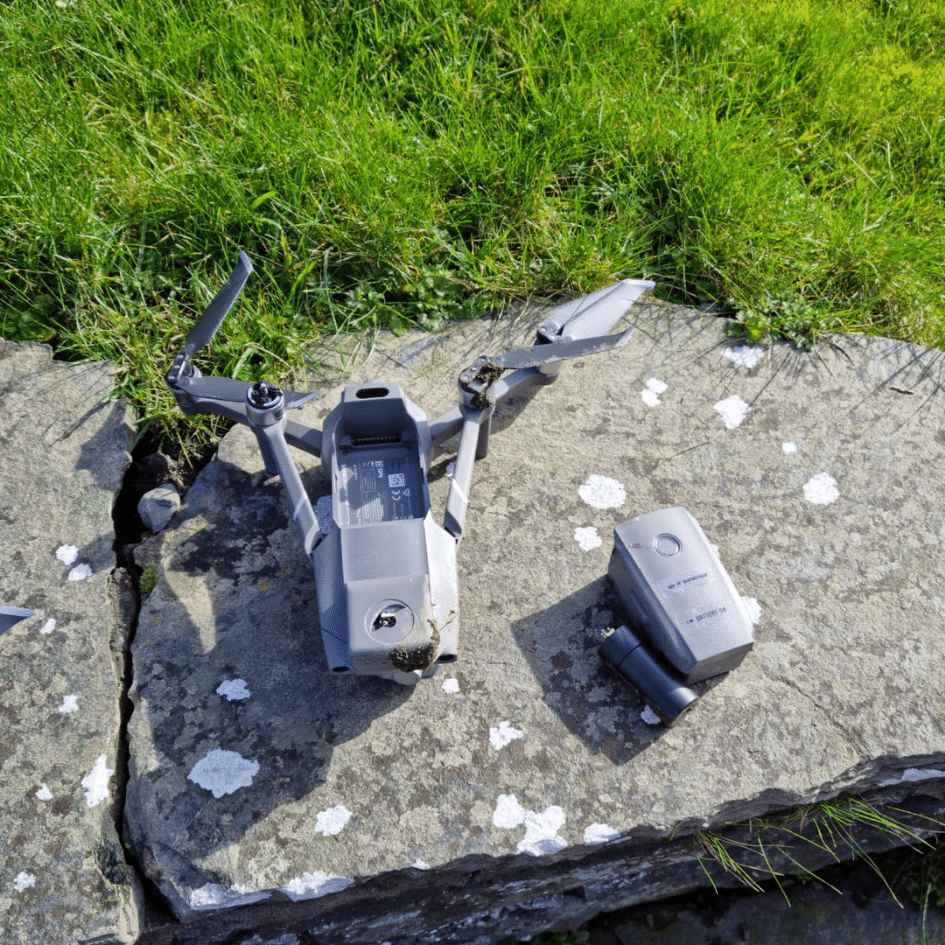
Hardware malfunctions, on the other hand, can stem from various components. A faulty gyroscope or accelerometer may send incorrect orientation data to the flight controller, causing the drone to spin.
Damaged motors or drone propellers can also lead to uneven thrust, resulting in circular flight patterns.
Additionally, loose connections or worn-out wiring might disrupt the communication between components, leading to unexpected behavior.
In rare cases, more severe internal issues could be at play. Problems with the drone’s motherboard or other critical components might cause the flight control system to malfunction, resulting in spinning or other erratic movements.
These issues often require professional diagnosis and repair.
If you suspect a software or hardware malfunction is causing your drone to spin, it’s best to discontinue use and seek assistance from the manufacturer or a qualified drone technician.
Attempting to fly a malfunctioning drone can lead to further damage or potential safety hazards.
Contact manufacturer
If you’ve exhausted all troubleshooting options and your drone still won’t fly straight, it’s time to reach out to the manufacturer for expert assistance.
Most drone manufacturers have dedicated support teams that can help you diagnose and resolve complex issues. They’ve in-depth knowledge of their products and can provide guidance tailored to your specific drone model.
When contacting the manufacturer, be prepared to provide detailed information about your drone, including its model number, serial number, and firmware version.
Explain the issue you’re experiencing, including when it started and any troubleshooting steps you’ve already taken. This information will help the support team understand your situation more quickly and provide more accurate advice.
Many manufacturers offer multiple support channels, such as phone hotlines, email support, or online chat. Choose the method that’s most convenient for you.
Some companies also have user forums or knowledge bases where you can find solutions to common problems or connect with other drone enthusiasts who may have encountered similar issues.
If your drone is still under warranty, the manufacturer may offer repair or replacement services.
Even if it’s out of warranty, they might provide repair options or recommend authorized service centers.
In some cases, they may suggest sending your drone in for professional inspection and repair.
Conclusion
If your drone’s spinning, you’ve got several potential culprits to investigate. Start with compass calibration and GPS accuracy, then check for magnetic interference nearby.
Review your control inputs for errors, and inspect for software glitches or hardware issues.
If you can’t resolve the problem, don’t hesitate to contact the manufacturer for expert guidance.
Remember, a spinning drone isn’t just frustrating—it can be dangerous. Taking the time to diagnose and fix the issue will guarantee safer, more enjoyable flights.

