

For your DJI Mini 4 Pro, the recommended charger is the DJI 30W USB-C Charger. It’s designed to work seamlessly with your drone’s battery, ensuring optimal charging speed and safety. You can also use compatible third-party chargers, including fast chargers and higher wattage options, thanks to the Mini 4 Pro’s built-in safeguards.

You’ve got flexibility in charging methods too, from directly charging the battery to using the Two-Way Charging Hub for multiple batteries.
Remember to follow best practices like charging in a well-ventilated area and unplugging once fully charged. There’s more to explore about maximizing your drone’s power potential.
Recommended charger
Selecting the right charger for your DJI Mini 4 Pro is crucial to ensure optimal performance and battery longevity.
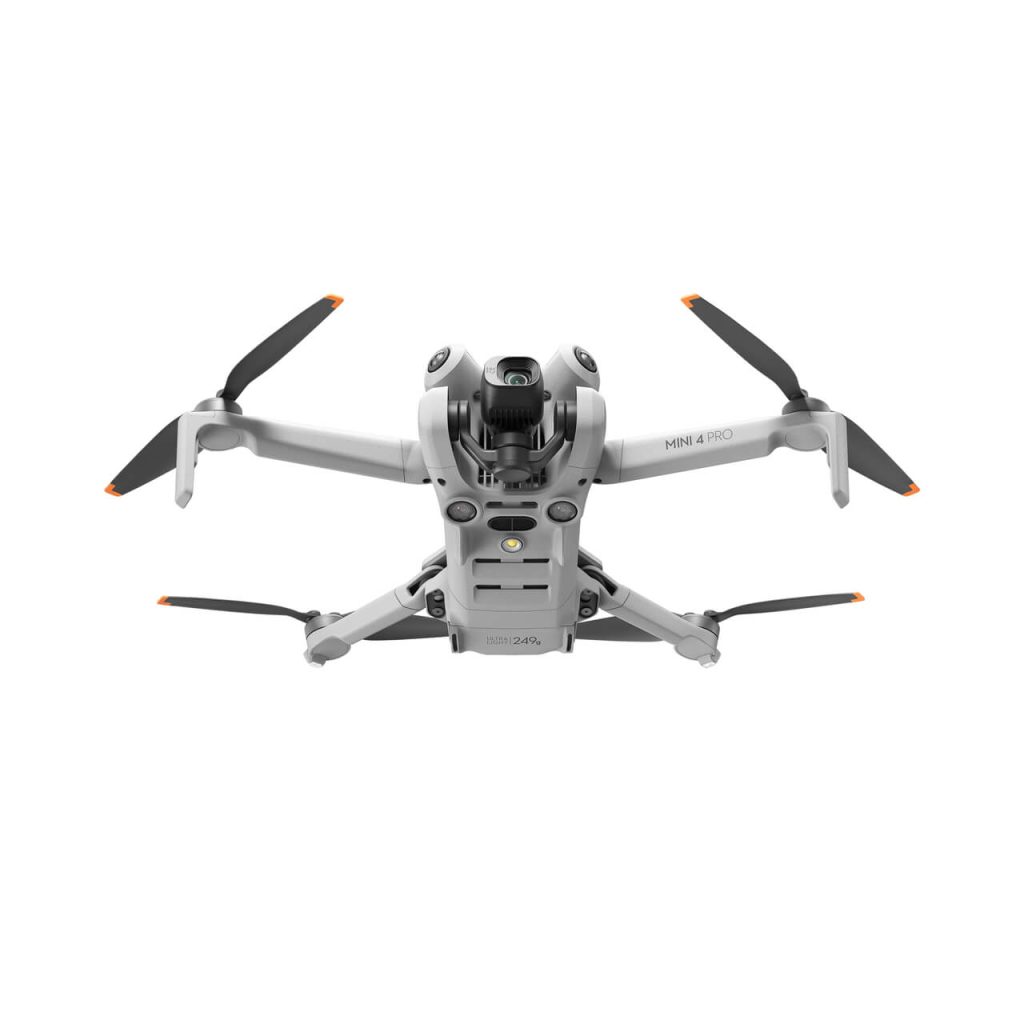
The manufacturer strongly suggests using the DJI 30W USB-C Charger for your Mini 4 Pro. This charger is specifically designed to meet the power requirements of your drone, providing the ideal balance of charging speed and safety. It’s tailored to work seamlessly with the Mini 4 Pro’s battery, ensuring you get the most out of your flying sessions.
If you don’t have access to the official DJI charger, don’t worry. The Mini 4 Pro is compatible with other USB Power Delivery chargers, as long as they output 30W. This flexibility allows you to use alternative chargers that meet these specifications, which can be handy when you’re traveling or if you misplace your original charger.
When it comes to powering up your drone, DJI has specific recommendations that you’ll want to follow closely. The Mini 4 Pro uses USB-C type charging, which offers faster charging speeds and improved power efficiency compared to older USB types. When choosing a charger, make sure it has a USB-C output to match your drone’s charging port.
Compatibility with third-party chargers
While DJI recommends their official charger, you’ll be glad to know that the Mini 4 Pro is compatible with a wide range of third-party chargers.
This flexibility gives you more options when it comes to powering up your drone, especially if you’re in a pinch or prefer to use chargers you already own.
One of the most convenient aspects of the Mini 4 Pro’s charging capabilities is its compatibility with fast chargers. You can use any fast-charging device, including Apple USB-C power bricks, to quickly replenish your drone’s battery.
This means you won’t have to carry a separate charger specifically for your drone if you already have a fast charger for your other devices.
What’s even more impressive is that the Mini 4 Pro can safely handle chargers with higher wattage outputs. Whether you have a 65W or 90W charger, you can use it without worrying about damaging your drone.
The Mini 4 Pro comes equipped with built-in safeguards that prevent overcharging, ensuring your drone’s battery remains protected even when connected to high-powered chargers.
This compatibility with various chargers adds a layer of convenience to your drone flying experience. You can easily find a suitable charging option whether you’re at home, in the office, or traveling.
It’s worth noting that while these third-party chargers will work, they may not charge your drone as quickly as DJI’s official charger. However, the trade-off in charging speed is often outweighed by the convenience of being able to use readily available chargers.

Charging options
Exploring your charging options for the DJI Mini 4 Pro reveals several convenient methods to keep your drone powered up.
You’ll find that DJI has designed flexibility into the charging system, allowing you to choose the method that best suits your needs and workflow.
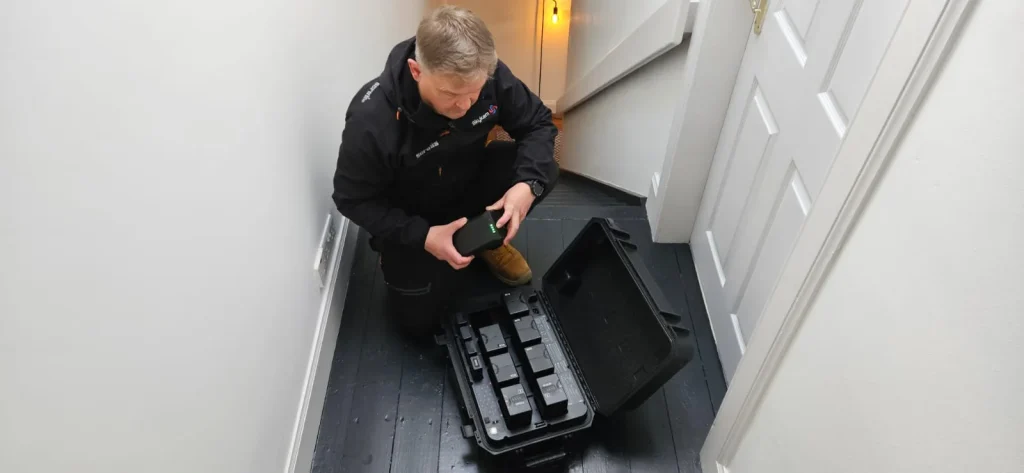
The standard charging option is straightforward and efficient. You can use the recommended 30W USB-C charger to power up your drone’s battery directly. This method works whether the battery is attached to the aircraft or on its own. It’s a simple, no-fuss approach that’s perfect for quick charges between flights or when you’re on the go.
If you’ve opted for the Fly More Combo, you’ll have access to the Two-Way Charging Hub. This handy accessory allows you to charge multiple batteries sequentially. It’s an excellent choice when you’re preparing for a long day of flying or need to recharge several batteries overnight.
The hub takes the guesswork out of managing multiple batteries, ensuring you’re always ready for your next flight.
For those times when you don’t want to remove the battery from your drone, you can charge it directly through the aircraft. This method is particularly useful when you’re in the field and want to minimize handling of the drone components. Simply connect the charger to your Mini 4 Pro, and you’re good to go.
Each of these charging options offers its own advantages, giving you the flexibility to choose the most convenient method for your situation.
Whether you’re at home, in the studio, or out on location, you’ll have a suitable charging solution at your fingertips.
Charging time
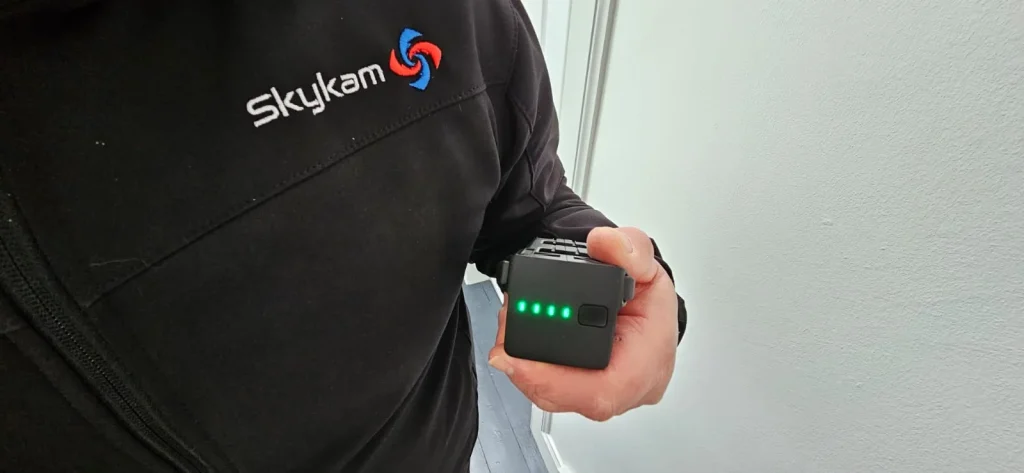
Now that you’re familiar with the charging options, let’s look at how long it’ll take to power up your DJI Mini 4 Pro battery. The charging time depends on whether you’re using the standard Intelligent Flight Battery or the Intelligent Flight Battery Plus, as well as your chosen charging method.
For the standard Intelligent Flight Battery, you’re looking at a 70-minute charge time when it’s mounted directly to the aircraft.
However, if you opt to use the Two-Way Charging Hub, you can reduce that time to 58 minutes. This hub proves to be a more efficient charging solution, saving you about 12 minutes per charge.
If you’re using the Intelligent Flight Battery Plus (which isn’t available in Europe), expect longer charging times due to its higher capacity.
When mounted to the aircraft, it’ll take 101 minutes to fully charge. Again, the Two-Way Charging Hub offers a faster option, bringing the charging time down to 78 minutes – a significant 23-minute reduction.
It’s worth noting that these charging times are based on using the DJI 30W USB-C Charger. Different chargers may yield varying results, so always use the recommended charging equipment for optimal performance and safety.
Precautions and best practices
To ensure safe and efficient charging of your DJI Mini 4 Pro batteries, it’s crucial to follow these precautions and best practices.
First and foremost, always use official DJI chargers or reputable third-party options that meet the required specifications. This ensures compatibility and reduces the risk of damage to your batteries.
When charging, choose a well-ventilated area away from flammable materials to minimize potential fire hazards.
After flying your drone, allow the batteries to cool down before charging. This helps maintain battery health and prevents overheating during the charging process.
While charging, keep an eye on the progress and disconnect the batteries once they’re fully charged to avoid overcharging.
Temperature plays a significant role in battery performance and safety. Avoid charging your DJI Mini 4 Pro batteries in extreme temperatures.
The recommended charging range is between 5° to 40°C (41° to 104°F). Operating outside this range can impact battery life and efficiency.
Maintain cleanliness of both the battery terminals and charger ports. Regular cleaning prevents dirt and debris from interfering with the charging process or causing potential short circuits.
Lastly, don’t forget to keep your drone’s firmware up to date. DJI often releases updates that include improvements to battery management, which can enhance overall performance and safety.
Conclusion
You’ve now got a good grasp on charging your DJI Mini 4 Pro. Remember to use the official charger when possible, but don’t worry if you need to use a compatible third-party option.
Whether you’re charging via USB-C or the Two-Way Charging Hub, always follow best practices. Keep an eye on charging times, and you’ll be ready for your next flight in no time.
Fly safe and enjoy your fully-charged drone!

