
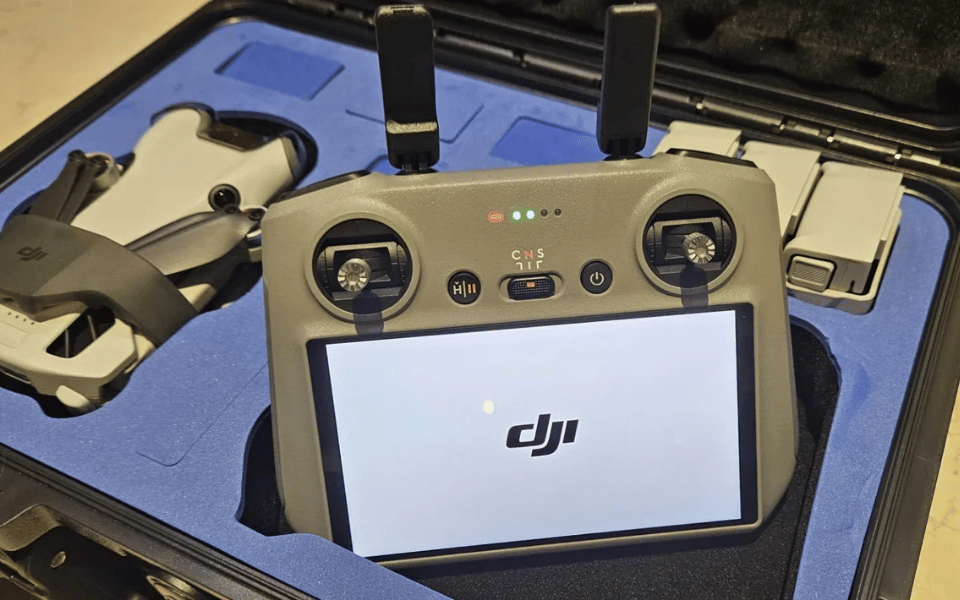

Headless mode is a handy feature that simplifies drone control, especially for beginners. When activated, it aligns the drone’s movements with your controller’s orientation, so forward always means forward, regardless of which way the drone’s “head” points. This eliminates the need to mentally adjust commands based on the drone’s direction.
Headless mode is great for newbies, tight spaces, and when you lose sight of your drone’s front end.
It’s not a substitute for proper training, but it can boost your confidence and make flying more intuitive.
Keep exploring to discover how headless mode works and its benefits.
Drone Headless Mode Explained
Many drone pilots find headless mode incredibly useful, as it simplifies the control scheme and makes the drone more intuitive to fly. In headless mode, the drone’s movements align with your perspective as the pilot, rather than the drone’s orientation.
This means that when you push the right stick forward, the drone will always move away from you, regardless of which direction its front is facing.
This feature is a game-changer for beginners who might struggle with understanding the drone’s orientation while flying. It’s also helpful in situations where you lose sight of the drone’s front or when you’re flying in a tight space where the drone’s orientation can quickly become confusing.
To engage headless mode, you typically need to activate it before takeoff.
Once activated, the drone will remember its orientation relative to you at the moment of takeoff. From that point on, all of its movements will be based on your perspective.
It’s important to note that while headless mode is a fantastic tool for simplifying drone control, it’s not a substitute for proper training and understanding of your drone’s features.
As you become more comfortable with flying, you’ll likely find yourself using headless mode less frequently. H
owever, it’s always good to have it in your toolkit for those situations where it can make your life as a pilot much easier.
How Headless Mode Works
To grasp how headless mode works, let’s first look at how a drone typically operates without this feature. In regular mode, the controls are relative to the drone’s orientation.
So, if your drone is pointing away from you and you push the joystick to the right, it’ll move to the drone’s right, which is your left from your perspective. Confusing, right?
Here’s where headless mode comes in. It effectively aligns the drone’s ‘head‘ (or front) with your controller’s orientation.
No matter which way the drone is actually facing, pushing the joystick forward will always make it fly away from you, and pulling back will bring it towards you.
The same goes for left and right movements – they’ll match your controller, not the drone’s orientation.
This feature is a game-changer for new pilots.
It eliminates the need to mentally adjust your controls based on the drone’s direction, making flying much more intuitive. You won’t have to worry about which way your drone is pointing; you can focus on enjoying the flight and capturing awesome footage.
Keep in mind, though, that headless mode isn’t foolproof. It relies on the drone’s internal compass, which can be affected by interference.
Also, if you lose sight of your drone, it can still be tricky to navigate back to you. But overall, headless mode is a fantastic tool that simplifies the flying experience, especially when you’re just starting out.
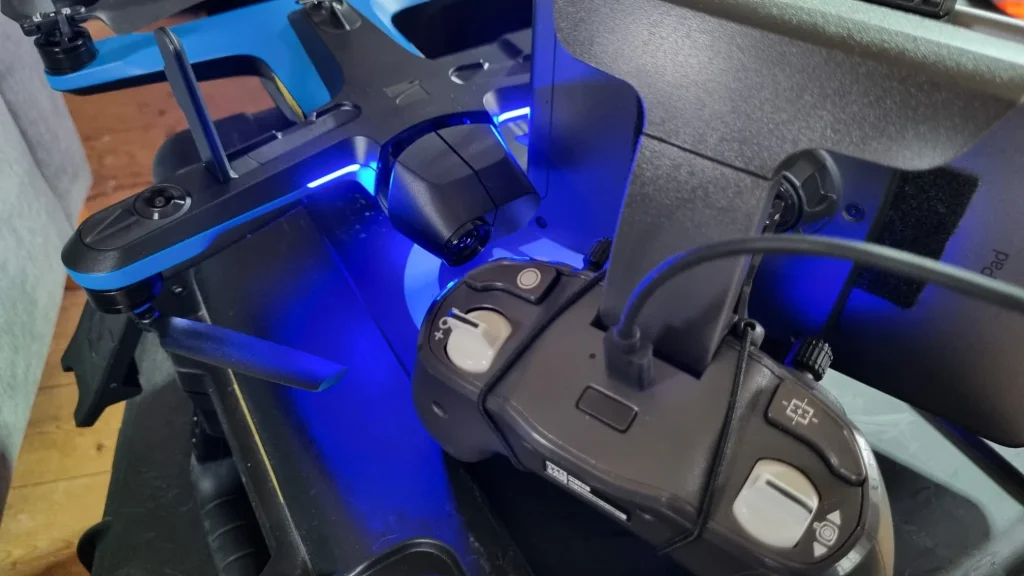
Benefits of Using A drones Headless Mode
Now that you understand how headless mode works, let’s explore its key benefits.
If you’re a beginner, headless mode can make flying your drone much easier, especially when it’s far away or you’ve lost your FPV connection.
It’s also handy for maneuvering through complex environments like forests or urban areas with lots of obstacles.
Long-Range Flying
Headless mode really shines when you’re flying your drone at longer ranges, where maintaining orientation becomes much trickier. As the distance between you and your drone increases, it gets harder to tell which way it’s facing.
This can lead to confusion and accidentally sending your drone in the wrong direction.
With headless mode engaged, you don’t have to worry about the drone’s orientation relative to your position. Instead, the drone will move in the direction you push the control stick, regardless of which way its front end is pointing.
This makes it a lot easier to navigate your drone when it’s far away.
Imagine you’re flying your drone out over a lake to capture some stunning aerial footage. Without headless mode, you’d have to constantly adjust your controls based on the drone’s orientation.
But with headless mode, you can simply push the stick in the direction you want the drone to go, and it’ll respond accordingly.
This takes a lot of the stress and guesswork out of long-range flying, letting you focus on capturing the perfect shot.
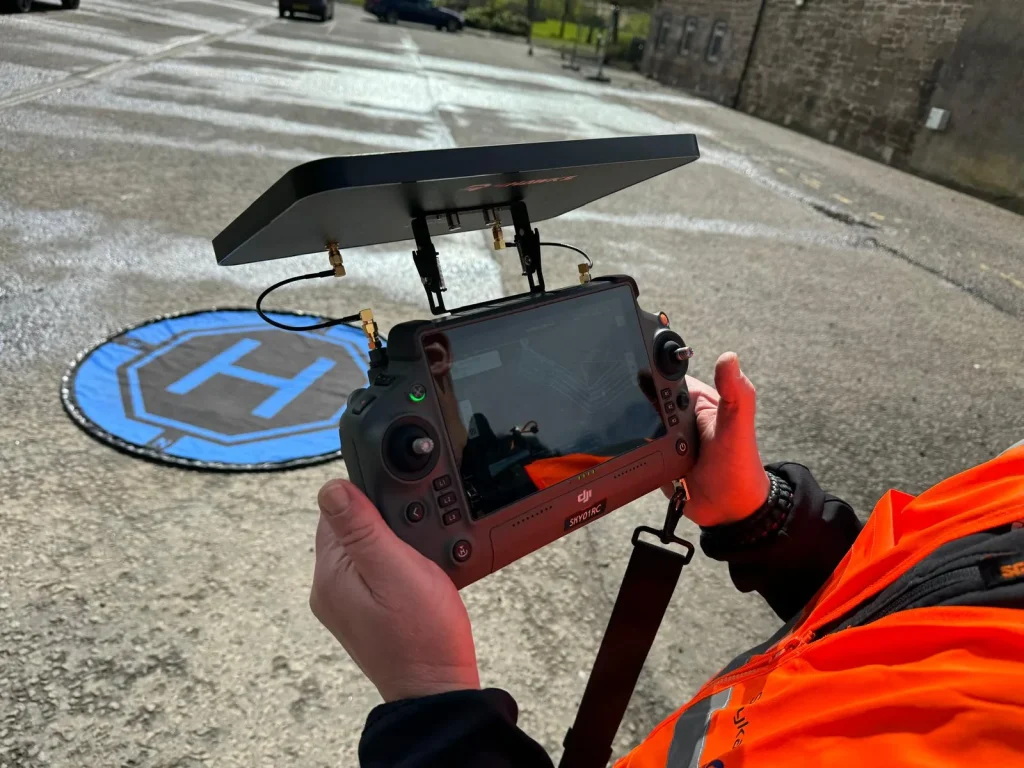
Loss of FPV Connection
Another situation where headless mode proves invaluable is when you lose your FPV connection mid-flight. Picture this: you’re happily flying your drone, enjoying the bird’s-eye view on your screen, when suddenly, the video feed cuts out.
Panic sets in as you realize you can no longer see your drone’s orientation. This is where drones headless mode swoops in to save the day!
With headless mode engaged, you don’t need to worry about which way your drone is facing. The controls remain relative to your position, so you can safely maneuver your drone back to you without crashing into obstacles.
It’s like having a trusty compass guiding your drone home, even when you can’t see where it’s headed.
Losing FPV connection can be a heart-stopping moment for any drone pilot, but headless mode provides a reliable failsafe. It simplifies the control scheme, allowing you to focus on bringing your drone back safely.
How to Activate Headless Mode On A Drone
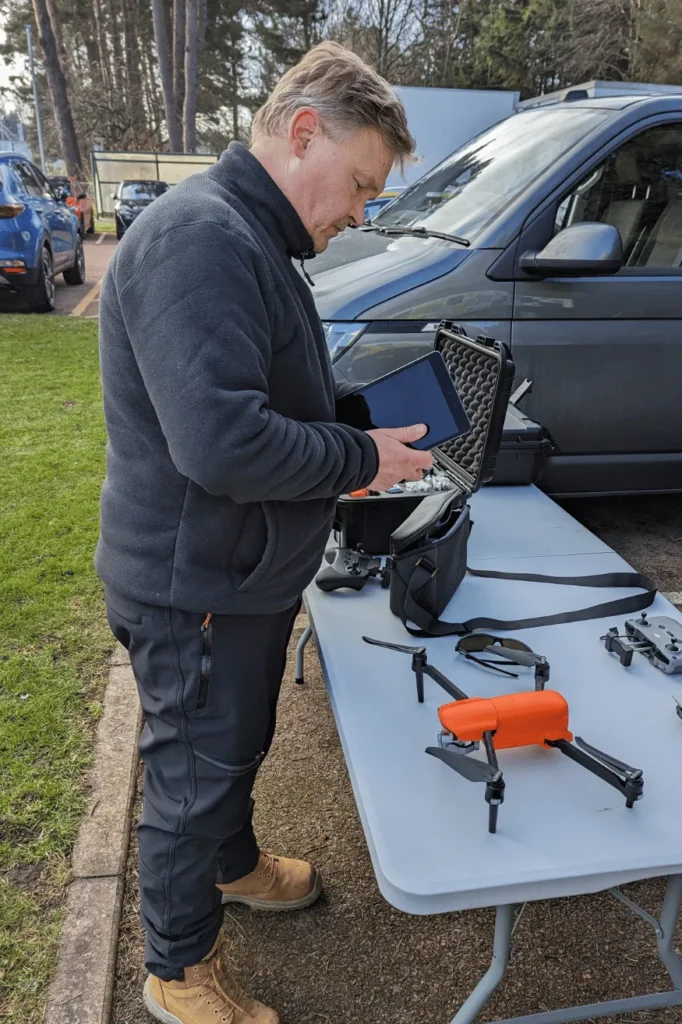
To activate headless mode on your drone, you’ll need to follow a few simple steps. Check your user manual for specific instructions, as the process can vary slightly between models.
Typically, you’ll either press a button on the controller, perform a specific stick movement, or use a mobile app to enable headless mode – just make sure to set your drone’s initial orientation before taking off.
Consult the User Manual
Many drone models have a slightly different process for activating headless mode, so it’s important to consult your user manual for the exact steps. Your manual should walk you through the specific button presses or menu selections needed to turn on headless mode for your particular drone.
It’s like following a recipe – you want to make sure you’ve got the right ingredients and instructions before you start cooking!
Once you’ve found the headless mode section in your manual, take a few minutes to read through it carefully. Some drones might require you to press a combination of buttons, while others may have a dedicated switch or setting in the app.
Pay attention to any warnings or special considerations mentioned, too.
If you’re still unsure after reading the manual, don’t be afraid to reach out to the manufacturer’s customer support or browse online forums for your drone model. Chances are, someone else has had the same question and can point you in the right direction.
With a little guidance from your trusty manual, you’ll be flying in headless mode like a pro in no time!
Controller Button Press
Once you’ve consulted your drone’s manual and identified the correct button, activating headless mode is usually as simple as pressing and holding it for a few seconds. You’ll know it’s working when the drone’s lights flash, giving you a clear visual cue that headless mode is now enabled.
Here’s a tip: make sure your drone is powered on and connected to the controller before attempting to activate headless mode. If you press the button and nothing happens, double-check that everything is properly synced up.
One thing to keep in mind is that not all drones have the same button configuration for headless mode. Some might require a quick double-press, while others may have a dedicated switch.
That’s why it’s essential to refer to your specific model’s instructions.
When in doubt, don’t be afraid to experiment a little. Just be sure to do it in an open area away from people and obstacles. With a bit of practice, you’ll be flying in headless mode like a pro in no time!
Controller Stick Movements
Certain drone models require you to perform a specific stick sequence on the controller to enable headless mode. Generally, the process involves moving both sticks in a particular pattern, like pushing them diagonally towards each other or rotating them in sync.
It might take a bit of practice to nail the sequence, but once you’ve got it down, activating headless mode will be a breeze. Just remember, the exact stick movements can vary between drone brands and models, so what works for your friend’s drone mightn’t work for yours.
One more thing to keep in mind: some drones have a time limit for entering the stick sequence. If you don’t complete the moves within the allotted time frame, you’ll have to start over.
But don’t worry, with a little patience and persistence, you’ll be flying in headless mode like a pro in no time. And who knows, maybe you can even teach your friends a thing or two about drone flying!
Using a Mobile App
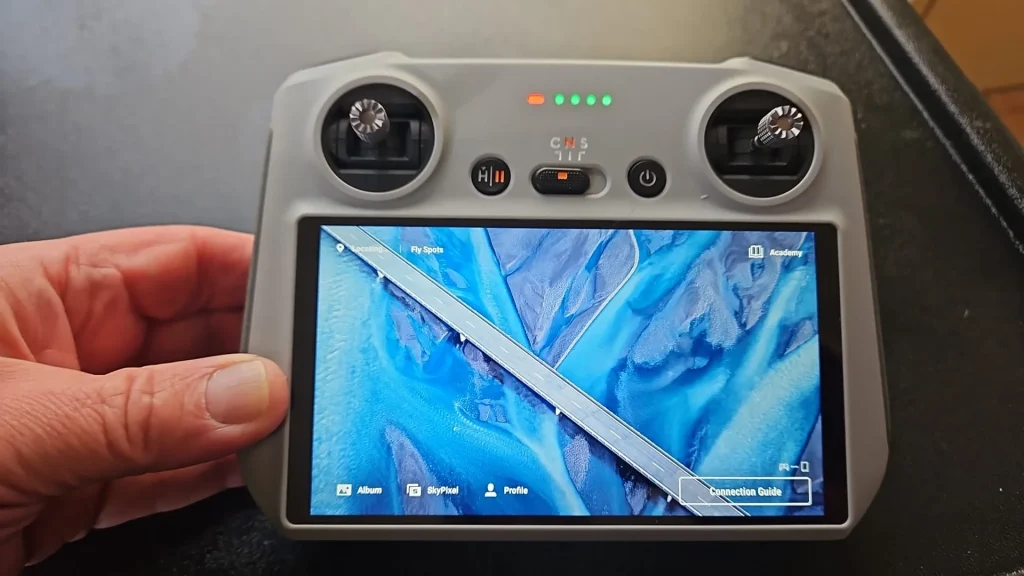
If your drone is controlled through a mobile app instead of a traditional controller, you’ll typically find the option to enable headless mode right in the app’s flight settings.
Open up the app on your smartphone or tablet, and navigate to the settings menu. Look for a toggle switch or button labeled ‘Headless Mode‘ or something similar.
Once you’ve located the headless mode option, simply tap it to turn the feature on. You’ll likely see a confirmation message or indicator letting you know that headless mode is now active. With headless mode enabled, your drone’s controls will be oriented relative to your position, rather than the drone’s front end.
Keep in mind that not all drones support headless mode, even if they’re controlled via a mobile app. It’s a feature that needs to be specifically implemented by the drone manufacturer. So, if you don’t see a headless mode option in your drone’s app, chances are it’s not available for your particular model.
Before taking off, double-check that headless mode is enabled to avoid any confusion once your drone is airborne.
Initial Orientation
When activating headless mode, it’s essential to position your drone properly to guarantee the controls align with your perspective.
Here’s the key: make sure your drone is facing away from you when you switch on headless mode.
Why does this matter? Well, the drone’s internal algorithms use this initial orientation to correctly sync up the controls with your vantage point.
Think of it like setting a compass. By establishing this starting alignment, you’re giving the drone a reference point to work from.
It’s a simple step, but it makes a world of difference in ensuring the controls feel intuitive and natural from your position on the ground.
DJI Drones
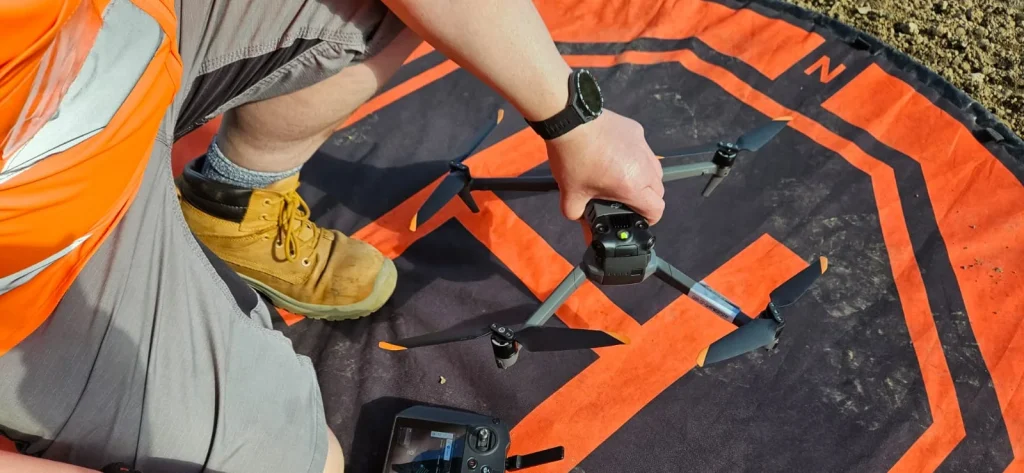
While DJI drones don’t have a dedicated ‘Headless Mode,’ they offer similar functionality through features like ‘Course Lock‘ or ‘Home Lock.’ To use these modes, you’ll need to switch your flight mode using the controller or the DJI Go app.
Here’s how you can do it:
First, locate the S1 switch on your controller and toggle it down to the F-mode position.
Next, open up the DJI Go app on your mobile device and tap on the RC icon. From there, you should be able to enable either ‘Course Lock‘ or ‘Home Lock,‘ depending on your preference.
‘Course Lock‘ keeps your drone flying in the same direction relative to its initial orientation, regardless of which way the nose is pointing.
‘Home Lock,’ on the other hand, makes the drone fly relative to its home point, which is usually where it took off from.
Both of these modes can be incredibly useful when you’re trying to maintain a specific flight path or navigate back to your starting position. Just remember to switch back to the default flight mode when you’re done to regain full control of your drone’s orientation.
Tomzon Mini Drone
Unlike DJI drones, the Tomzon Mini Drone has a dedicated headless mode that you can activate with the press of a button on the controller. To turn on headless mode, you’ll want to locate the specific button on your Tomzon controller. Check your user manual if you’re unsure which one it is.
Once you’ve found the right button, go ahead and give it a press. You should see an indicator light or message confirming that headless mode is now active.
With headless mode engaged, you don’t need to worry about which direction your drone is facing.
Push the control stick forward, and your Tomzon Mini will always fly away from you, regardless of its orientation.
This feature is super handy for beginners who are still getting the hang of drone piloting. It takes away the challenge of keeping track of your drone’s front end, letting you focus on basic flight maneuvers.
Just remember to deactivate headless mode when you’re ready to start flying like a pro and tackle those more advanced orientations. Happy flying with your Tomzon Mini Drone!
Limitations and Considerations For Headless Mode
Despite the advantages headless mode offers, it’s important to understand its limitations and consider other factors before relying on it exclusively. While it’s a great tool for beginners, experienced pilots often recommend learning to fly using standard controls. This helps you develop a better understanding of drone orientation and control, which is essential for more advanced maneuvers and professional applications.
Over-reliance on headless mode can make it difficult to shift to normal flying modes later on. It’s like learning to ride a bike with training wheels – they’re helpful at first, but eventually, you’ll need to take them off to progress. The same goes for headless mode. It’s a useful feature, but it shouldn’t be your only way of flying.
Think of headless mode as a helpful assistant rather than a full-time pilot. It’s there to make your life easier, but it can’t replace the skills and knowledge you gain from traditional flying. So, go ahead and use headless mode when you need it, but don’t forget to practice flying without it too.
In the end, the key is to find a balance. Headless mode is a valuable tool in your drone-flying arsenal, but it’s not the only one. By combining it with standard controls and plenty of practice, you’ll be well on your way to becoming a confident and capable pilot. And who knows? Maybe one day, you’ll be the one giving advice to new drone enthusiasts about the benefits and importance of headless mode.
is headless mode available on all drone models
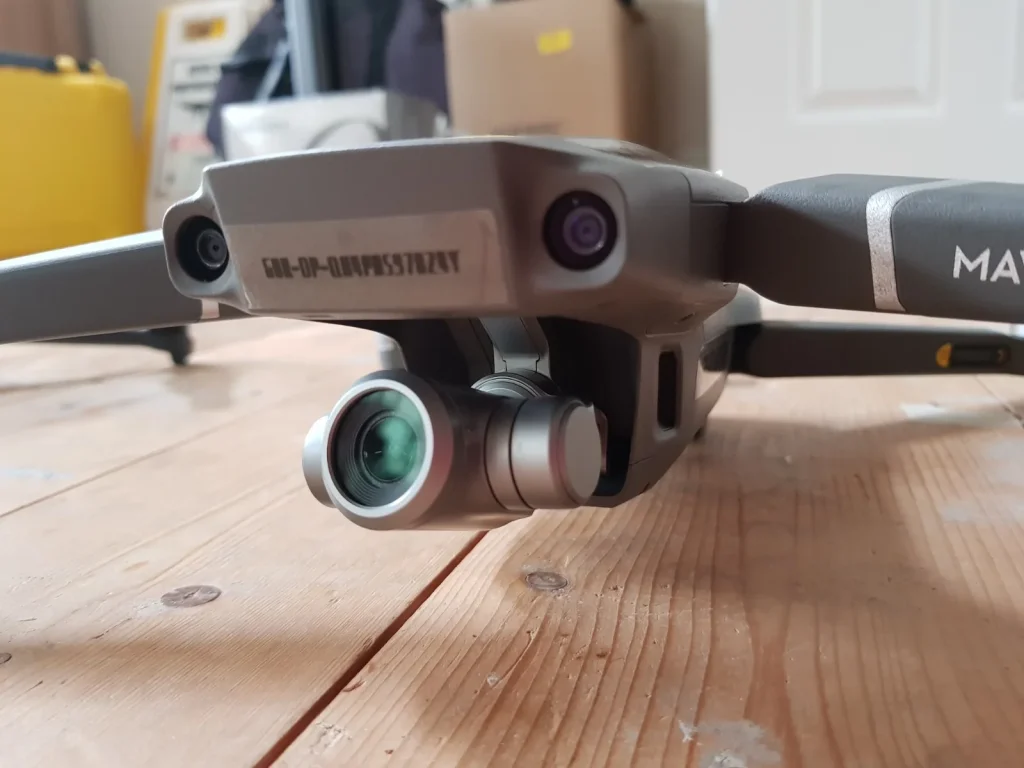
If you’re considering headless mode for your drone, you might be wondering if it’s available on all models. Beginner and budget drones often come with this feature built-in, making it easy to activate.
However, more advanced drones may require you to check the specific model to see if headless mode is supported and how to enable it.
Beginner and Budget Drones
While headless mode is a common feature on beginner and budget drones, you won’t find it available on every drone model out there. Many entry-level drones and those in the lower price range heavily promote headless mode as a key selling point.
It’s touted as a user-friendly feature that simplifies the flying experience for novice pilots.
However, as you move up to more advanced and higher-end drones, headless mode becomes less prevalent. These drones are designed for experienced pilots who’ve mastered the basics and are comfortable with standard controls.
They often offer more sophisticated features and capabilities that go beyond the simplicity of headless mode.
Advanced Drones
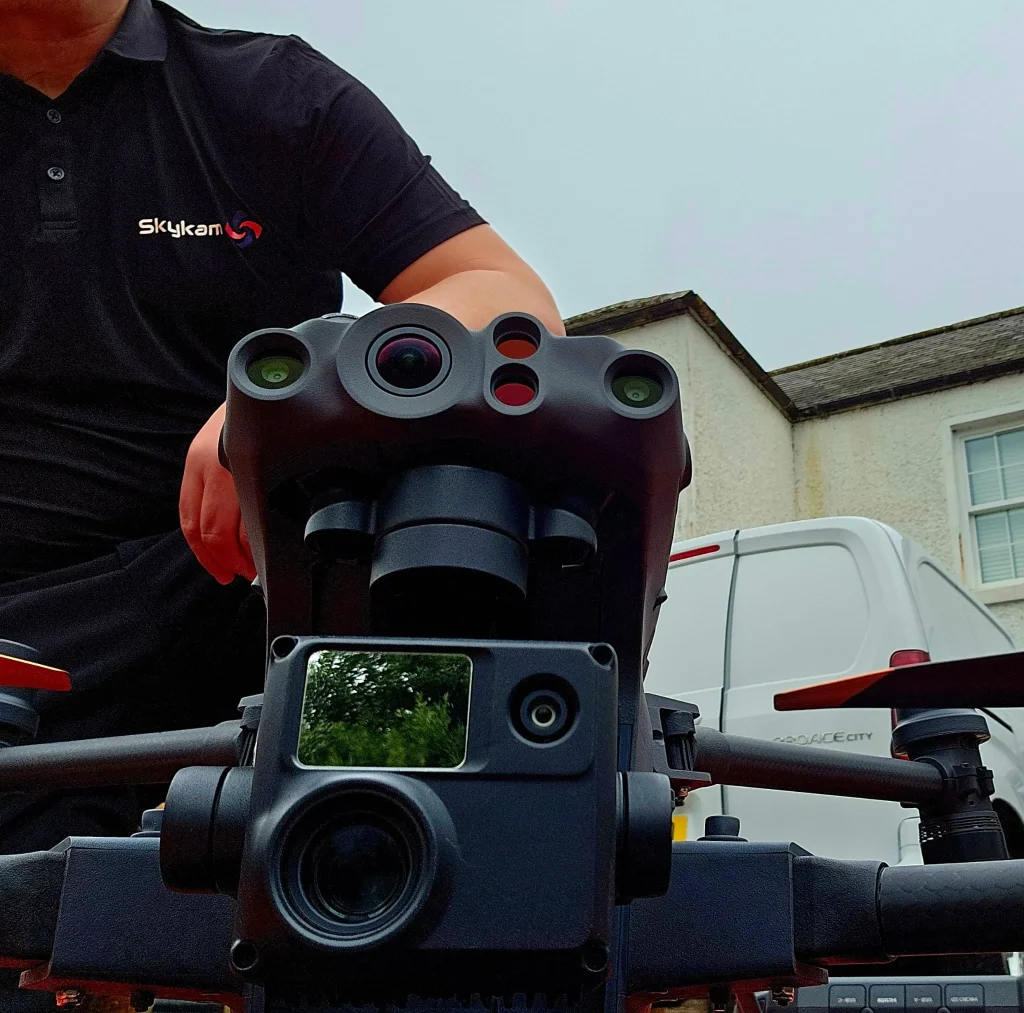
Advanced drones typically don’t include headless mode as a standard feature. If you’re an experienced pilot or using a drone for professional purposes, chances are your drone doesn’t have this beginner-friendly option.
Why?
Well, when you’ve got the skills and knowledge to confidently control your drone, you don’t really need it. You’re already comfortable piloting based on the drone’s orientation, so headless mode becomes more of a unnecessary crutch than a helpful tool.
Plus, advanced drones are often designed with the assumption that their users have a solid grasp of drone flight principles.
Manufacturers figure that if you’re investing in a high-end machine, you probably know your stuff. So, they focus on packing in other features that experienced pilots find more valuable, like superior camera quality, longer flight times, and enhanced stability.
While headless mode is great for newbies, it’s not a must-have for the pros.
That said, there are always exceptions, and some advanced drones may offer headless mode as an option. But in most cases, it’s not a standard feature you’ll find on the more sophisticated models.
Model-Specific Activation
Headless mode isn’t a universal feature you’ll find on every drone out there. In fact, the way you activate it can vary quite a bit between different models.
Some might’ve a dedicated button combo on the controller that does the trick, while others could tuck the option away in a mobile app.
So, before you go pressing buttons willy-nilly, it’s a smart move to crack open that instruction manual and get the lowdown on your specific drone.
Trust me, taking a few minutes to read up on how your particular model handles headless mode can save you a whole lot of frustration down the line.
It’s like they say, ‘an ounce of prevention is worth a pound of cure,’ and in this case, that ounce is a quick skim of the manual.
Once you’ve got the activation process down pat, you’ll be zipping around in headless mode like a pro in no time. Just remember, not all drones are created equal when it comes to this nifty feature, so do your homework and fly smart!
Tips For Using Headless Mode
Here are a few tips to help you get the most out of headless mode on your drone.
First, make sure you understand the basics of how it works and take the time to properly set up your drone before your first flight.
Once you’re ready, find a wide open space to practice flying in headless mode until you get comfortable with the controls.
Understand the Basics
To get the most out of headless mode on your drone, it’s important to understand how this feature works and when it’s best used. In headless mode, your drone’s movements are aligned with your perspective as the pilot, regardless of which direction the drone is facing.
This means that when you push the control stick forward, the drone will always move away from you, and when you pull it back, it’ll come towards you. It’s a handy feature, especially for beginners who might get confused by the drone’s orientation.
However, keep in mind that headless mode is most useful when your drone is far away or when you can’t easily tell which way it’s facing.
If your drone is close by and you can clearly see its orientation, it’s often better to fly in normal mode for more precise control.
Also, remember to always engage headless mode before takeoff and avoid switching modes mid-flight to prevent disorientation.
With a bit of practice and understanding, headless mode can be a great tool to simplify your flying experience and capture awesome footage.
Initial Setup
One important tip when initializing headless mode is to position your drone facing directly away from you before engaging this feature. This sets up the drone’s internal compass, so it understands that the direction it’s facing is ‘forward’ from your perspective.
When you push the right stick forward, the drone will always fly away from you, regardless of which way its front end is pointing.
If you don’t orient the drone correctly at the start, the headless mode won’t work as intended. You might think you’re telling it to fly forward, but it could go sideways or even toward you!
That’s why it’s essential to get the alignment right before you begin.
Practice in an Open Area
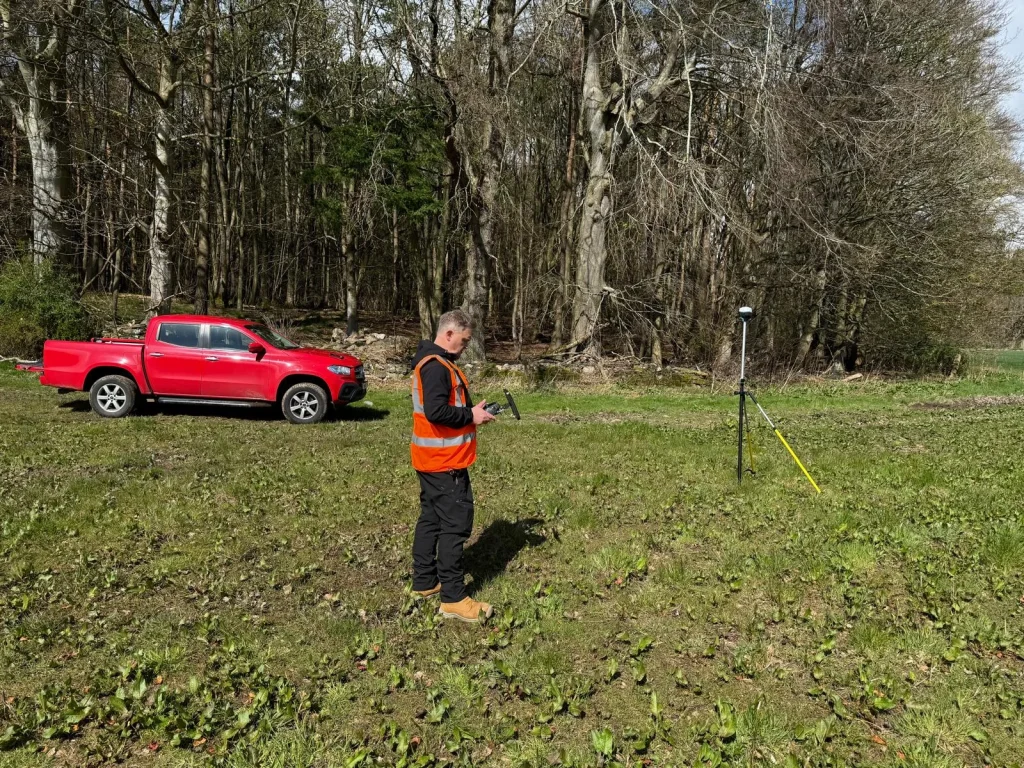
Once you’ve got headless mode set up correctly, find a wide-open space to practice flying your drone. It’s essential to get comfortable with the controls in an area free of obstacles, so you can focus on mastering the drone’s behavior without worrying about crashing into things.
As you’re learning, keep in mind that the drone will always move relative to the direction you’re facing, regardless of its orientation. This can be a bit tricky at first, but with practice, you’ll get the hang of it.
Start with simple maneuvers like moving forward, backward, and side-to-side. Pay attention to how the drone responds to your inputs and make small adjustments as needed.
Monitor Battery and Signal
While flying your drone in headless mode, it’s important to keep a close eye on the battery level and signal strength to guarantee safe operation. You don’t want to find yourself in a situation where your drone runs out of juice or loses connection mid-flight, potentially leading to a crash or flyaway.
Make sure you’ve got a fully charged battery before takeoff, and monitor the battery level throughout your flight.
If it starts getting low, bring your drone back home to avoid any unwanted surprises. The same goes for the signal strength – if you notice it’s getting weaker as you fly further away, it’s time to reel your drone back in.
Here’s a handy tip: if you do lose the FPV connection, headless mode can be a real lifesaver. Since the controls are based on your position rather than the drone’s orientation, you can still navigate it back to you even without seeing through its camera.
Just remember to keep an eye on those battery and signal levels, and you’ll be enjoying headless mode flights with confidence!
Transition to Normal Mode
Master headless mode, but don’t forget to practice flying in normal mode too – it’s essential for developing your piloting skills and tackling more advanced maneuvers.
While headless mode is a great starting point, relying on it too heavily can impede your progress as a drone pilot. In normal mode, you’ll learn to navigate based on the drone’s actual orientation, which is vital for more complex flights and professional applications.
To shift smoothly, try alternating between headless and normal modes during your practice sessions. Start with simple maneuvers in normal mode, such as hovering and gentle turns, and gradually work your way up to more challenging moves.
Pay attention to how the drone responds to your commands in each mode, and you’ll soon develop an intuitive sense of control.
Conclusion
Headless mode can make flying your drone easier, especially if you’re a beginner. It’s not available on all models though, so check your drone’s features.
Remember, headless mode doesn’t replace practicing proper control and orientation skills. Use it judiciously to enhance your flying experience, but don’t rely on it entirely.
With a bit of practice and these tips in mind, you’ll be piloting the skies with confidence in no time!

