

Your drone may be losing signal due to various factors. Electromagnetic interference from nearby devices, physical obstacles blocking the line-of-sight, or exceeding the maximum transmission range can disrupt the connection. Weather conditions, like strong winds or heavy rain, can also affect signal strength.
Technical issues, such as outdated firmware or low battery power in either the drone or controller, may contribute to signal loss.
Additionally, frequency interference from other wireless devices can cause connectivity problems.
To improve your drone’s signal, try maintaining a clear line-of-sight, avoiding areas with potential interference, and ensuring your equipment is up-to-date.
Understanding these factors will help you troubleshoot and prevent future signal issues.
Electromagnetic interference
Numerous electromagnetic sources can interfere with your drone’s signal, potentially causing a loss of control or connection.
In urban environments, you’re likely to encounter a variety of electromagnetic fields that can disrupt your drone’s communication with its controller. Power lines, which are ubiquitous in cities, emit strong electromagnetic fields that can interfere with your drone’s radio signals.
Similarly, Wi-Fi networks, which are prevalent in both residential and commercial areas, operate on frequencies that may overlap with your drone’s control system.
Other electronic devices, such as cell phones, Bluetooth devices, and even microwave ovens, can contribute to signal interference.
These devices emit their own electromagnetic waves, creating a complex web of potential disruptions.
When flying your drone, it’s important to be aware of your surroundings and the potential sources of interference.
If you’re experiencing frequent signal loss, consider moving to a less congested area or adjusting your flight path to avoid known sources of electromagnetic interference.
Additionally, some newer drone models come equipped with features that can help mitigate signal interference, such as automatic frequency hopping or enhanced signal strength.
Be sure to consult your drone’s manual for specific recommendations on dealing with signal loss issues.
Obstacles
While electromagnetic interference can be a significant issue, physical obstacles present another major challenge for drone operators.
You’ll find that large structures such as buildings, trees, and even vehicles can disrupt your drone’s signal, causing unexpected interruptions. This problem is particularly prevalent in urban environments or areas with dense vegetation, where obstacles are abundant.
When radio signals encounter these obstacles, they can be blocked or reflected, leading to a loss of communication between your drone and its controller.
To minimize this risk, it’s essential to choose open areas for flying your drone.
Avoid locations with power lines, large metal structures, or other substantial obstructions that could interfere with signal transmission.
Flying out of range
Distance limits pose a momentous challenge for drone operators, as flying beyond your device’s maximum transmission range can swiftly lead to signal loss. Every drone model has a specific range within which it can maintain a steady connection with the controller.
It’s pivotal to familiarize yourself with your drone’s capabilities and adhere to the manufacturer’s recommended range limits.
To avoid signal loss due to exceeding range, always keep your drone within visual line of sight. This not only guarantees better control but also helps you maintain awareness of your drone’s distance from you.
Pay attention to your controller’s signal strength indicator, which can warn you when you’re approaching the limit of your drone’s range.
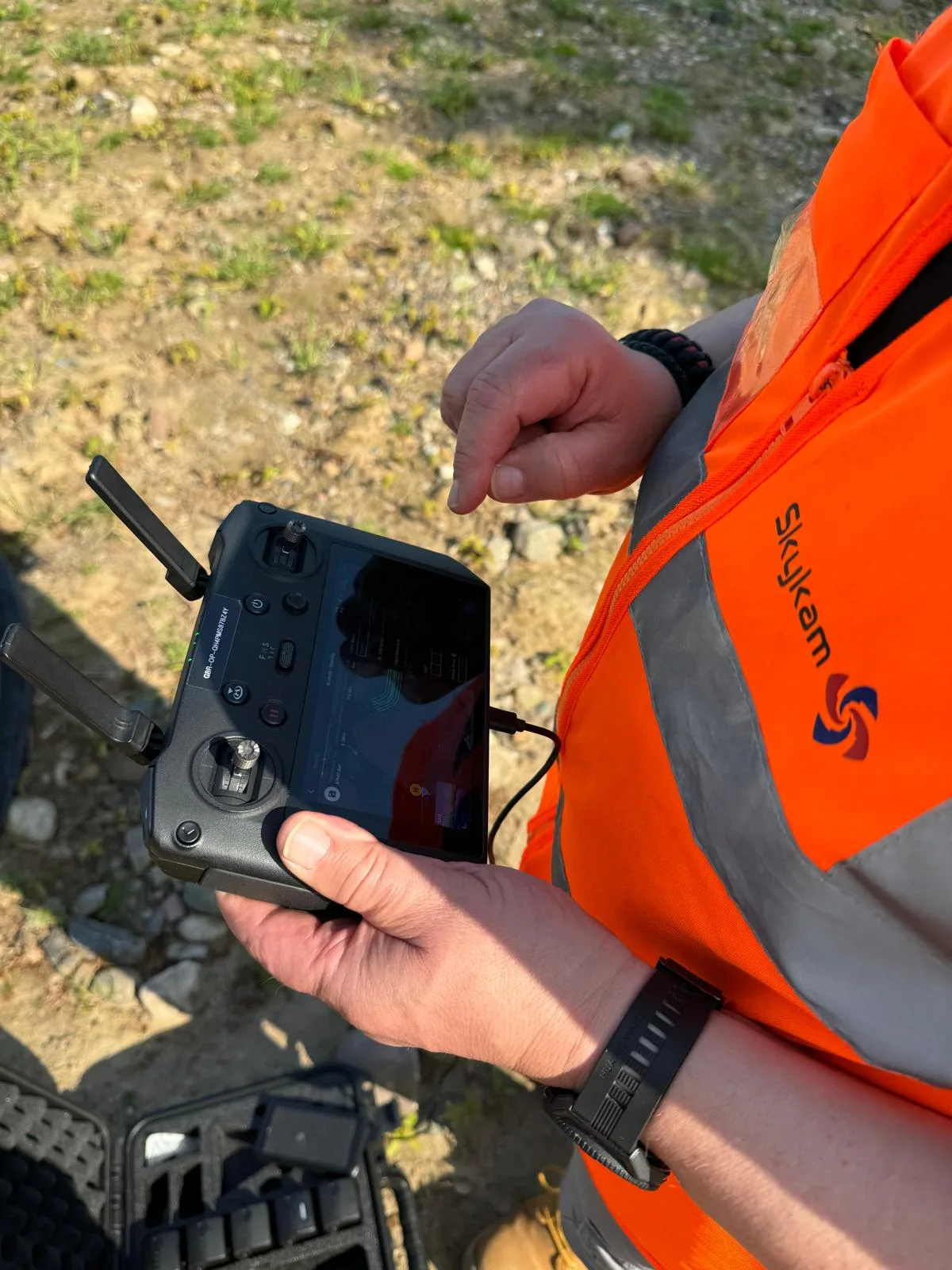
Additionally, the positioning of your controller’s antennas can greatly impact signal strength. For ideal reception, align the antennas parallel to your drone.
This simple adjustment can help maintain a stronger connection at greater distances.
Weather conditions
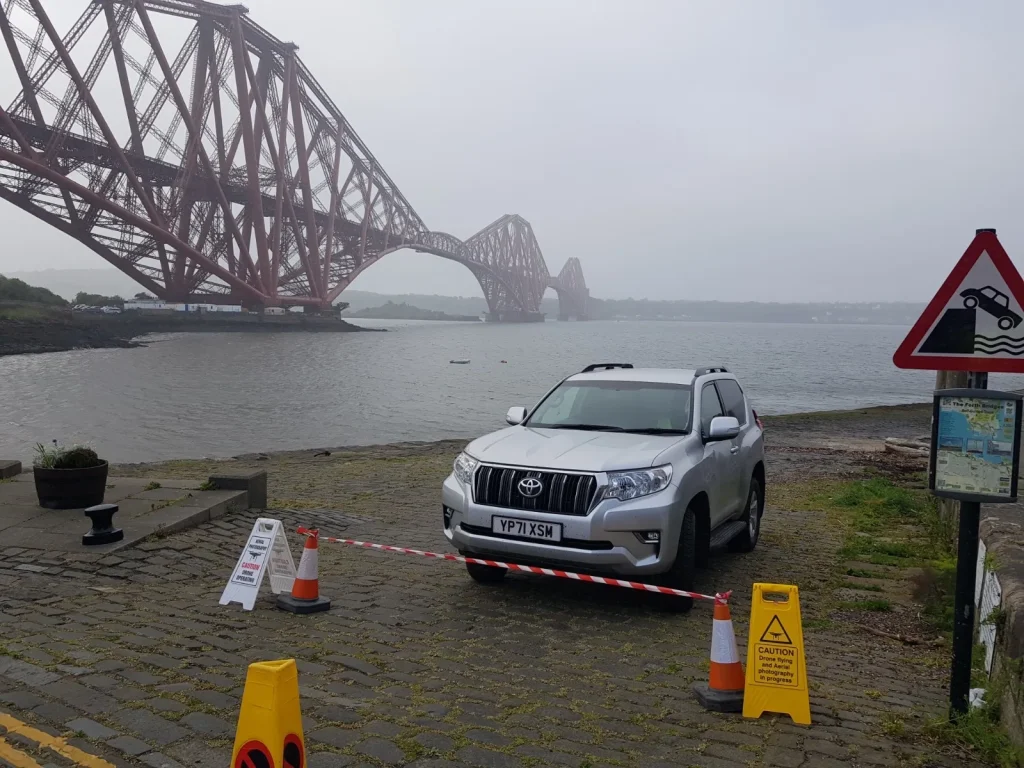
Mother Nature wields paramount influence over your drone’s signal stability, with various weather conditions capable of disrupting the connection between your controller and aircraft. Extreme temperatures, high humidity, and strong winds are particularly problematic for maintaining a reliable signal.
These factors can interfere with the radio waves that transmit commands from your controller to your drone, potentially leading to signal loss or instability.
High humidity is especially troublesome, as moisture in the air can disperse or weaken radio signals. This means that flying your drone on a foggy or misty day could result in reduced range and increased likelihood of signal loss.
Similarly, extreme heat or cold can affect the performance of your drone’s electronics, including its communication systems. Strong winds pose a dual threat, not only making it harder to control your drone but also potentially disrupting the signal transmission.
When planning your flights, it’s important to consider these weather factors. Check the forecast before flying, and avoid operating your drone in adverse conditions.
By being mindful of the weather, you can substantially reduce the risk of signal loss and safeguard a safer, more enjoyable flying experience.
Firmware issues
In addition to external factors, your drone’s internal software can play a pivotal role in signal stability and connectivity. Firmware, the software that controls your drone’s hardware, is indispensable for maintaining a strong signal and smooth operation.
Outdated or corrupted firmware can lead to various issues, including signal loss and connectivity problems.
To guarantee optimal performance, it’s critical to keep your drone’s firmware up to date. Manufacturers regularly release updates that address bugs, improve functionality, and enhance signal stability.
However, it’s important to approach new updates with caution, as they may occasionally introduce new issues.
Before updating, research the specific firmware version to see if other users have reported any problems.
To update your drone’s firmware, follow the manufacturer’s instructions carefully. This usually involves connecting your drone to a computer or mobile device and using the official app or software.
During the update process, ensure your drone has sufficient battery power and maintain a stable internet connection.
If you encounter any issues during or after the update, consult the manufacturer’s support resources or reach out to their customer service for assistance.
Regular firmware maintenance can drastically improve your drone’s signal reliability and overall performance.
Low battery
While firmware issues can cause signal problems, another common culprit is a low battery in your drone or controller.
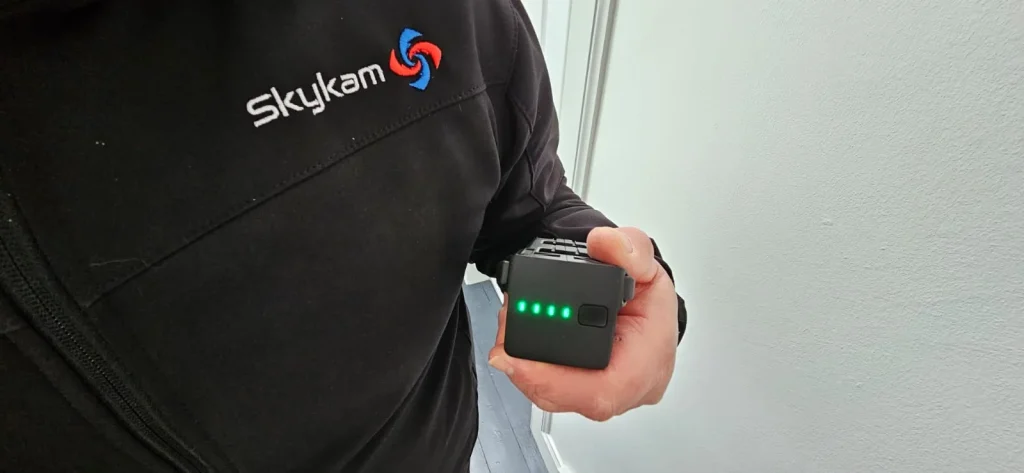
It’s crucial to understand that both your drone and controller need sufficient power to maintain a stable connection. When the battery in either device runs low, it can lead to signal loss, potentially causing your drone to become unresponsive or even crash.
To avoid this issue, always make sure both your drone and controller are fully charged before you start flying. Most drones have indicators that show the battery level, so pay close attention to these during your flight.
It’s a good practice to land your drone when the battery reaches about 30% to guarantee a safe return. Similarly, keep an eye on your controller’s battery status. Many controllers will alert you when their battery is running low, but it’s wise to check this before each flight.
Frequency interference
Frequency interference can substantially impact your drone’s signal quality and range. Most drones operate on the 2.4 GHz frequency, which is a crowded spectrum shared by many other devices.
This congestion can lead to signal disruptions, reducing your drone’s performance and potentially causing loss of control.
To mitigate this issue, you should consider switching to the 5 GHz channel if your drone supports it.
The 5 GHz frequency is less crowded, offering a clearer communication path between your controller and the drone. This switch can drastically reduce interference, improving your drone’s signal stability and range.
When flying your drone, be aware of potential sources of interference in your environment. Wi-Fi routers, Bluetooth devices, and even microwave ovens can all contribute to signal disruption on the 2.4 GHz band.
If you’re experiencing persistent signal issues, try moving to a different location or identifying and removing nearby interference sources.
Additionally, always guarantee that your drone’s firmware is up to date, as manufacturers often release updates to improve signal performance and address known interference issues.
Conclusion
You’ve now learned about several common reasons for drone signal loss. To maintain a strong connection, avoid electromagnetic interference, fly in open areas, stay within range, and watch weather conditions.
Keep your drone’s firmware updated and battery charged. Be aware of potential frequency conflicts.
By addressing these factors, you’ll markedly reduce signal interruptions and enjoy smoother flights. Remember, consistent signal strength is vital for safe and effective drone operation, so always prioritize maintaining a strong connection.

