

Your drone controller’s beeping could be signaling several issues. It might indicate a low battery in either the controller or drone, requiring a recharge. Joystick misalignment can trigger beeping, necessitating recalibration. Firmware problems may cause unexpected beeping, so check for updates. If your drone has obstacle avoidance technology, the beeping could be alerting you to nearby objects.
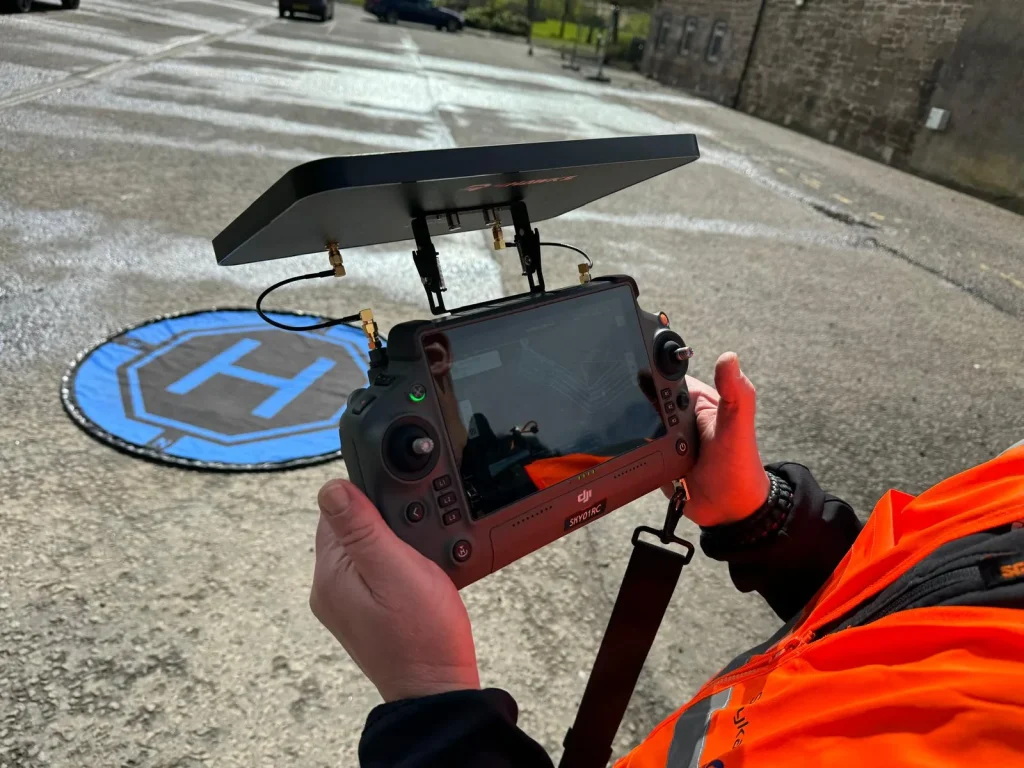
Sometimes, it’s simply a normal start-up or shut-down chime. If the beeping persists, it might be due to hardware errors.
To pinpoint the exact cause and resolve the issue, consult your drone’s manual or the manufacturer’s support.
Understanding these common causes can help you troubleshoot more effectively.
Low Battery
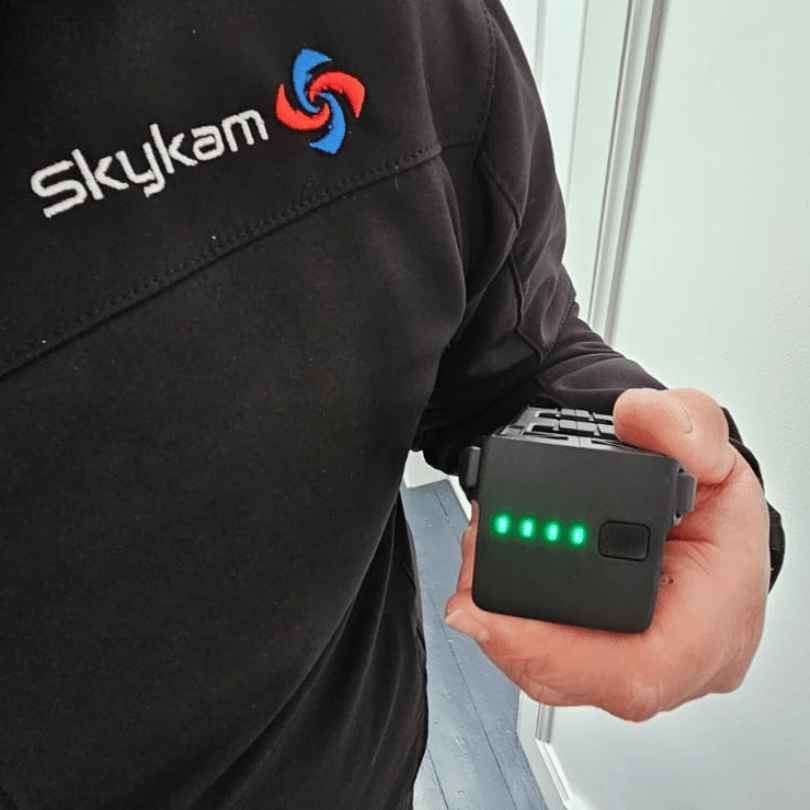
If you’re hearing persistent beeps from your drone controller, one of the most likely culprits is a low battery.
This common issue often occurs when either your drone’s battery or your controller’s battery drops to around 20% charge or less.
It’s a built-in safety feature to alert you before power runs out completely.
To address this, first check the battery levels of both your drone and controller. Most DJI controllers will display battery percentages on their screens.
If you see a low battery indicator, it’s time to recharge.
For the drone, you may need to power it on and check its status lights or connect it to the DJI app to view its battery level.
If you’ve confirmed that low battery is the cause of the beeping, the solution is straightforward: recharge the device that’s running low.
Always keep spare batteries on hand for longer flights, and make it a habit to fully charge both your drone and controller before each session.
This proactive approach will help you avoid unexpected beeping and guarantee you’re always ready for flight.
Joystick Misalignment
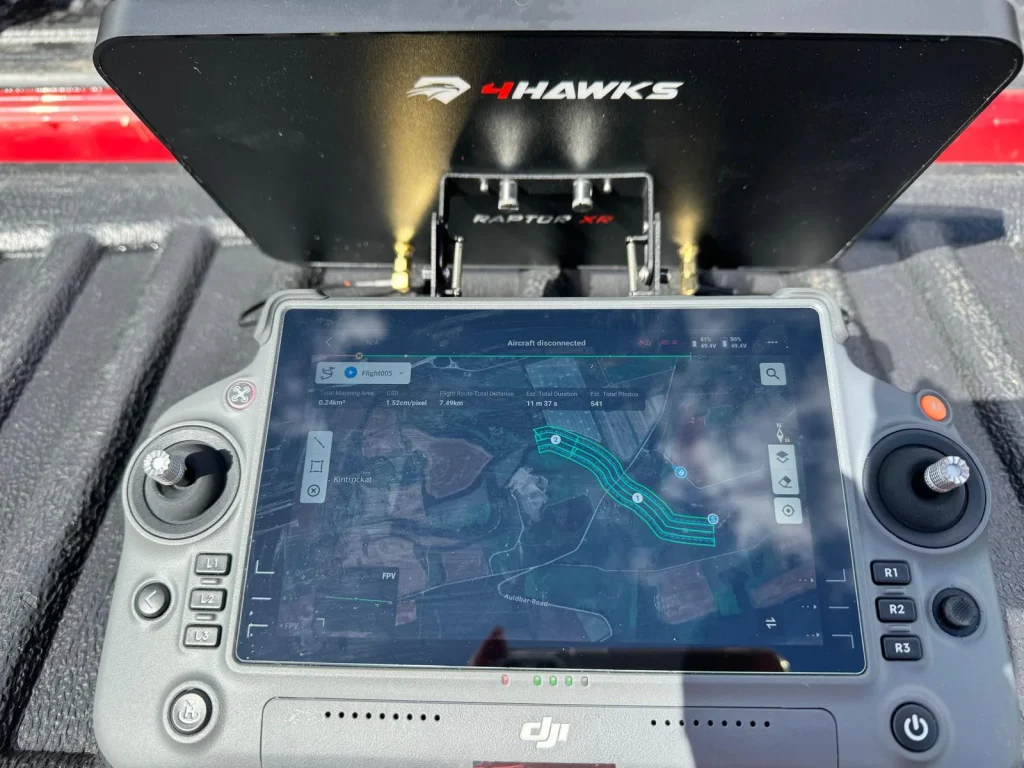
While low battery is a common cause of controller beeping, another frequent culprit is joystick misalignment on your drone’s remote control.
This issue can trigger an annoying warning sound, alerting you that something’s not quite right with your controller’s sticks.
If you’re experiencing persistent beeping, it’s worth checking your joysticks.
They may not be properly centered or calibrated, causing the controller to think you’re giving it input when you’re not.
To address this, you’ll need to recalibrate your remote controller.
- Check your drone’s manual for specific calibration instructions.
- Most drones have a calibration mode you can activate through the controller settings.
- Follow the on-screen prompts to move the joysticks through their full range of motion.
- Make sure the sticks return to the center position when released.
- Complete the calibration process as directed by your drone’s software.
Firmware Issues
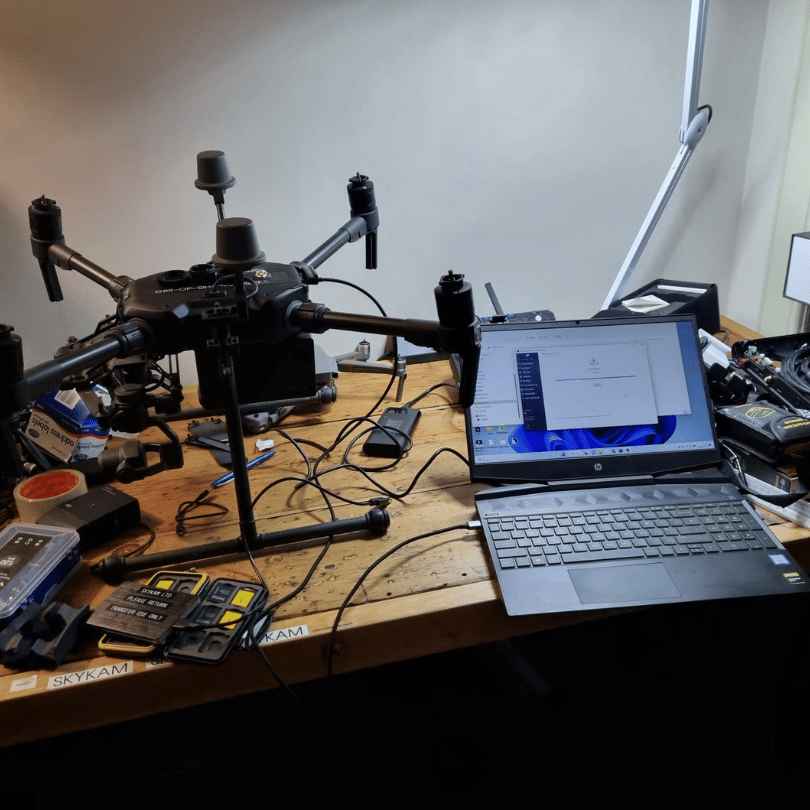
Your drone controller’s beeping might be caused by firmware issues, which can disrupt normal functionality and trigger unexpected alerts.
Firmware is the software embedded in your controller that manages its basic operations.
When it’s outdated or corrupted, it can lead to various problems, including persistent beeping.
To address this issue, you’ll want to check if there’s a firmware update available for your controller. Most drone manufacturers provide regular updates to improve performance and fix bugs.
Visit the official website of your drone’s maker and look for the latest firmware version for your specific controller model.
If an update is available, follow the manufacturer’s instructions to install it.
This process often involves connecting your controller to a computer and using specialized software to transfer the new firmware.
Make sure you don’t interrupt the update process, as this could potentially damage your controller.
In some cases, a recent firmware update might actually be the cause of the beeping. If you’ve updated recently and the problem started afterward, consider rolling back to a previous version.
This step should be taken cautiously and only if recommended by the manufacturer or drone community forums.
Obstacle Avoidance Alert
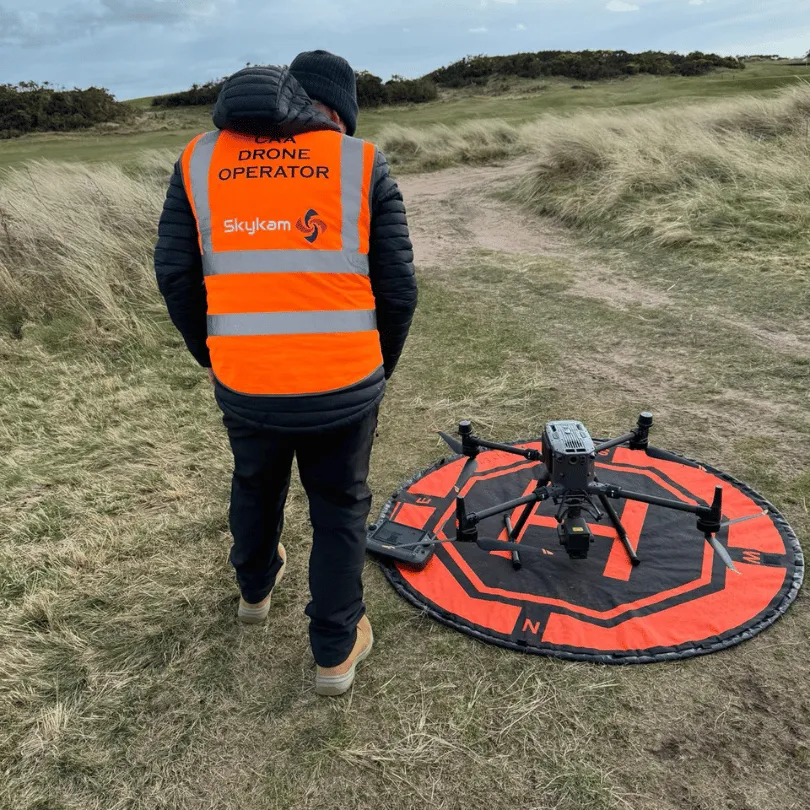
Another common reason for your drone controller’s beeping is the obstacle avoidance alert, a safety feature designed to prevent collisions during flight.
If your drone is equipped with this technology, it’s constantly scanning its surroundings for potential obstacles.
When it detects an object in its flight path, the controller will emit a continuous beep to warn you of the impending danger.
This beeping serves as an essential alert system, allowing you to take immediate action to prevent a crash.
If you hear this persistent beeping, don’t panic.
Instead, focus on maneuvering your drone away from the obstacle. You can do this by adjusting its altitude, changing its direction, or even bringing it to a complete stop if necessary.
Start-up or Shut-down Chime
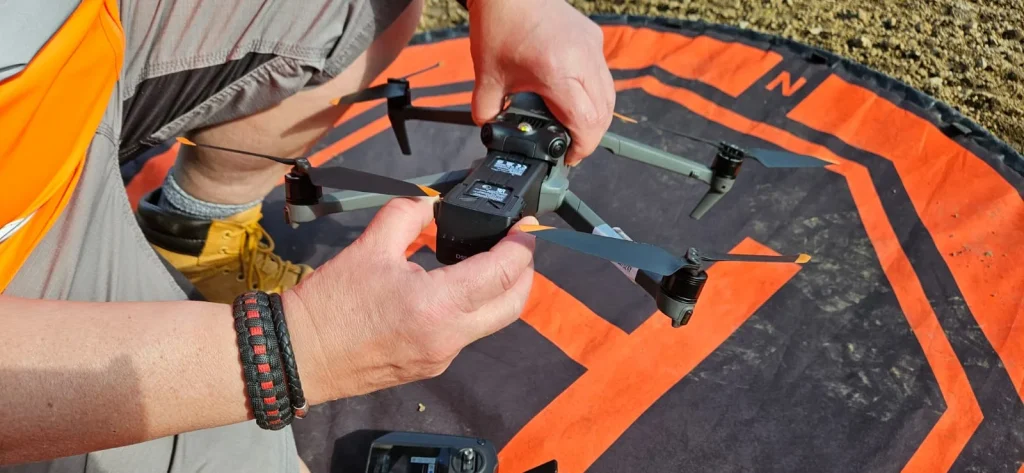
Drone controllers often greet their users with a distinct series of beeps when powered on or off, serving as an audible confirmation of the device’s operational status.
This start-up or shut-down chime is a normal feature designed to indicate that your controller is functioning correctly.
You’ll typically hear these beeps when you press the power button to turn the controller on or off.
It’s important to understand that these beeps aren’t alerting you to any issues or requiring action on your part. They’re simply a built-in audio cue to let you know the controller is responding to your input.
If you’re new to using a drone, you might initially find these sounds concerning, but rest assured, they’re a standard part of the controller’s operation.
To familiarize yourself with your specific controller’s start-up and shut-down sounds, try powering it on and off a few times.
This will help you recognize the normal beep pattern, making it easier to distinguish from other potential alert sounds your controller might emit during operation.
Hardware Errors
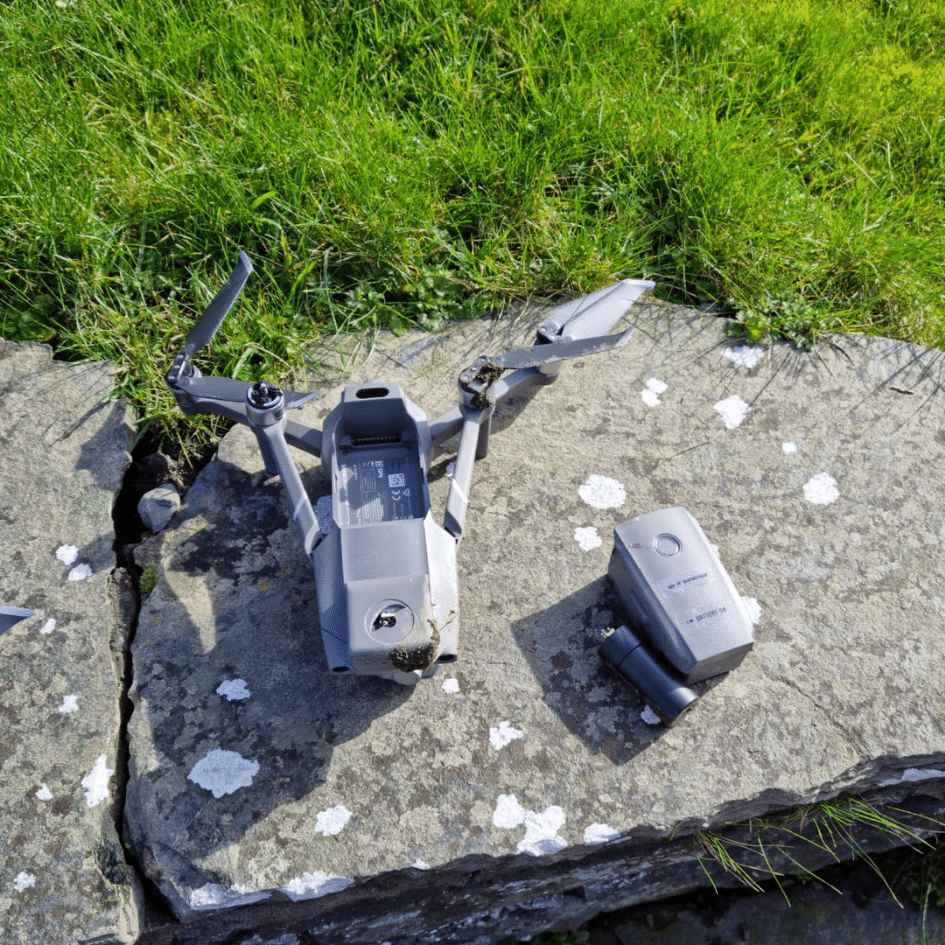
In contrast to normal start-up sounds, persistent beeping from your controller can indicate serious hardware malfunctions.
These issues often require immediate attention to prevent further damage to your drone system.
First, check your controller’s battery. If it’s low, you’ll hear warning beeps. Simply recharge or replace the batteries to resolve this.
If the beeping continues, inspect the controller for physical damage. Look for cracked casings, loose buttons, or damaged antennas. These can trigger error signals.
Next, guarantee your controller’s firmware is up-to-date. Outdated software can cause unexpected beeping. Connect your controller to your computer and run any available updates.
If the problem persists, it might be an internal hardware issue. Common culprits include faulty circuit boards, damaged sensors, or loose connections. Unless you’re experienced with electronics, it’s best to contact the manufacturer or a professional repair service.
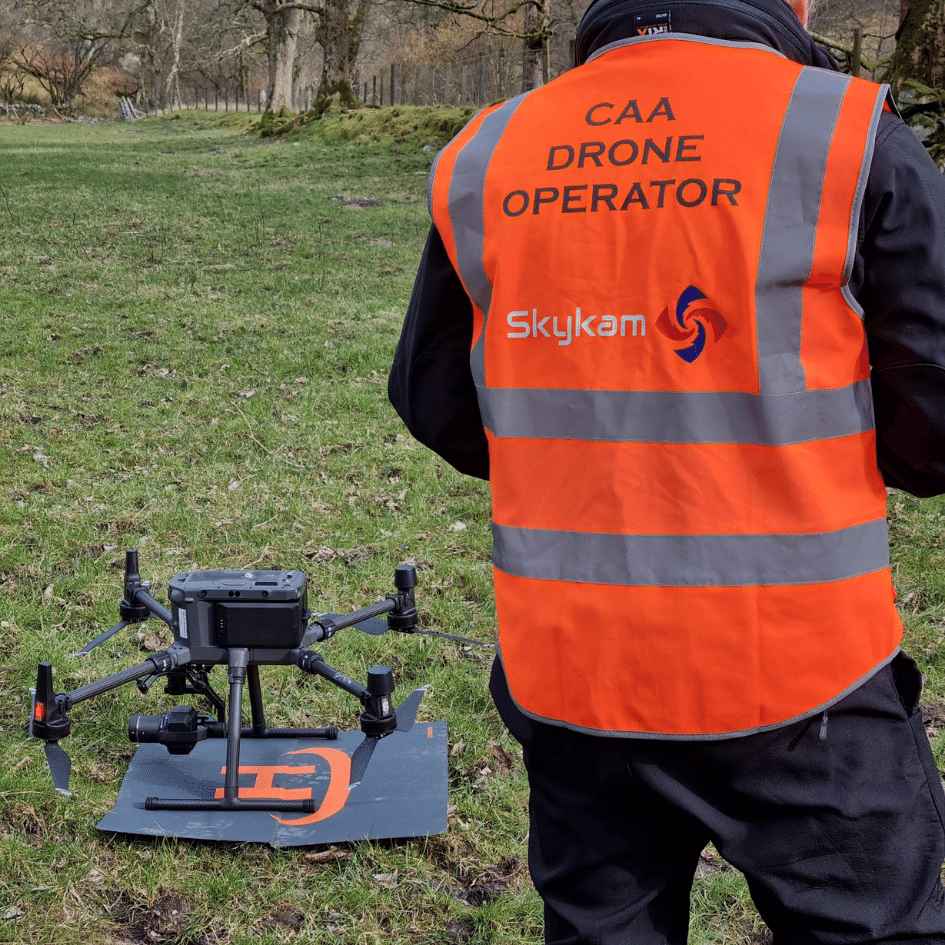
consult the manufacturer’s support
When all else fails, reaching out to the manufacturer’s support team can provide expert guidance and solutions for your beeping controller. They’re equipped with in-depth knowledge of your specific model and can offer customized advice.
To make the most of your interaction with support, gather all relevant information beforehand.
Note down the exact model of your controller, when you purchased it, and a detailed description of the beeping issue. Include any troubleshooting steps you’ve already taken.
Many manufacturers offer multiple support channels. Check their website for FAQs, user forums, or chatbots that might quickly resolve your problem.
If these don’t help, look for phone, email, or live chat support options.
When contacting support, be clear and concise in explaining your issue. Follow their instructions carefully, as they may guide you through additional troubleshooting steps.
If the problem persists, the support team might recommend sending your controller for repairs. While this can be inconvenient, it’s often the best way to address complex issues and guarantee your controller’s longevity.
Conclusion
If you’ve tried the solutions mentioned and your drone controller is still beeping, don’t hesitate to contact the manufacturer’s support team. They can provide specific guidance for your model.
Remember to keep your controller’s firmware updated and batteries charged. Regular maintenance and proper storage will help prevent many common issues.
By addressing beeping problems promptly, you’ll guarantee safer flights and a better drone piloting experience overall.

