
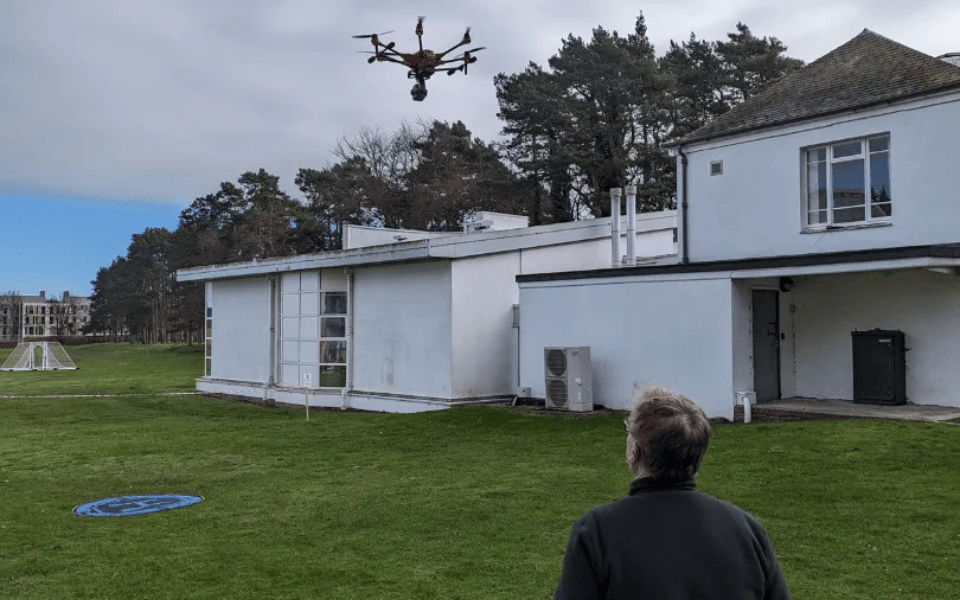

Your drone may be tilting due to several reasons. First, check your accelerometer calibration, ensuring you use a level surface and follow proper procedures. Inspect your propellers and motors for damage or wear, replacing them if necessary.
Recalibrate your controller settings, adjusting roll, pitch, and yaw channels. Consider environmental factors like wind and electromagnetic interference when flying.
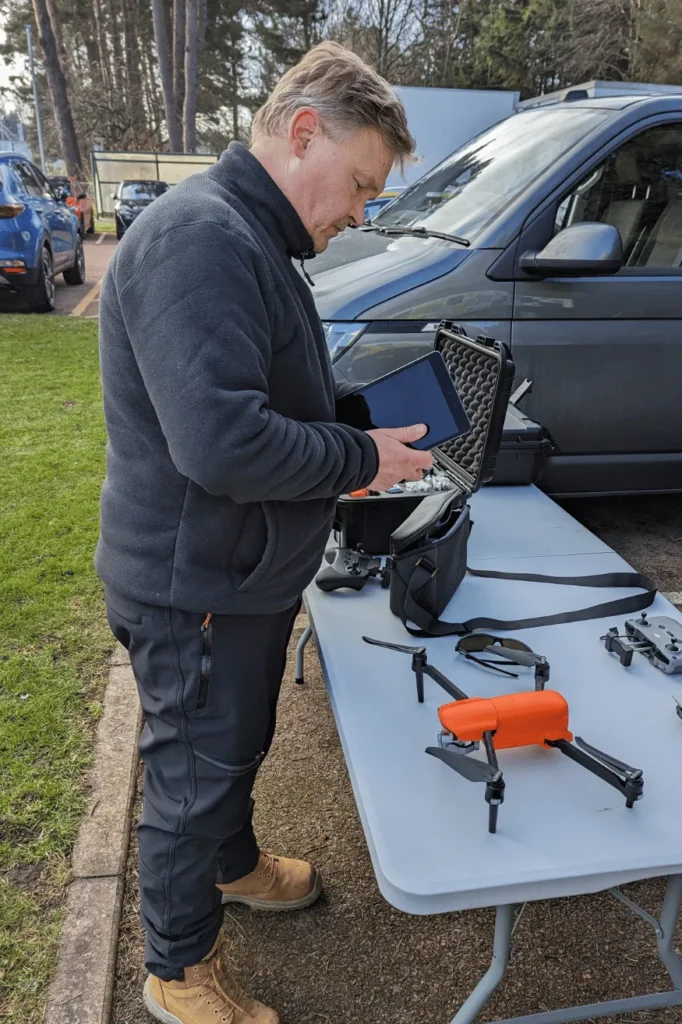
Finally, examine your gimbal alignment, as a misaligned camera can create the illusion of tilting.
For DJI drones, use the in-flight horizon correction feature. By addressing these issues step-by-step, you’ll improve your drone’s stability and flight performance.
Discover more detailed solutions to keep your drone flying straight and true.
Accelerometer Calibration Issues
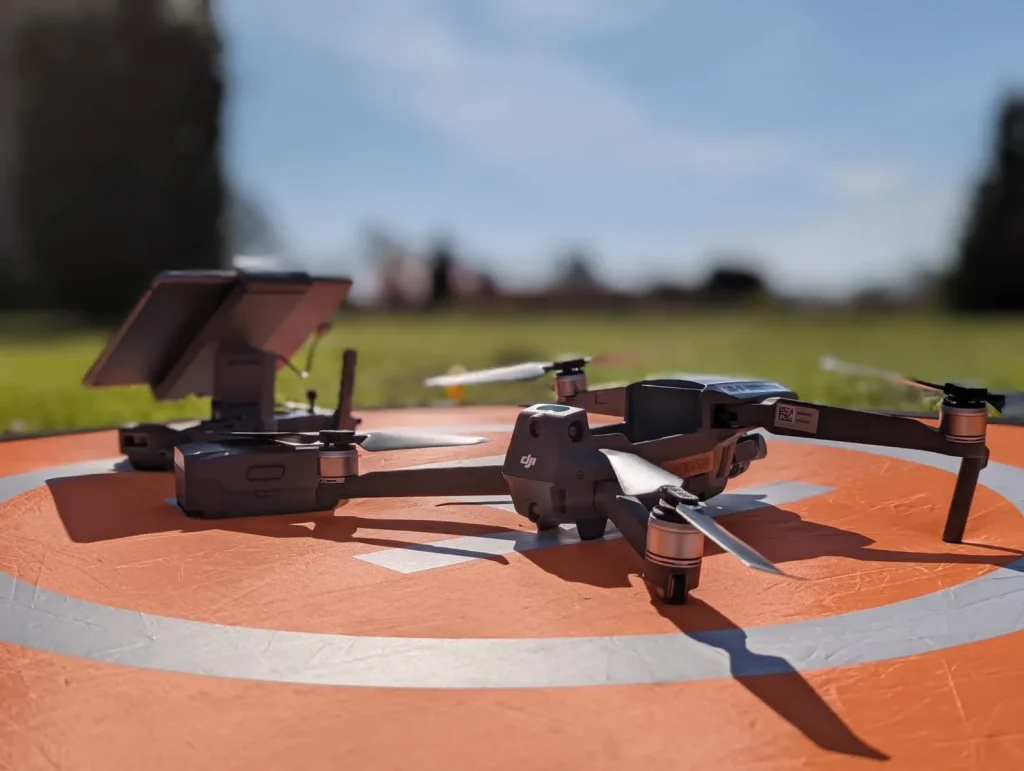
One of the most common reasons your drone might be tilting to one side is an improperly calibrated accelerometer. This pivotal component measures your drone’s orientation and movement, and when it’s not calibrated accurately, it can cause your aircraft to lean unexpectedly.
If you’re experiencing this issue, don’t worry. There’s a straightforward fix you can try at home. It’s of paramount importance to use a cold IMU (Inertial Measurement Unit) calibration.
First, cool down your drone, but not the drone battery. You can do this by placing it over an air conditioning vent or in your refrigerator for a short time.
Once it’s cooled, find a perfectly level surface. It’s indispensable to use a bubble level to ensure the surface is absolutely flat.
Next, perform the IMU calibration on this level surface. Follow your drone’s specific calibration instructions carefully. After you’ve completed the calibration, let your drone sit undisturbed for about two minutes before you use it.
This process should help reset your drone’s accelerometer and potentially resolve the tilting issue you’ve been experiencing.
Propeller and Motor Problems
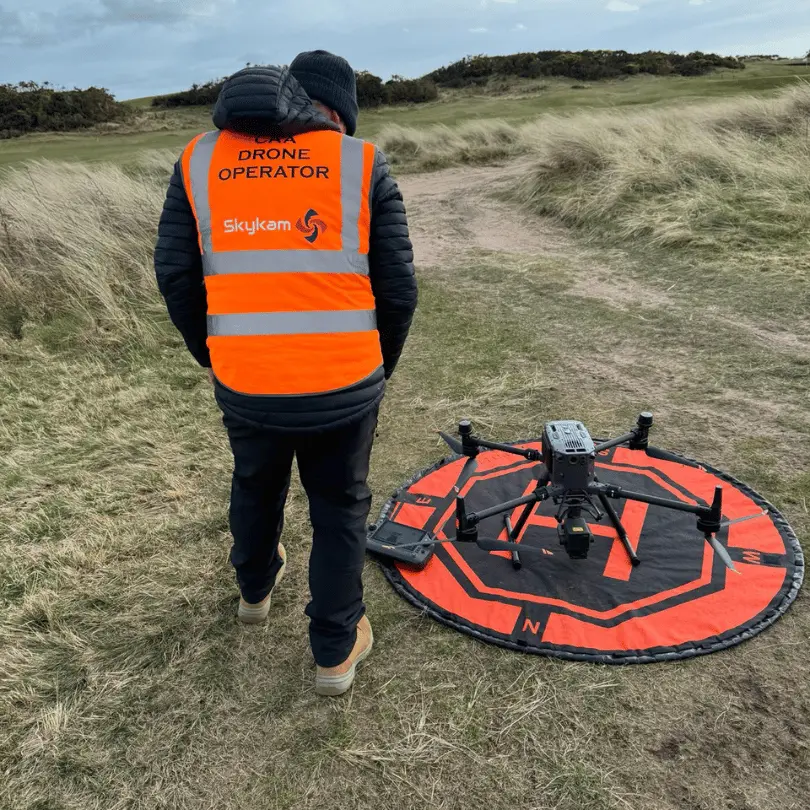
Another significant cause of drone tilting can be traced to issues with propellers and motors. If you’re experiencing this problem, it’s likely due to an uneven distribution of propeller force or a faulty motor.
When one motor isn’t working correctly, it can overpower the others, leading to an imbalance that causes your drone to tilt.
To address this issue, start by examining your drone’s propellers. Look for any signs of damage or wear and tear. If you spot any problems, it’s best to replace all the propellers with new ones.
This guarantees a balanced setup and eliminates any potential discrepancies in propeller performance.
If replacing the propellers doesn’t solve the problem, you’ll need to check the motors next. Inspect each motor carefully for any visible damage or signs of malfunction.
If you find a faulty motor, you’ll need to replace it. When installing new motors, make sure they’re symmetrically oriented to maintain proper balance.
Controller Settings and Calibration
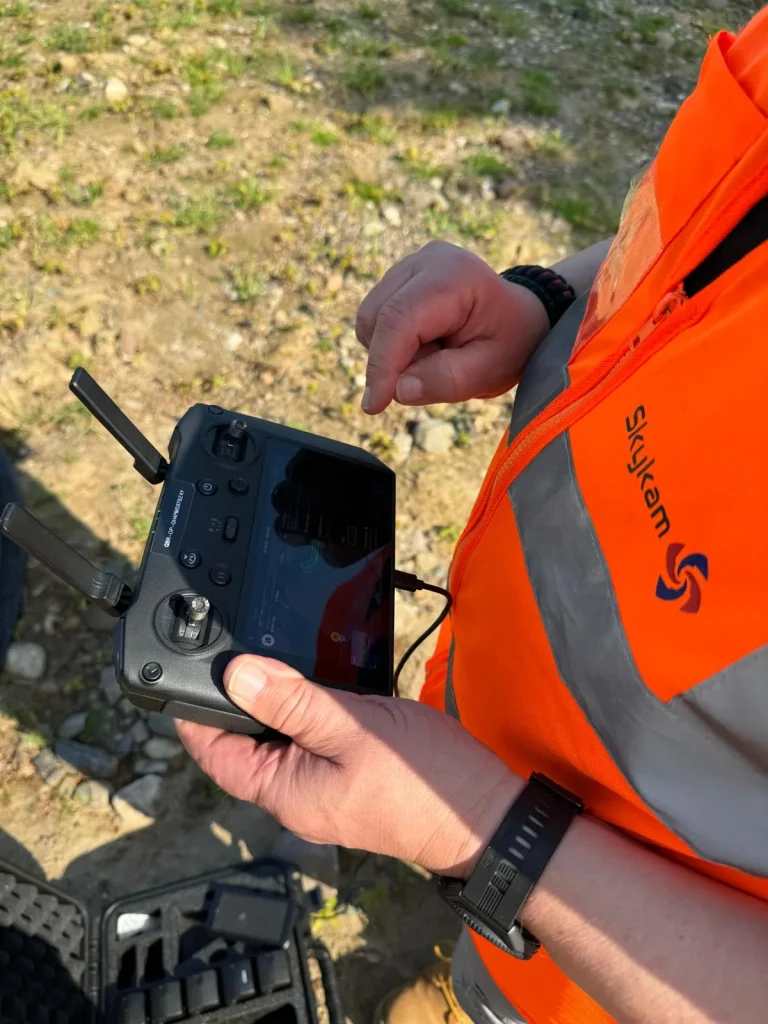
Improperly calibrated controller settings can be a hidden culprit behind your drone’s tilting problem. The issue often lies in the roll, pitch, and yaw channels of your drone controller. When these controls aren’t calibrated correctly, your drone may tilt unexpectedly during flight.
To address this, you’ll need to recalibrate your controller sticks. Pay close attention to the yaw axis, as it’s often the source of tilting issues.
Start by accessing your drone’s configuration software, such as Betaflight.
Check if the sticks are reading as centered when they’re physically in the center position. If they’re not, you’ll need to make some adjustments.
Consider increasing the size of your dead zone. This can help prevent small, unintended stick movements from affecting your drone’s flight.
You might also need to adjust the trim settings to ensure your drones controller is properly aligned. Remember, these calibrations are indispensable for maintaining stable flight.
Environmental Factors
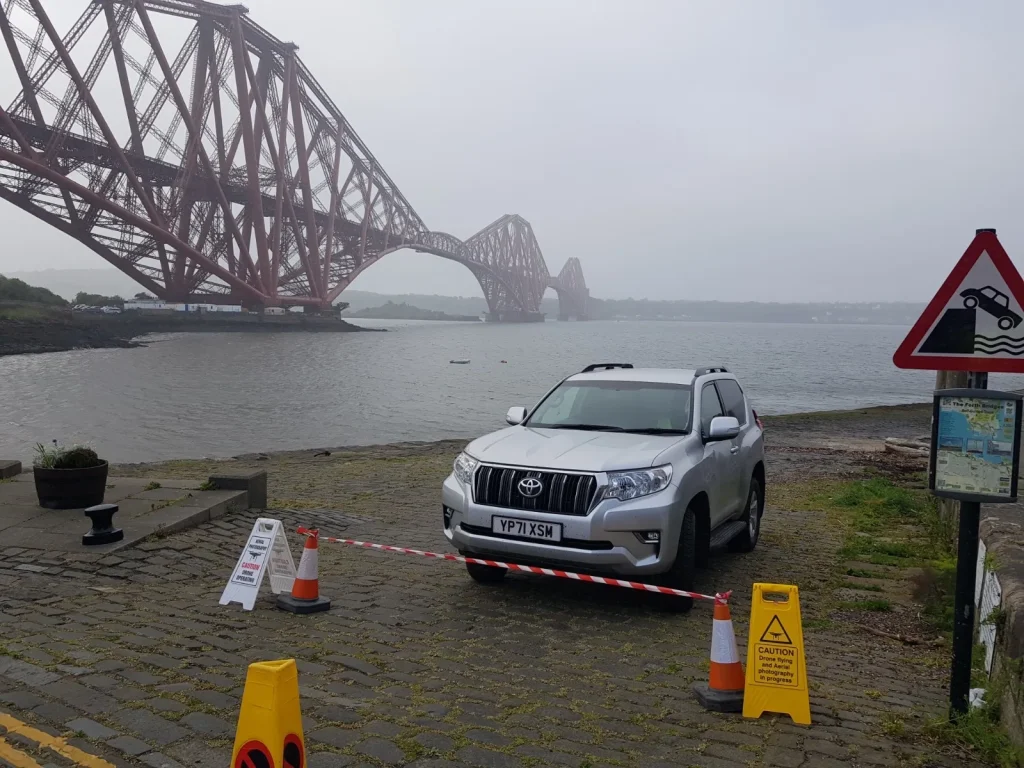
Your drone’s environment plays an essential role in its stability and can often be the root cause of unexpected tilting. Several external factors can contribute to this issue, and it’s vital to be aware of them to guarantee smooth flights.
Strong winds are a common culprit, making it difficult for your drone to maintain its balance. If you’re flying in windy conditions, be prepared to make constant adjustments to keep your drone stable.
It’s best to avoid flying on particularly gusty days if possible.
Electromagnetic interference from power lines or large structures can also affect your drone’s performance. This interference can disrupt the communication between your drone and its controller, leading to erratic behavior.
To prevent this, choose your flying location carefully, staying away from potential sources of interference.
The surface you’re launching from matters.
A slanted or uneven surface can cause your drone to tilt right from takeoff. Always make certain you’re launching from a level surface to give your drone the best start possible.
Gimbal and Horizon Correction
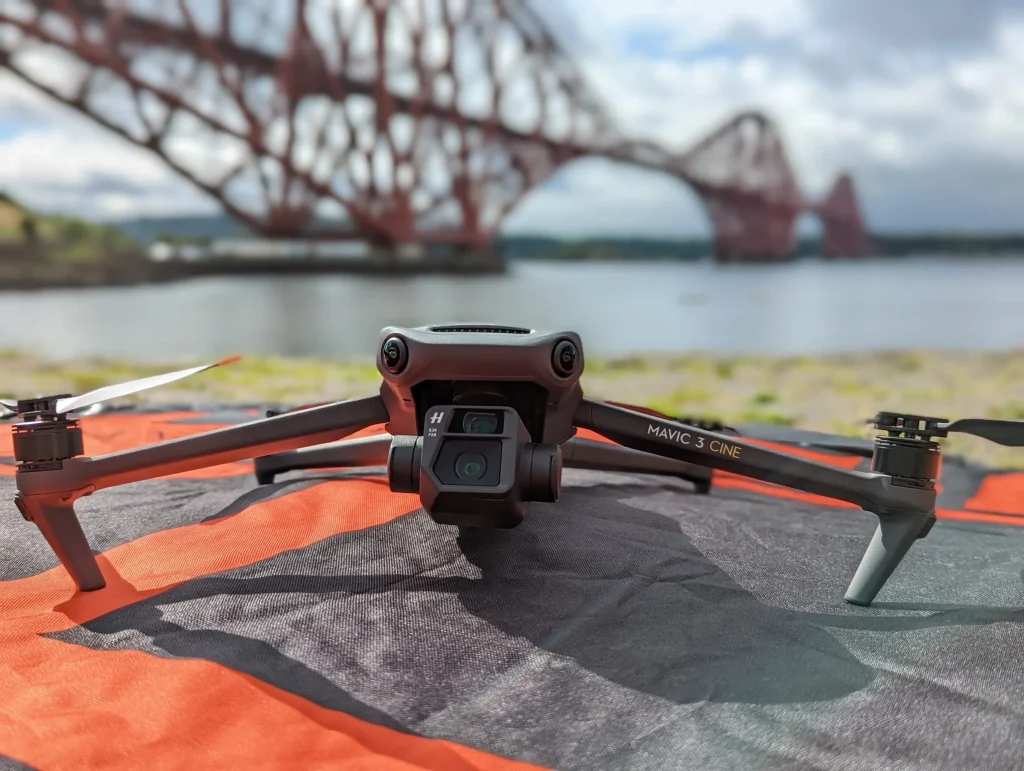
While environmental factors can cause tilting, what you perceive as a tilted drone might actually be a misaligned camera gimbal, creating the illusion of an uneven horizon in your footage.
This common issue can be frustrating, but there’s a simple solution that doesn’t require landing your drone or extensive post-processing.
If you’re flying a DJI drone, you can correct a tilted horizon mid-flight.
Here’s how to do it:
- Access the gimbal settings through your DJI app.
- Look for the roll adjustment option.
- Use this feature to level the horizon mechanically.
Conclusion
You’ve now learned the main reasons your drone might tilt and how to address them.
Remember to regularly calibrate your accelerometer, check propellers and motors, adjust controller settings, consider environmental factors, and verify gimbal settings.
If issues persist, don’t hesitate to consult your drone’s manual or seek professional help.
With proper maintenance and troubleshooting, you’ll keep your drone flying straight and stable, ensuring better footage and a safer flying experience.

