

If your drone isn’t turning on, start by checking the power-on procedure in your user manual. Guarantee the battery is correctly inserted and charged. Inspect the battery compartment and contact points for damage or debris, cleaning them if necessary.
Try charging the drone or using a different battery if available.
If these steps don’t work, examine the metal connectors for corrosion or misalignment.
Remember, each drone model may have unique power-on requirements, so following the correct sequence is indispensable.
If you’ve tried these steps and your drone still won’t power up, it’s time to explore more advanced troubleshooting techniques.
Check the power-on procedure
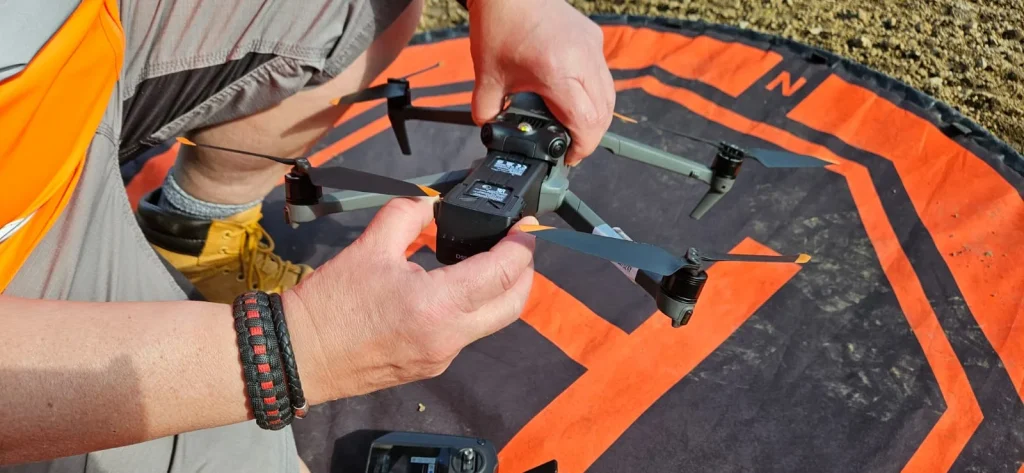
One of the first things you’ll want to check is whether you’re following the correct power-on procedure for your drone. Different drone models may have specific sequences for powering on, and it’s vital to get this right to avoid startup issues.
For instance, some DJI drones require a particular power-on sequence.
You’ll need to press the power button once, release it, and then press and hold it for 2 seconds.
This precise sequence is necessary for these models to turn on properly. If you’re not following this exact procedure, your drone mightn’t power up as expected.
It’s important to consult your drone’s user manual for the correct power-on sequence. Each manufacturer and model can have unique requirements.
Don’t assume that all drones power on the same way. Take a moment to review the instructions and make certain you’re following them correctly.
If you’ve confirmed that you’re using the right power-on procedure and your drone still isn’t turning on, it’s time to move on to other potential issues.
But starting with this basic check can often solve the problem quickly and easily.
Inspect the battery
If the power-on procedure checks out, the next step is to carefully examine your drone’s battery.
First, make sure you’ve inserted the battery correctly and that it’s firmly connected to the drone. A loose or improperly seated battery can prevent your drone from powering up.
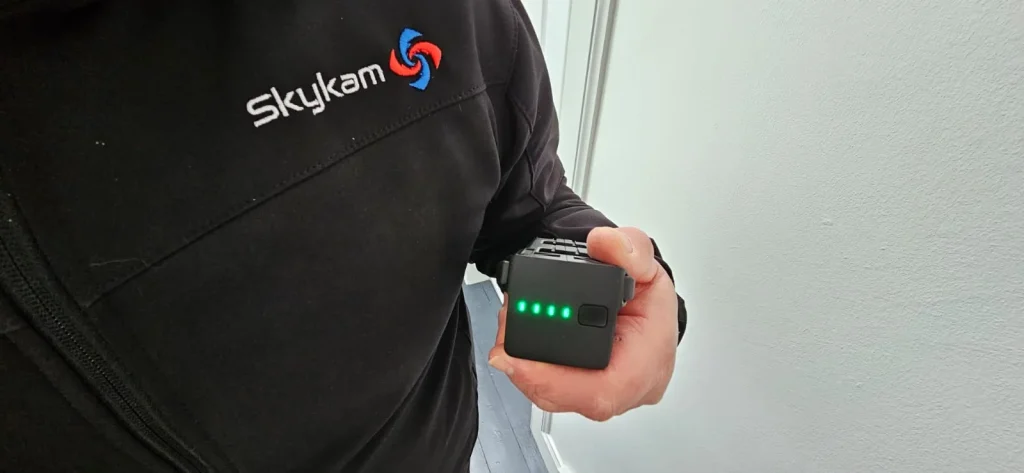
Next, check the battery’s charge level. If it’s too low, your drone won’t turn on.
Most drones have LED indicators or a companion app that displays the battery status. If you’re unsure, try charging the battery for a while and then attempt to power on your drone again.
If you’re still having issues, consider using a different battery if you have one available.
This can help you determine if the problem lies with the battery itself or with another component of the drone. S
wapping batteries is a quick and easy troubleshooting step that can provide valuable information.
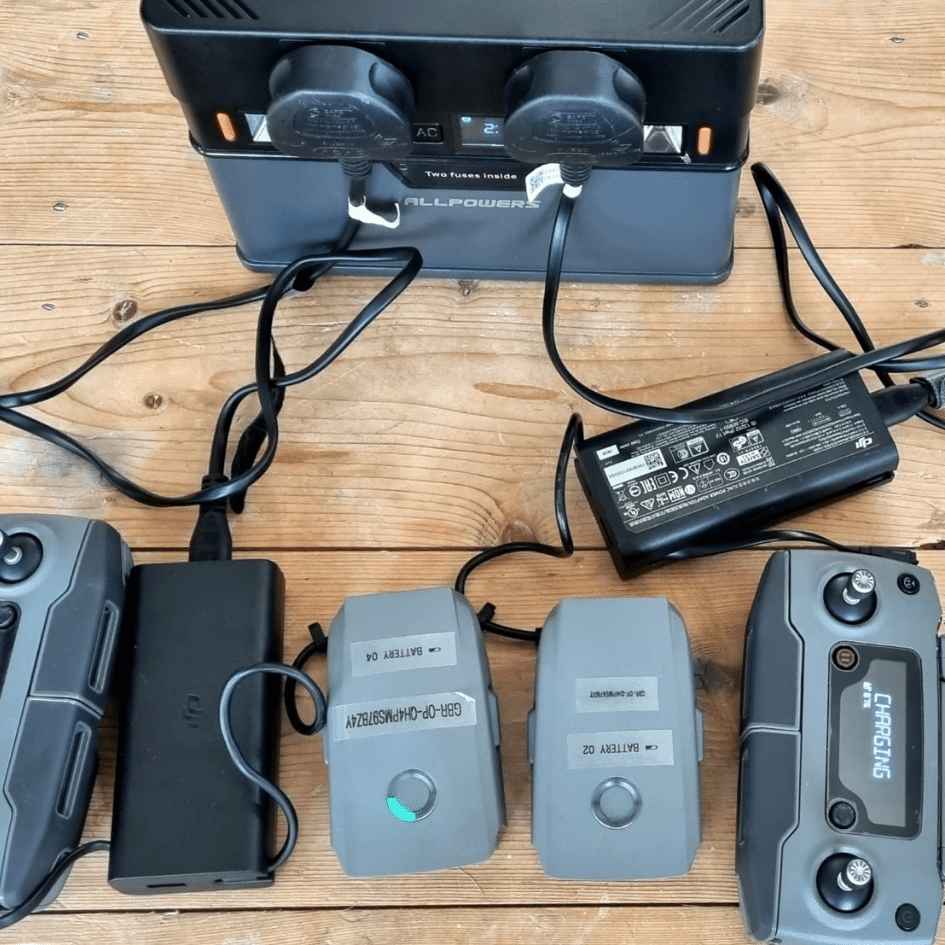
Examine the battery compartment
After inspecting the battery itself, you’ll want to take a close look at the battery compartment of your drone. This step is vital in identifying potential issues that might prevent your drone from turning on.
Start by examining the compartment for any visible signs of damage or wear. Look closely at the connectors and contact points, ensuring they’re clean and free from corrosion or buildup.
Next, you’ll need to check for any foreign objects or debris that could be interfering with the battery connection.
Small particles, dust, or even insects can sometimes find their way into the compartment, causing connectivity problems. If you spot any obstructions, carefully remove them using compressed air or a soft brush.
It’s also important to clean the compartment if necessary. Use a dry cloth or cotton swab to gently wipe down the surfaces and contact points.
For stubborn dirt or residue, you can lightly dampen the cloth with isopropyl alcohol, but be sure the compartment is completely dry before reinserting the battery.

Check the contact points
Contact points serve as the essential link between your drone’s battery and its internal systems. When your drone won’t turn on, these points are a pivotal area to examine.
You’ll want to take a close look at the metal connectors and battery contact pins for any signs of damage or misalignment.
Start by carefully inspecting these contact points. Look for any visible issues like bent pins, corrosion, or debris that might be interfering with the connection.
If you notice that the contacts appear dirty or oxidized, it’s time to clean them. You can do this gently using isopropyl alcohol.
Apply a small amount to a cotton swab and carefully clean the contact points, making sure not to bend or damage them in the process.
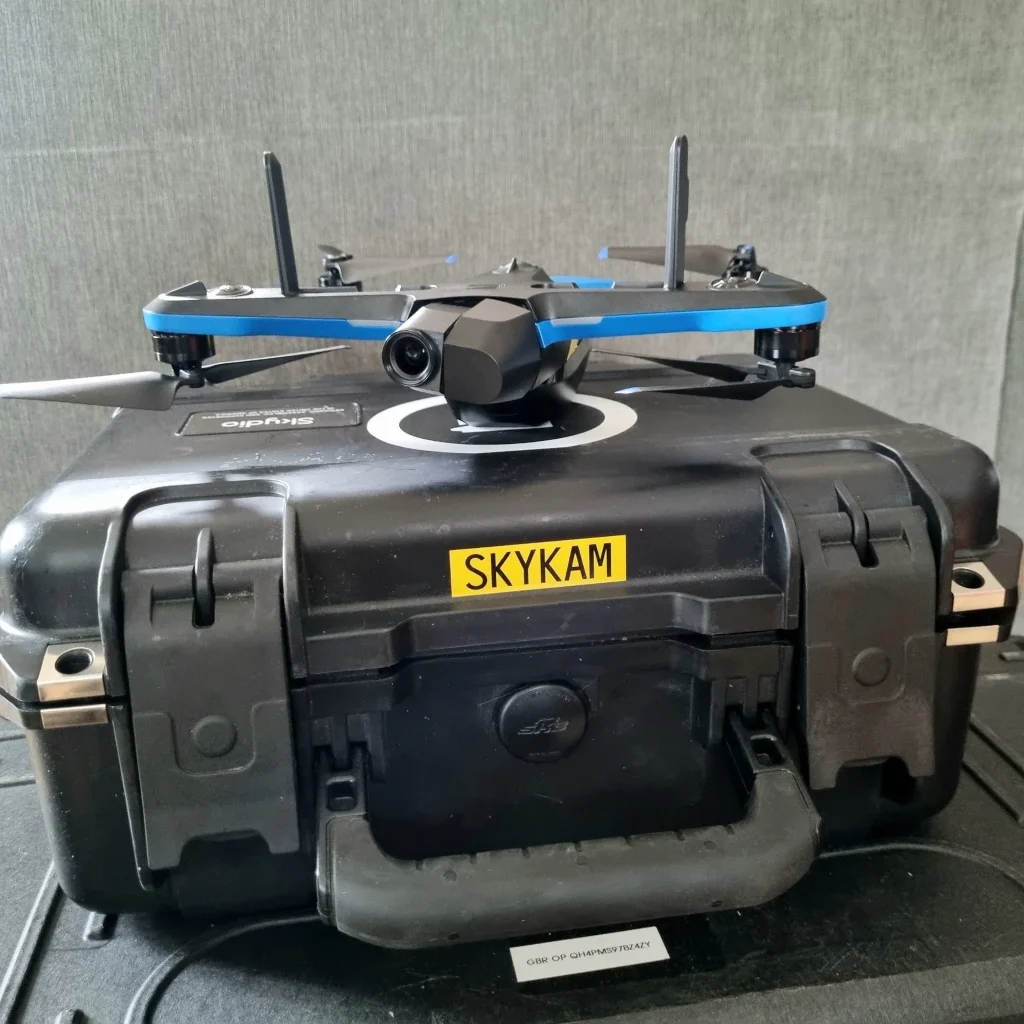
Try charging the drone
When your drone fails to power on, turning to the charging process can often provide a quick solution. If you’ve checked the contact points and still can’t get your drone to start, it’s time to focus on its power source.
First, locate the charging port on your drone.
If you see a Micro USB port, you’re in luck. You can try charging your drone directly using this port.
Simply connect it to a power source using a compatible USB cable, and let it charge for the recommended time.
However, not all drones have direct charging capabilities.
In this case, you’ll need to charge the battery separately. Remove the battery from your drone and use the charger that came with your device.
Make sure you’re using the correct charger to avoid damaging the battery.
While charging, pay attention to any indicator lights on the charger or battery.
These can tell you if the charging process is working correctly. If you don’t see any lights or the battery isn’t charging, you might’ve a faulty battery or charger that needs replacement.
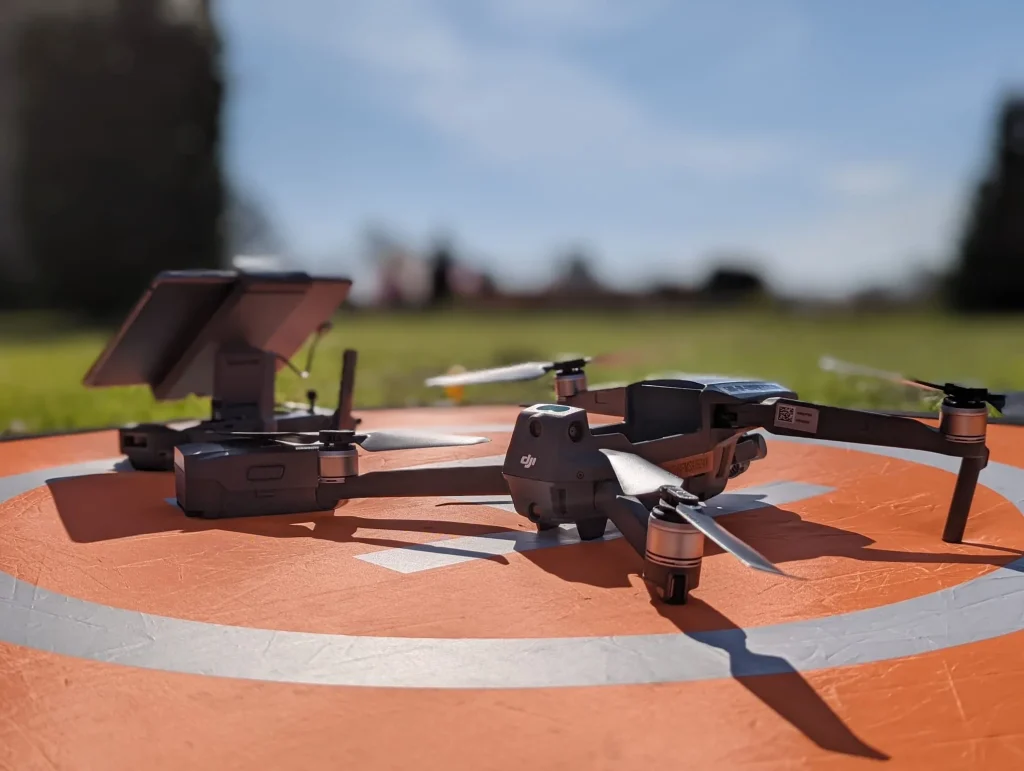
Contact DJI If Still Not Working
If you’ve exhausted all troubleshooting options and your drone still won’t turn on, it’s time to reach out to DJI’s customer support for expert assistance.
DJI offers several convenient ways to get help, ensuring you can find a method that suits your preferences.
For immediate assistance, try their live chat feature available on the DJI website.
If you prefer email communication, send your query to Support@dji.com, and you can expect a response within 12 hours.
For those who’d rather speak to someone directly, call 1-818-235-0789 if you’re in North America. This phone line is open Monday to Friday, from 9:00 AM to 5:00 PM PST. You can also reach out through social media platforms like Facebook Messenger and Twitter.
If these support channels don’t resolve your issue, you may need to submit an online repair request. Visit the DJI website and fill out a form detailing your drone’s problem.
DJI will then guide you through the process of sending your drone for repair if necessary.
Conclusion
If you’ve tried all these steps and your drone still won’t turn on, don’t give up.
You’ve checked the power-on procedure, inspected the battery and its compartment, examined the contact points, and attempted charging. These are the most common issues that prevent drones from powering up.
If the problem persists, it’s time to reach out to DJI’s customer support. They’ll have additional troubleshooting steps or can guide you on repair options if necessary.

