

To charge your DJI Mini 4 Pro, use a compatible power source like the DJI 30W USB-C Charger or a USB Power Delivery charger rated at 30W or higher. Insert the Intelligent Flight Battery into the aircraft or charging hub, then connect the charger to the USB-C port.
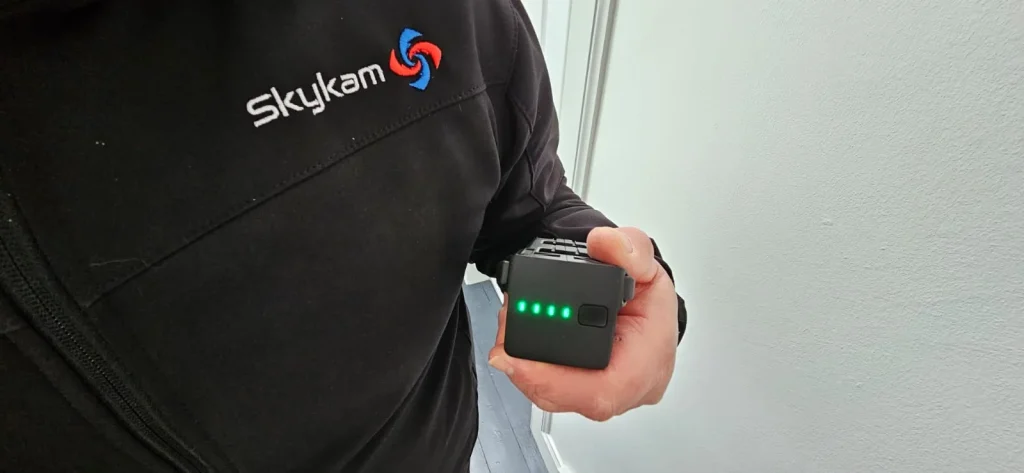
Monitor the battery level LEDs during charging; it’s fully charged when all four LEDs emit solid light. Charge in a cool, dry place and avoid leaving it plugged in for extended periods after reaching full charge.
For faster charging, consider using the DJI Mini 3 Pro Two-Way Charging Hub.
Always follow safety precautions and use high-quality accessories for optimal performance and longevity.
Compatible Chargers and Power Sources
For charging your DJI Mini 4 Pro, you’ve got several compatible power options to choose from.
The most recommended option is the DJI 30W USB-C Charger, which is specifically designed for optimal performance with your drone. This charger ensures efficient and safe charging, making it the top choice for Mini 4 Pro owners.
If you don’t have the DJI charger, don’t worry. Your Mini 4 Pro is also compatible with other USB Power Delivery chargers rated at 30W or higher. These chargers can effectively power up your drone, though charging times may vary slightly compared to the official DJI charger.
For those who own multiple batteries, the DJI Mini 3 Pro Two-Way Charging Hub is a great option. It allows you to charge multiple batteries sequentially, maximizing your flight time without constant battery swapping.
When you’re on the go, you can use power banks with USB-C output to charge your Mini 4 Pro. However, keep in mind that the power bank should have a minimum output of 5V/2A. While this option works, it may charge your drone more slowly than other methods, so it’s best used in a pinch or for topping up between flights.
To ensure the best charging experience, always use high-quality cables and chargers. Avoid using damaged or third-party accessories that aren’t certified, as they could potentially harm your drone’s battery.

Recommended Charging Procedure
Charging your DJI Mini 4 Pro correctly involves four key steps to ensure optimal battery performance and longevity. Follow these instructions to properly charge your drone’s battery and maintain its health over time.
First, you’ll need to insert the Intelligent Flight Battery into your aircraft or charging hub. Make sure it’s securely in place before proceeding. This step is crucial for establishing the connection between the battery and the charging system.
Next, connect your charger to the USB-C port on either the aircraft or the charging hub. Use the appropriate cable and ensure it’s firmly plugged in. This connection allows power to flow from the charger to the battery.
As the charging process begins, you’ll notice the battery level LEDs start to blink. This blinking pattern indicates that the battery is actively charging. Keep an eye on these LEDs to monitor the charging progress.
Finally, you’ll know your battery is fully charged when all four battery level LEDs emit a solid light. At this point, you can disconnect the charger and remove the battery from the charging hub or aircraft.
Remember to always use compatible chargers and follow these steps for each charging session. It’s best to charge your batteries in a cool, dry place and avoid leaving them plugged in for extended periods after they’re fully charged. By following this recommended charging procedure, you’ll help maintain your DJI Mini 4 Pro’s battery performance and extend its overall lifespan.
Charging Time
Now that you know how to charge your DJI Mini 4 Pro correctly, let’s look at how long it takes to fully charge the battery.
Understanding the charging time is crucial for planning your flights and ensuring your drone is ready when you need it.
When using the DJI 30W USB-C Charger, you’ll find that charging times vary depending on your setup.
If you’re charging the battery while it’s mounted on the aircraft, you can expect it to take approximately 70 minutes to reach full capacity.
This method is convenient if you want to keep your drone assembled and ready for quick deployment.
However, if you’re using the Two-Way Charging Hub, you’ll notice a slight reduction in charging time.
With this accessory, you can fully charge your battery in about 58 minutes.
That’s a 12-minute difference, which can be significant if you’re in a hurry or need to charge multiple batteries in succession.
The Two-Way Charging Hub’s faster charging time makes it an attractive option for pilots who frequently use their DJI Mini 4 Pro or need to manage multiple batteries.
It’s worth considering this accessory if you value efficiency and want to minimize downtime between flights.
Safety Precautions
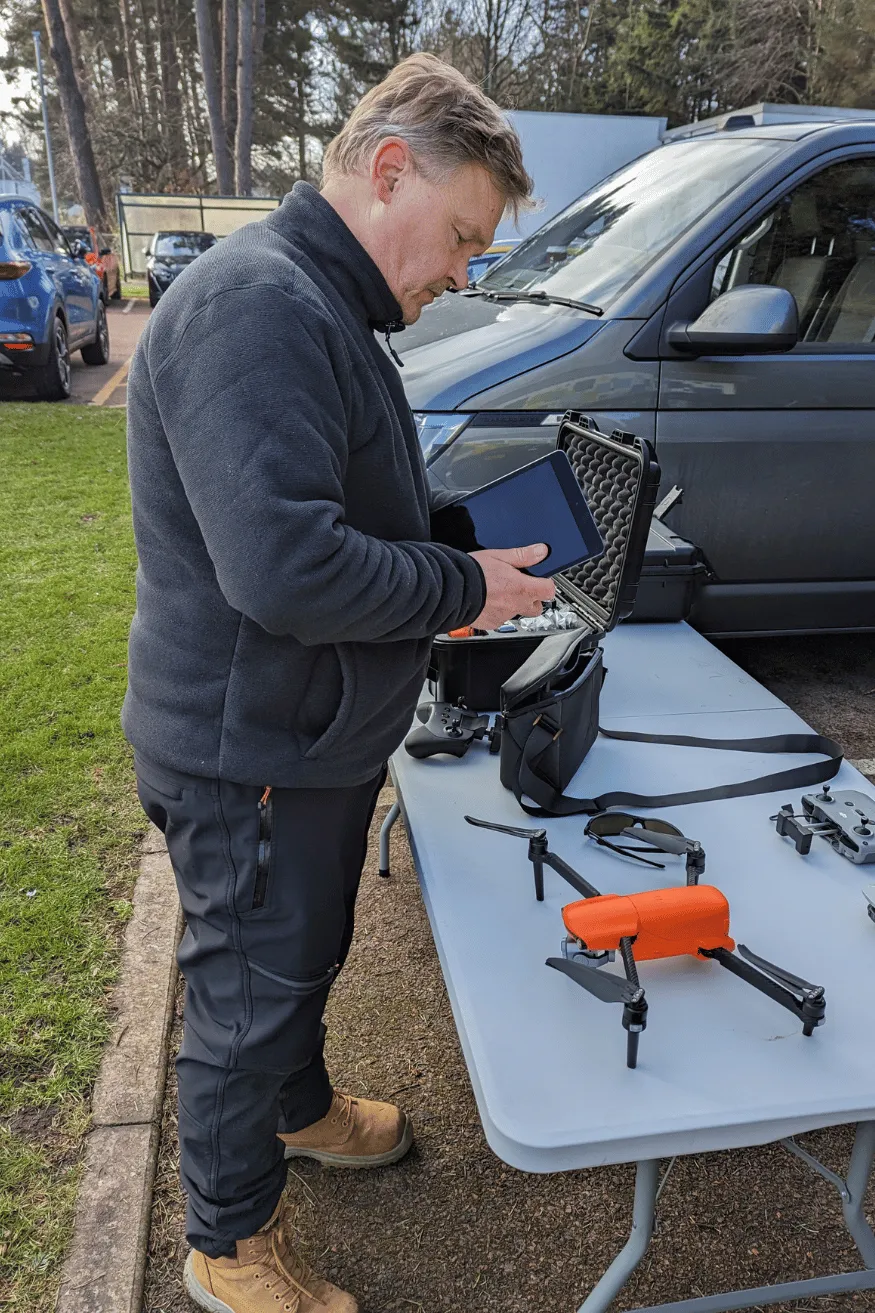
Safety protocols are crucial when charging your DJI Mini 4 Pro to prevent accidents and extend your drone’s lifespan. Don’t settle for third-party chargers, as they may not meet the necessary standards for your drone’s battery.
When charging your DJI Mini 4 Pro, pay close attention to the environment. For the best results, aim for a temperature between 22°C and 28°C (71.6°F to 82.4°F).
It’s essential to maintain your battery’s health, even when you’re not using your drone regularly. This practice helps preserve the battery’s capacity and longevity.
Before you start charging, double-check that you’ve inserted the battery correctly into the aircraft or charging hub. An improperly seated battery can lead to charging issues or potential safety hazards.
Keep an eye on your battery during the charging process. Never leave your charging drone unattended for extended periods.
Charging on the Go
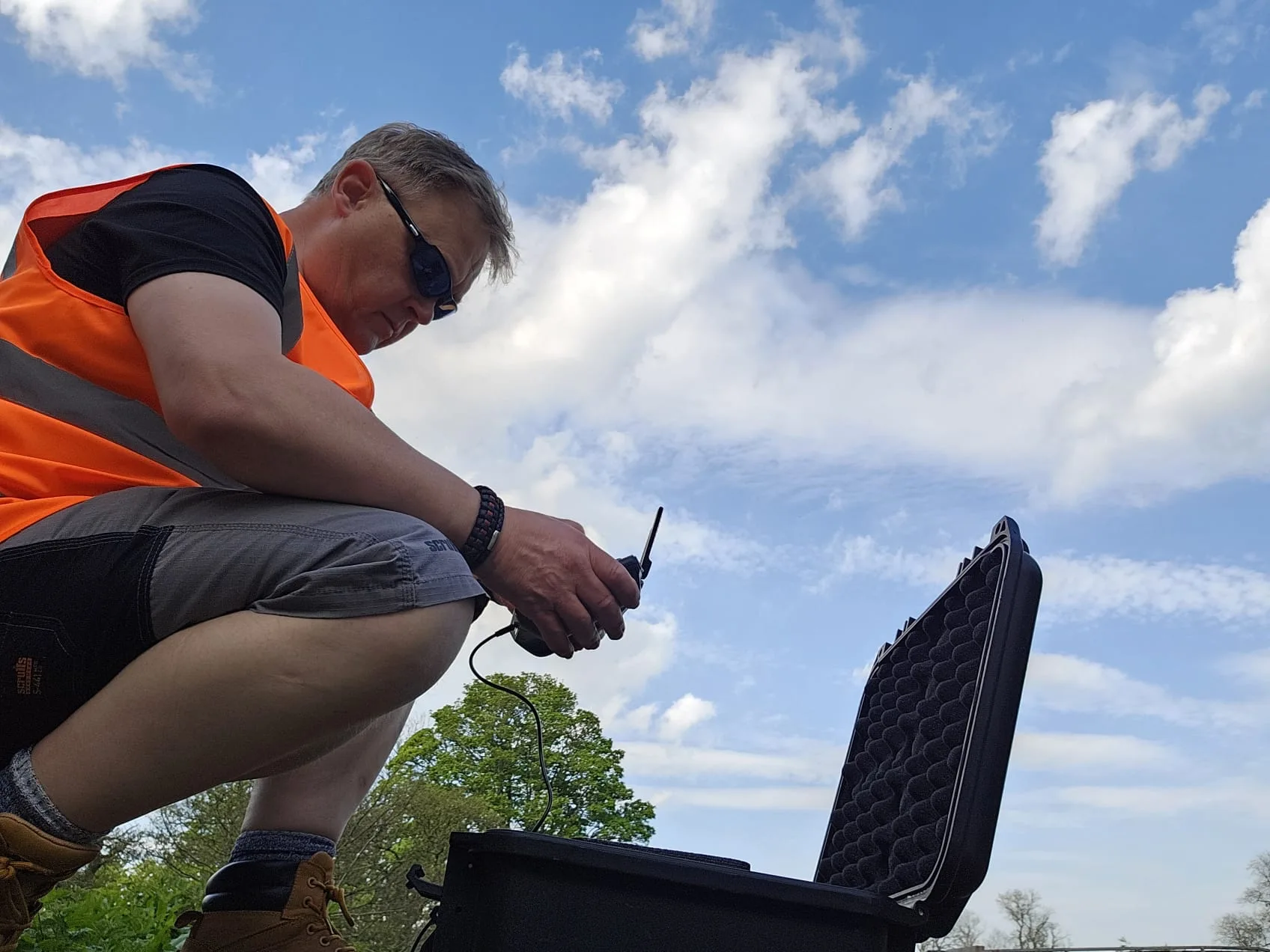
You’ve got three main options for powering up your DJI Mini 4 Pro while you’re away from a standard outlet. Let’s explore these choices to keep your drone flying even when you’re on the go.
First, consider using a power bank. It’s a versatile solution that’s easy to carry. For optimal charging, choose a power bank with USB Power Delivery (PD) support. Look for one that offers at least 30W output to ensure efficient charging. While 5V/2A power banks will work, they’re not ideal. They’ll charge your drone slowly and might provide unstable output.
Second, you can use your car’s USB port or a car charger. This method is convenient during road trips or when you’re shooting in remote locations. Just make sure your car’s USB port or charger can deliver enough power to charge the drone effectively.
Third, you might want to invest in extra batteries. While not a charging method per se, having spare batteries allows you to swap them out quickly, extending your flight time without waiting for a recharge.
Whichever method you choose, always use high-quality charging accessories. Follow the manufacturer’s guidelines to ensure safe and efficient charging. Don’t use damaged cables or chargers, and avoid exposing your drone or batteries to extreme temperatures while charging.
Conclusion
You’ve now got the knowledge to charge your DJI Mini 4 Pro safely and efficiently. Remember to use compatible chargers, follow the recommended procedure, and allow adequate time for a full charge.
Always prioritize safety precautions, and consider portable options for on-the-go charging. By following these guidelines, you’ll keep your drone powered up and ready for your next adventure.
Proper charging practices will help maintain your battery’s health and extend its lifespan.

