
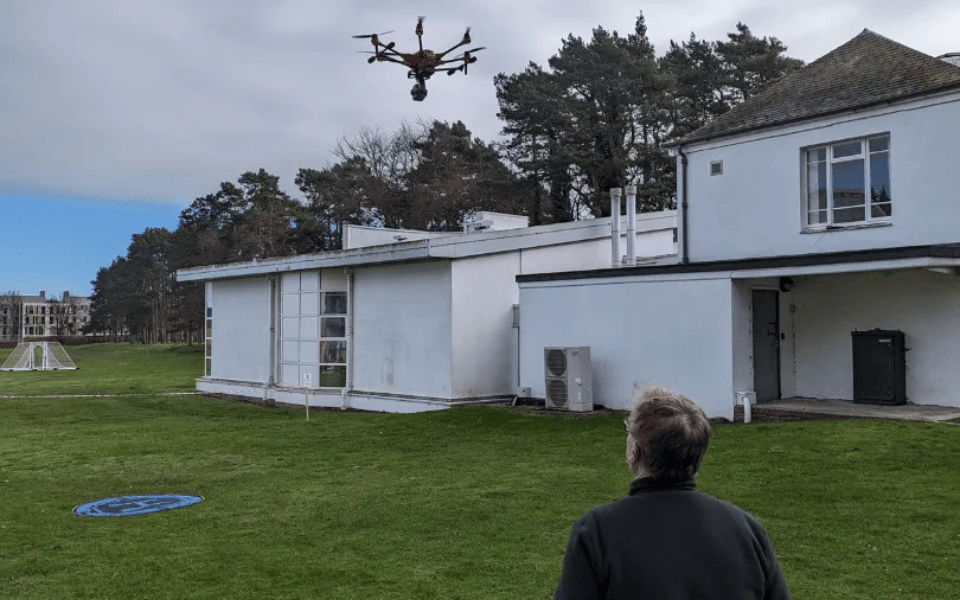

When you start gaining confindence in flying a drone
This question sparks the curiosity of many drone enthusiasts and professionals. Drones open up the sky for photography, surveying, and exploration, but there are limits—both legal and technical—to how high drones should fly.
Understanding these altitude limits matters because exceeding them can jeopardize safety, violate laws, or push a drone beyond its design constraints.
30 Second Summary
In the UK and most of Europe, drones are legally limited to a maximum altitude of 120 metres (about 400 feet) above the earth’s surface, with exceptions allowing up to 15 metres above a structure if specifically authorised. Technically, many consumer and commercial drones can reach much higher altitudes-some models are capable of climbing thousands of feet, and specialised drones have reached over 70,000 feet-but flying above the legal limit without permission is prohibited and unsafe. These regulations are designed to prevent conflicts with manned aircraft, which typically operate at higher altitudes.
In this article, we take a deep dive into drone altitude:
- Clarify what altitude means in aviation
- Examine the regulations that cap drone flight heights
- Explore the technical and environmental factors that constrain how high drones can climb
- Discuss best practices for safe high-altitude operations
We’ll also provide a step-by-step guide on configuring a DJI drone’s flying height. By the end, you’ll have a comprehensive understanding of how high a drone can fly, what the rules say, and how to stay within safe and legal boundaries.
What Is Drone Altitude & How Is It Actually Measured
When discussing how high a drone flies, it’s important to distinguish between altitude and elevation.
Defining Altitude vs. Elevation
In aviation, altitude typically refers to height Above Ground Level (AGL), meaning the distance between the drone and the ground directly below it. Elevation, on the other hand, often refers to height Above Sea Level (ASL) (also called Mean Sea Level, MSL).
For example, if a drone is hovering 300 feet above a hill, that drone’s altitude is 300 feet AGL at that moment. But the same drone’s elevation (ASL) might be much higher if the hill itself is, say, 1000 feet above sea level.
In simple terms:
- AGL (Above Ground Level): Height measured from the immediate ground beneath the drone. This value changes with terrain. If you fly over a valley, your AGL increases (because the ground dropped away), even if you maintain the same flight level.
- ASL/MSL (Above Sea Level): Height measured from mean sea level as a constant reference. This is like your “absolute” altitude. If you maintain a steady ASL altitude and fly from a valley toward a mountain, your AGL will shrink as the ground rises closer to you.
These distinctions matter because drone regulations are almost always expressed in AGL. Authorities like the FAA and others specify maximum flight heights relative to the ground surface (AGL), not relative to sea level. This ensures that regardless of local terrain elevation, drones stay below a certain height above the ground to avoid manned aircraft.
For drone pilots, understanding AGL vs ASL is also important for using maps and apps: aeronautical charts usually list altitudes in MSL (except when noted otherwise), whereas your drone’s altimeter (based on barometric pressure or takeoff point) reads AGL. Keeping the difference straight ensures you correctly interpret altitude restrictions and instrument readings.
Why Drone Altitude Is Important
Flying at high altitudes brings both opportunities and risks. Altitude directly affects safety, performance, and legal compliance:
Safety Considerations
The higher a drone flies, the closer it gets to airspace used by manned aircraft. Most manned airplanes and helicopters cruise above a few hundred feet, so drones are generally required to stay well below those altitudes as a safety buffer.
For instance, regulators chose a 400 ft limit in the U.S. partly because most manned aircraft stay above 500 ft AGL, providing a 100 ft safety margin.
Staying below the legal altitude ceiling greatly reduces the risk of a collision with a low-flying aircraft. Additionally, at very high altitudes, factors like strong winds or extreme cold can make flight more hazardous (we will discuss these in detail later).
High altitude flying also strains drone systems, which could lead to loss of control if limits are exceeded.
Use Cases (Photography, Surveying, etc.)
Altitude can impact the quality and scope of aerial photography and mapping. Flying higher allows a drone to capture wider landscapes in one frame and cover more ground for mapping or surveying.
However, there’s a trade-off: as altitude increases, image detail and sensor resolution on the ground decrease, and visibility may be affected by haze or clouds.
Pilots must balance the desire to fly high (for a broader view) with the need to capture sufficient detail or maintain line-of-sight.
In applications like surveying, flying at a consistent altitude above terrain is critical for data accuracy, which is why understanding AGL vs elevation is key.
Regulatory Compliance
Perhaps most importantly, drone altitude is tightly regulated by law in almost every country. Flying above the permitted height can result in legal penalties and endanger certificates or licenses. Being mindful of altitude keeps pilots on the right side of the law.
It also reflects professionalism—responsible pilots plan their flights to stay within altitude limits, which protects the broader drone industry’s reputation.
In many jurisdictions, drones must also remain within Visual Line of Sight (VLOS) of the pilot or observer; flying too high can quickly cause you to lose sight of your drone against the sky or clouds, which itself is a violation of operating rules.
We’ll explore specific laws next, but it’s clear that altitude discipline is a fundamental aspect of safe and legal drone operation.
Regulations Governing How High a Drone Can Fly
Drone altitude limits are primarily set by aviation authorities to ensure safety. These rules prevent drones from interfering with manned aircraft and keep operations safe for people on the ground.
Let’s examine the major regulatory frameworks:
FAA Regulations (U.S.)
In the United States, the Federal Aviation Administration (FAA) imposes a strict ceiling on small drone flights: 400 feet above ground level is the maximum standard altitude for unmanned aircraft.
This 400 ft AGL rule applies to both recreational flyers and Part 107 licensed commercial pilots in uncontrolled (Class G) airspace.
The FAA’s Part 107 regulations explicitly state: “The maximum allowable altitude is 400 feet above the ground, higher if your drone remains within 400 feet of a structure.”
In practical terms, unless special permission is granted, 400 ft AGL is the legal limit for drone operations in the U.S.
There are a couple of important exceptions and nuances to this rule:
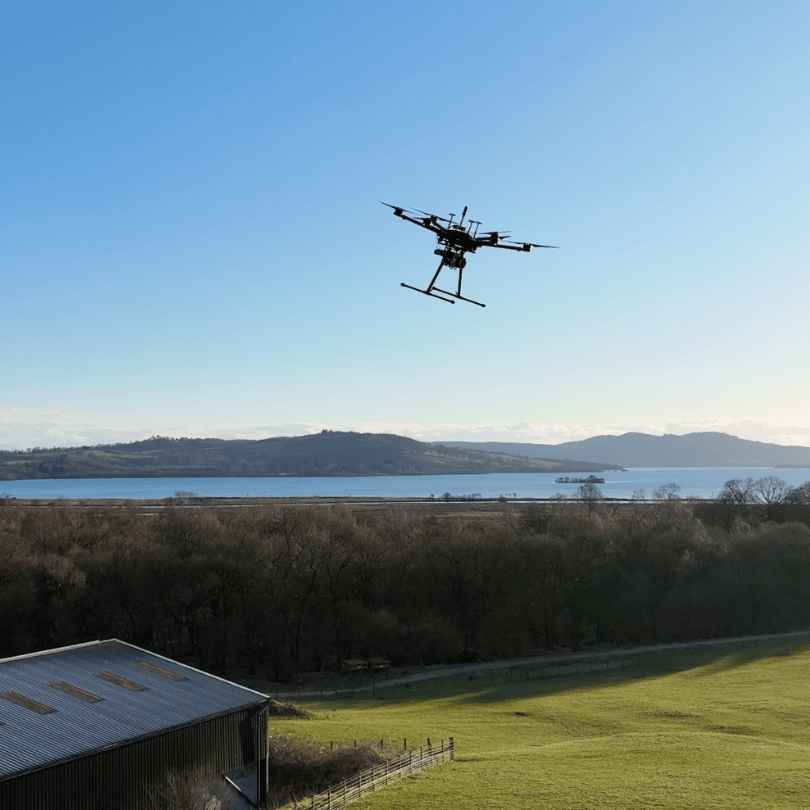
Flying Near Structures
The FAA allows drones to fly above 400 ft only if they are within a close distance of a tall structure. Specifically, a Part 107 operator may fly up to 400 feet above the top of a structure as long as the drone stays within 400 horizontal feet of it (for example, inspecting a radio tower or skyscraper).
This exception is meant to allow inspections of tall buildings or antennas without violating the letter of the law.
Importantly, this exception does not apply in controlled airspace without additional authorization, and it’s generally intended for licensed (Part 107) pilots rather than recreational flyers.
Waivers for Higher Altitude
Under Part 107 rules, certified remote pilots can apply for a waiver to fly above 400 ft AGL. These waivers are granted on a case-by-case basis when the FAA is satisfied that the operation can be done safely.
For example, organized drone light shows or certain research projects have obtained waivers to fly swarms of drones at higher altitudes.
The FAA’s waiver process requires a detailed safety case.
Recreational pilots (flying under the exception of 49 USC 44809) cannot get waivers for altitude; they must always remain at or below 400 ft and, if in controlled airspace (Classes B, C, D, E surface), they need pre-authorization which will also cap their altitude.
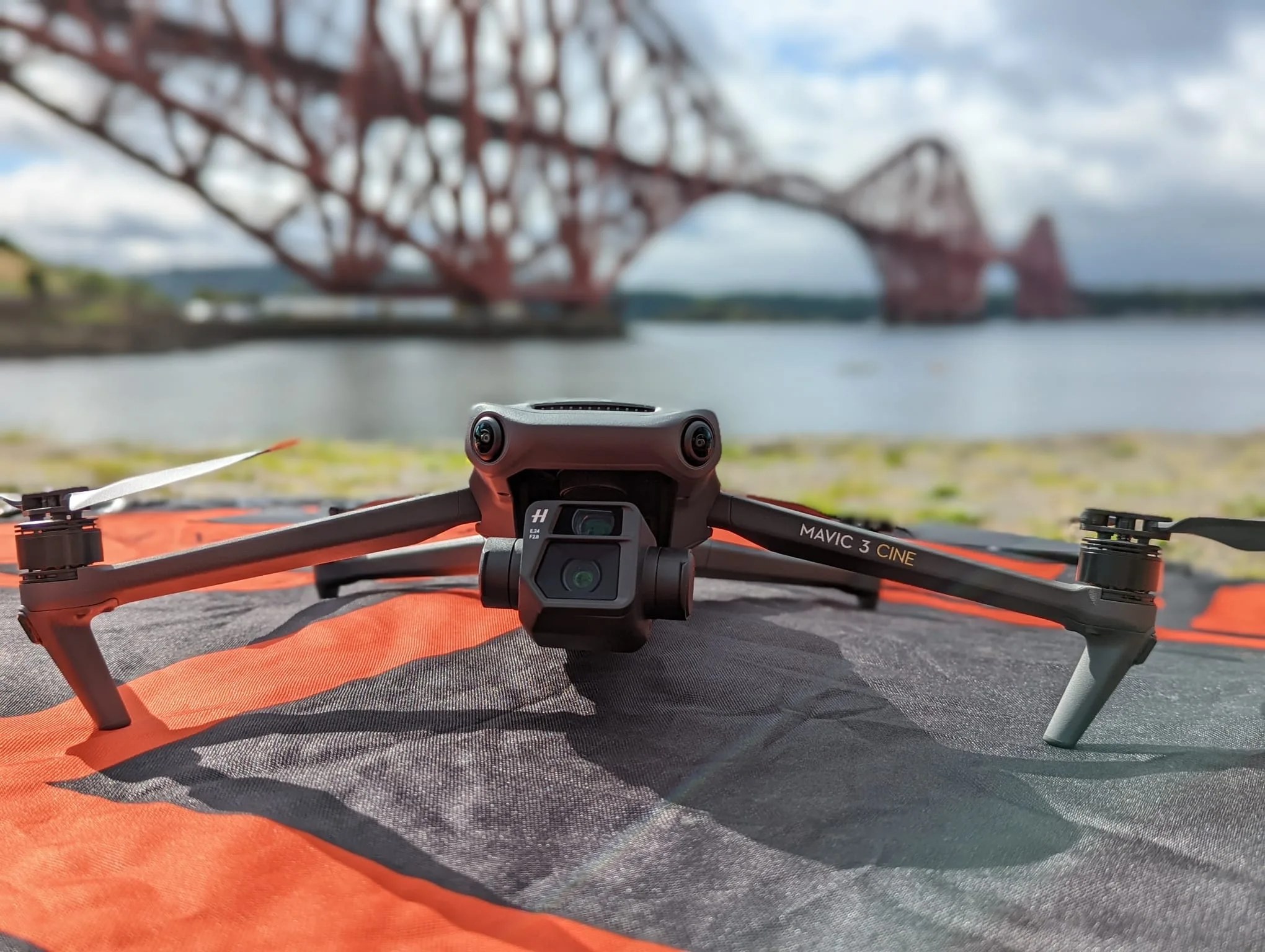
Controlled Airspace Restrictions
If you are flying in controlled airspace (near airports), additional restrictions apply. Even with the general 400 ft allowance, recreational pilots are not allowed to fly in controlled airspace without FAA authorization.
Part 107 pilots can request airspace authorization (e.g., via LAANC) for controlled airspace, but the authorization will come with a specified altitude limit. Those limits might be well below 400 ft if near an airport.
In fact, when you receive a LAANC authorization near an airport, the altitude stated is an absolute cap that cannot be extended over structures.
For instance, if you’re authorized to 200 ft AGL in a certain grid near an airport, you cannot then add a 300 ft tower’s height on top of that – 200 ft is it. Always check the altitude ceilings on airspace authorizations.
Penalties in the U.S For Flying Drones Higher Than 400 feet
Violating the 400 ft rule or flying in controlled airspace without permission can lead to enforcement actions. The FAA can impose civil penalties (fines) and for licensed pilots, suspension or revocation of your Part 107 certificate.
While exact fines vary, they can be in the thousands of dollars per violation, especially if the action endangers other aircraft.
Beyond FAA action, if a drone incident causes danger, pilots could also face charges under reckless endangerment laws. In short, it’s not worth the risk to push beyond legal altitude without proper clearance.
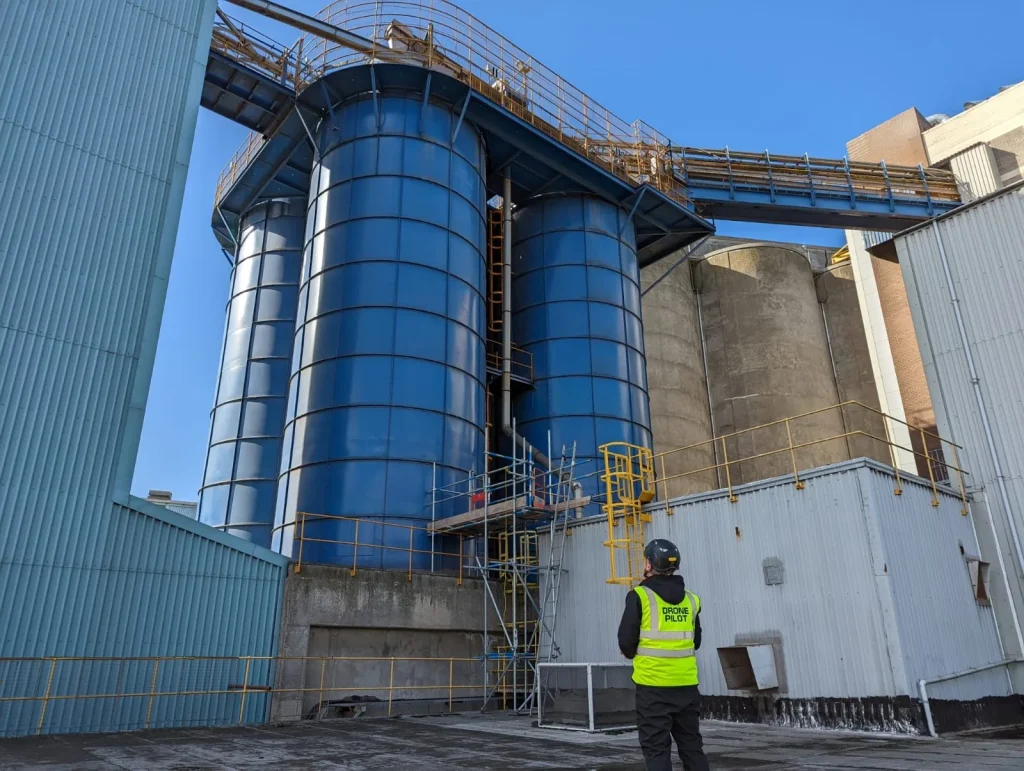
International Drone Height Regulations
Many countries align with similar altitude restrictions on how high a drone can fly, though specifics and enforcement can vary.
| Region/Country | Max Altitude (AGL) | Notable Exceptions | Penalties |
|---|---|---|---|
| United States (FAA) | 400 ft | – Up to 400 ft above structures if within 400 ft horizontally <br/> – Higher alt requires Part 107 waiver | Fines up to thousands of USD and/or Part 107 certificate revocation |
| Europe (EASA) | 120 m (~400 ft) | – Specific category operations can exceed 120 m with operational authorization | Varies by member state (fines, possible confiscation of equipment) |
| United Kingdom (CAA) | 120 m (~400 ft) | – Permissions available for certain commercial operators if safety case is approved | Fines up to £2,500 or more; potential prosecution for serious infractions |
| Canada (Transport Canada) | 122 m (~400 ft) | – “Advanced Operations” may fly slightly higher near structures under strict conditions | Fines up to $3,000 CAD for individuals; more for corporations |
| Australia (CASA) | 120 m (~400 ft) | – Special approvals or ReOC (Remote Operator Certificate) for higher alt possible | Fines exceeding AUD $10,000 for serious or repeated violations |
Note: AGL = Above Ground Level; the given limits are relative to the ground below the drone. Almost universally, regulators set the 120 m/400 ft rule to keep drones separated from low-flying manned aircraft and to maintain safety.
Some countries that are not listed above also follow the 120 m guideline (for instance, New Zealand also uses 120 m, many Asian countries impose similar or even lower limits).
Always check your local aviation authority’s regulations, as they are updated periodically.
For example, European rules are standardized under EASA, but individual countries might have additional restrictions in certain areas (parks, cities), and in the US, different rules apply to certain activities (e.g., FPV racing under community organizations might have specific agreements).
Penalties for Violating Drone Height Limits Internationally
In addition to the country-specific examples in the table, be aware that regulators take altitude violations seriously. Europe’s regulations allow each country’s aviation authority to issue fines—these can range from a few hundred euros to thousands, depending on severity.
In the UK, flying above 400 ft or in restricted areas can lead to fines up to £2,500 or more, and if a drone endangers an aircraft, even prison is possible under the Air Navigation Order. Australia’s CASA can issue fines per offense and has penalized drone pilots heavily for breaches.
Bottom line: no matter where you fly, exceeding the altitude limit can result in steep penalties, and more importantly, it endangers the shared airspace.
Airspace Classification and Drone Altitude
Knowing where you are flying a drone is as important as knowing how high. Airspace in many countries is divided into classes with different rules, and certain airspace types effectively limit usable drone altitude:
Uncontrolled vs. Controlled Airspace
Uncontrolled airspace (Class G in the U.S., or outside controlled zones elsewhere) is where hobbyist and standard drone operations generally occur.
Here, the primary limit is the regulatory altitude (400 ft or 120 m, as discussed). Controlled airspace (Classes B, C, D, E in the U.S., or controlled zones around airports in other countries) is managed for manned aviation. Drones need special permission to fly in these areas, and even with permission, you must adhere to assigned altitude limits.
Typically, authorizations in controlled airspace near airports will restrict drones to low altitudes (e.g., 50–100 ft AGL near busy airports, scaling up to 400 ft as you get farther away).
It’s crucial to consult airspace maps or apps (like FAA’s B4UFLY or similar tools) to know the maximum authorized altitude in a given area.
No-Fly Zones and Restricted Airspace
Some areas are outright no-fly zones for drones, often for security or safety reasons (e.g., around military bases, near airports, over prisons, or temporary restrictions over emergency scenes). In such zones, the maximum altitude is effectively 0 ft because flight is prohibited.
In other restricted zones, there may be a hard ceiling – for example, near certain airports, there might be an inner radius where no drone flights are allowed at all, and an outer radius where drones can fly up to a very limited height.
Always check NOTAMs (Notices to Airmen) or equivalent for temporary restrictions, and consult aeronautical charts for permanent ones.
Altitude limits might also appear on sectional charts as part of airspace information.
Using Aeronautical Charts and Apps
Drone pilots are encouraged to use modern apps (e.g., Aloft (formerly Kittyhawk), AirMap, DJI’s Geo system, or national aviation authority apps) to understand airspace. These tools typically show a map with color-coded airspace and will indicate altitude ceilings for authorizations.
For instance, in the U.S., LAANC grids around airports have numbers that represent the max altitude (in feet AGL) you can get automatic approval for in that grid.
Example: If you see a grid with “100” near an airport, that means 100 ft AGL max. Knowing how to read these helps you plan flights legally.
Traditional pilots use sectional charts which list altitudes in MSL; as a drone pilot, you’d need to subtract ground elevation to figure AGL, but many drone-specific maps handle that conversion for you.
Classes of Airspace (briefly)
In case you encounter terms: Class A is high-altitude (airliners) and irrelevant to drones (way above any drone’s reach, starting around 18,000 ft MSL in the US or lower in some countries). Classes B, C, D are around airports (B for big airports, C medium, D small towered airports).
Class E is other controlled airspace (often starting at a certain altitude like 700 ft or 1200 ft AGL in many areas). Class G is ground-level uncontrolled airspace up to the floor of E. Drones mostly operate in Class G (uncontrolled) beneath 400 ft.
If you need to enter controlled airspace (Classes B–E), that’s when altitude permissions and careful air traffic coordination come in.
Always “fly below the shelf” of controlled airspace unless you have clearance.
In summary, abiding by altitude regulations means not only staying under a numeric limit but also understanding the airspace you’re in.
Wise drone pilots will plan their maximum altitude per location—it might be 120 m in an open field, but only 50 m if that field is near an airport’s approach path. Regulatory compliance is a mix of following published altitude limits and using airspace knowledge to adjust as needed.
Technical Factors Affecting Maximum Drone Altitude
Aside from drone laws, physical and engineering constraints will determine how high your drone can actually fly.
Drones have practical height limits based on their propulsion, battery capacity, sensor accuracy, and design. Even if there were no legal limits, you can’t just fly a small drone to the edge of space.
Here are the key technical factors:
Power and Propulsion
Motor power and propeller efficiency diminish with altitude. The higher you go, the thinner the air becomes (lower air density). Thinner air provides less lift for the propellers to “bite” into.
For a drone to climb, its propellers must generate thrust greater than gravity’s pull on the drone.
At sea level, air is dense and propellers operate at peak efficiency. As altitude increases, air density drops, and thus propellers produce less thrust for a given speed. The motors can compensate up to a point by spinning propellers faster or by using more power, but this has limits.
Eventually, a point comes where the motors are at full throttle and the props still can’t generate enough lift to climb further – that is the ceiling for that drone.
| Altitude (ft, MSL) | Approx. Air Density (kg/m³) |
|---|---|
| 0 (Sea Level) | 1.225 |
| 1,000 | 1.202 |
| 2,000 | 1.179 |
| 3,000 | 1.156 |
| 5,000 | 1.111 |
| 7,000 | 1.066 |
| 10,000 | 1.013 |
| 15,000 | 0.909 |
Manufacturers often specify a “maximum service ceiling” for their drones, usually defined as the highest altitude above sea level where the drone can perform well.
For example, many DJI consumer drones have a service ceiling around 5000 m (16,404 ft) above sea level.
This means if you take off in a location at high elevation (say a mountain at 4500 m ASL), the drone might only climb a few hundred more meters before it cannot go higher.
At that point the air is so thin that lift production is severely compromised. There’s also an absolute ceiling, where the drone cannot even maintain level flight.
This is typically a bit above the service ceiling and is usually not explicitly stated because it’s unsafe to approach. In aeronautical terms, the service ceiling is often where the maximum climb rate drops to something like 100 ft/min – beyond that, it might still climb very slowly until lift and weight balance out completely (absolute ceiling).
To illustrate, consider an example: at 7000 feet (≈2130 m) above sea level, air density is about 20% lower than at sea level. A drone’s motors and props might experience roughly a 20% loss in thrust at that altitude.
If that drone could hover at 60% throttle at sea level, it might need ~75% throttle to hover at 7000 ft.
As you go higher, this trend continues. If you reach an altitude where 100% throttle is needed just to hover, you’ve hit the maximum hover ceiling – the drone cannot climb further or even maintain height beyond that.
In real terms, most off-the-shelf multirotor drones can easily fly up to a few thousand feet AGL (if regulations allowed), but by roughly 10,000–13,000 feet (3–4 km) altitude, many would struggle to go higher.
Custom-built or specialized drones with bigger propellers and more powerful motors can exceed this, but even they face the inexorable physics of thin air. Another aspect is propeller design: some high-altitude drones use specially designed propellers with greater pitch or larger diameters to improve bite in thin air.
There are even records of drones (in controlled tests) reaching stratospheric altitudes around 30,000+ ft by using optimized propulsion. But those are exceptions; typical consumer drones are not engineered for extreme altitudes.
Battery Life and Performance Effects on How High a Drone Can Fly
The battery is the lifeblood of electric drones, and altitude can affect it in a couple of ways.
Thinner Air = Higher Power Demand
As just described, to maintain lift in thin air, drones often have to use higher throttle levels. Higher throttle means the motors draw more current from the battery.
Thus, at high altitudes, the drone might drain its battery faster than normal. If you launch a drone at 3,000 m ASL, you may notice shorter flight times compared to launching at sea level, simply because the drone works harder to stay aloft.
Temperature
Generally, temperature decreases with altitude (around 6.5°C per 1000 m in the troposphere under standard conditions). High altitudes can be cold, and cold temperatures can reduce battery efficiency.
| Temperature (°C) | Temperature (°F) | Estimated Flight Time (min) | Notes |
|---|---|---|---|
| -10 | 14 | 15–17 | Reduced efficiency, possible voltage drop |
| 0 | 32 | 18–20 | Cold can limit LiPo discharge capacity |
| 10 | 50 | 22–23 | Near-optimal, slightly cooler than normal |
| 20 (Baseline) | 68 (Baseline) | 25 | Manufacturer “typical” rating |
| 30 | 86 | 24–25 | Slightly higher battery temp, performance still good |
| 40 | 104 | 22–23 | Overheating possible; battery may throttle power |
Lithium polymer (LiPo) batteries deliver less current and have reduced capacity in cold weather. If you ascend to very high altitudes, the battery pack might cool down, especially in thin air where there’s less thermal insulation. This can lead to voltage sag and shorter flight duration.
In extreme cases, if a drone were to go high enough, the cold could even risk the battery output dropping too low to sustain flight.
Climb and Descent Energy
Reaching a high altitude with a drone requires a long climb at significant throttle. This can consume a large portion of the battery.
Pilots must consider that after climbing to a high altitude, they need enough battery to descend and return safely. Descent also isn’t free of energy cost; though motors might idle when descending, too rapid a descent can be dangerous (see Vortex Ring State in emergency protocols later).
So one must descend under control, using some power or time. All of this means the practical altitude you can attain is limited by battery – you must have a reserve to come down.
It’s not uncommon that a drone might reach a high point and then automatically initiate return-to-home due to low battery, possibly not making it back if miscalculated.
Flight Controllers and Sensors
Modern drones rely on a suite of sensors and control algorithms to stabilize and navigate.
Two key sensors for altitude are the barometer (barometric altimeter) and GPS. Both have roles in how altitude is measured and limited.
Barometric Pressure Sensor
Most drones use a barometer to estimate altitude changes. By measuring atmospheric pressure, the flight controller infers the relative height (pressure decreases with altitude).
Barometers are very good for relative measurements (e.g., hold hover at 10 m, or ascend +5 m, etc.) but need calibration at ground level to set a reference. The drone typically “zeros” its altitude at takeoff (home point) where it knows the altitude is 0 AGL. From there, it tracks pressure changes to estimate height.
Barometers can drift with weather (pressure changes due to weather can confuse altitude if flying for a long time), but controllers periodically re-bias or use other cues (like GPS altitude or known terrain if available) to correct.
At extremely high altitudes, the air pressure is very low, but as long as it’s within the sensor’s measurable range, the barometer will still function.
One challenge is that at high altitudes (and especially if ascending quickly), dynamic pressure changes (wind or drone’s movement) might momentarily affect readings, but filters in the flight controller handle this.
Overall, the barometric altimeter is critical for features like auto-hover and Return-to-Home (RTH), which often returns the drone to a specified AGL altitude.
GPS Altitude
GPS can provide an altitude reading (usually relative to mean sea level, or a geoid model). However, GPS altitude has a typical error margin of a few meters and can fluctuate.
It’s generally less precise than the barometric reading for holding a steady height. Drones primarily use barometers for altitude hold and use GPS altitude as a secondary reference.
One area GPS altitude is important is if you’re flying in mountainous terrain. Some advanced drones with terrain follow or mapping capabilities use onboard databases or vision sensors to maintain AGL over changing terrain.
In such scenarios, knowledge of both the drone’s height above takeoff and the ground’s elevation (from maps or sensors) is used. But for most drones, GPS is used for horizontal position, and the barometer for vertical position.
Software-Imposed Altitude Limits
Drones often have software-imposed altitude limiters.
We’ll discuss DJI specifically later (they cap at 500 m by default, for instance), but generally, the flight controller will not allow the drone to ascend beyond a configured value (for safety and legal compliance).
These limits are usually in AGL relative to the home point (since that’s how the drone internally measures altitude). If for some reason the barometer reading drifts, the drone might think it’s higher or lower than it actually is.
This is rare in short flights, but a long flight with weather pressure changes could make the drone think home is higher or lower than it was. Some pilots have noticed slight altitude discrepancies on return.
This matters because if the drone believes it’s at the max altitude, it won’t climb even if in reality you’re lower (or vice versa). Thankfully, robust systems cross-check multiple sensors to minimize this issue.
IMUs and Wind Compensation
When a drone ascends vertically, it’s mostly a throttle issue.
But if it’s battling wind while high up, the drone will tilt into the wind to hold position (for GPS drones).
In very thin air, the drone might need to tilt more or work harder to stay in position, which can indirectly affect its ability to climb.
The flight controller always has a priority to maintain stability. If pushing to the ceiling, any additional task (like fighting wind) may reduce climb rate.
In essence, your drone’s brain is constantly monitoring altitude and will obey both physics and any programmed ceilings.
Pilots should trust but verify what the instruments tell them.
For instance, don’t solely rely on the drone’s reported altitude if flying near a legal limit in a mountainous area—consider the actual terrain.
Drone Weight and Design Directly Impact Maximum Flight Altitude
The drone’s design – its weight, shape, and payload – plays a significant role in how well it can climb.
Lower Thrust-to-Weight Ratio Reduces Climb Ability at High Altitudes
Drones are designed with a certain thrust-to-weight ratio (TWR). A higher TWR (e.g., motors can produce twice the thrust of the drone’s weight) means strong climbing performance, while a low TWR means the drone can barely lift itself or climbs slowly.
Any additional payload (like extra cameras, sensors, or heavier batteries) will reduce the available excess thrust. For high altitude, you want as much thrust margin as possible.
For example, if a drone with no payload hovers at 50% throttle at sea level, adding weight might make it hover at 70% throttle. That leaves less headroom to climb, especially at altitude.
Payload capacity drops at higher altitudes because of reduced thrust. A drone carrying a heavy camera might reach a lower max altitude than the same drone with no payload.
Poor Aerodynamics Increases Drag and Limits Vertical Ascent
Drones are typically not very aerodynamic (multirotors especially are blunt objects with arms and propellers). As they climb faster or encounter wind, drag increases.
At higher altitudes, wind speeds can be greater, and the drone might have to pitch more to counteract wind. This effectively reduces the upward thrust component.
Fixed-wing drones (airplanes) can glide and use lift from wings to reach high altitudes more efficiently. However, multirotors rely purely on thrust.
Some advanced high-altitude drones or research UAVs are designed like airplanes or have efficient long propellers.
The typical quadcopter design will face increasing drag and turbulence as it ascends, especially in turbulent weather conditions (jet stream winds, etc., though those occur much higher than 400–500 ft).
Thin Air at High Altitude Reduces Propeller Efficiency
In very thin air, propellers might hit a point where increasing throttle just causes more slippage (like a ceiling effect as mentioned).
In extremely high-speed rotors (not usually an issue for drone props) or near space, other aerodynamic issues arise. However, these are beyond normal drone operations.
Essentially, the drone’s propellers and frame are optimized for a certain altitude range (sea level to moderate altitude). Out of that envelope, performance drops off.
Factors Affecting Maximum Drone Altitude
A lightweight, powerful drone will reach a higher altitude than a heavy, underpowered one.
Removing unnecessary payload can improve your altitude capability (and flight time).
| Factor | Effect on Altitude |
|---|---|
| Thrust-to-Weight Ratio | Higher ratio allows greater altitude gain |
| Payload Weight | Heavier payload reduces max altitude |
| Aerodynamics | Poor aerodynamics increase drag, limiting climb |
| Propeller Efficiency | Decreases in thin air, reducing lift |
| Wind Resistance | Strong winds force tilt, decreasing vertical thrust |
This is one reason why high-altitude record attempts often use minimalistic setups.
Also, keeping the drone streamlined (e.g., landing gear up if retractable, camera angle into the wind) reduces drag if you’re attempting a very high flight.
Weather Conditions Limit How High Your Drone Can Fly Safely
Weather is a critical factor for any drone flight, but it becomes even more crucial as altitude increases.
Stronger Winds at Altitude Reduce Climb Efficiency and Stability
Wind generally increases with altitude, at least in the lower atmosphere.
Near the ground, winds are slowed by friction with terrain and structures. However, as you go higher, there’s often a wind shear layer where speeds pick up.
At 50–100 ft, you might feel a breeze, but at 400 ft, it could be much stronger. Strong wind can prevent your drone from climbing (if the drone tilts heavily into the wind, some of its thrust is diverted to fighting wind rather than climbing).
It can also blow the drone off course or cause it to use more battery to hold position.
Gusts and turbulence are common around buildings or natural features. For example, the leeward side of a hill can have turbulent downdrafts that make climbing difficult.
Always check wind forecasts, not just at ground level but at higher altitudes, if you plan a high flight.
Tools like UAV weather apps often provide wind speed at various altitudes (e.g., at 50 m, 100 m).
Turbulence and Air Currents Can Disrupt Your Drone’s Altitude Control
Apart from horizontal wind, there can be vertical air currents.
Thermals (rising warm air) can extend a few hundred feet up or more, especially on hot days over land. While a thermal might actually lift a small drone slightly (gliders use them), the turbulence at the edges can destabilize it.
Conversely, downdrafts (like those under storm clouds or descending air from high terrain) can push a drone down.
If you’re near large structures, updrafts and downdrafts around them could affect your altitude holding.
Clouds and Moisture Can Damage Your Drone and Obscure Visibility
Drones are generally not allowed to fly into clouds (in VLOS operations, entering a cloud means you’ve lost sight and it’s unsafe due to potential aircraft inside clouds).
But even aside from legality, clouds present moisture.
A drone that goes into a cloud or fog bank at high altitude could accumulate moisture on rotors or electronics. In cold conditions, this might cause icing on the propellers, dramatically reducing lift.
Visibility is also a factor. If your drone ascends into low cloud or heavy haze, you risk losing sight and orientation. Moisture could cause sensor errors (like a wet barometer vent).
As tempting as it is to “touch the clouds,” it’s generally a bad idea. It’s best to stay well clear of cloud layers.
Extreme Temperatures Reduce Drone Battery Life
As noted, it gets colder aloft (roughly 2°C drop per 1000 ft, though this varies).
Electronics and batteries have operating temperature ranges. Cold can make plastic brittle, LCD screens (on your controller or drone if any) sluggish, and batteries weak.
If you’re in an extremely hot climate, going higher might actually cool the drone slightly. However, battery output might improve with cooling, but air density drops – a trade-off.
Extremely cold air is dense, which is good for lift, but then batteries suffer.
Most consumer drones are rated for operation up to about 40°C (104°F) and down to 0°C (32°F) or a bit lower.
High-altitude atmosphere could fall below those in either direction (very high = cold; very intense sun at moderate alt with no shade could heat drone too).
In summary, always assess the weather before going for altitude. If winds are above your drone’s capability at higher altitudes, you could get into a dangerous situation. Many pilots set a personal wind limit (e.g., not flying if >15 mph winds at ground, which might be >25 mph at 400 ft). If you must fly high, do it in relatively calm and clear conditions.
The Environment of Your Flight Location Affects Altitude
Where you launch your drone geographically has a huge influence on how high it can fly relative to sea level and relative to the ground.
High Elevation Launch Sites Reduce Your Drone’s Lift and Climb Ability
If you are in a city like Denver (about 1600 m or ~5,280 ft ASL) or on a mountain, you’re effectively “starting” in thinner air.
A drone taking off at 1600 m has less lift available at 0 AGL (launch point) than the same drone at sea level.
This ties back to the service ceiling above sea level. For example, if your drone’s max service ceiling is 5000 m ASL, launching at 4000 m in the Alps means you only have ~1000 m of climb left before performance might decline significantly.
High-elevation pilots often use high-altitude propellers (some manufacturers provide propeller kits optimized for high elevation). The drone’s performance manuals (if available) might specify reduced payload or shorter flight time at high elevations.
Low Elevation Gives Your Drone More Lift, While High Elevation Weakens It
A drone that can easily hit 120 m AGL in a low-elevation area might struggle to reach the same altitude in high terrain if it’s near its performance limits.
Pilots in places like the Rocky Mountains or Himalayas have to be more cautious.
Some world records for drone altitude were set by launching from a very high mountain and flying from there (within local legal limits or with permission). The drone might only go a few hundred meters above ground, but relative to sea level, it’s extremely high.
Conversely, flying in Death Valley (below sea level) would provide very dense air—though still limited by the 400 ft rule in reality.
Sloping Terrain Can Mislead Your Drone’s Altitude Reading
If you fly over sloping ground (say you take off in a valley and fly toward a hill), your drone’s AGL will decrease as you approach the hill.
It’s important to monitor that if your mission requires a consistent AGL.
If you rely solely on the drone’s altimeter (relative to takeoff), it may read 100 m, but the ground might only be 20 m below your drone when nearing a hillside.
This is legal as long as the drone never exceeds the allowed height above the ground directly below. However, the drone doesn’t automatically know the ground rose up (unless using terrain follow technology).
Modern flight planning software can incorporate elevation data to keep drones at a fixed AGL across undulating terrain, which is useful for mapping.
Magnetic and GPS Issues Can Make High-Altitude Flights Unstable
It’s not directly an altitude issue, but in certain high-latitude locations (near the poles), GPS coverage or magnetic interference can be an issue.
This could indirectly affect high-flying stability, making flights less predictable.
Line of Sight Requirements
Legal Visual Line of Sight (VLOS) requirements put a practical cap on altitude for most drone pilots. VLOS means you (or a visual observer) must be able to see the drone with unaided vision (glasses are okay, binoculars are not) at all times.
How high can you see a drone? That depends on the drone’s size, lighting, and conditions, but for a typical small consumer drone:
- A midsize drone (like a DJI Phantom or Mavic, ~30 cm diagonal) might become a tiny speck at 300–400 feet. On a clear day, you could potentially see it a bit further up if directly above, but you may lose orientation.
- Smaller drones (DJI Mini, etc.) can disappear to the naked eye well before 400 ft — sometimes at 200 ft they are very hard to track.
- Overcast skies or glare can reduce visibility of a drone at altitude. Conversely, if the drone has bright strobe lights attached (which some pilots use for visibility), you might see a flash from farther away or higher up, helping maintain VLOS.
In many jurisdictions, flying Beyond Visual Line of Sight (BVLOS) is not allowed without special permission or certification. So even if technically the drone could climb higher, you must consider that you might breach the VLOS rule.
For example, in the U.S., recreational flyers and Part 107 pilots must keep VLOS (Part 107 allows use of a visual observer to meet this requirement if the pilot is using goggles or needs help).
In Europe’s open category, VLOS is mandatory too. Losing sight of your drone at high altitude can be disorienting and dangerous – you may not know its attitude, and if it starts to drift or descend, you might not realize it until it’s too late.
FPV (First Person View) considerations: Some pilots use FPV cameras and goggles to fly. FPV technically means you are not looking at the drone, so by itself it’s not VLOS. Most regulations (like FAA or EASA) require a spotter to maintain line of sight if the pilot is heads-down in goggles.
In an FPV scenario, it’s easy to be tempted to go high (for a view or challenge), but ensure your spotter can still visually locate the drone at that altitude.
FPV signals (video transmission) also have range limits – going too high could weaken the signal. Radio controller signal is another limiting factor; controllers have only so much range, and though range is often more horizontal than vertical, at extreme altitudes the radio line-of-sight might be lost if the antenna orientation is not ideal.
Most drone controllers are designed to handle a few kilometers of range in open air, which includes going up a few hundred meters. However, beyond a certain height, the angle might reduce antenna effectiveness.
Operational rules like VLOS often limit you before the drone’s hardware does. Responsible pilots will not push so high that they can’t see their aircraft, which in effect keeps you within a few hundred meters at most.
This also ensures you can monitor the drone’s position relative to any other aircraft or hazards.
Record-Breaking High-Altitude Drone Flights
While everyday drone flying is limited to a few hundred feet, specialized drones and intrepid pilots have pushed the boundaries of altitude.
Let’s look at some notable high-altitude feats and the types of drones that achieved them.
World Records
According to Guinness World Records, some drones have reached astounding heights.
The official record for the highest altitude by an droneis held by the Airbus Zephyr S HAPS (High Altitude Pseudo-Satellite), a solar-powered drone, which reached 74,000 feet (22,600 m) in altitude.
The Zephyr is a lightweight, high-aspect-wing aircraft designed to operate in the stratosphere. It’s essentially an unmanned plane with solar panels, not a typical quadcopter.
For multirotor drones (the typical consumer style), the records are much lower but still impressive.
One claim to a record is by an Indian startup using a heavy-lift multirotor: BonV Aero reportedly flew a drone at an altitude of 19,024 feet (5,800 m) ASL in Ladakh, India.
This was done in a high-elevation location (the takeoff point was already over 17,000 ft above sea level in the Himalayas), and the drone hovered a bit above that.
While that altitude above sea level is extremely high, the AGL achieved from the launch point was not thousands of meters. It was the high launch elevation that made the record possible.
It does demonstrate that with enough power and the right environment, multirotors can operate in thin air.
There are many unofficial or hobbyist reports of people sending drones to extreme heights (which we do not condone if against regulations).
Videos on the internet claim flights of 3,000–4,000 feet AGL with standard drones, but those are illegal in most cases.
One such example was a DJI Phantom 2 (several years ago) that allegedly reached over 11,000 feet AGL before connection was lost—a highly dangerous and unlawful stunt.
These are outliers. The vast majority of responsible pilots stick to legal altitudes.
How to Stay Within Legal and Safe Altitudes When Flying A drone
It’s one thing to know the rules and best practices, but another to consistently follow them. Here are concrete steps to ensure you stay within legal and safe altitude limits on every flight:
Educate Yourself on Local Regulations
Regulations can change and may have nuances.
Make it a habit to periodically review the rules from your country’s aviation authority.
For example, read the FAA’s drone pilot guidelines or the CAA’s Drone Code every so often to refresh your memory.
If you travel with your drone, always research the destination’s rules.
Altitude limits can vary by country—some countries might have 100 m limits or require a permit for any flight.
Don’t assume it’s 120 m everywhere. Knowledge is your first line of defense against violations.
Use Technology Aids (Geo-Fencing and Apps)
Leverage the tools available to you.
Many drones, especially DJI models, have built-in geo-fencing that will warn or prevent you from entering restricted zones or exceeding altitude limits.
While you shouldn’t rely solely on them (because they may not have every local rule encoded), they are useful safety nets.
Additionally, use flight planning apps or mapping tools.
The FAA’s B4UFLY app (or alternatives like Aloft) shows airspace classifications and maximum allowable altitude grids around airports.
Before you fly, open such an app to check if your area has any advisories or altitude caps.
Some apps also have a planner mode where you can simulate a flight, and it will flag if you plan to breach a limit.
Using these tech tools helps ensure you don’t accidentally stray where you shouldn’t.
Plan Your Flight and Set Altitude Limits
Professional drone pilots often create a brief flight plan.
Even for recreational flying, if you intend to go high, plan it.
Decide in advance: What’s the maximum altitude I will go to?
For example: “I won’t exceed 100 m today since it’s windy” or “I’ll test the 120 m ceiling but not more.”
Most drone apps allow you to set a Max Altitude limit in the software—use this feature.
For instance, you can set 120 m as the max, so you physically cannot go higher even if you accidentally push the stick too far.
This not only keeps you legal but also provides peace of mind.
We will cover how to do this on DJI drones in the next section specifically.
Get Certified or Trained
If you are serious about drone operations, consider obtaining formal certification or training.
In the US, this means getting your Part 107 Remote Pilot Certificate for commercial operations.
In Europe, this could mean completing the EASA A1/A3 and A2 courses or specific category training if you want to fly beyond Open category limits.
These trainings not only make you legal for certain operations but also educate you on safe practices, airspace management, and contingency handling.
Even if you’re a hobbyist, participating in a community-based safety program (like joining the AMA in the US, which has guidelines and fields for RC flying) can instill good habits.
Being certified often also gives you access to apply for waivers or advanced operations, allowing you to fly higher when justified.
Log Your Flights and Analyze
Maintain a flight log.
Many drone apps do this automatically, or you can keep a notebook.
Record if any altitude-related warnings occurred or if you had to cut a flight short due to winds aloft.
Over time, this builds a personal database of safe and unsafe conditions.
For example, you might note:
“On X date, tried 120 m, wind was too strong above 80 m, had to abort.”
That’s a lesson to consider next time winds are similar.
Drones often store flight data. Reviewing it can reveal patterns in battery voltage drop at altitude, signal strength, and other key metrics.
This helps you plan safer flights in the future.
Respect the Spirit of the Law
Legal altitude limits exist for a reason—not as a challenge to beat but as a safety boundary.
Even if you think you could fly higher safely in a given situation, ask whether it’s truly necessary.
For example, if you’re at a remote mountain and no one is around, you might be tempted to do an 800 m AGL climb “because you can.”
But consider unseen conflicts.
Maybe a firefighting aircraft could appear, or you might be overstressing your drone.
Often, the benefits of going higher are marginal (a slightly broader view) compared to the risks.
Cultivate the discipline to stay within not just the letter but the intent of the regulations.
Their purpose is to keep airspace safe for all.
By combining education, technology tools, disciplined planning, and training, you make it much easier to stay within legal and safe altitude limits. Many incidents and violations happen simply because the pilot was unaware or unprepared—those are entirely preventable causes.
Your drone’s altitude is under your control; with the right practices, there’s no reason to ever unintentionally break the rules or endanger others.
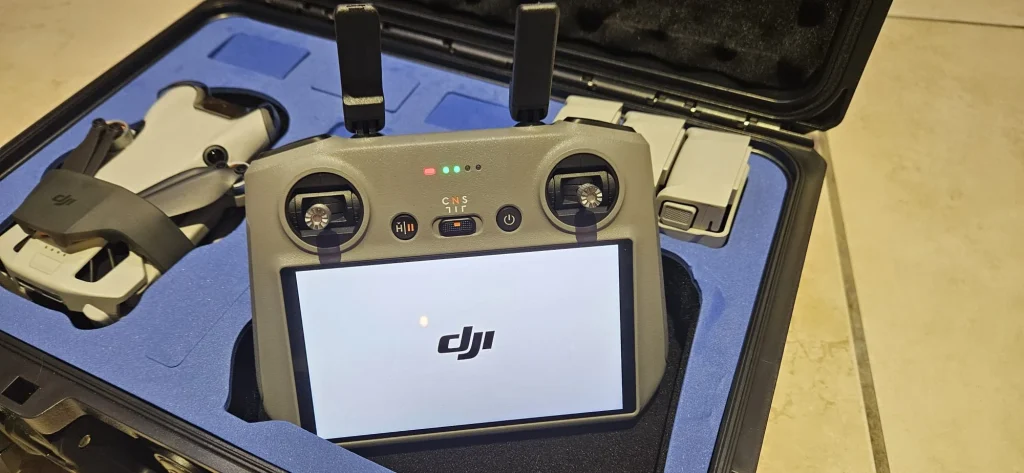
How to Set A Safe Maximum Flying Height on a DJI Drone
Most modern drones, including the popular DJI models, allow pilots to set a custom maximum altitude in the flight control app. DJI in particular also implements a default limit to help users stay compliant.
In this section, we provide a step-by-step guide to configure the max altitude on DJI drones using two common DJI apps:
- DJI Fly (used for newer models like Mavic Mini/Mini 2/3, Mavic Air 2/2S, Mavic 3, etc.)
- DJI GO 4 (used for older models like Phantom 4, Mavic Pro, Mavic 2, Inspire series).
This feature is a great way to ensure you don’t accidentally exceed legal limits – you can set the limit to 120 m (or whatever the law is in your area) and have peace of mind.
Remember, DJI also enforces an absolute hard cap of 500 m (1640 ft) AGL in their firmware for all consumer drones, which cannot be exceeded without hacking. So even if you wanted to, a stock DJI drone will stop climbing further at 500 m above its takeoff point.
| App Name | Supported Drone Models | Menu Path to Max Altitude Setting | Default Altitude | Max Possible Setting |
|---|---|---|---|---|
| DJI Fly | Mavic Mini/Mini 2/3, Mavic Air 2/2S, Mavic 3, DJI FPV, etc. | Settings (3 dots) → Safety → Flight Protection → “Max Altitude” | 120 m (varies) | 500 m AGL |
| DJI GO 4 | Phantom 4 series, Mavic Pro/Platinum, Mavic 2 series, Inspire 2, Spark | Main Controller Settings (Drone icon) → “Max Flight Altitude” | 120 m (varies) | 500 m AGL |
| DJI Pilot | Enterprise drones (Matrice series, Mavic Enterprise, etc.) | General Settings → Safety → “Max Altitude” (exact menu path can vary by version) | 120 m (often) | 500 m AGL |
Setting a Max Altitude in DJI Fly App
For newer DJI drones that use the DJI Fly app (e.g., Mavic Air 2/2S, Mavic Mini series, DJI FPV, Mavic 3, etc.), follow these steps:
- Connect and Power On: Turn on your DJI drone and remote controller, and connect your smartphone to the controller. Launch the DJI Fly app. Ensure the drone is in a safe location to take off (though you don’t need to take off to change settings).
- Enter Camera View: If not already, tap “Go Fly” to enter the live camera view where you see telemetry and camera feed. You should have a GPS connection (home point recorded) for all settings to be available.
- Open Settings Menu: Tap the “…”(three dots) icon, usually located in the top right corner of the screen. This opens the settings overlay.
- Navigate to Safety Settings: In the settings menu, tap on the tab labeled “Safety”. This is where DJI Fly groups flight restriction settings.
- Find Max Altitude: Scroll if needed to find “Flight Protection” settings. You will see an option called “Max Altitude.” There’s also “Max Distance” and “Auto RTH Altitude” nearby. Tap on the number next to Max Altitude to adjust it.
- Set the Desired Altitude Limit: A slider or input box will appear. Enter or drag to the altitude you want as the limit. DJI Fly typically allows anywhere from 20 m up to 500 m here (it might default to 120 m on first use)forum.dji.com. For example, to comply with a 120 m rule, set 120 m. The app might show a warning if you set it above 120 m, reminding you to fly responsibly and legally.
- Confirm the Setting: Once you’ve selected the altitude, the app will usually require you to confirm or save. In some versions, you might just slide and it sets automatically, but if a pop-up warning appears (e.g., “Flying above 120 m may violate regulations”), acknowledge it and accept. Now the Max Altitude is stored.
- Verify on Screen: The main HUD in DJI Fly will display a small altimeter reading as you fly. If you try to fly above your set limit, the drone will stop climbing further and the app will likely flash a warning that max altitude has been reached. You can test this gently by giving some upward throttle while near the limit to see that it won’t go past (just be ready to stop if something is not right).
Now your DJI drone will not exceed the altitude you set, unless you go into settings and change or disable that. Note that certain DJI geofenced zones might impose their own limits regardless of your custom setting (for instance, in some near-airport zones, DJI might temporarily reduce max altitude).
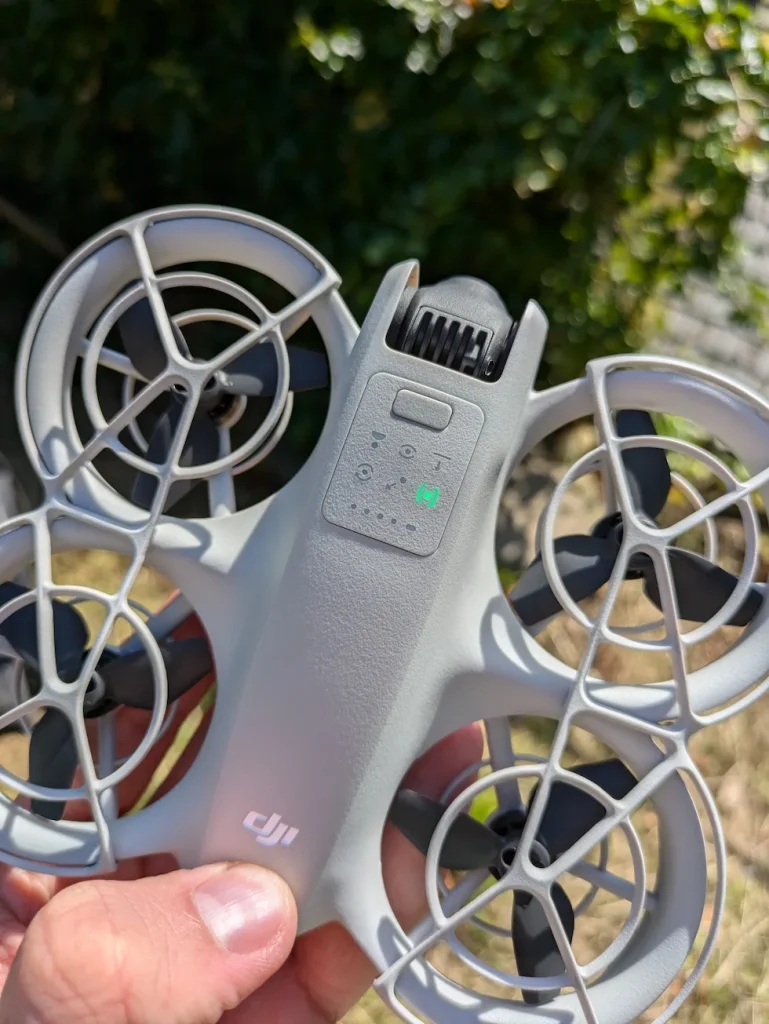
Setting a Max Altitude in DJI GO 4 App
For older or higher-end DJI drones that use the DJI GO 4 app (Phantom 4 series, Phantom 3, Inspire 2, Mavic Pro/Platinum, Mavic 2 series, Spark, etc.), the process is slightly different in interface but similar in concept:
- Connect and Launch App: Power on the drone and remote controller, connect your device, and launch DJI GO 4. Enter the Camera (live view) mode for your drone.
- Open Main Controller Settings: In DJI GO 4’s camera view, there will be a menu on the left side (a series of icons). Tap the drone icon (sometimes called “Main Controller Settings”). This opens a menu with various flight parameters.
- Locate Max Altitude Setting: In the Main Controller Settings, scroll to find “Max Flight Altitude.” It should display the current limit (e.g., 120 m by default). Tap on that value to change it.
- Adjust the Value: Similar to DJI Fly, you can now input the desired maximum altitude. Either use the slider or tap the value to type in a number (depending on app version). DJI GO 4 also allows up to 500 m, with 120 m as default. If you input something above 120, it will prompt a warning about being responsible for obeying lawsforum.dji.com.
- Confirm Change: After setting the new altitude, tap “OK” or confirm. DJI GO 4 might display a checkmark or simply go back once you input the number.
- Check for Warnings: The app might pop up a one-time disclaimer if you exceed 120 m, essentially asking you to accept responsibility. Acknowledge that to proceed. (For example, older GO 4 versions had you tick a box that you agree to the conditions when raising the limit above 120 m).
- Verify: Now the Max Flight Altitude field should show the new value. When you fly, if you attempt to go higher, the drone will halt ascent at that altitude. You can test by ascending near that height to see the behavior (the drone might just refuse further input upward).
DJI Default Limits: As noted, DJI drones out-of-the-box often have 120 m as the default max altitude
This aligns with many countries’ rules. If you never change it, you’ll be technically unable to breach 400 ft AGL in a single flight. However, be aware of a scenario: if you take off from an elevated location and fly to a lower area (like off a cliff), the drone’s altimeter might read higher relative to takeoff. DJI’s limit is based on above takeoff point.
So, if you fly off a cliff that’s 100 m tall, and then you are 50 m below your takeoff, the altimeter might say +150 m (because it measures from takeoff). In such cases, you might hit the max altitude limit even though you are not that high above ground. P
lan accordingly (you might have to disable the max altitude limit temporarily for such terrain-following flights, with caution).
By setting the maximum altitude in the app, you’ve essentially child-proofed your drone against one form of violation. It’s a good habit to check this setting before each flight, especially if you switch app or drone profiles.
Firmware updates can sometimes reset settings to default, including max altitude, so double-check after any updates that your limit is still in place.
In conclusion, use the altitude limit feature to your advantage: it’s like putting guard rails on the road—once set, you can focus more on your mission or photography without constantly worrying about breaking the ceiling.
Just remember, even with it set, always remain attentive, because a responsible pilot never solely relies on automation. Combine the tech safety net with your own situational awareness.
X. Frequently Asked Questions (FAQ)
Is it legal to fly a drone above 400 feet?
Can drones fly above the clouds?
Will drone altitude regulations change in the future?
Conclusion
Always respect the altitude limits of your jurisdiction – they are there for good reason. Use common sense: if something makes you question the safety of a high flight (be it weather, birds, or battery status), don’t do it.
There’s rarely a photo or measurement worth risking an accident or legal trouble. By flying responsibly, you ensure that you, and everyone around you, can enjoy the benefits of drones without incident.
As a parting thought, remember that safe drone flying at proper altitudes is what will allow the drone community to continue to grow and earn the trust of regulators and the public. Every time you fly within the rules, you’re contributing positively to the perception of drones.
So, next time someone asks “how high can a drone fly,” you can confidently answer: “It can fly high enough to get the job done, but I’ll be keeping it under 400ft because safety comes first.”
Now, get out there and enjoy the skies—responsibly and within reach!
Before your next flight, double-check the altitude rules in your area (we’ve provided resources below). Consider joining a local drone club or online community to stay updated on best practices. And if you haven’t already, look into formal drone training or certification – being educated is the best way to fly with confidence.
Let’s all do our part to keep the skies safe and open for drones by flying smart at all altitudes.
XII. Additional Resources
- Federal Aviation Administration (FAA) – Part 107 Regulations: Official FAA rules for small UAS operations, including the 400 ft altitude limit and waiver process. (FAA website – faa.gov UAS section)
- FAA B4UFLY App: A free mobile app to check airspace and altitude restrictions in the U.S. in real-time. (Available on iOS/Android app stores)
- European Union Aviation Safety Agency (EASA) – Drone Rules: Information on the EU-wide drone regulations (Open category), which include the 120m altitude limit. (EASA website – easa.europa.eu/drones)
- UK Civil Aviation Authority – Drone Code: The UK’s Drone and Model Aircraft Code summarizing rules like the 120m height limit and distances from people. (UK CAA website – caa.co.uk/DroneCode)
- Transport Canada – Drone Safety: Canadian drone safety rules at a glance, including the 122m (400 ft) altitude restriction. (Transport Canada website – tc.canada.ca drone safety)
- DJI Support – Flight Safety Tips: Official DJI support pages and forum threads that discuss max altitude settings and geo-fencing. (DJI Support website and DJI Forum)
- Drone Pilot Communities: Forums like MavicPilots, DJI Forum, or RCGroups where experienced pilots share advice on high-altitude flying, equipment, and safety. These can be great for learning from real-world experiences (just remember to cross-reference advice with official regulations).
- UAV Forecast (App): A handy tool to get weather forecasts (including wind speeds at different altitudes and cloud base) for drone flying. Useful to decide how high is safe to fly on a given day.
- Part 107 Prep & Training Courses: (For US pilots) resources like the Pilot Institute, Drone Launch Academy, or local flight schools that offer courses on regulations and airspace. Even if you’re not required to have a license, the knowledge gained can help you fly more safely at any altitude.
By utilizing these resources, you can further your understanding and keep up-to-date with the evolving world of drone regulations and technology. Safe flying!

